Yes, that and a ‘Clear Model Cache’ would be very useful. I’ve noticed in the past where i have made a small tweak or two and CPrint just keeps the older model.
@Zerquetch I am new here, so don’t know what is the proper way to submit requests for the future versions of the program: any idea how we can highlight these needs?
Hi 3plica, you can use this form (see below) to provide your needs or ideas to our software team. Thanks.
1 Like
hello @Optimus I just submitted the request at the link you provied.
thanks for sharing that and please let us know if we can do anything to help the developers to help us 
ciao
2 Likes
Windows:
https://Creality_Print-v6.0.2.1574-win64-Release.exe
MAC:
Intel Processors
https://Creality_Print-v6.0.2.1574-macx-x86_64-Release.dmg
Apple Chips
https://Creality_Print-v6.0.2.1574-macx-arm64-Release.dmg
Linux:
Creality_Print-v5.1.7.10514-x86_64-Release.AppImage
The above are links to the latest version, you can try to download it directly.
Creality Print V6.0.2.1574 Update Notes:
New Features:
V6.0.2.1574 Software Update Notes:
-
Adapt for Mac devices (x86 Inter chip).
-
Flushing multiplier, upper limit, and minimum flushing volume adjustment.
-
Fixed an issue with abnormal connection to the camera.
-
Optimization of calibration-related functions.
-
Fixed an issue where special character paths caused printing anomalies.
-
The effects of overhang optimization (Beta) and Variable layer height can be applied simultaneously to a model.
-
Fixed the severe shrinkage layer issue caused by abnormal fan speed during color change in multi-color printing.
-
Fixed the surface printing issue caused by extra inner wall paths on the top surfaces.
-
Fix printing anomalies sent by the LAN printing (such as 2060 errors, coordinate errors, etc.).
Released on Jan 20, 2025
Our first look at Creality Print 6.0.4!
1.New Mac Apple Chip version added.
2.UI adaptation issues for the Mac version optimized.
3.Functionality of the object management module optimized.
4.Several LAN printing bugs fixed, including issues such as unsuccessful sending in certain cases, no data in the device list, and the camera not moving.
5.Prime Tower module optimized.
6.Bug fixed where the Drill function failed to work in certain cases.
7.Multi - language translations optimized.
Download now at 
Windows:
https://Creality_Print-v6.0.4.1793-win64-Release.exe
MAC:
Intel Processors
https://Creality_Print-v6.0.4.1793-macx-x86_64-Release.dmg
Apple Chips
https://Creality_Print-v6.0.4.17934-macx-arm64-Release.dmg
Linux:
Creality_Print-v5.1.7.10514-x86_64-Release.AppImage
The above are links to the latest version, you can try to download it directly.
Creality Print V6.1.2 Update Notes:
New Features
-
Added support for Creality WiFi Box-related features and printers connected via WiFi Box.
-
Improved file saving efficiency when using “Save Project As”.
-
Optimized the automatic model layout function.
a. Improved the Copy & Paste (Ctrl+C and Ctrl+V) experience — pasted models will no longer overlap.
b. Enhanced the Clone (Ctrl+K) operation with a preview effect when cloning models.
c. Optimized model placement upon import — models are now automatically arranged (this behavior can be disabled in Preferences).
d. Added a new “Layout Selected” feature to the Auto Layout function — only the selected models will be arranged within the build plate.
e. Improved behavior during single-plate layout — when models do not fit within the plate, they will no longer “disappear” but instead be placed above Plate 1.
f. Enhanced the Fill Build Plate feature — added a secondary menu allowing adjustments such as model spacing.
g. Introduced a Grid Layout option within the Fill Build Plate feature — models are forcibly arranged in a tidy checkerboard pattern, with a visual preview. -
Enhanced the file sending page with additional information, including real-time transfer speed display.
Bug fixes
-
Fixed an issue where the wipe tower was incorrectly displayed in single-color mode and mismatched in the object list and build plate. Thanks to @三月的狮子 for the suggestion.
-
Fixed a boundary overflow issue with the wipe tower on Creality Hi model. Thanks to @TANARNAT Thai and Dr. Subashi Samarasinghe for the suggestion.
-
Fixed shadow artifacts in the G-code preview page after applying Z-axis compensation to side-curved models. Thanks to @张勇 for the suggestion.
-
Fixed an issue where both “Default” and “default” groups appeared simultaneously in the device list.
-
Fixed a bug where logging out could occur automatically after restarting the software on macOS. Thanks to @梓申 for the suggestion.
-
Fixed an issue where a recolored single-color model appeared with two colors when sending to the printer.
-
Fixed an issue where Fluuid devices with the default name “other” could not be renamed. Thanks to @LookAtTheShinyShiny for the suggestion.
-
Fixed a bug where STL files dragged into the software did not display model names.
-
Fixed an issue where models in some 3MF files overlapped after auto layout.
-
Fixed a bug preventing PLY files from being opened via drag-and-drop or double-click.
-
Fixed several UI issues on macOS. Thanks to @Tovi for the suggestion.
-
Fixed slicing failures occurring with some files.
Download now at
Windows:
http://172.20.180.14/shared/build/CrealityPrint_Release_Package/CrealityPrint_6.1.2.2458_Release.exe
Mac OS (Intel Chip):
http://172.20.180.14/shared/build/CP_Package_Mac/CrealityPrint-6.1.2.2458-macx-x86_64-Release.dmg
Mac OS (Apple Chip):
http://172.20.180.12/shared/build/CP_Package_Mac_Arm/CrealityPrint-6.1.2.2458-macx-arm64-Release.dmg
Linux:
1 Like
Hello: just installed 6.1.2 (after skipping a few upgrades) and found the “reload from disk” command! Don’t know if that was just answering our request here, anyway big thanks for that to the developers, it is a great help for the modelling/slicing workload, when you create models from scratch.
A little question, as I am testing the command: is there a cache or so? in a caouple cases that did not really reload the model. or am I doing something wrong?
thanks, ciao
Thanks
I’m getting fed up: with every update, the user filament database gets deleted. That’s outrageous! I’m really losing my patience. The Ender 3 V3 KE is a great printer — affordable and fast — but this is terrible. The Creality slicer isn’t too bad, but this update behavior alone is totally unacceptable!
Learning a new slicer and setting it up would probably take less time overall than constantly having to recreate the filament database.
1 Like
 Beta testing for Creality Print 6.2
1 Like
 Creality Print 6.2.2 is now live!
Hi everyone! The latest Creality Print 6.2.2 version is now available on our official website.
 Release Notes:
 Download Links:
-
Windows: Creality Print - Creality Slicer Softwares Download
-
Mac Intel: Creality Print - Creality Slicer Softwares Download
-
Mac Apple (M1/M2): Creality Print - Creality Slicer Softwares Download
Update now to enjoy the latest features and a smoother printing experience! 
1 Like
Creality Print 6.3.0 is now live!
The latest Creality Print 6.3.0 version is now available on our official website. Let’s know your comments in the comment section, or any suggestions and feedback to fill in the form below: Creality Print Feedback
New Features
- Added Solid Top Fill parameter for improved top surface quality.
- Added three TPMS infill types to support gradient density, enhancing model stability and material efficiency.
- Improved height-based speed and acceleration settings interface.
- Hidden or disabled high-risk/system-managed parameters for safer operation.
- Added dual hotkey schemes for customizable user workflow.
- Optimized rendering performance on the Prepare and Preview pages, significantly improving smoothness and visual clarity when working with large or complex scenes.
- Optimized material waste reduction and improved print time and material usage estimation accuracy.
- Resolved slicing crashes, preview errors, text rendering issues, and large file handling problems.
- Fixed device related issues, including Sermoon D3 Pro preset and CFS information display.
- Corrected multiple translation errors and improved font/UI display for clearer, smoother experience. etc…
Check this to see more release notes: Creality Print 6.3.0 Release Notes | Creality Wiki
Download Links
- Windows: Creality Print - Creality Slicer Softwares Download
- Mac Intel: Creality Print - Creality Slicer Softwares Download
- Mac Apple: Creality Print - Creality Slicer Softwares Download
 Extra Notes:
We’re working with the firmware team on print time & purge amount estimation accuracy. A new K2 Plus firmware (mid-October) will address this. If you heavily rely on this feature, we recommend rolling back to the previous version for now.
For Linux builds, since they’re mainly for developers, updates will be released on GitHub only (not the website): Release V6.3.0 · CrealityOfficial/CrealityPrint · GitHub
1 Like
Creality Print 7.0 Public Beta Is Now Live!
Hey everyone!Over the past 6.x Creality Print, your feedback has been invaluable in helping us improve the software. Now, the brand-new Creality Print 7.0 is officially entering its first public beta, and we invite all of you to try it out and share your first-hand feedback!
 Rewards
1st Prize (2 winners): $200 Gift Card
2nd Prize (5 winners): $100 Gift Card
3rd Prize (15 winners): $30 Gift Card
 How Scoring Works
Our Creality Print development team will score and rank feedback based on value and contribution:
- Report valid software bugs or crashes: +1 point each
- Suggest new features comparable to other slicers: +1 point each
- Identify UX issues or usability improvement suggestions: +2 points each
- Provide innovative or breakthrough ideas: +5 to +10 points each
Bonus Points
-
Complete the 7.0 Satisfaction Survey: +5 points
(Survey link released on Dec 18, submit before Dec 25) -
Post a positive post or feature-highlight experience on Facebook / Reddit / Creality Forum: +5 points
(Submit before Dec 25. Please submit a separate feedback form and paste your post link in the “issue description” section. This way we can better tally the scores.)
 Event Details
-
Event Period: Nov 25 – Dec 25
-
How to Participate: Download and use Creality Print 7.0 Beta, then submit your feedback
(Please remember to include your Discord username and email!)
 Winners & Prize Delivery
-
Winners Announcement: Dec 31, 2025 – Jan 6, 2026
-
Prize Distribution: After our staff contacts each winner to verify their information, prizes are estimated to be distributed starting around January 20th.
Thank you all for being part of this journey —your feedback will help shape a better and more powerful Creality Print 7.0!
1 Like
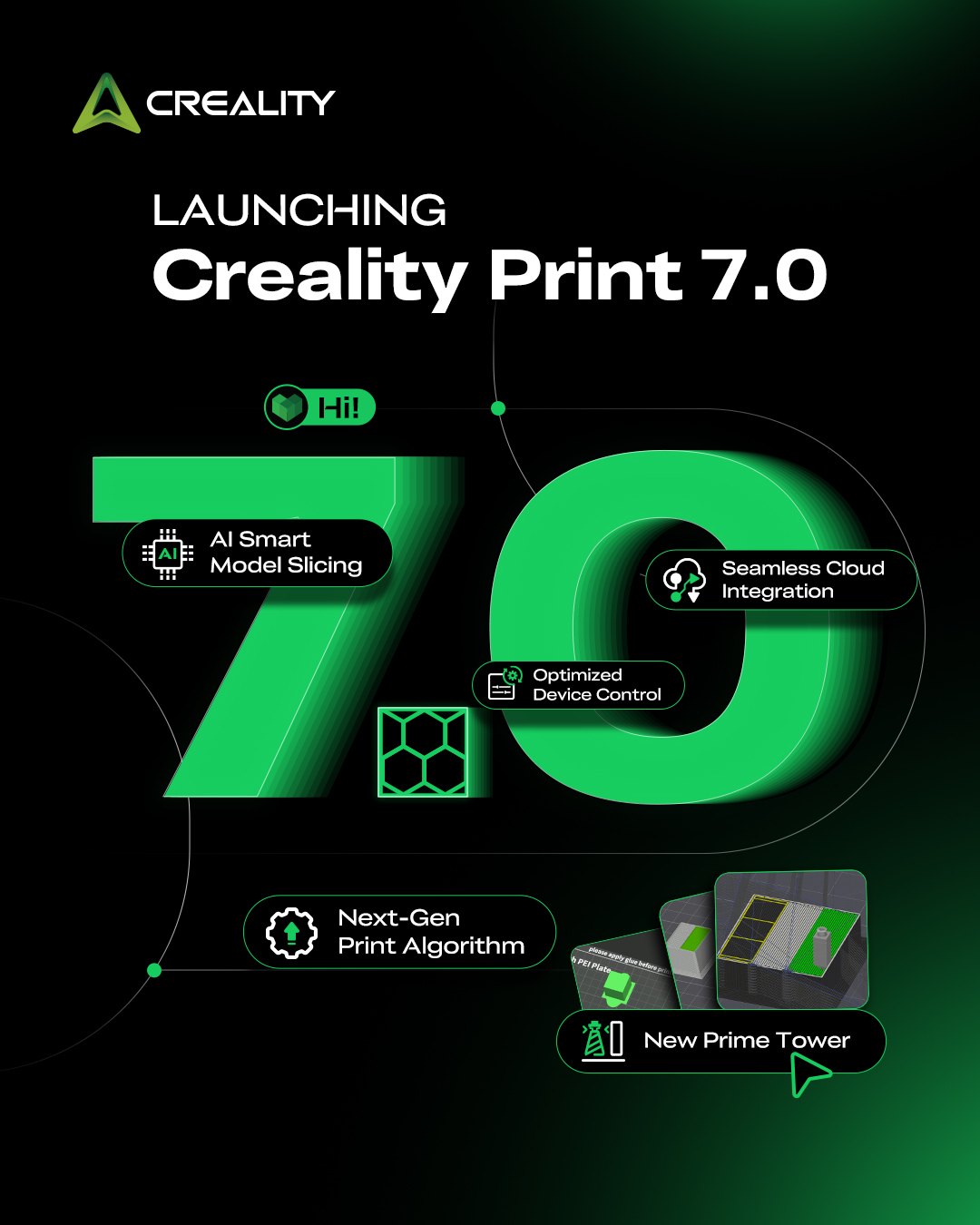
The brand-new Creality Print 7.0 is here!
AI now analyzes your 3D model and recommends the optimal support type — or determines whether supports are even needed at all — just one tap to analyze, powered by AI.
Creality Print 7.0 also brings an upgraded print algorithm for higher quality print, optimized device control, and algorithm-driven waste reduction for switching filaments. There’s plenty more to explore.
Check out Creality Wiki for the full feature list of Creality Print 7.0 and more.
Creality Print 7.0.0 Release Notes | Creality Wiki
1 Like