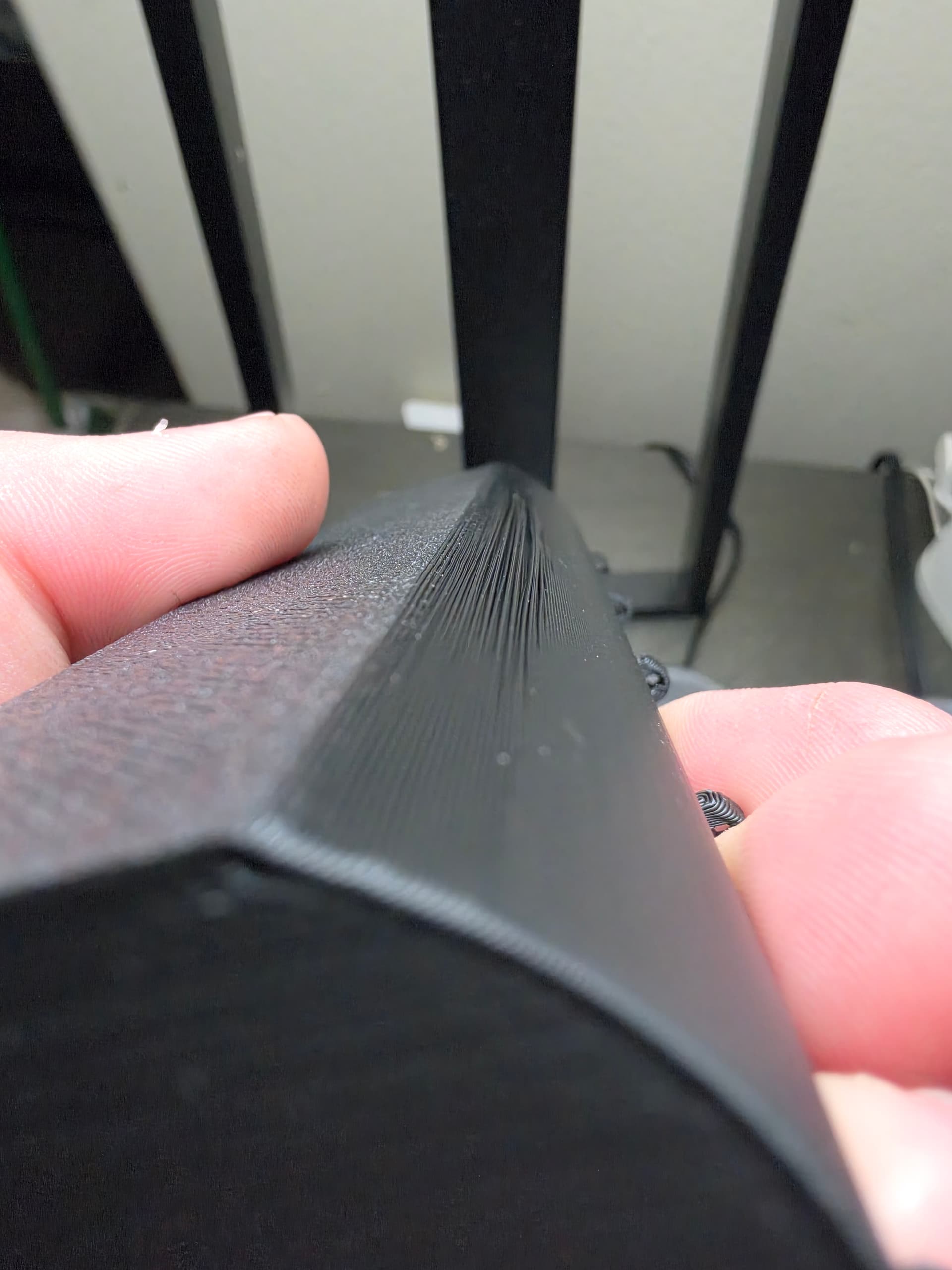
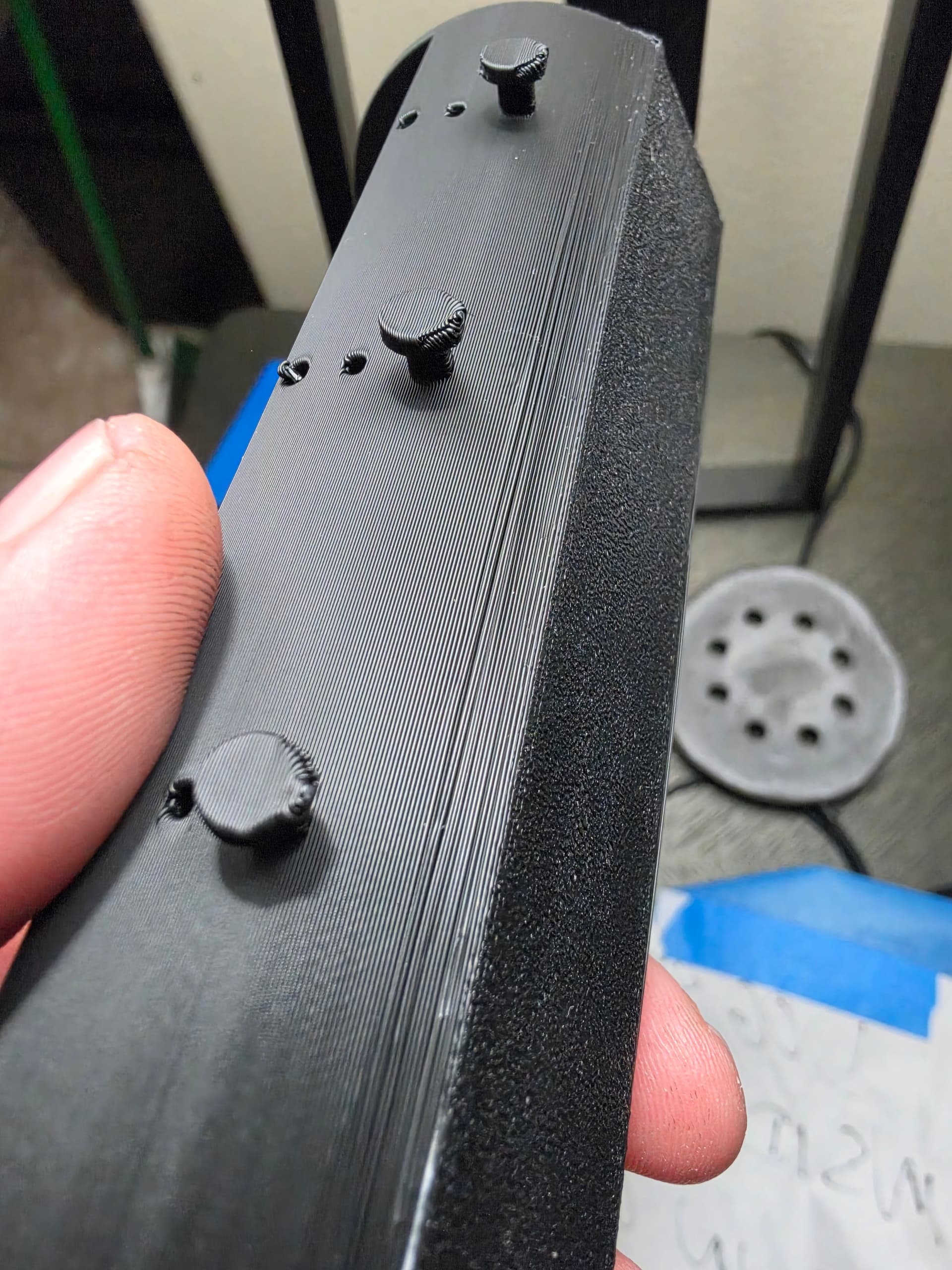
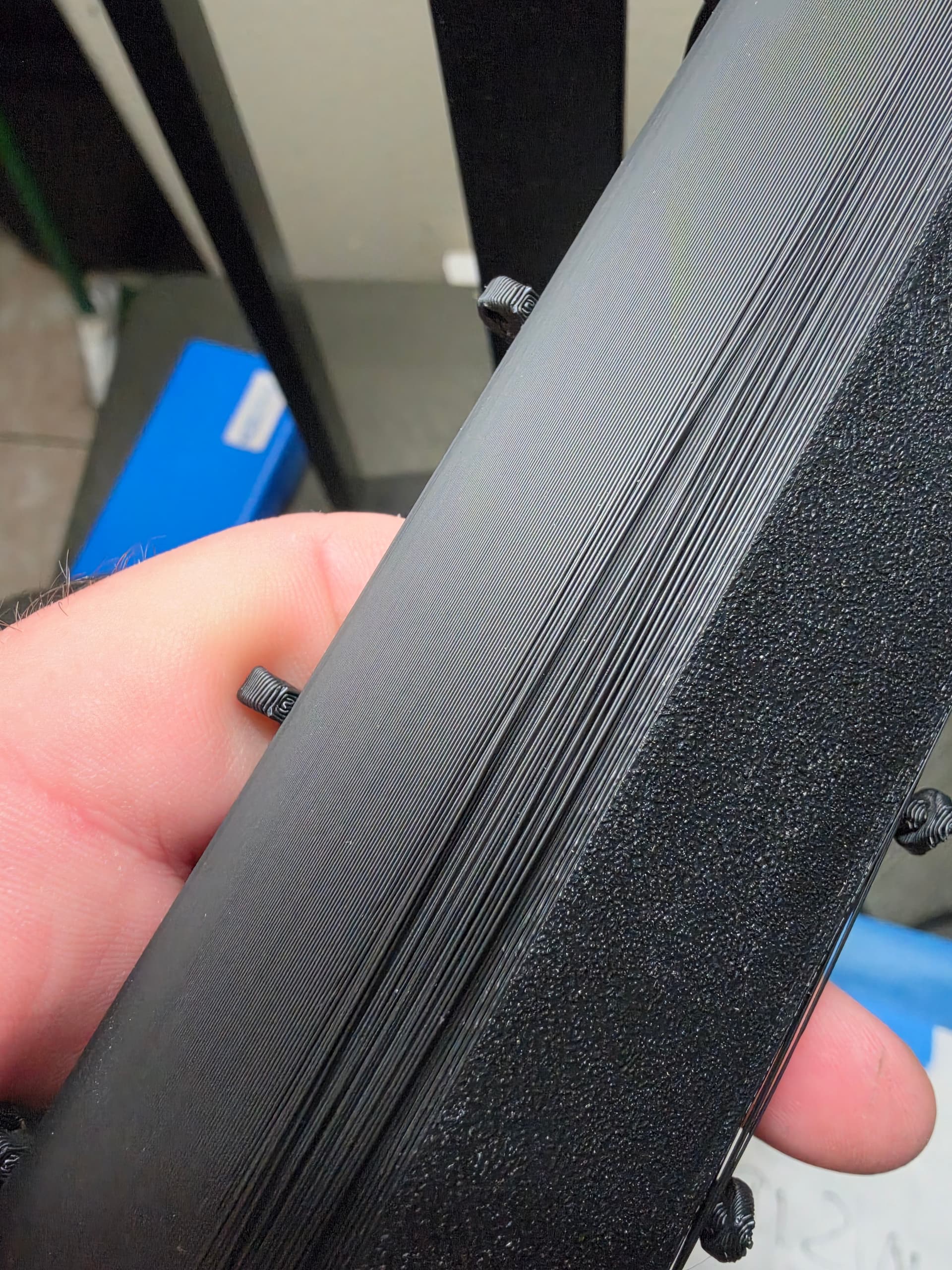
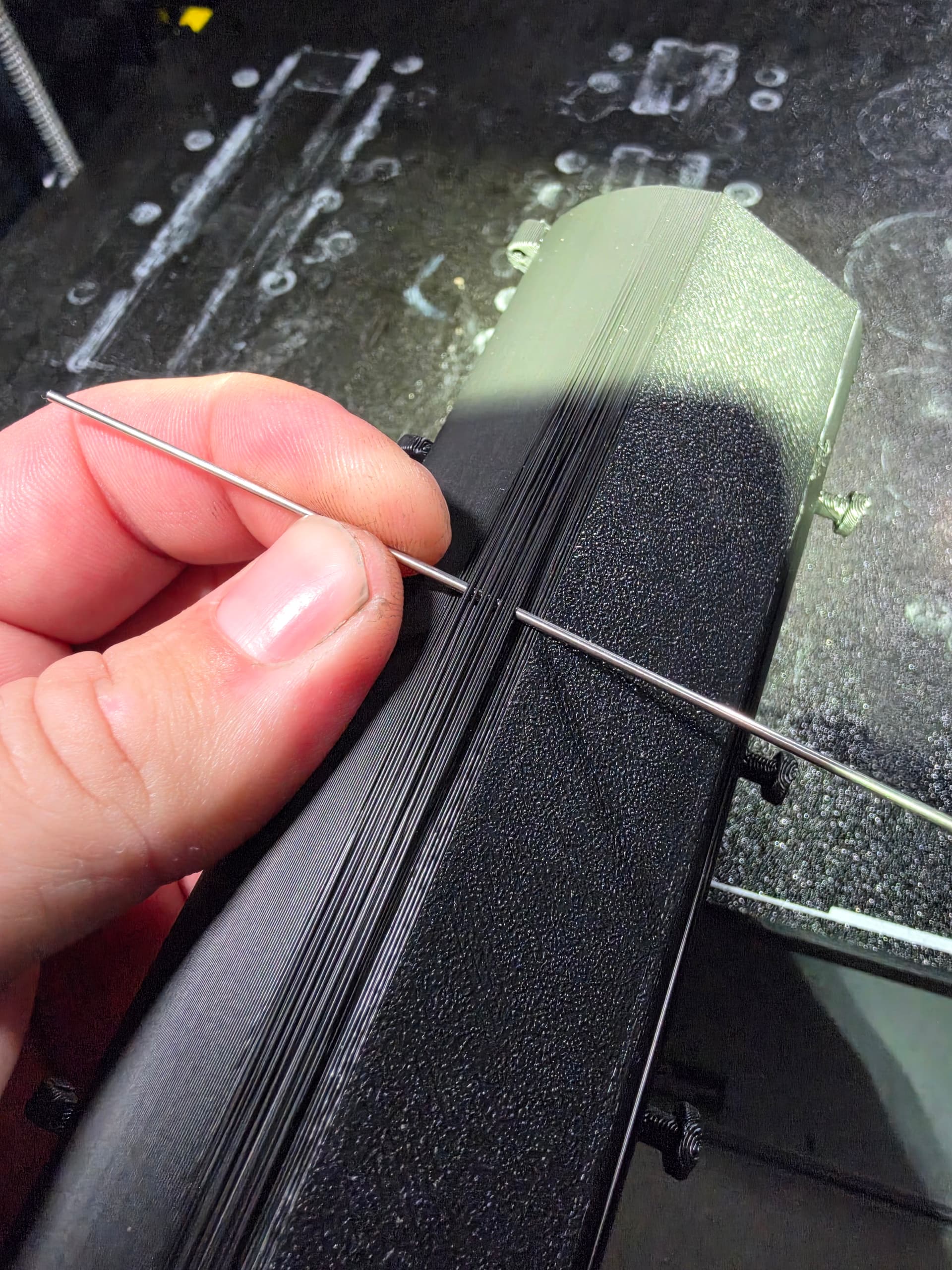
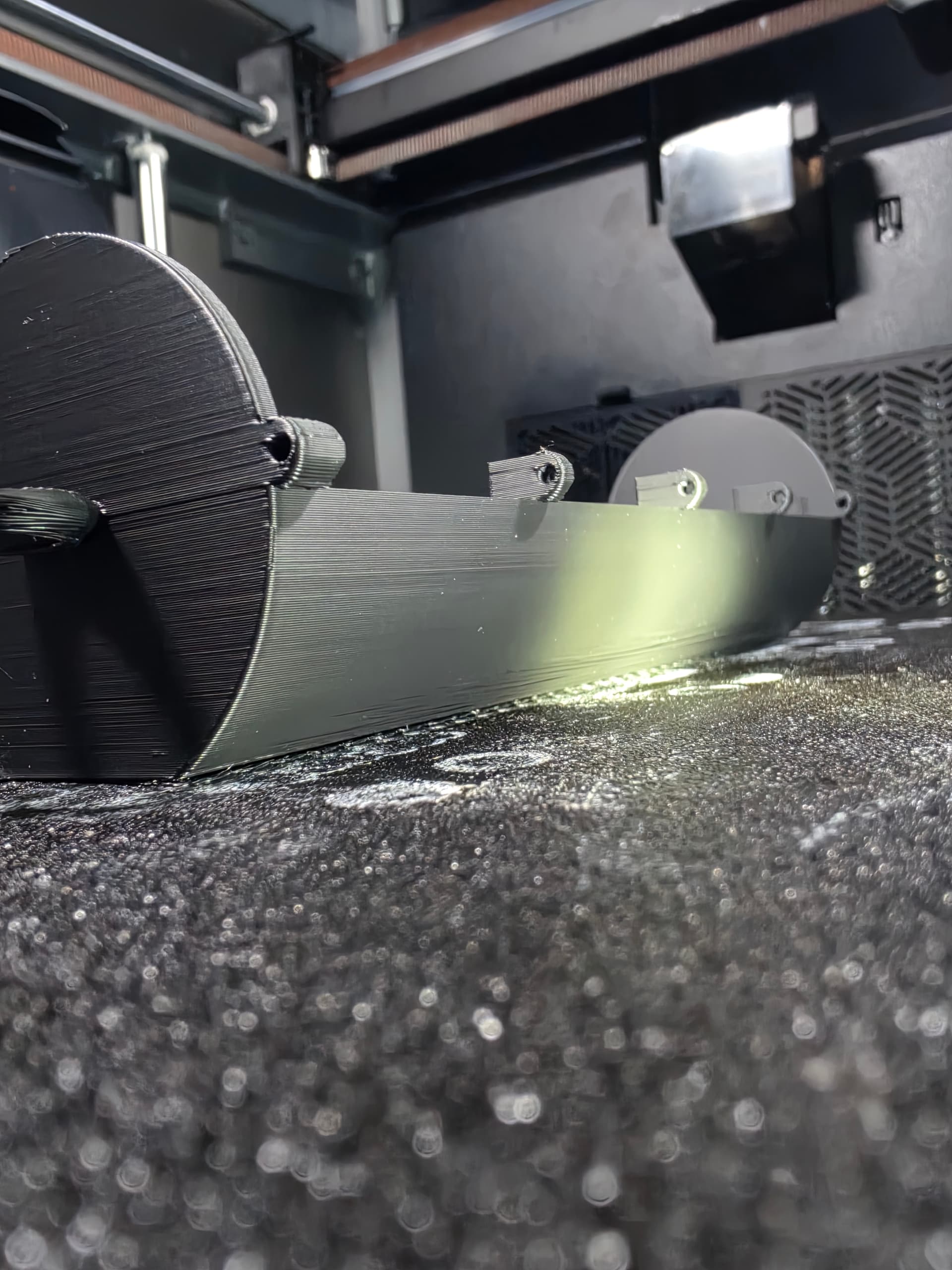
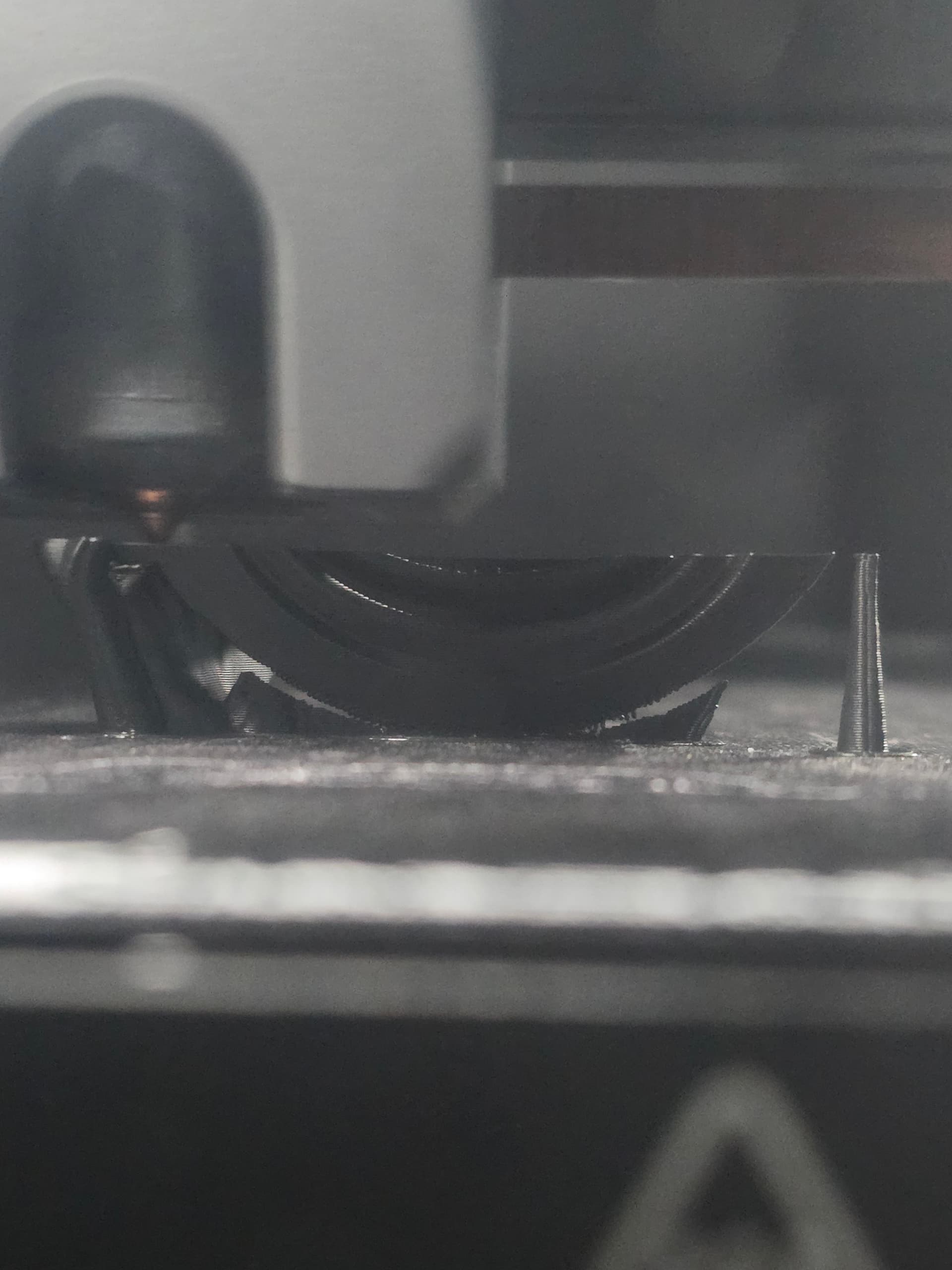
I am trying to print a project that is a cylinder with a flat bottom on long face. As the print curves up from flat face the filament finishes loose/stringy where i could peel it away like fibers. Does this mean that area needs support or is there a setting that I need to adjust? Any help is greatly appreciated.
Update: for reference the flat bottom prints first then the project begins to curver up and the loose fibers are maybe the first 1/4-1/2 inch of height, then the rest of fhe project is great.
What is the orientation on the print bed? Is this side facing the side fan? If it faces the side fan turn it around or reduce the side fan speed.
What filament brand and type and what are the settings in the slicer?
As the angle on the picture is a bit weird it is hard to see the real angle but it looks tp be ok for printing without support.
Please share more info.
I will send pics of the slicer settings in a couple hours when I get home. I had it placed in the middle of the bed with the long sode faces (where the issue is) facing the sides of the enclosure. When i printed it i had supports turned on and the the slicer did not want to put supports there, so im just not sure what is causing my issue.
The filament is Creality Hyper PLA.
Here is a link with all the pics I took of the part on the bed and the pics of the slicer settings. I wss trying to upload them here but I keep getting an error saying I can’t load more than 3 pics.
Can you inform me why you changed the wall order?
When you use 2wall change it to inner/outer. When you use more then 2walls change it to inner/outer/inner.
When you print the outer walls first on curves the wall floats in mid air, when you print an inner wall first the outer wall is squished against it for support.
When you go up higher on the wall they don’t hang over as much as the lower regions and will grip on the layer below. They will stabilise in a solid wall as you see on the images.
For better looks on the outer wall (gloss and glare) set the wall direction to clockwise or anticlockwise. Now it can go 10layers in one direction and 5 the other way and change back. Mainly changes at holes and protrusions.
If you want to test the changes you can cut off the top part in the slicer, use a venier caliper to measure up the height that fails and only print that part or stay around the printer when printing the failing area so you can stop it prematurely and not waisting a lot of filament. You could see the fail while printing when I look at the images.
And enabling support doesn’t mean it will add it, it only adds support when it is needed.
Give it a try and give me an update good or bad.
Your suggestions helped, hut i also found i got a better print if i printed the piece at 45 degree angle.
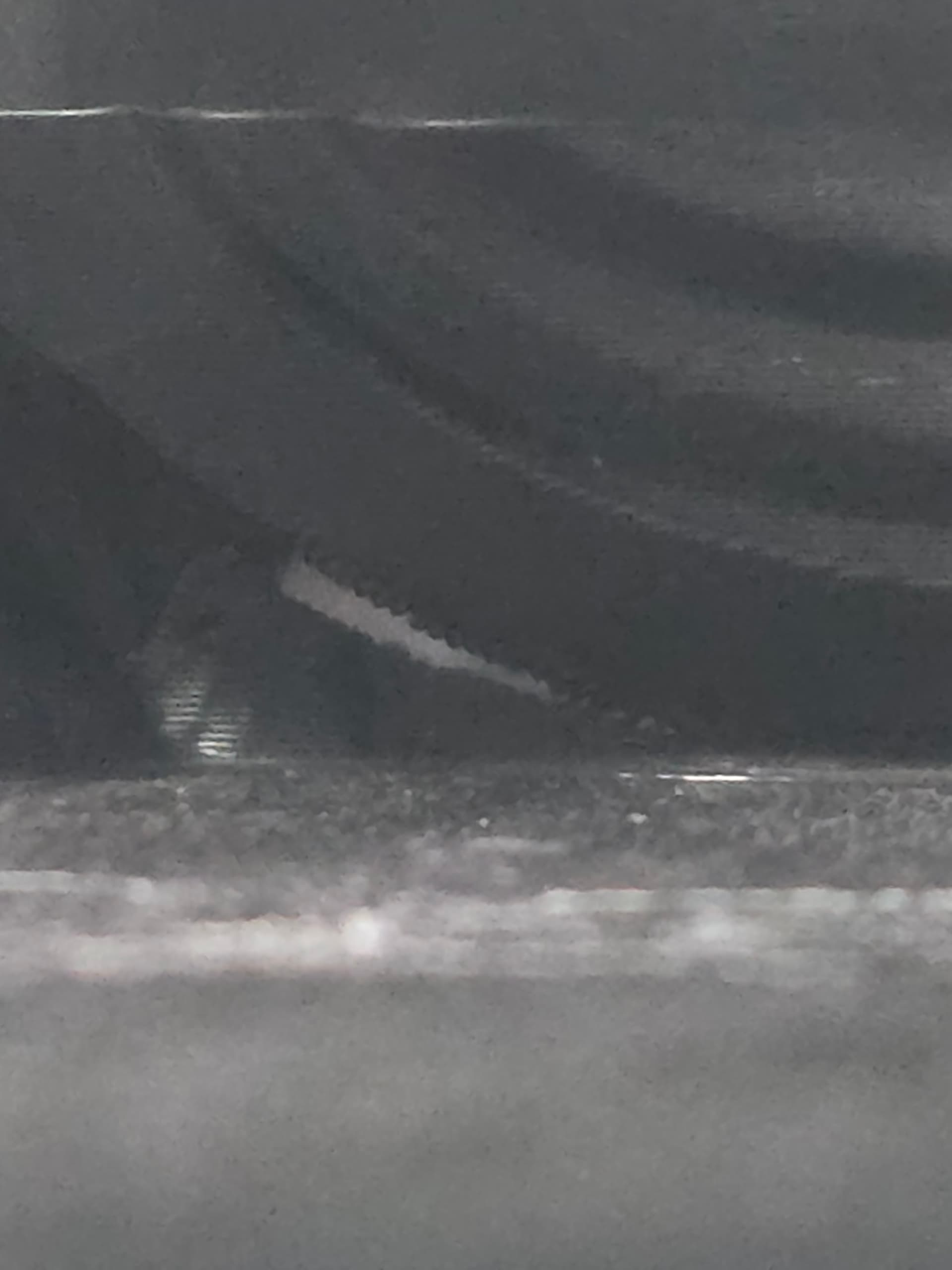
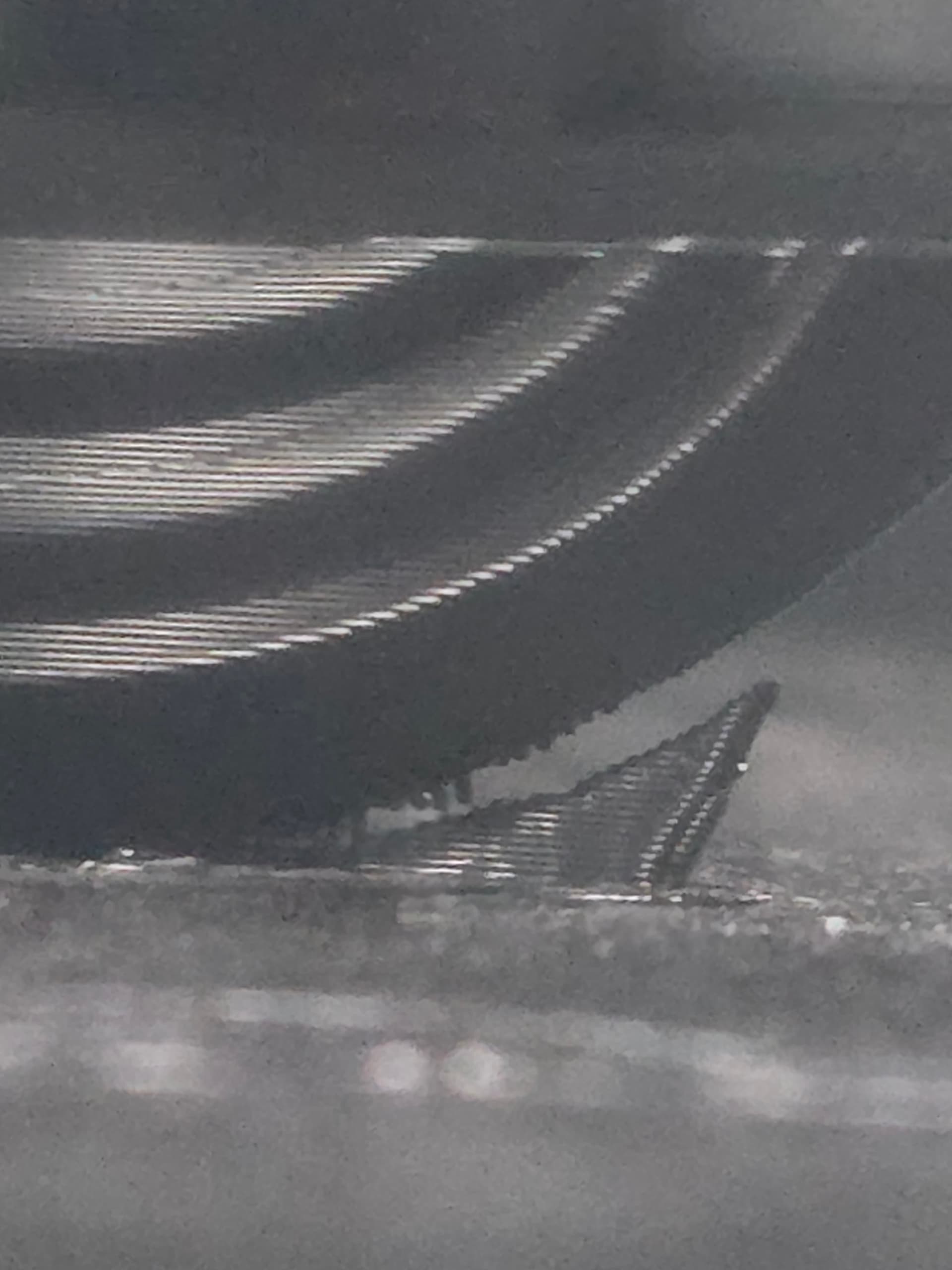
However…all of a sudden I am having a new issue with a different piece of this project. I have separate lids that I have printed at 45 degrees with no issue and now all of a sudden I am having an issue where they keep falling over while printing even though I have supports enabled and I have even lowered rhe top z distance down to .2 and there are spots when it is first building up that the gap seems way over .2……psuggestions? At the bottom of the curve on left and right sides I cant seem to make that gap smaller. Any suggesstions?
I have tried using the tree slim and tree strong supports and both seem to leave that gap there. I have used them to print these pieces before at the 45 degrees woth not a single fault until now almost everytime it fails to stay up.