On the latest firmware and Creality Print. If I start the K2 Plus/CFS AFTER starting Creality Print they wont sync up. On the Device tab I can see all the filaments and feed/retract them but they (and the Automap button) do not appear on the main screen.
If I restart Creality print then everything is fine. is there something I am missing??
I know this might sound weird but try turning off from the printer then unplug the printer. While it’s unplugged flip the power switch on for a minute. Then flip it off and plug it back in and turn the printer on.
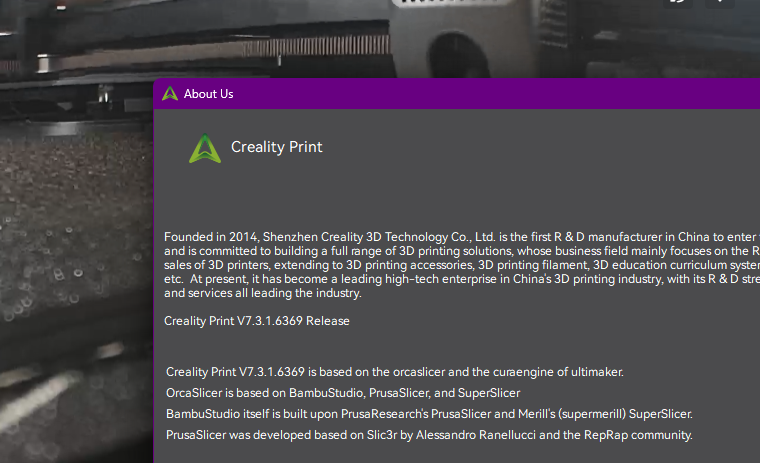
The sync issue should be resolved in the newer version of creality print. I was having mega issue with CFS auto-mapping button disappearing when the K2 printer came online in the slicer software, which lead to not being able to load the filaments from the CFS/printer.
I have been emailing back and forth with creality the past week. Trailing the newer software 7.3.1 and the sync and CFS status, with camera etc is all back and working!
It looks like it’s not on their website yet for download. It was this morning now it’s gone.
I had the same problem, the sync button use to disappear on creality print. I thought it was something related to wifi signal quality but after some test I realized the problem wasn’t there. Finally I did a factory reset and then this issue disappeared.
This is becoming an increasing problem with K2 software. Each version seems to get worse synching with the PC software. Usually I have to resync multiple times to see the printing video. It seems I will have to return to an older version on the K2 Pro so I can get direct video access to the camera.
Creality attempting to get total control over users access is not a good thing. If this continues it may mean a different brand soon. I have bg problems with my CFS boxes and support just asks more silly questions over the last two months. Very disappointed with the support. I am not new user. This is my second Creality printer.
I am running the K2 Plus with the latest updates and also am having no problems. I used to have a problem if the printer wasn’t turned on before the software. I don’t see that anymore.