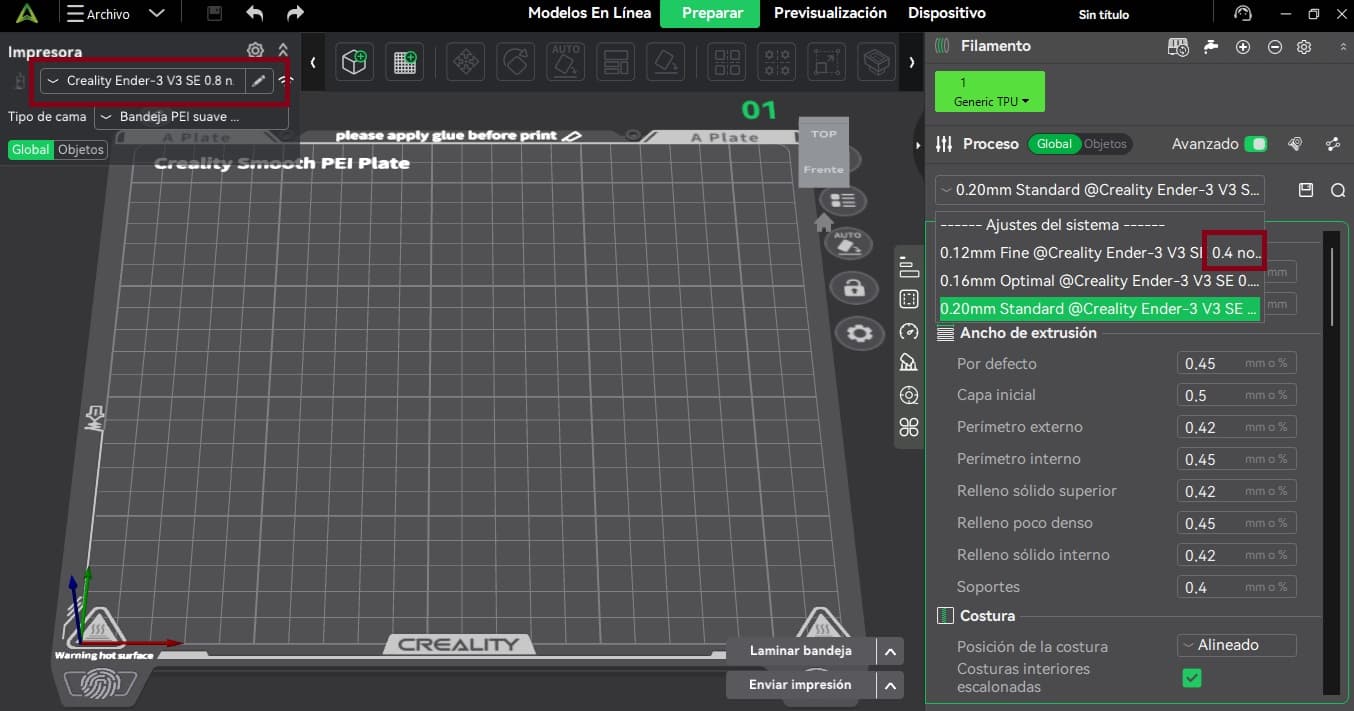
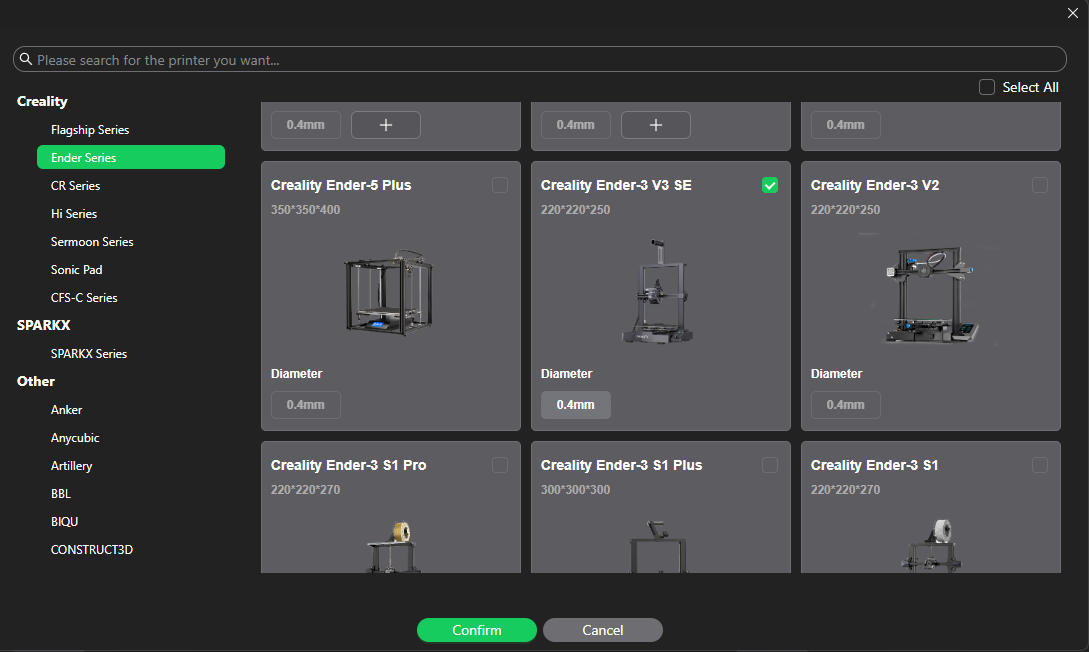
I’m trying to add 0.8 nozzle on Creality print but i dont understand how to set the parameters correctly.
If i add manualy the 0.8 the program take the 0.4 settings by default.
I’m trying to add 0.8 nozzle on Creality print but i dont understand how to set the parameters correctly.
If i add manualy the 0.8 the program take the 0.4 settings by default.
If you cannot find Built-in 0.8mm Profiles in the menu, you will need to create a Custom 0.8mm Profile.
Yes, i want to add a custom profile but i can´t.
I need a step by step guide or something like that.
I don´t want to switch to Orca, i’m switching to Creality print from Cura.
What problem are you facing when you’re trying to add a custom profile? Are you not finding the option or seeing any error message?
Yes, when i try to set the layer height or width i have the error “layer height exceed the limit” because the profile is 0.4 (right side of the print screen)
That error usually appears because the printer profile is still using the limits from the 0.4 mm nozzle profile.
When creating the 0.8 mm nozzle profile, did you also change the nozzle diameter setting itself to 0.8 mm, or only the layer height and line width values?
I can configure de left side of my print screen but not the right side of it and i don´t understand how to….
Not sure but you may get a solution to this problem. https://www.youtube.com/watch?v=Xr-SoXchJE8