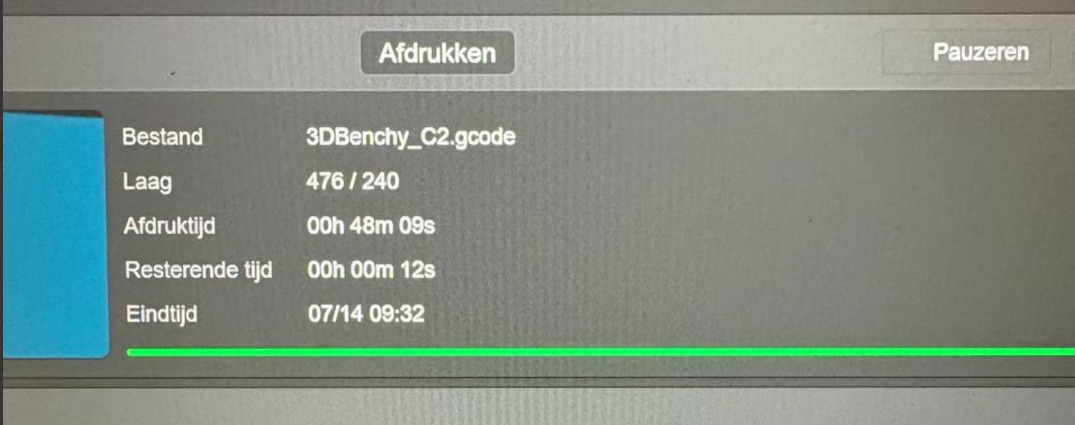
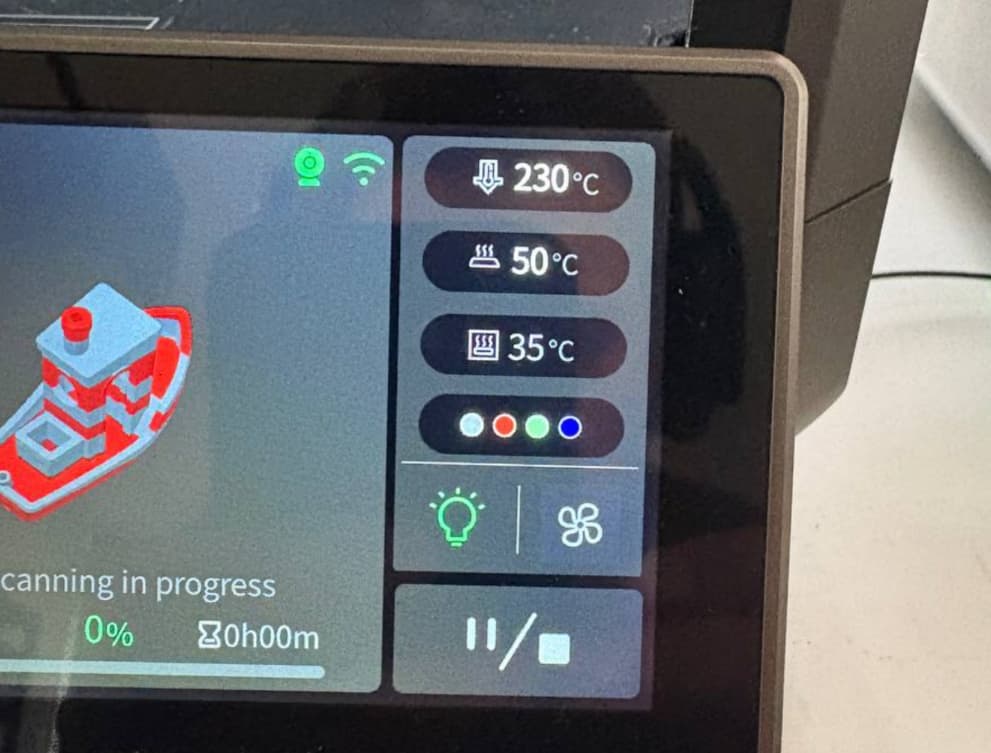
After upgrading to the CFS, the new firmware can’t process the layer count correctly. I’ve seen this on multiple prints now, and a quick google shows a couple of reddit users with the same issue since the CFS firmware update.
Hopefully an OTA update will appear soon to fix this and the screen dimming issue (the unresponsive screen is a real PITA).
There was a suggestion in another thread to change the Screen Off timeout setting - if it is on 3 minutes → select 5 minutes and then select 3 minutes again. This seems to have fixed it for me as well.
I should have seen this post earlier. I have exactly the same issue with the screen and I made a dedicated post. Thanks for sharing, will give it a try.
Yaap, I have this problem and meny more
It prints fine like 4-5 layers then poop and it skips like 20 layers and prints in the air. Or it tries to destroy my printbed by ramming the nozzle to it mid print. Or says there’s a clog but there’s not even filament in there.
Plus annoying error messages about enclosure temp that you can’t klick away and meny more.