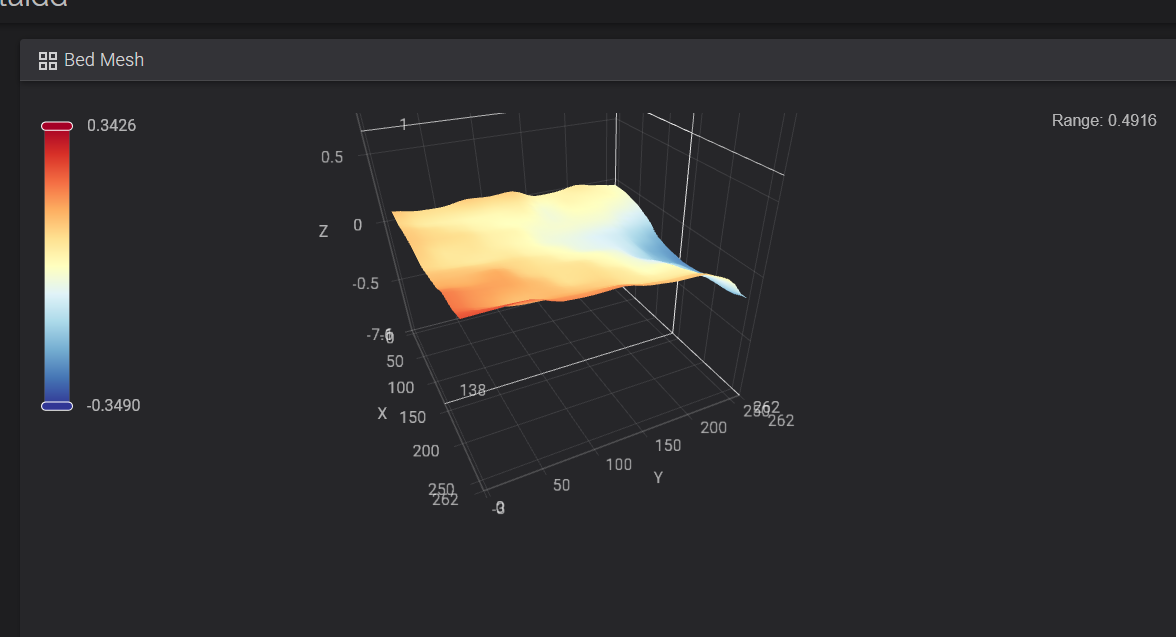
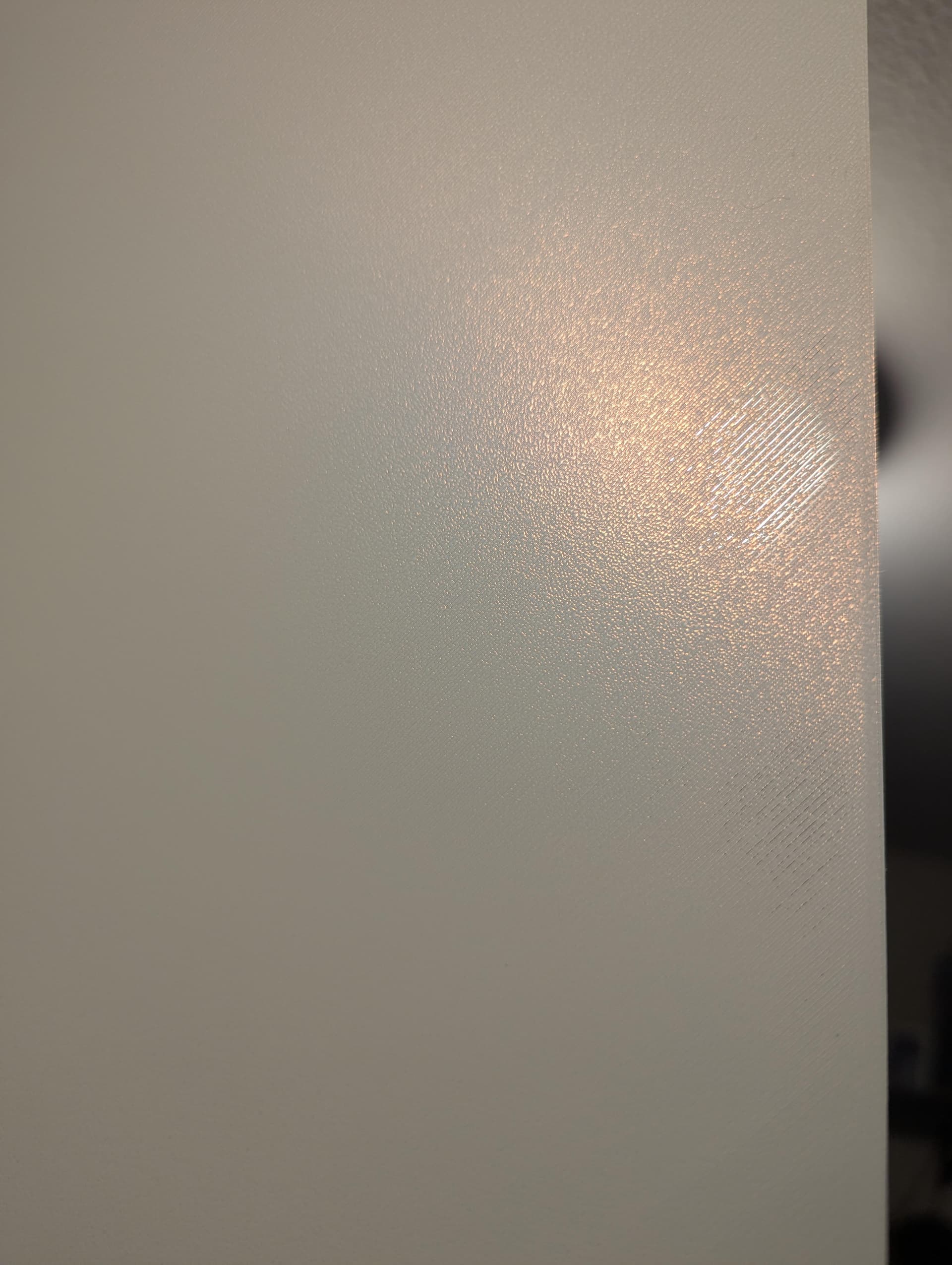
Hey all! I have a K2 standard and have experienced some lifting of parts and edges. Not on every print, but it seems smaller prints, even with brim, lift a bit and get knocked off the plate. I’ve cleaned the plate, used brim, etc. and now I am going down this bed mesh rabbit hole. Is the above “bad” or can that be causing some issues? I ask because I did a first layer square and it looked GREAT except it was see through sort of in that area of the square that seems to align with the mesh above. I think that’s the right side of the plate, since that’s where the square was thin and I could see through. Any ideas or should I abandon the bed mesh rabbit hole (I’ve heard it goes deep).
こんにちは。
初心者の私にはベッドメッシュはハードルが高いです。
YahooのAIにK2Proのベットメッシュ画像を見せてアドバイスを貰いました。
私にはベッドメッシュを調整するスキルが無いので諦めています。 
でも、今の所プリントは上手く出来ています。
確かに1層目の厚みは気になりますが、CrealityPrintのデフォルトの厚みです。
プリントするのは1層以上あるので完成したプリントを見て評価する様にしてます。
完成したプリントを見て1層目が変になっていたら設定の厚みを変更しようと思いますが
今の所、その必要性は無いです。
均一なベッドメッシュにはあこがれを持ちます。 
1 Like
I pre-heated the bed and let it soak and re-tried my test and it looks better but still a decent bit of see through layer on that right side. It runs about 3-4 inches along the right-middle side.
Your bed level isn’t causing the issue. It’s level enough to make everything stick. Are you calibrating before print? I would try bumping bed temp up 5-10C.
I believe it’s calibrating. It goes and probes like 9 different points each print. I will try bumping the temp up. Are you of the opinion I shouldn’t worry about that little bit of uneven 1st layer since it’s sticking?
The bed mesh looks uneven in a few areas. I would check the bed level, clean the surface, and run the mesh calibration again before printing. Slope
Alrighty! I heated the bed up and I’ve done the “paper” leveling with the screws. Do I have to “Save” anything with the adjustments? I am thinking no since the screws are just a physical point I am modifying but I am honestly not sure. The video from Creality on the paper leveling doesn’t say you have to save anything but I want to make sure.
No, there is nothing to save. It re-probes the plate before print, if you keep calibration enabled. Manual leveling just reduces the variation in bed height. 0.5mm isn’t enough to cause issues; it’s well withing the printer’s ability to compensate for. Again, bed level isn’t your issue with adhesion. Damp filament can cause poor adhesion. So can a dirty plate. Short of your filament profile being screwed up (1st layer, temp, and cooling settings), you only need to worry about the above. It’s possible your print surface isn’t at the temp the printer reads (dirt/air gaps between bed and plate, faulty sensors). That’s easy to confirm, if you have an infrared temp reader. Failing that: 50C is uncomfortable to keep finger on. 70C will cause you to pull away after a sec or 2.