Setup: K2 Plus with 2 CFS, printing with ASA and an Epoxy Resin Plate, Creality Print V 7.2.0.5225
The filament is set up to use a bed temperature of 90° degreeC with this build plate, the correct build plate is chosens and the edited filament is selected in the cfs settings (Slot 6).
But since the newest software version the print starts with the wrong bed temperatur (40°C), which can also be seen in the G-Code preview.
Strange behavior: When i edit the filament settings for slot 1 (PLA, which by default has a bed temperature of 40°C for the Epoxy resin plate) to use 90°C for this bed type, the slicer choses this (correct) temperature for my filament in slot 6.
This behavior is definitly new and was not present in 7.0.x of Creality Print
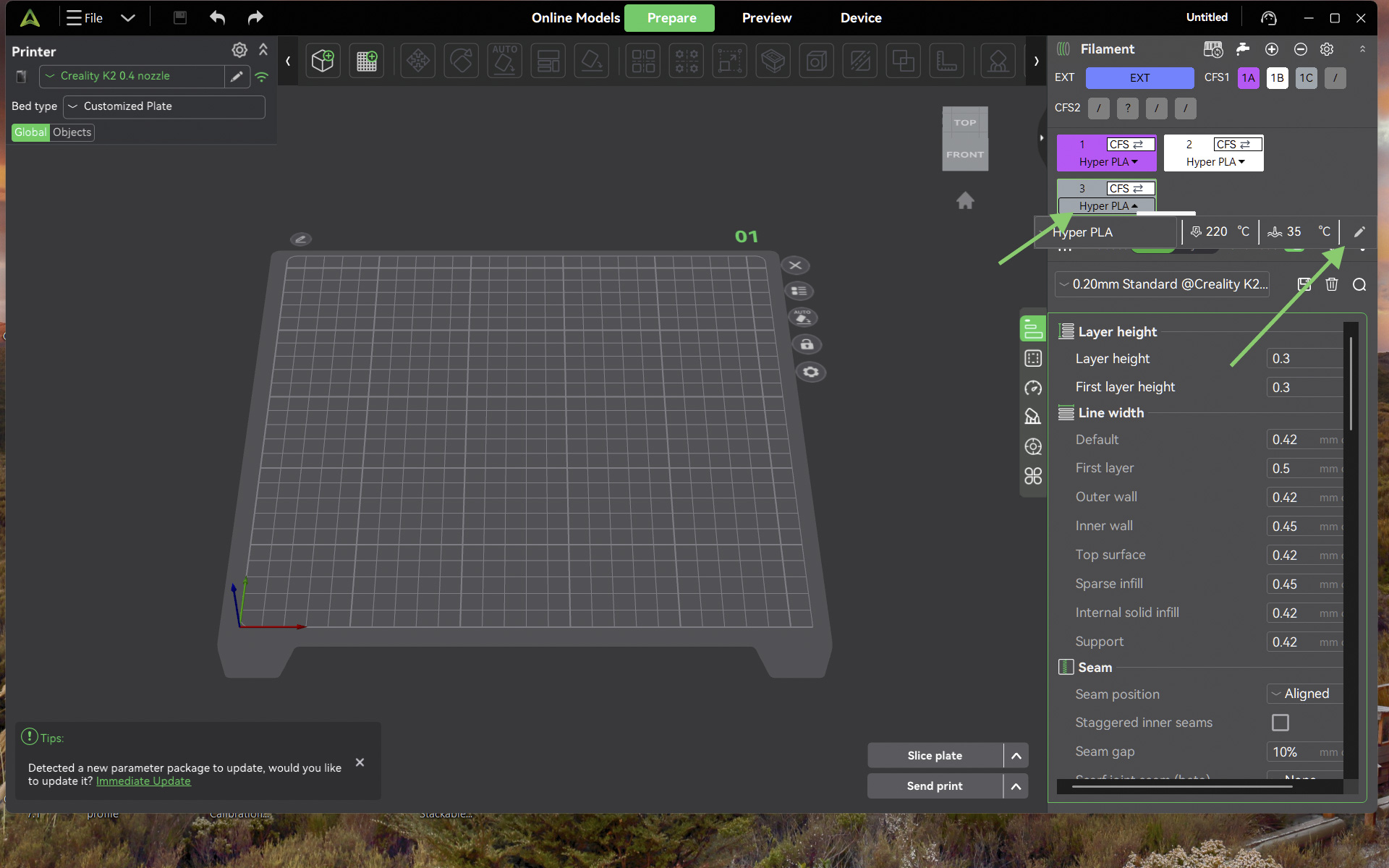
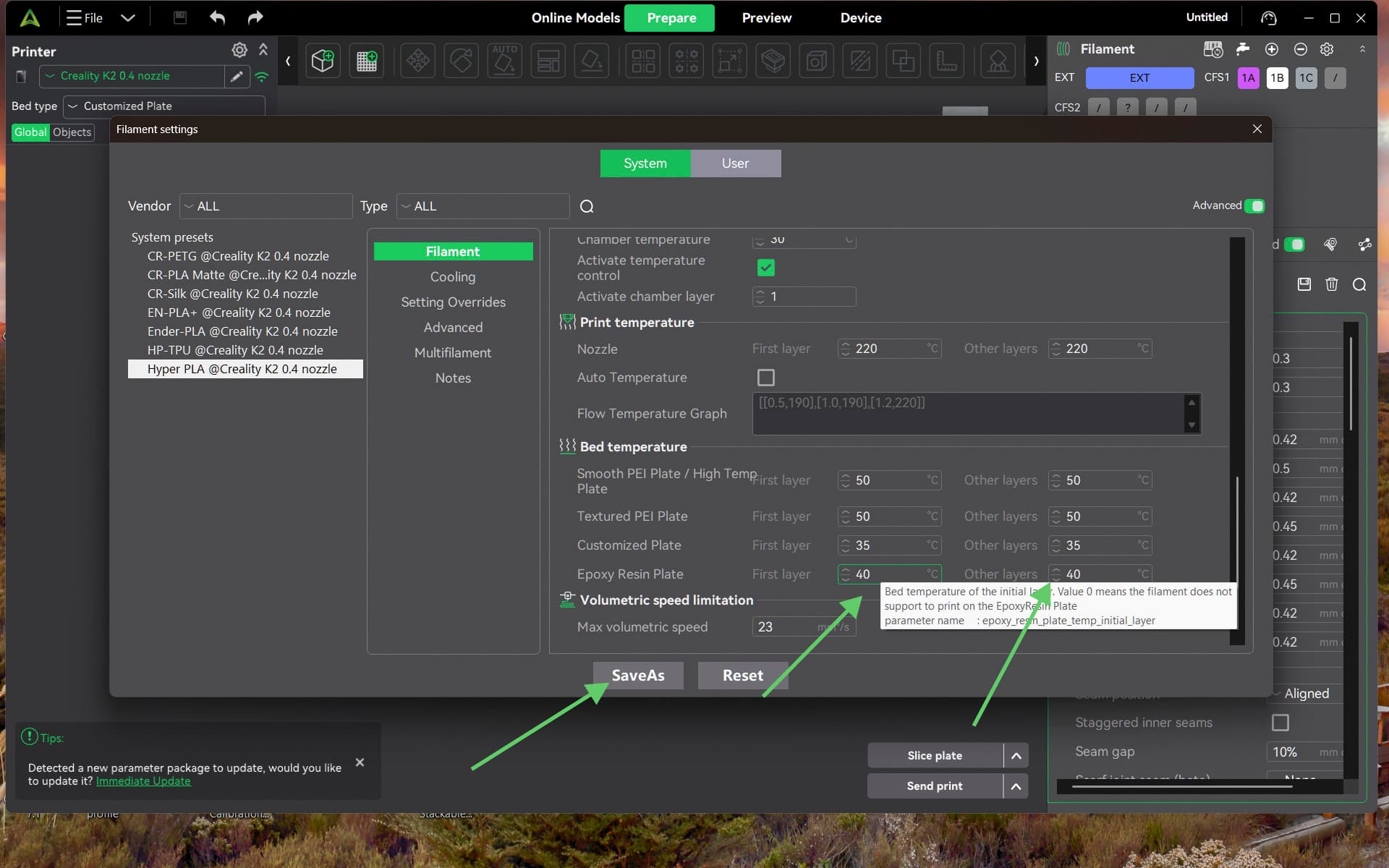
you need to edit the filament settings. Select the filament you want to use, click the pen on the right side. then scroll down to the expoxy plate and change both temps from 40 to 90. you can save it as a profile or just make the changes and it will apply to the active print. if you save it you can use it later for other prints. see pictures below.
Thanks, that’s how it should work, and i am aware of those settings. But as stated, in this slicer version and with my setup with two CFS, the temperature for the bed is taken from somewhere else.
The default temperature for the Epoxy Resin Plate inside the ASA Material is 0°C, so by default it throws an error when setting up a print. But i already had this value set to the intended 90°C, and the slicer still takes 40°C for the bed. Nozzle temperatures and fan-settings are fine.