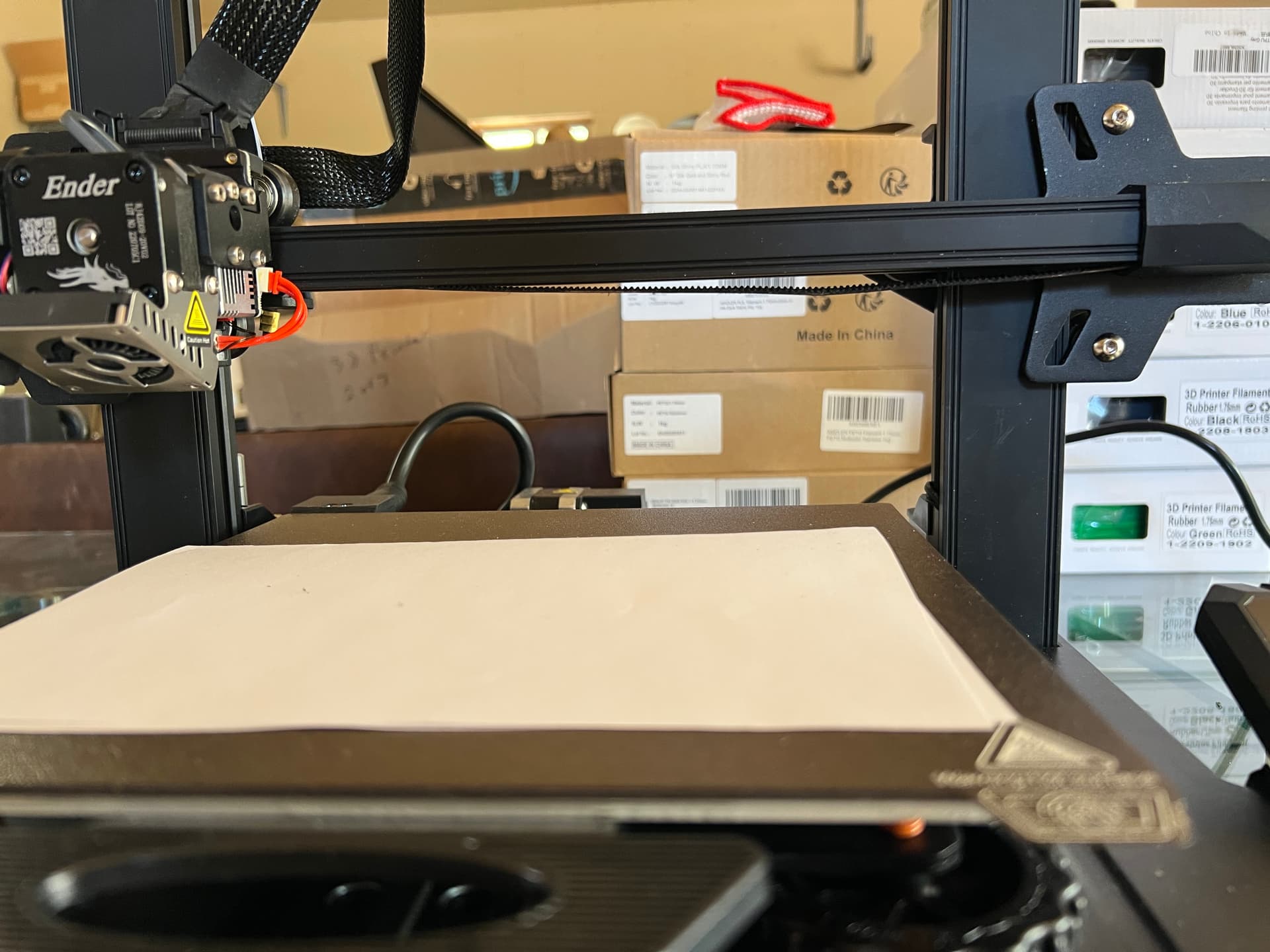
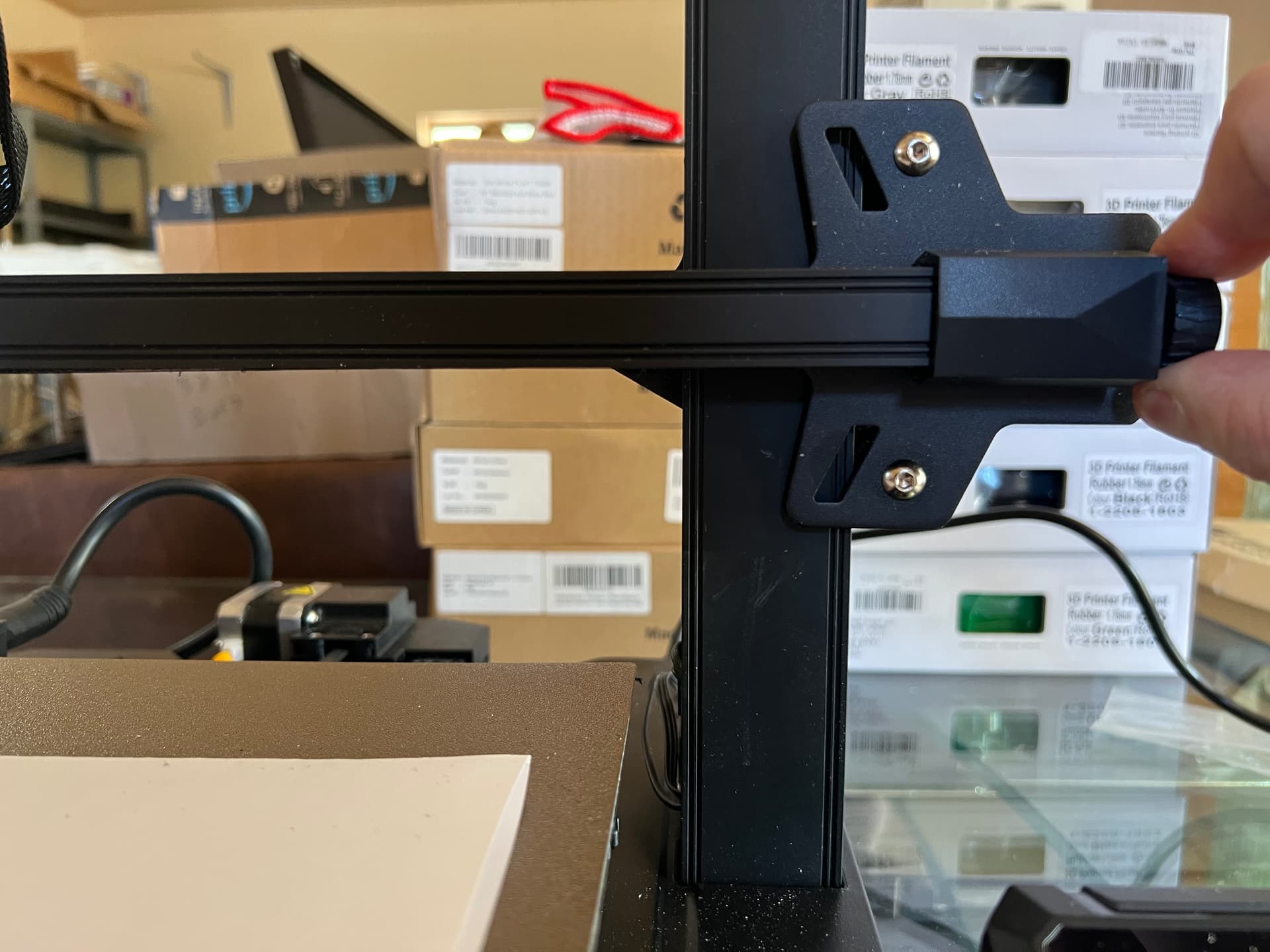
I am trying to level my ender S3, but the belt tension is off, or the belt is too loose. The only way it can get thru the leveling is if I pull on the tensioner screw just right so it cal slide back and forth. Is there further adjustment I can do on the belt to get it right?
Visually, the belt sags on the bottom, and the printer just clicks as it tries to move…
The toothed timing belt connects to the Creality printhead carriage via a clamping mechanism. Both ends of the belt are passed through slotted brackets on the carriage and secured using metal crimps, pins, or hold-down plates. This locks the belt in place to transfer motor movements smoothly. [1, 2, 3, 4, 5]
Depending on your specific Creality model (such as the Ender 3, CR-series, or K-series), the connection relies on one of the following setups:
Belt-Clamps (Ender & CR series): The belt ends are either folded and clamped into a slot under the carriage with small metal plates, or they feature metal crimp-on tabs that hook directly into the carriage’s notches.
Pin Lock (CoreXY models like the K-Series): On enclosed CoreXY printers, the ends of the belt are pushed into a cavity on the printhead carriage and locked into place by inserting a retaining pin that wedges the belt teeth securely into the mount.
Tensioning Adjustment: The belt isn’t just attached; it can be adjusted. After clipping the belt into the carriage, the overall tension is set using manual tensioner knobs or built-in springs located at the ends of the gantry. [1, 2, 3, 4]
So check the if these clamps are still in position…
I take back what I just posted. I found the belt clamps but I cannot get them to stay in place, so they just slide back to where they were and the issue repeats itself. Is there a clamp or something that comes with the printer that will hold the belt in place once I get it to the right spot?
Then they didn’t crimp the clamps the right way. Move the belt clamp(s) to the right position and use some force with pliers to “close” the clamps a little more so they don’t “slip" over the belt anymore…