This is the first time I’ve seen this happen. Every part of the process comes out OK until I slice the model in CP 7.0.04127.
In fact I sliced the model in CP 5.1 and it worked OK.
I sliced the model in CP 6.2 and it failed.
This is the model in FreeCAD:
Top view:
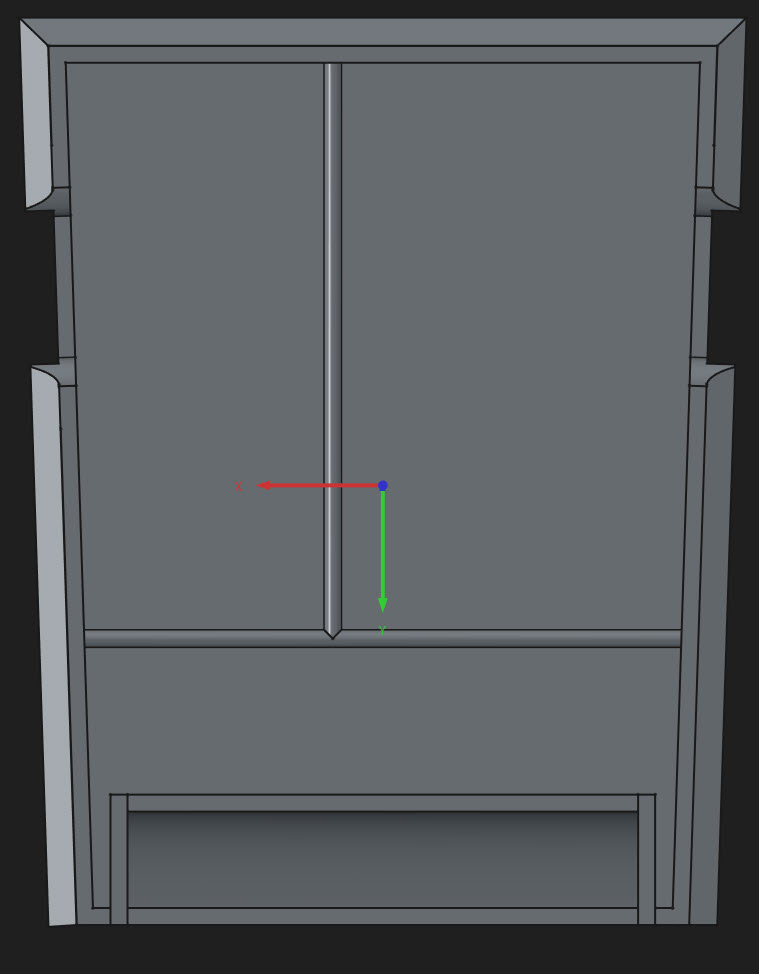
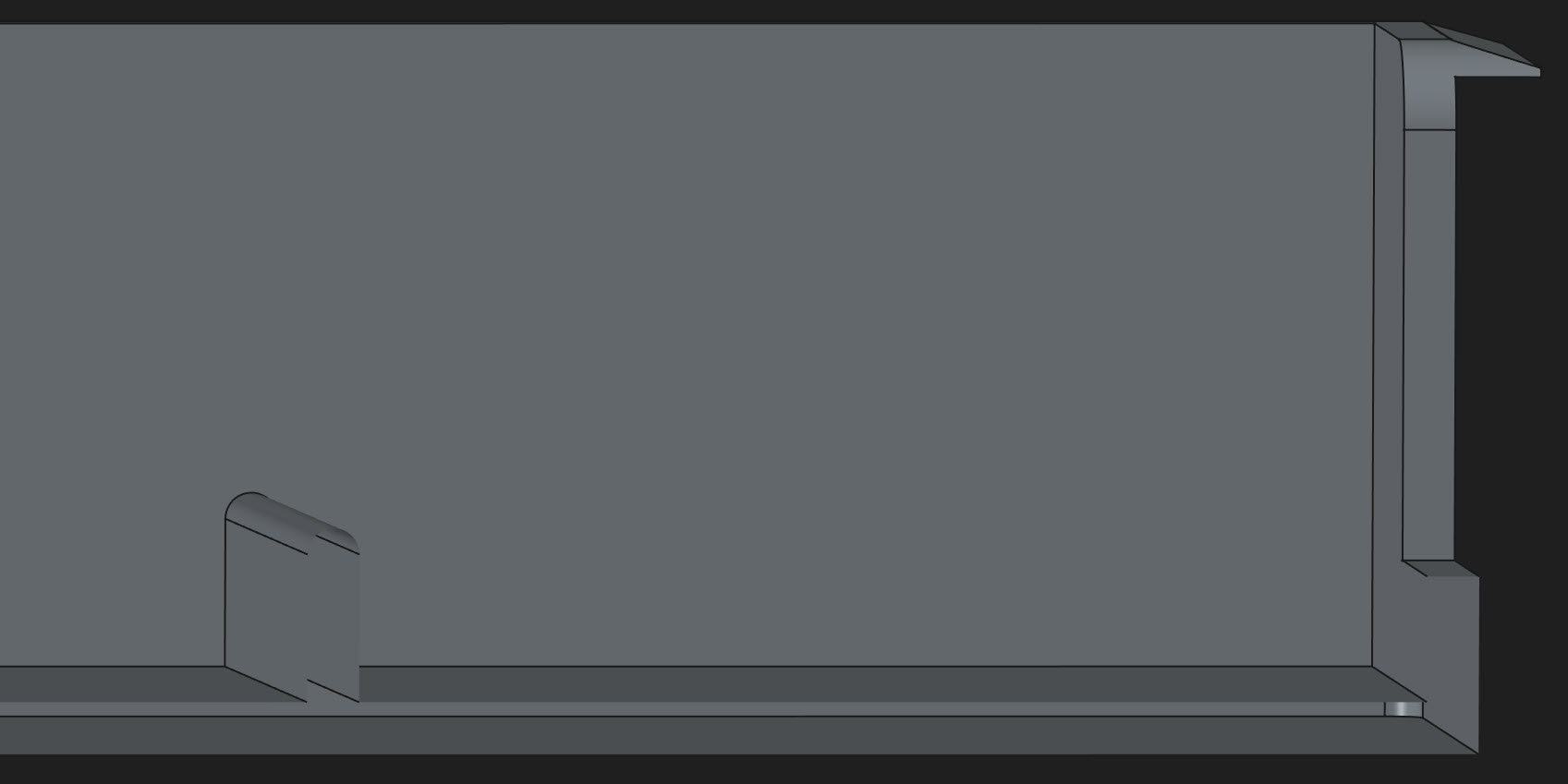
Cut-away showing the side cutouts and how the wall has no issues vertically:
Angled view:
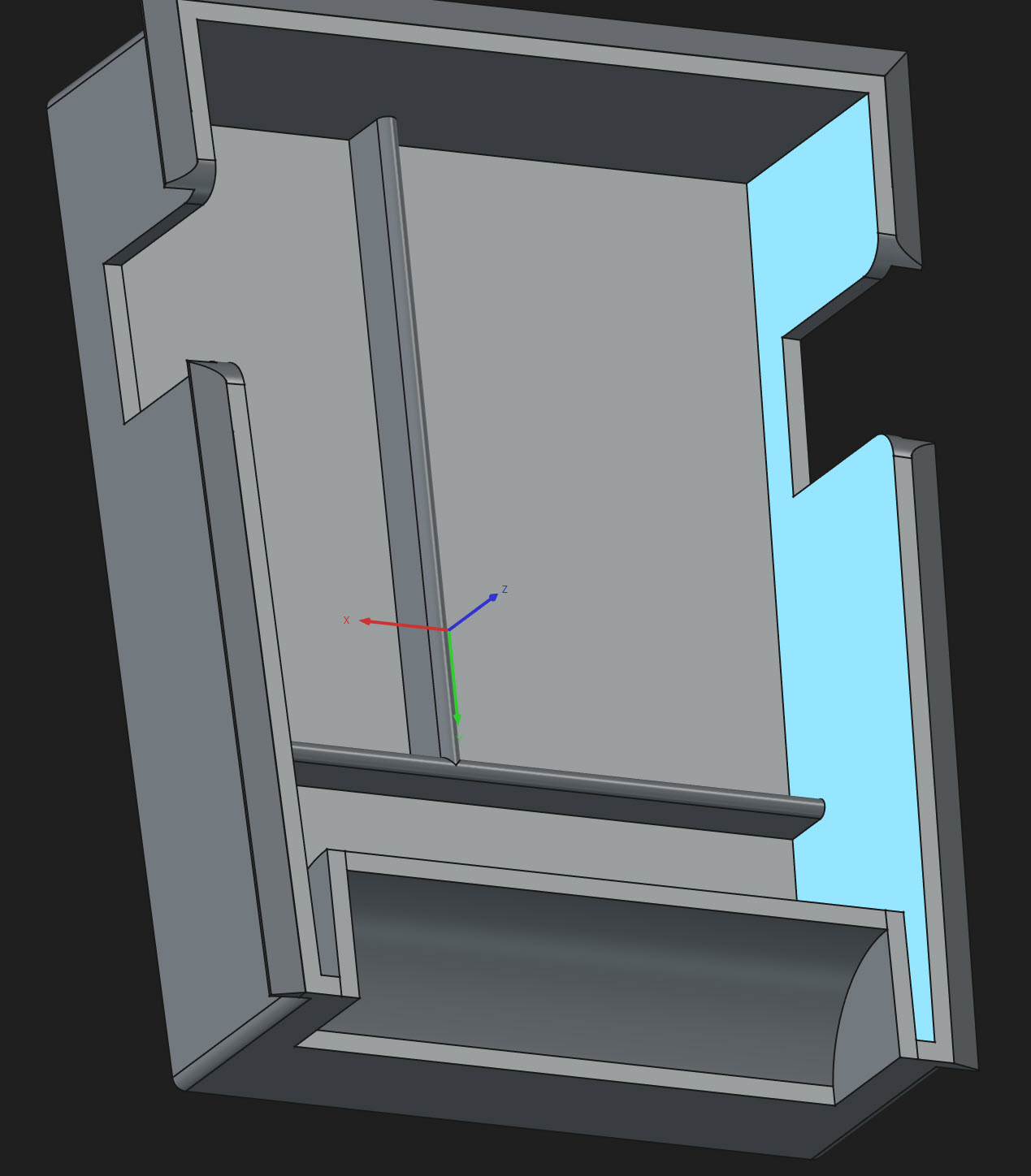
The STL as viewed in FreeCAD, with a cut-away view:
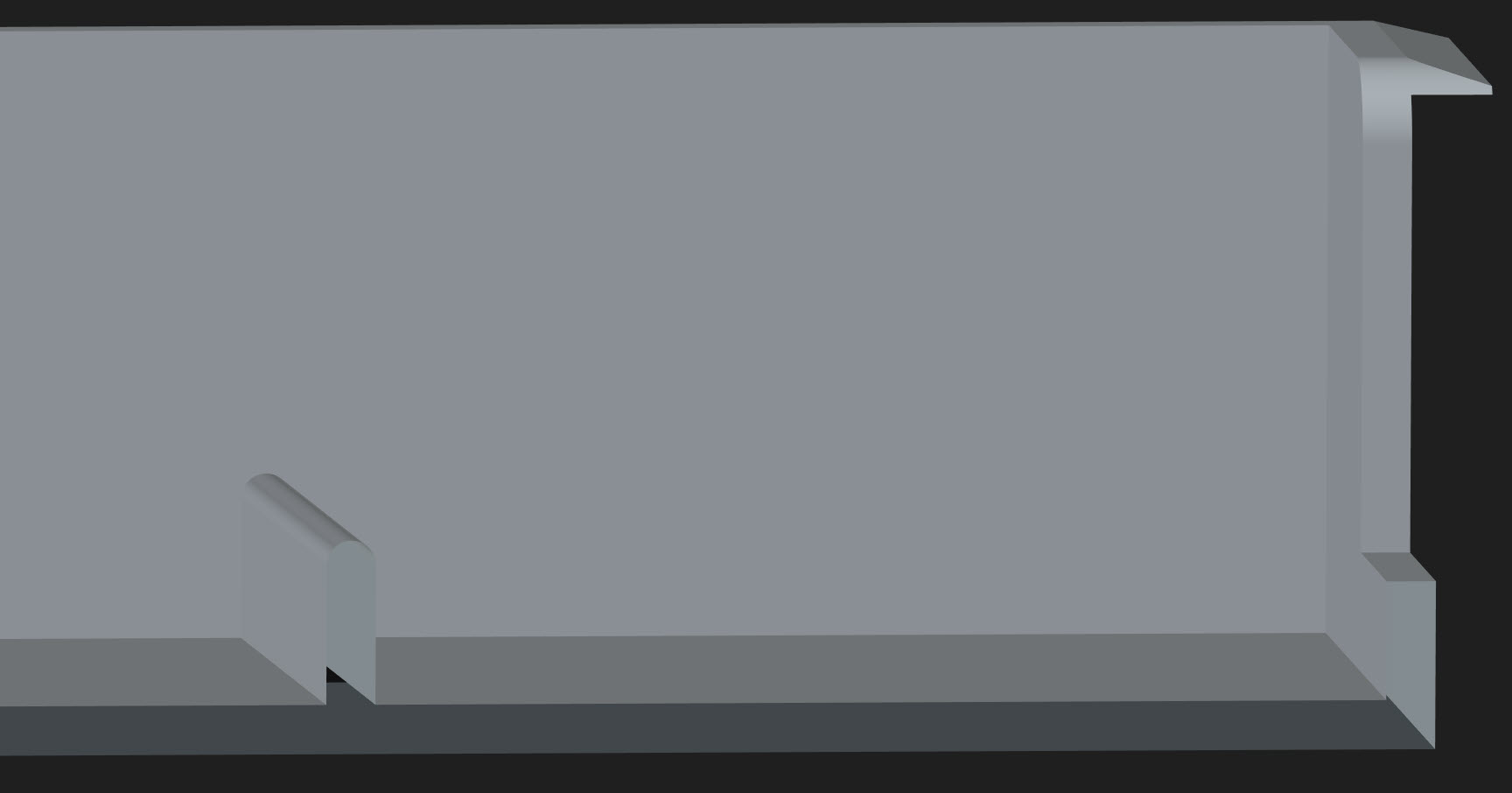
The STL as viewed in Windows 3D Viewer:
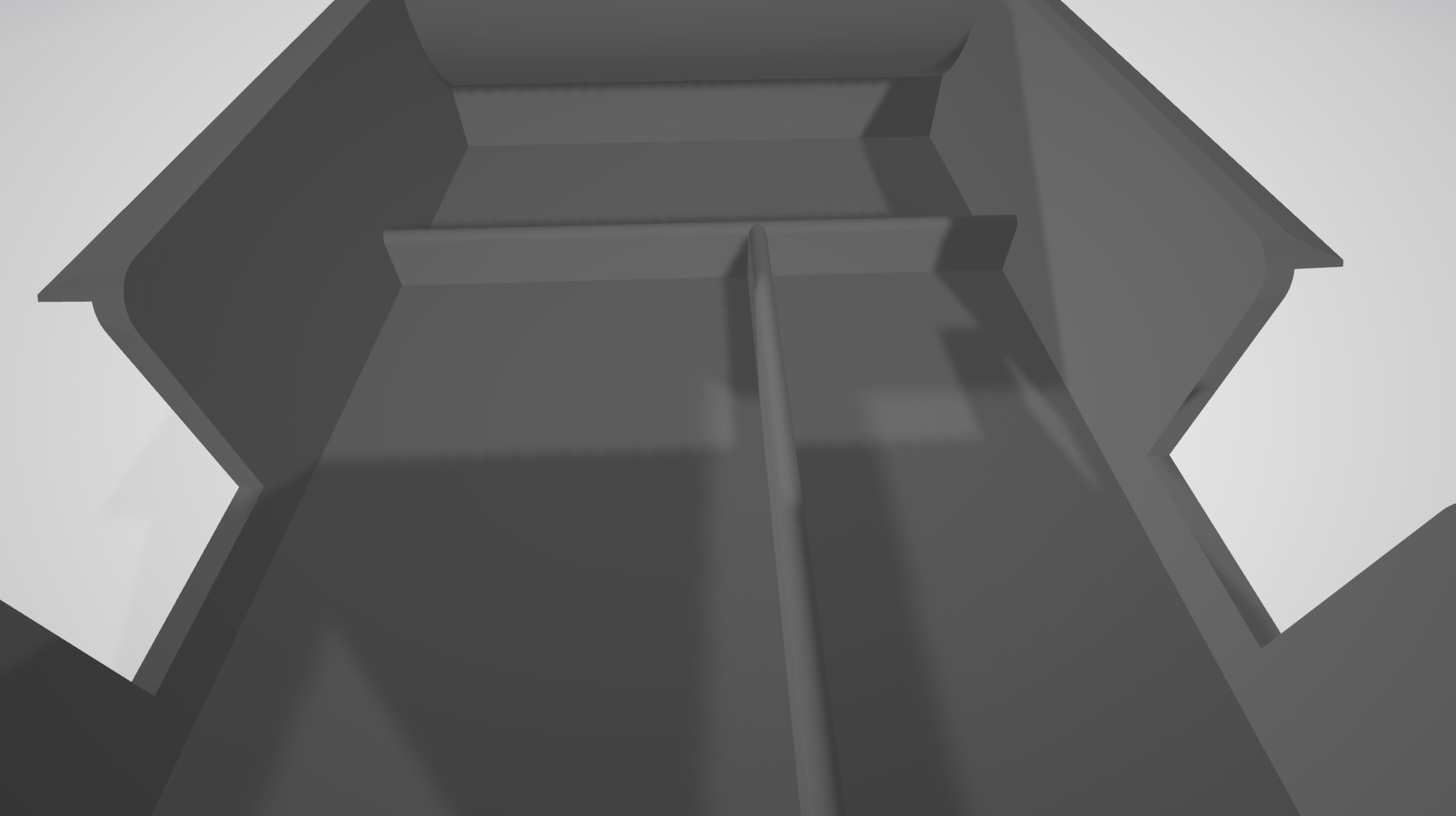
The RAW STL loaded into CP 7.0:
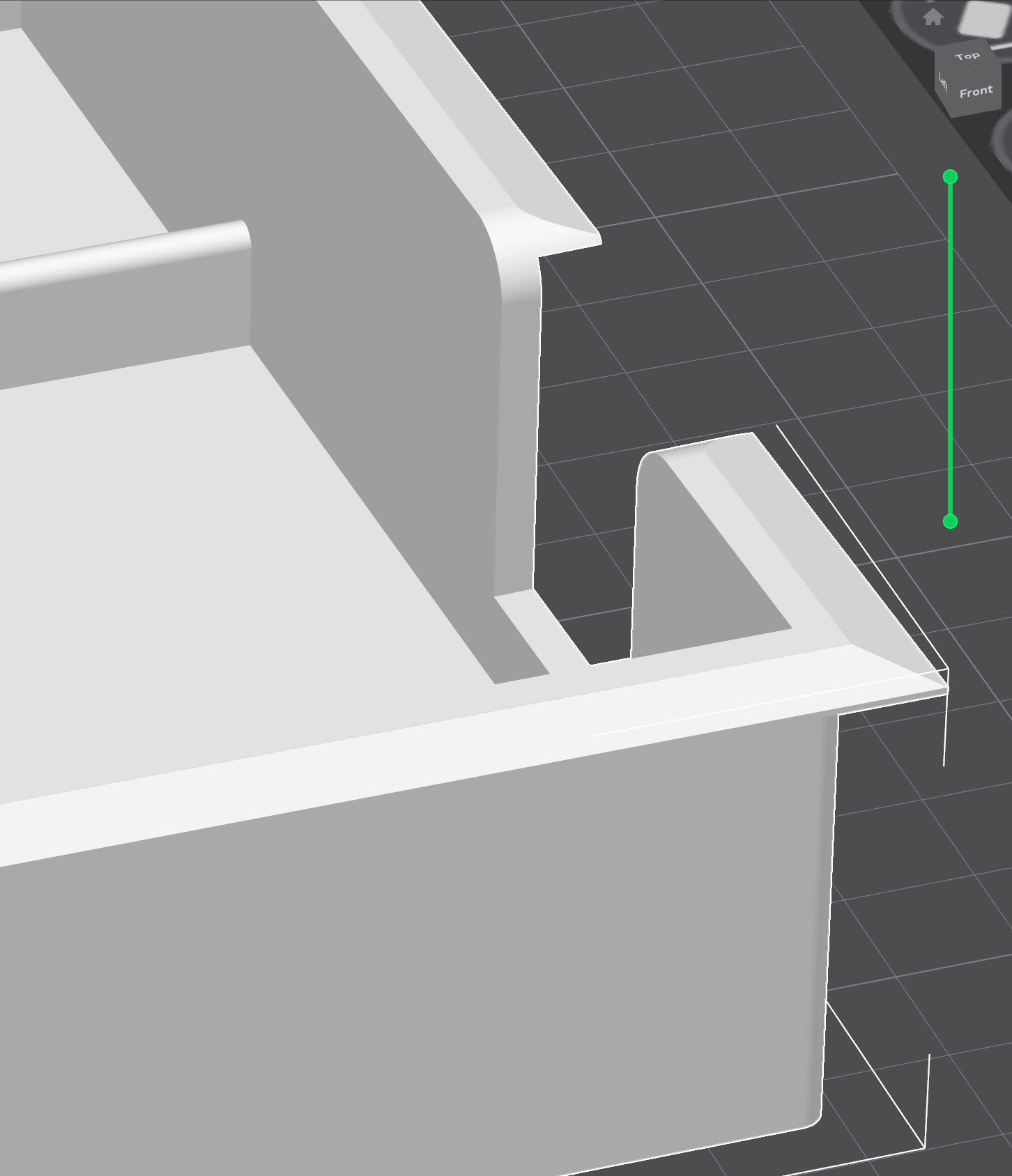
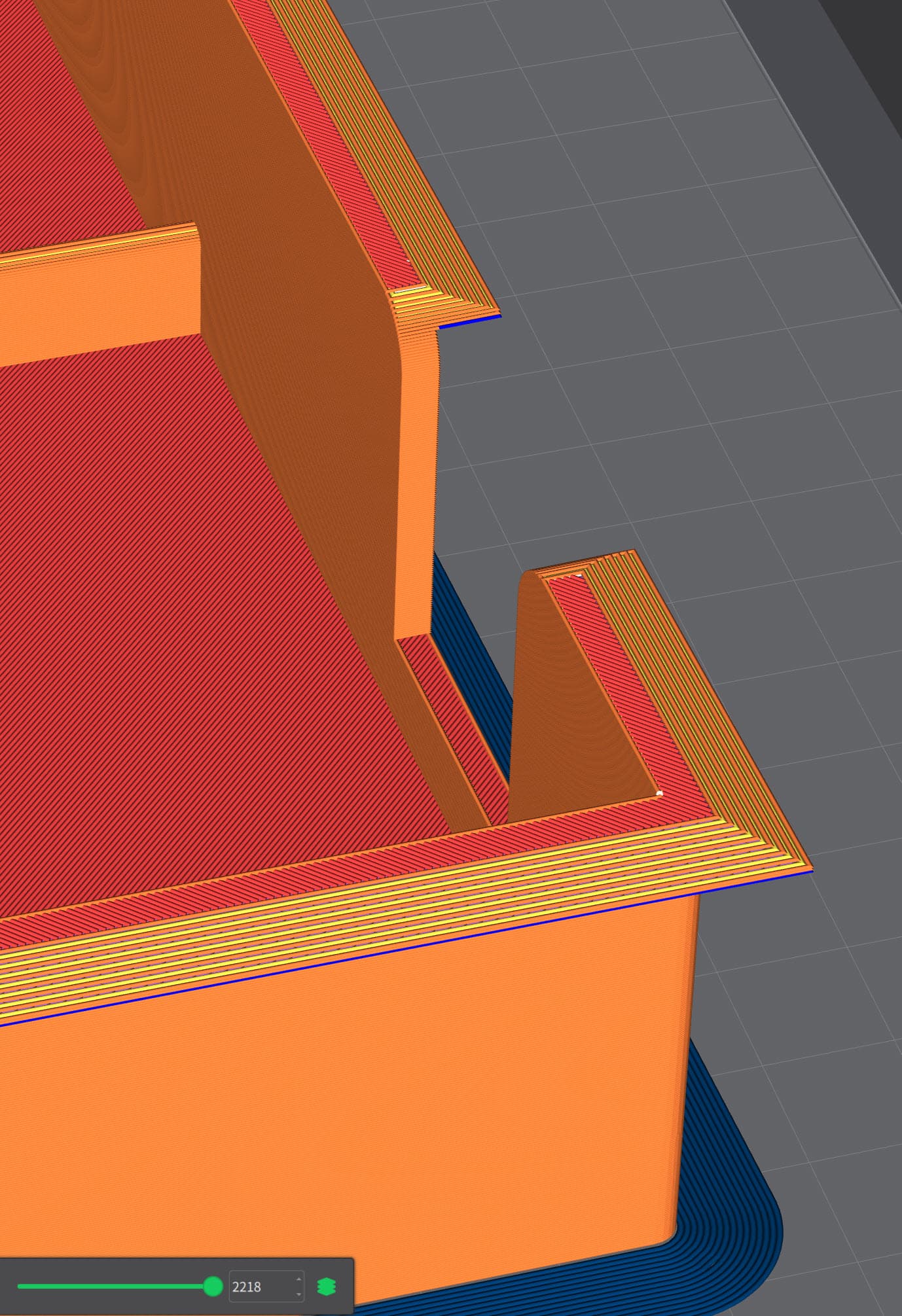
The STL rendered in CP 7.0 (notice the vertical wall is NOT straight and has a step in it?):
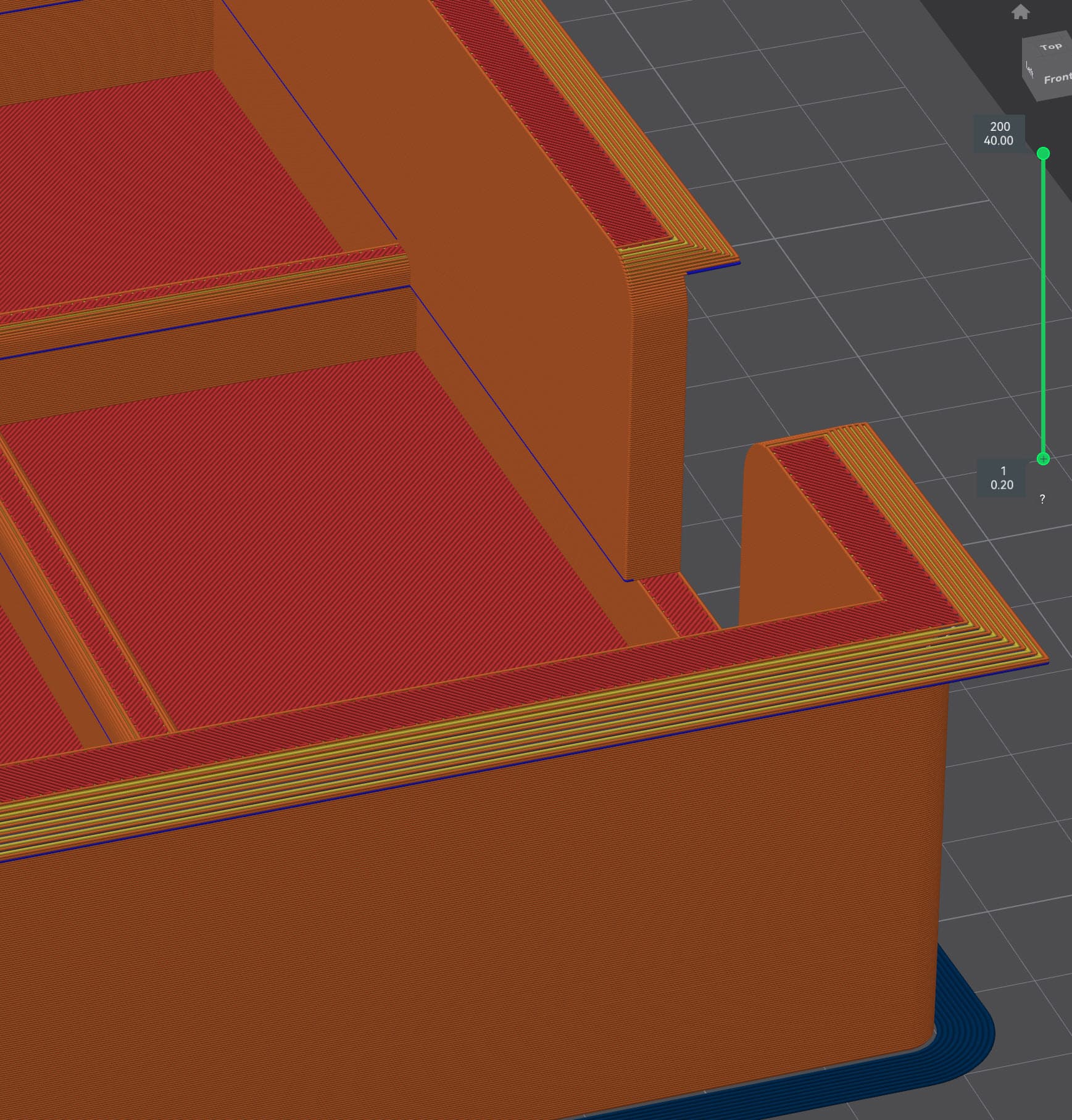
Layer by Layer view showing the step out in the wall:
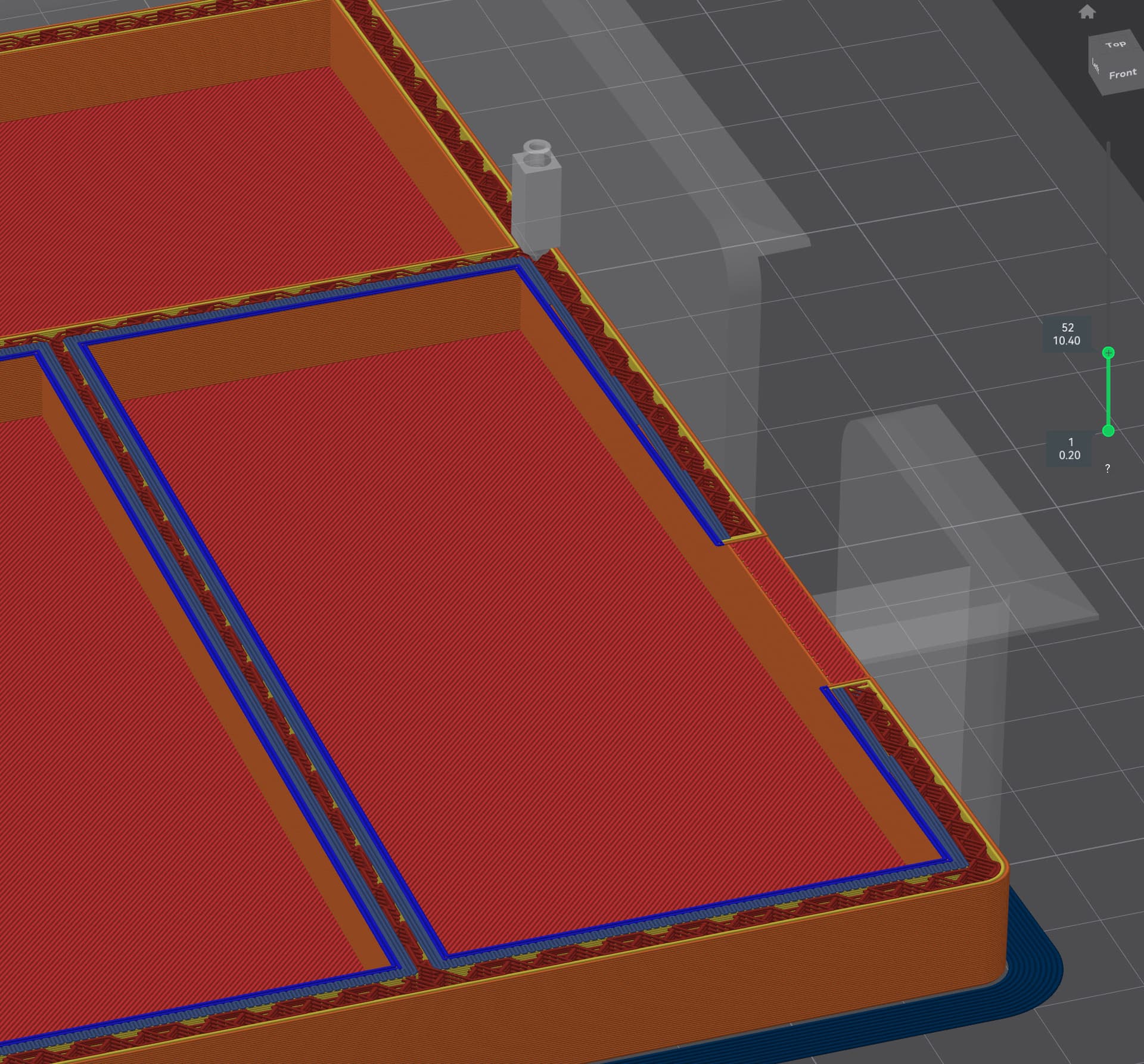
The same sliced file in CP 5.1- looks like it should with no problems in the wall:
 !
!