When I capture the picture my score is 9999.0 There are no hints to tell me what I’m doing wrong so I don’t know how to attempt to fix this.
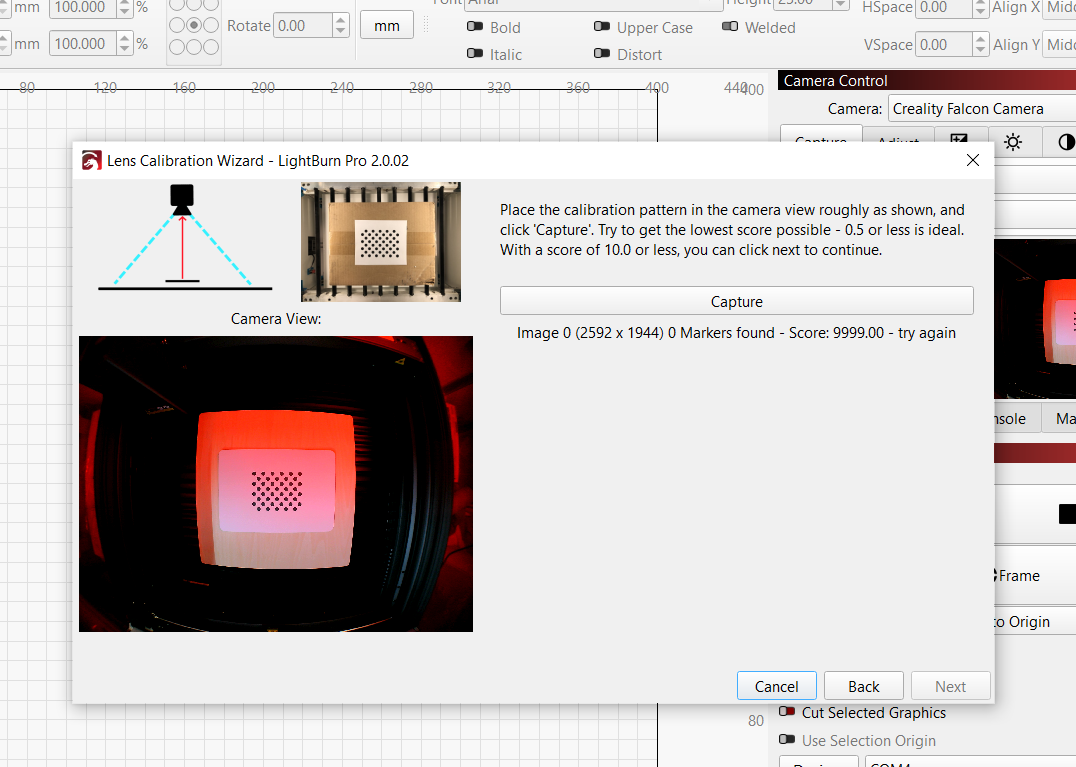
I finally got it to work, although the “alignment” doesn’t seem to work very well, even though it says it did. I’m beginning to see why the only reviews online are by people who were given the machine for free. (I am more than annoyed.)
I have done the camera alignment both in Falcon design space and Lightburn and it never works too well. its always a bit off alignment. I’ve had my A1 for a few months now and I’ve only seen one firmware update. I’m hoping they will make some improvements soon. just hope they are not going to fix all these issues for the new A1 Pro and leave us A1 users with these issues. I’m loving creality items they look very nice. the FalconA1 and the K2 plus that I have I love the metal enclosures they have made for them but I hope that’s not coming at the expense of not actually having decent working hardware.
1 Like
I personally always work from the 0,0 coordinates - never from placement on the surface.
The camera I use (Mintion) is really used as a server, where I can droop files and control my unit - never for placement. I gave up long ago with that as the calibration is never correct.
My laser and honeycom base are held in place on my work surface, so the 0,0 coordinate is always the same. Then, from LightBurn, I always desing based on that. I find it far more accurate this way.
2 Likes
This is what I started doing. Thank you.