It appears that print settings can be modified or fine-tuned for some filaments, so I wondered if that meant that we could print with some filaments not listed in the specs. Looking in particular to print with PMMA.
You can, just slice the files and print via manual spool or select a similar materials type. You may need tune your own profile for the materials though.
The short answer to your question is: Yes, the slicer is designed to allow for definitions of custom filaments.
Here’s how to do this. I am assuming you already know how to calibrate, if not, consult the wiki or you can use this generic Orca Slicer tutorial on YouTube that I found helpful since Creality print 6.0 and later are based on Orca. https://www.youtube.com/watch?v=5CVq6DycUOE
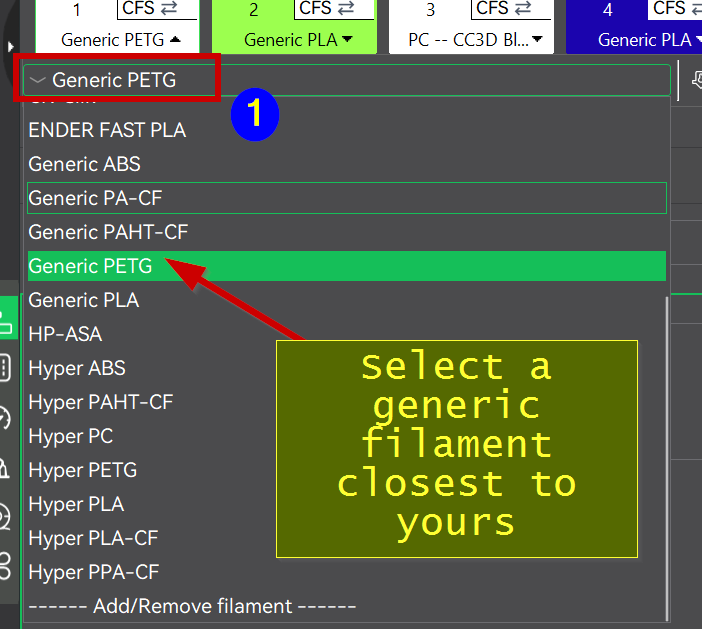
Pick from the filament dropdown a filament profile that has a temp close to the filament your wanting to create a customer profile for. It really is not that important but it will save you typing and parameter changes:
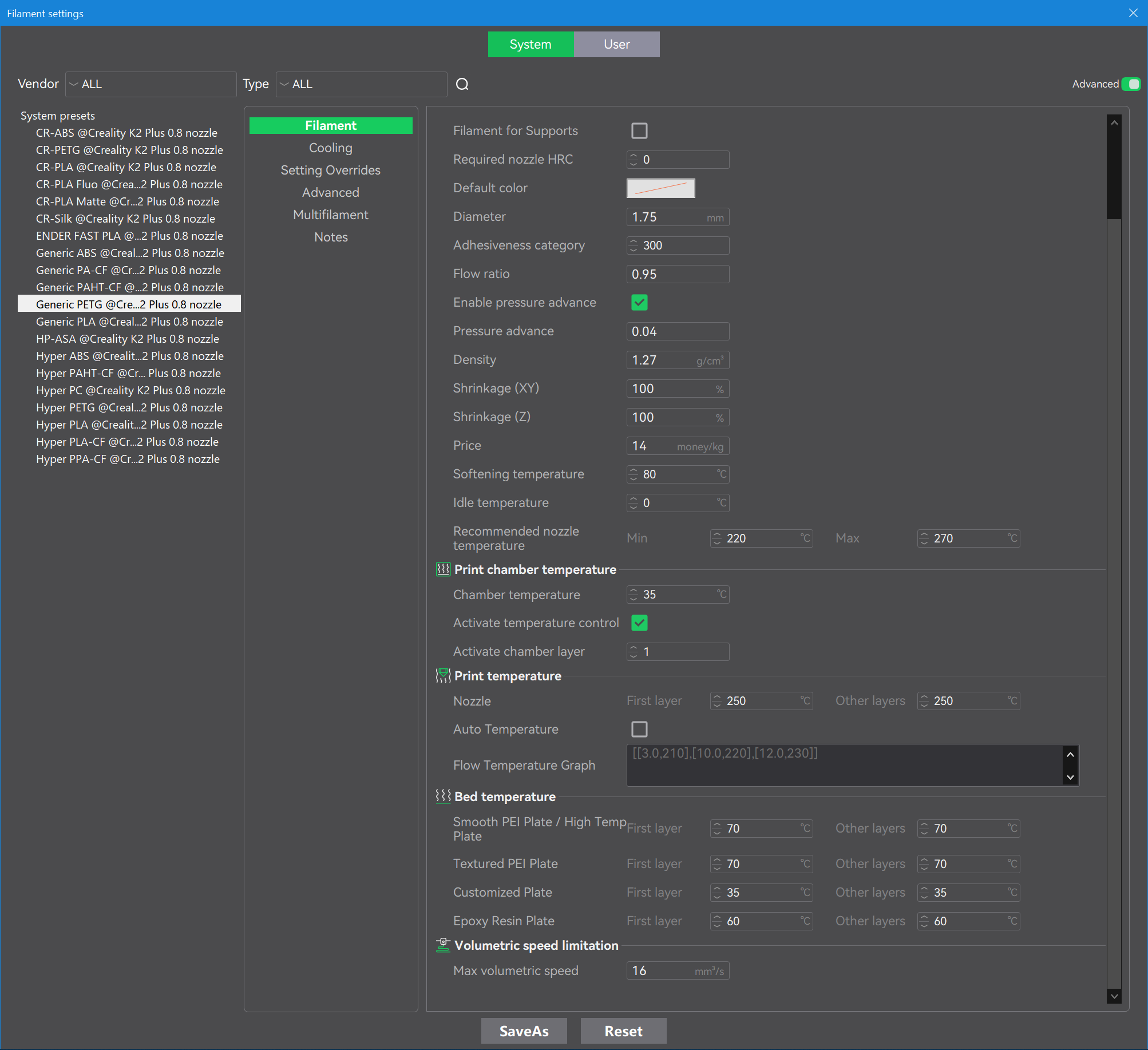
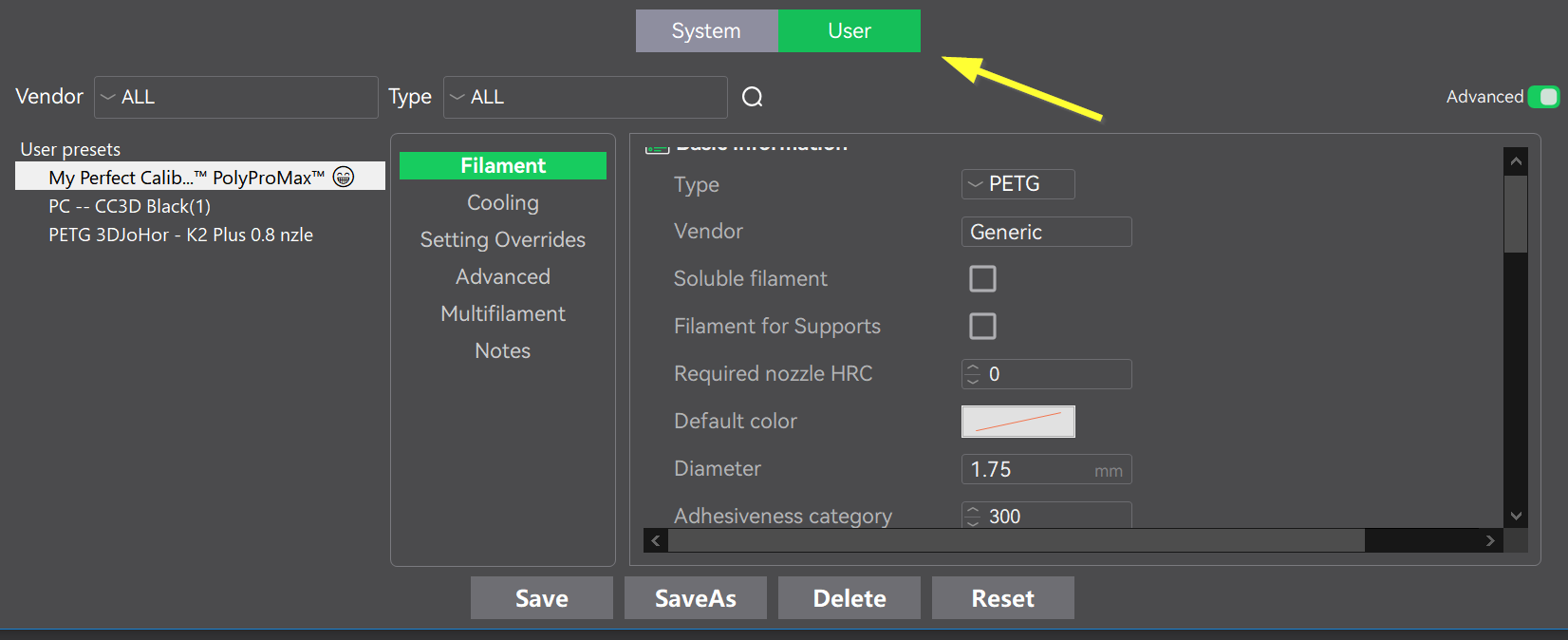
That will open the profile page for that filament. It’s copy protected so you can’t break it. Make your edits based on the results from your calibration:
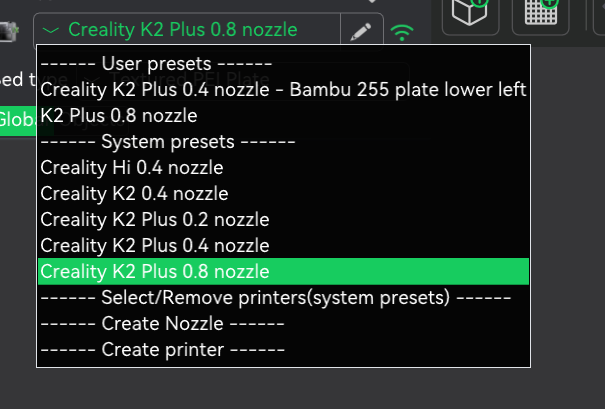
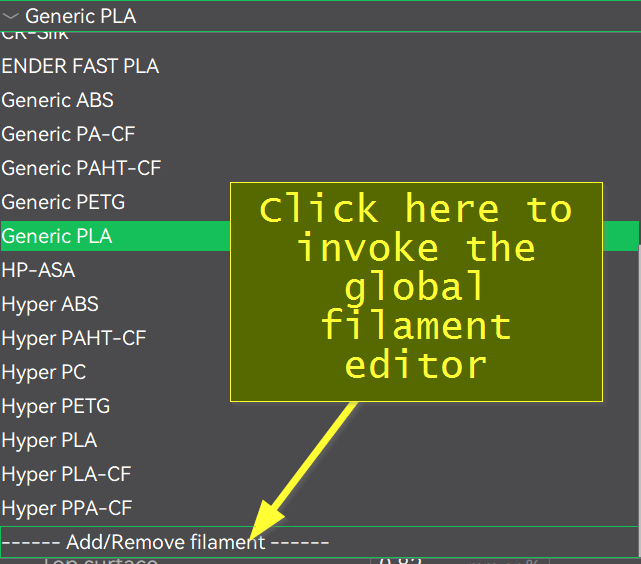
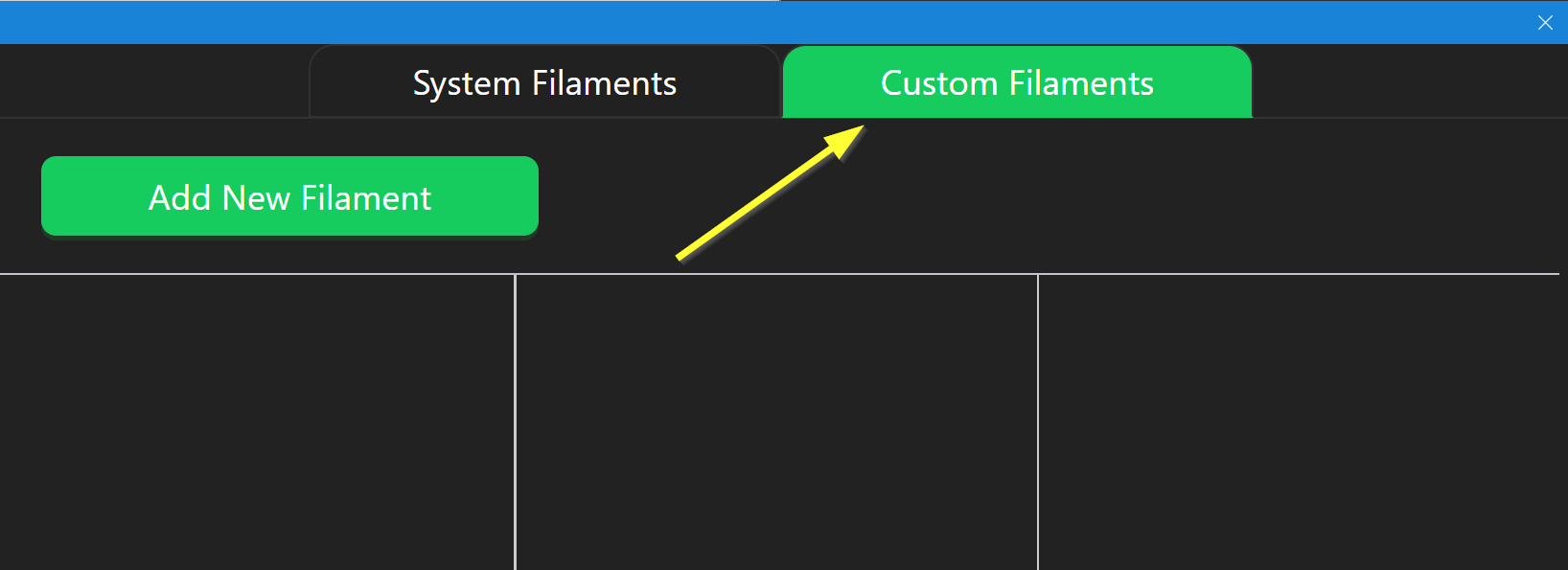
Orca Slicer supports a custom global filament but as of v7.0 that feature is hopelessly broken in Creality Print. It works on the generic Orca Slicer but somehow Creality botched their version or at least I haven’t been able to get it to work. If you can get it to work, the advantage is that the custom profile becomes visible across all printer presets. While this may introduce other problems due to nozzle size and flow differences, I mention it in case you have the time and motivation to test it out for yourself. If you figure it out, please share it here.