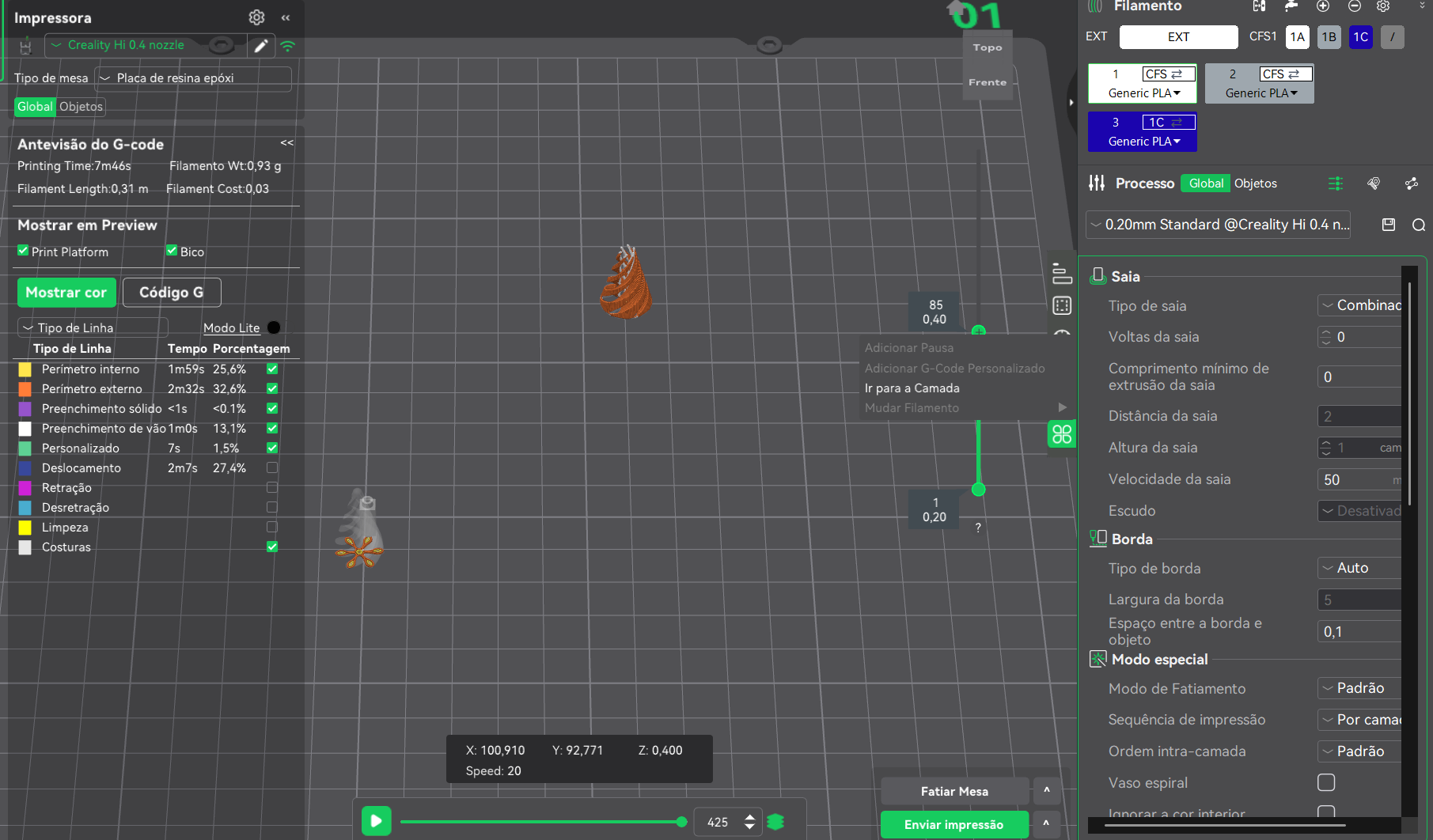
I’m trying to do my first multicolor printing with CFS already installed, but after slicing, the options to change filament (or even add pause) are not enabled. What am I missing?
Hi Amos,
I am NOT an expert or knowledgeable on how to do this correctly but this is what I do.
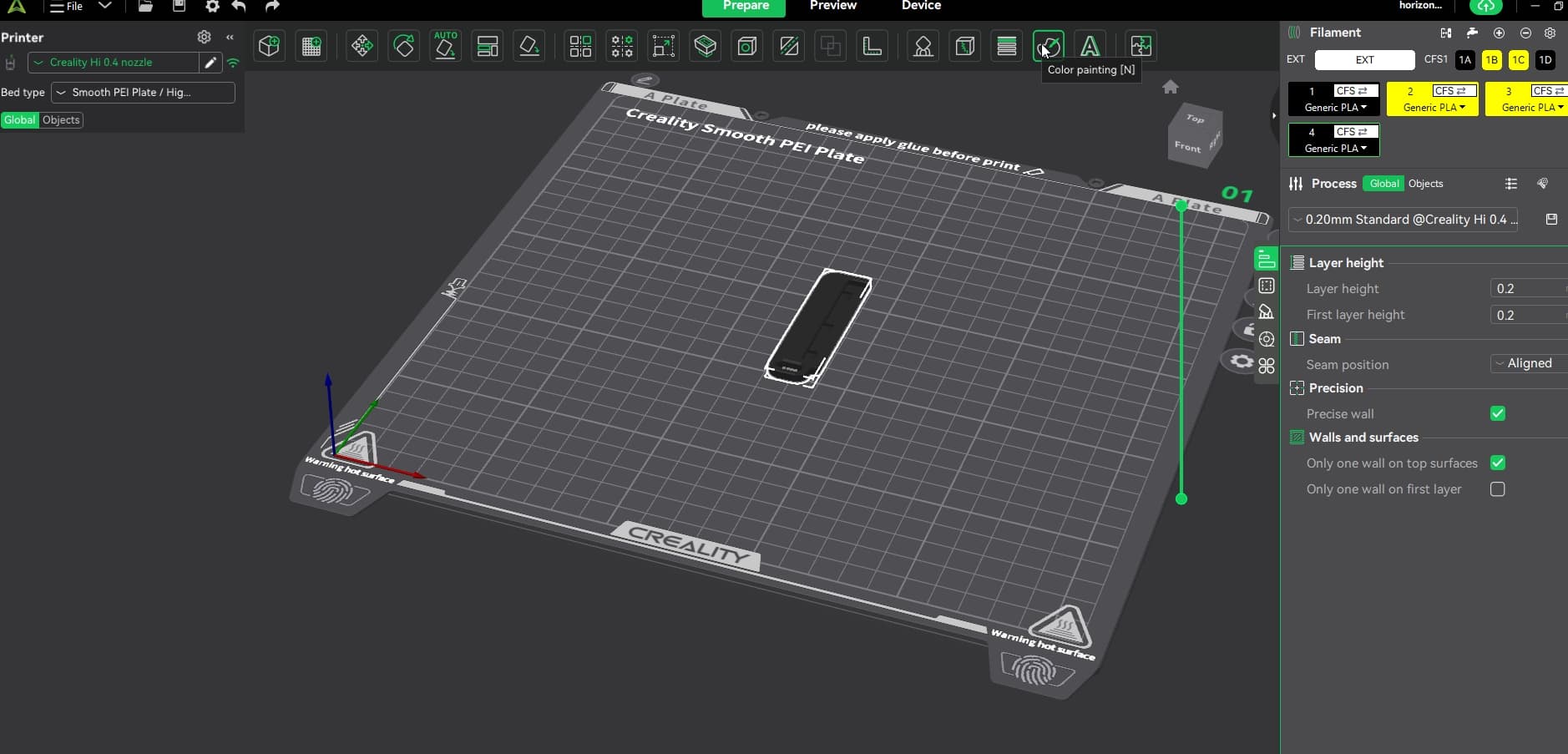
- Once I have my colors and material matching my CFS load I select the object on the bed.
- I select the color painting (N) button
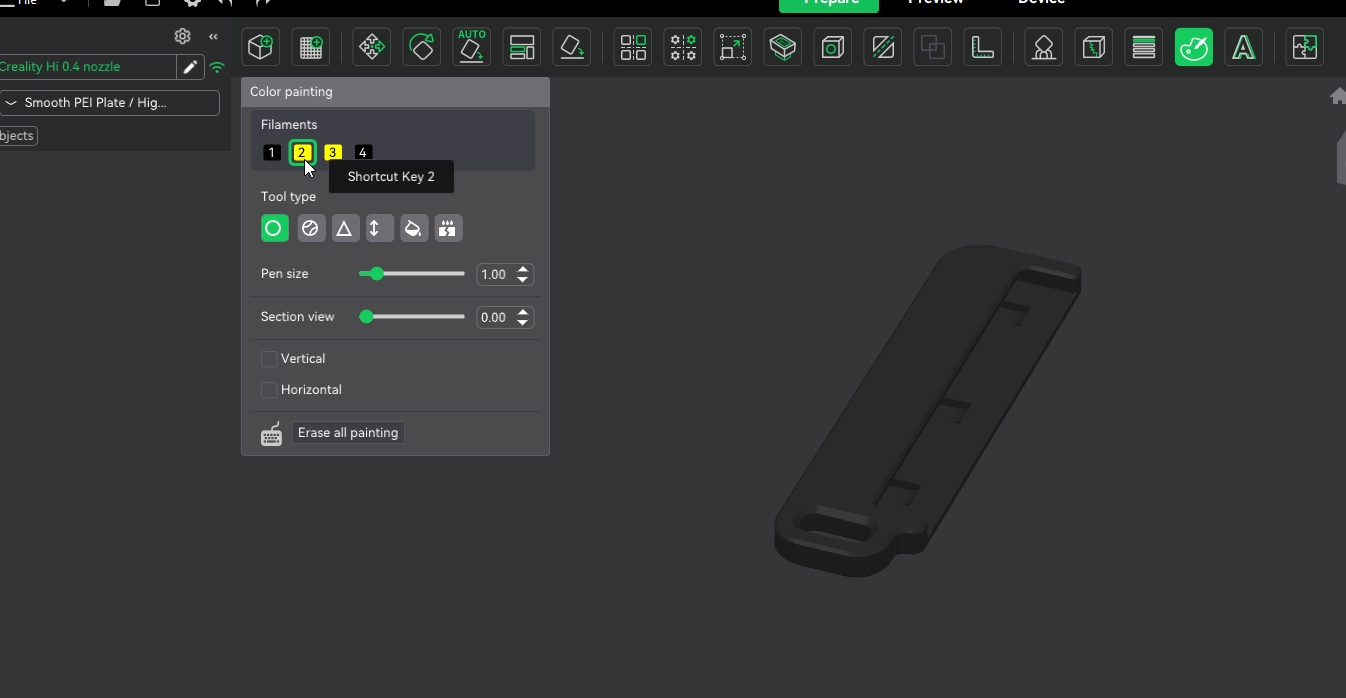
- A panting menu will pop up and then you select the color from the respective CFS slot and I use the fill to quickly paint the surface.
- I slice the object and send it for print and it automatically does the material selection base on the color/CFS slot selected.
I hope this helps, as I was stumped at first as well. To those of you who know better please let me know if I am doing this correctly as I have hade a ton of success doing this this way, but I am not sure if this is right.


1 Like