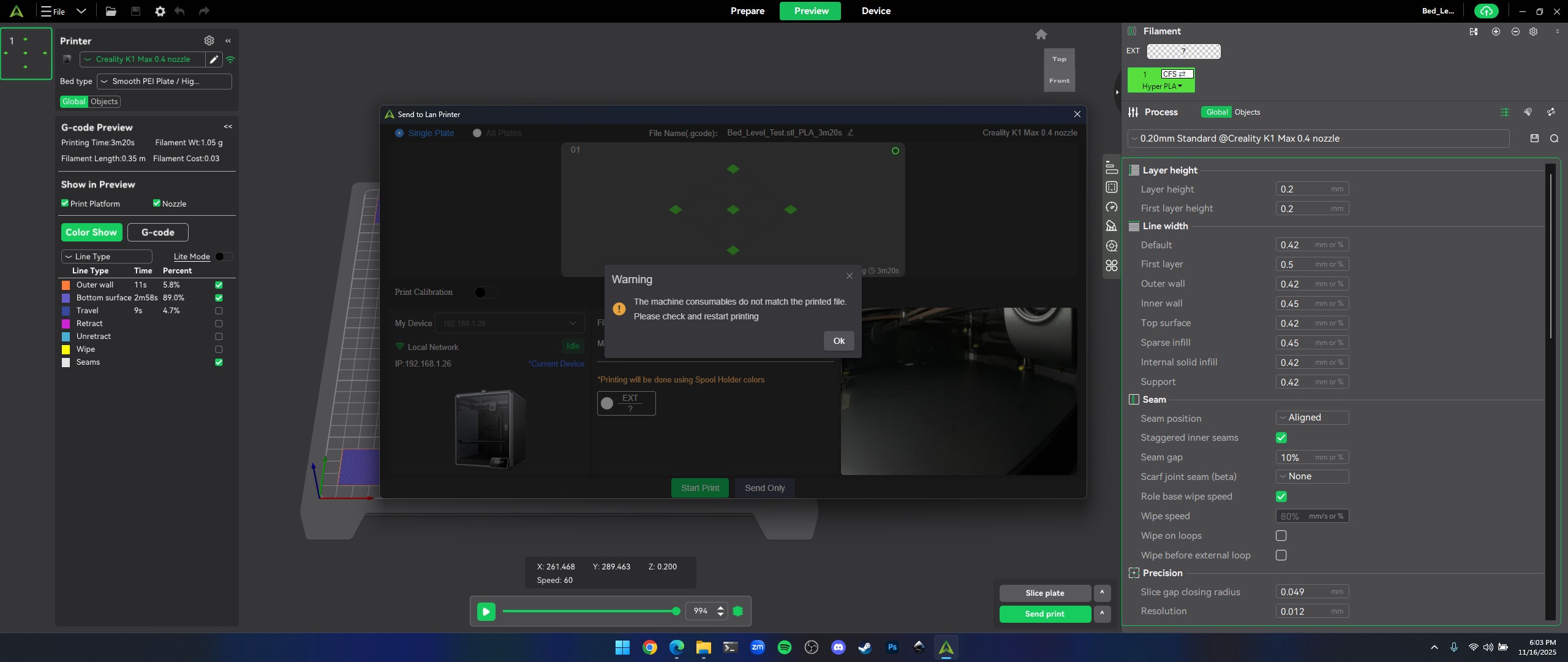
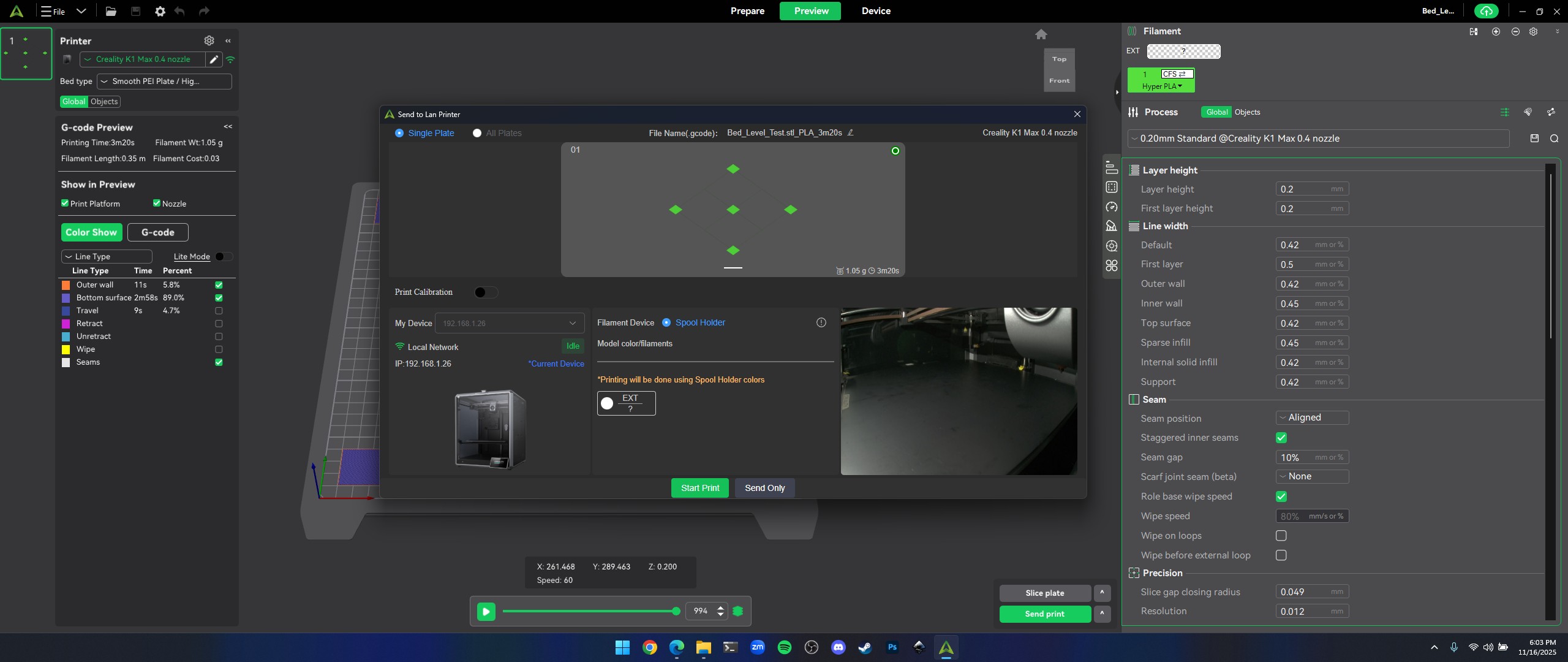
The slicer thinks I have the CFS multicolor but I don’t even own a CFS so why is this happening and my printer is the k1 max
There are already a few thread on this forum about this issue… please check before you start a new thread!
Simple solution: choose for SEND ONLY, after uploading the file you can start the print!
Seems there is another solution, by changing the filament in the DEVICE-tab (haven’t checked this, printer is busy printing)…
Yes Creality ******-up with the latest firmware update (3.5.5.18)… they already blocked this update…
1 Like
Just send your file after slicing to your printer. Activate the print then from the display panel of your printer
.
You can simply solve the problem by doing this:
- Open Creality Print
- Go to DEVICE-tab
- Click on DETAILS-button (on the right side of the screen you will see FILAMENTS)
- Click on the pencil-icon beneath the Spool Holder icon
- Change the settings or at least the color
- Press OK
From now on you can send and directly PRINT again like you did before…
Last month Creality released a firmware-update that should solve the problem with creality print!