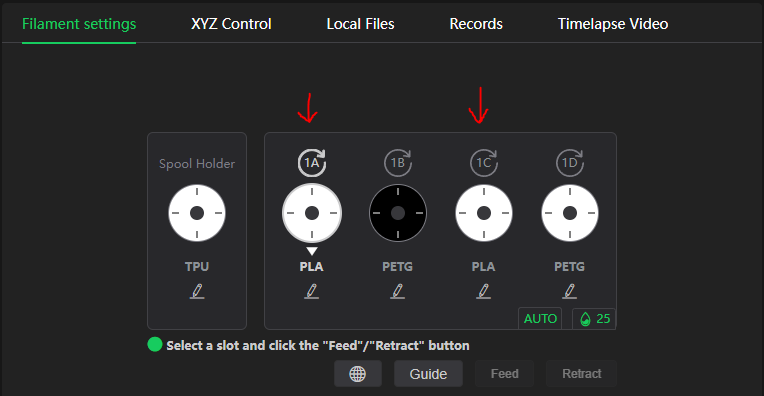
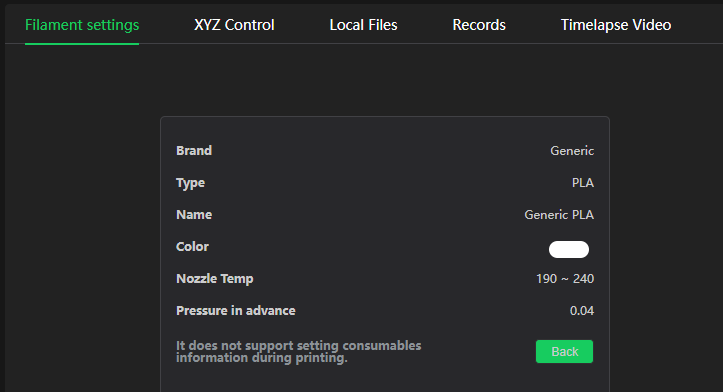
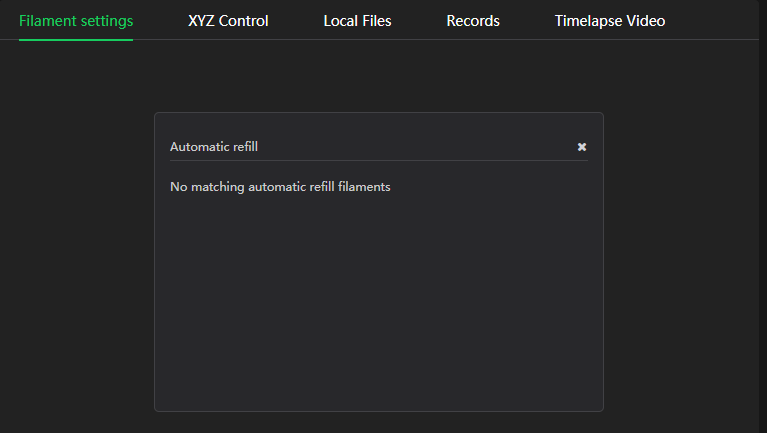
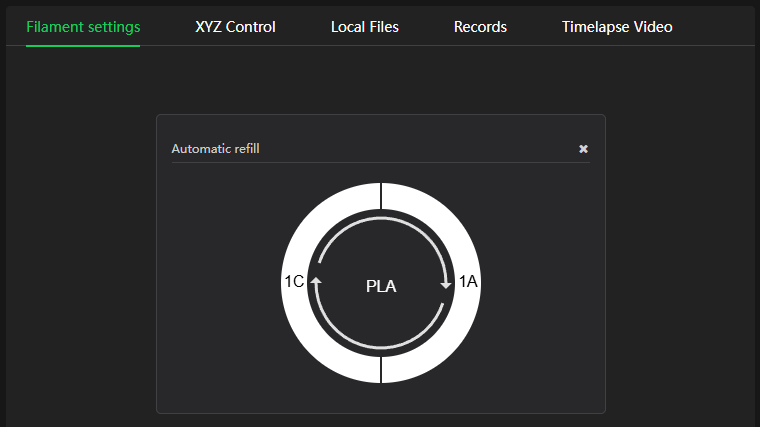
The CFS connected to my K2 Plus isn’t utilizing identical filament spools for Automatic Refill. I’m using Generic spools that I’ve manually setup in the CFS with identical information, yet when I click the “Auto” button I get the message “No matching automatic refill filaments”. You can see in the screenshots below that in slots 1A and 1C I have identical White Generic PLA spools loaded with the same info. Screenshots are taken in Creality Slicer and match what I’m seeing on the printer’s touch screen. When a print exhausts either one of these spools I just get the normal “out of filament, reload new spool” notification (I don’t remember the exact language). What’s going on here?
Everything’s running on the latest versions.
K2 Plus (1.1.4.8)
CFS (1.1.3)
Creality Slicer (7.0.0.4127)