First time 3d printer owner here…
I’ve searched the forums but can’t find confirmation on this - when changing filament in the CFS Mini, am I supposed to manually pull it back through the PTFE tube and then the Mini? The Wiki for the CFS mini says “Enter the Consumable Management interface, select the consumable bin that needs to be replaced, and click “Eject Material”. After the material ejection is completed, manually pull out the old consumable roll from the CFS mini” but there’s no section for filament in the consumables area.
In the filament area, when I unload, it will heat up, then cut the filament and push it about two inches above the extractor, but at that point am I just supposed to pull it in reverse out the tube and the mini? Seems like that could damage whatever gears are inside the mini.
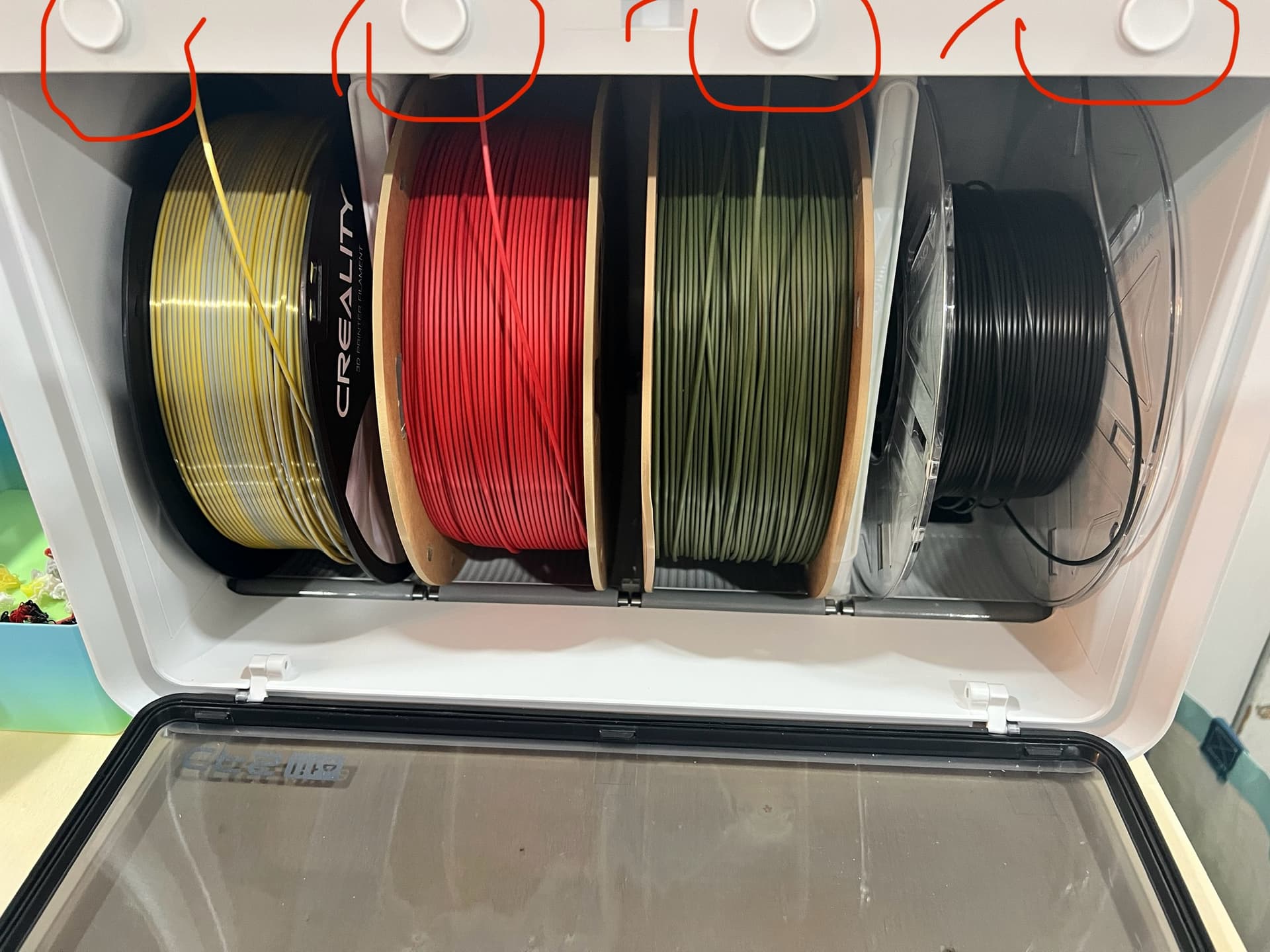
I had to look this up too. After feeding and retracting a bunch of times without it fully unloading the filament from the tubes, I was wicked confused. There is a small circular “button” above the filament inside the cfs lite (open the door and you will see the small circle button above each slot) that when held down will loosen the grip on the filament so that you can pull it out manually. I’m pretty sure this is the only way to get it out without yanking the filament from the grip of the cfs. I usually roll the filament back onto the spool as i pull it out. Makes it easier to grab the end so it doesn’t unravel.
2 Likes
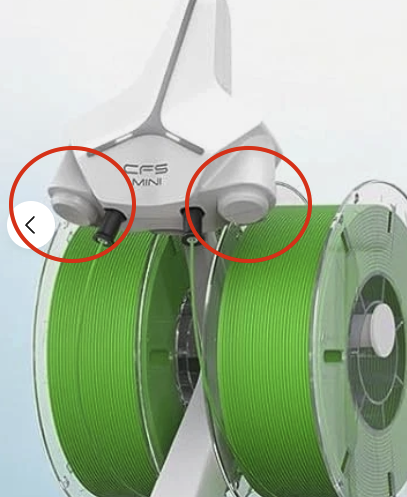
this is for the CFS Mini that comes with the Autofill package that support two filament spools of the same color. When you feed it into the mini, it seems to have a gear that will start to feed it through the PTFE tube so I am hesitant to simply pull it backwards through that gear and haven’t seen a button on the unit like you describe, but will need to look again when I get home, maybe I am just missing it.
Oh sorry about that. I didn’t realize they sold it with different cfs options. Hope you find what you are looking for.
just gave it a better look, it has two things that appeared they might have been buttons but they aren’t, they are just part of the molded plastic. I opened a chat with Creality and everything they told me was already tried or disproved so they said they would need to have an engineer email me with the correct procedure.
Finally heard back from Creality support:
Based on your feedback, this is normal. The MINI’s reel doesn’t have a motor drive, so it won’t automatically rewind the filament. Therefore, you need to simply pull the cable back along the tubing in the reverse direction and remove it from the CFS Mini.