Greetings!
I have an older K1 Max and installed the CFS-C successfully and had it running well for a while. I’m not sure when this started to happen but I’m no finding that whenever I start a new print with a single color, before the printing starts it pulls the filament from slot C even though I’m printing with filament from slot A (for example) that is already in the extruder. This is causing my print time to take much longer as it goes through loading and loading slot C multiple times before finally loading filament in slot A and starting the print. This process takes almost 10 minutes before any printing happens.
I tried the following:
- Disabling: detection at start up, detection on insertion, automatic feeding system, and ignore color automatic material refill.
- Removed all the filament rolls (they are all creality RFID hyper PLA) and re recognize the rolls.
- Remove the filament in slot C and try to print only from slot A - received message that missing filament in slot C and to load.
- Asked Claude to look at my GCODE and it confirmed that there is no filament change code at the beginning of the file.
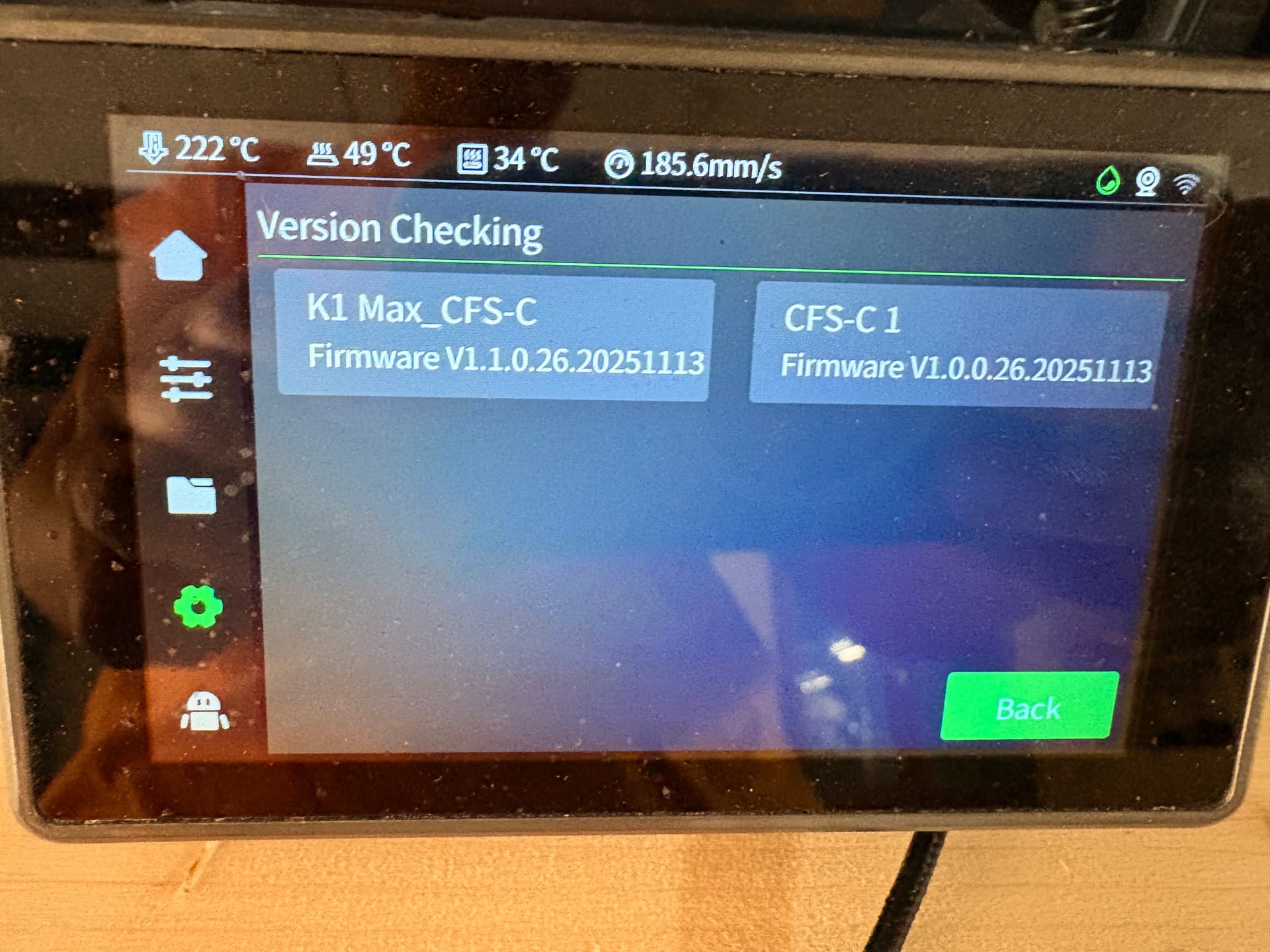
Here are my printer and CFS firmware versions. I am aware that they might be slightly behind but I’m hesitant to upgrade and break something else if it won’t resolve my problem.
Printer: V1.1.0.26.20251113
CFS-C 1: V1.0.0.26.20251113
Thank you for any help of insight!