Took the laser for my Falcon2 Pro 40W apart tonight to clean it. An acid brush knocked off the majority from the heat sink. Both sides of the fins on the fan needed to be cleaned with 99% IPA with qtips. Windex worked well to clean the shell this installs into.
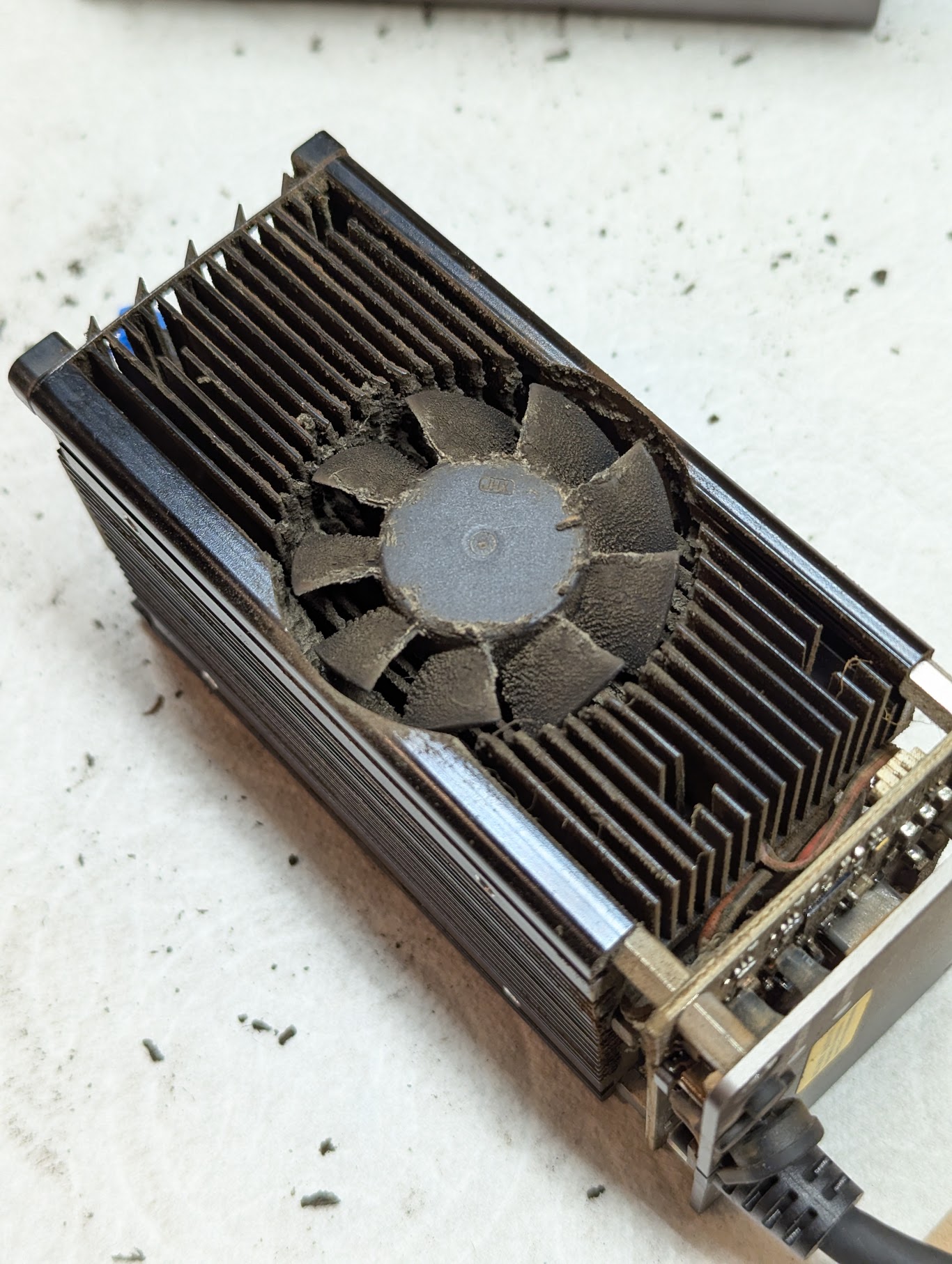
It is Creality’s weakness that they don’t tell their customer’s about proper maintenance for their laser machines or tell you incorrect cleaning cycles and they just expect you to know or have owned engravers before and would rather provide you with spare lenses you don’t really need, but they know you will
If you’re cutting anything that produces visible fumes (wood etc)
-
Clean the laser head unit lens at the end of each day of use with a microfibre cloth and IPA or preferably those medical grade IPA wipes, little swirling motion on the lens (this takes 60 seconds and will prolong the life of your laser by years - y-e-a-r-s.)
-
Full teardown/clean weekly, fans, fins & enclosure, if you have a camera and moan about it being bad and it’s in an enclosure, at this point you want to clean it too
Anything else
-
Clean the laser head unit lens at the end of each week of use with a microfibre cloth and IPA or preferably those medical grade IPA wipes, little swirling motion on the lens (this takes 60 seconds and will prolong the life of your laser by years - y-e-a-r-s.) or when the shroud/nozzle is visibly dirty, if that is dirty, your lens is.
-
monthly full teardown (eveeeerything)
Laser engravers are dirty, especially enclosed ones, they need cleaning! Or they die! Quickly!
I get the caution but this schedule is overkill for lighter use such as mine. I will clean it when I see visible debris building up. 