Hi All,
Got a 3D Printer for Christmas and it hasn’t stopped working since I got it!!
I guess what they say about teaching an old dog new tricks doesn’t apply to me lol!!
Love the whole new world this has opened up for me and making things I could only dream of, so enjoying my journey.
I have an Ender 3v3SE which is great and already done a few upgrades but also looking at getting a multicolour Printer to have the capability to print just the ne time with different colours in the mix.
Always looking for advice and guidance so please pipe up.
Spud
Great to have you as part of the community! Every one of us started somewhere and learned a lot along the way. You’ve chosen an amazing hobby that will most certainly give you many years of enjoyment… and of course, every now and then, a few headaches
Those headaches often end up being the gateway to diving down a few rabbit holes while troubleshooting something that isn’t working quite right or isn’t fully optimized. What initially feels frustrating usually turns out to be one of the best ways to learn.
Also know that we’re always here if you ever get stuck. This community has amazing admins, like @Optimus , and is filled with kind and knowledgeable members who are more than happy to help based on their own experiences with whatever you might encounter. There’s absolutely no judgment here. In 3D printing there really is no such thing as a silly question, because every single one of us started out knowing absolutely nothing.
So please feel comfortable asking anything. One or more of us will always drop by to help as best we can.
@Alawhie
Thank you so much for those warm and kind message I actually do have a question. I have just done the upgrade on my ender 3SE with the ceramic heating block kit and reality print recognises it as a K2 printer which obviously it is not any suggestions??
@SASSpud Creality print seems to be identifying the printer incorrectly at present. So removing and re-adding it may allow CP to identify the printer correctly
If it doesn’t work, let me know so that we can look at other options
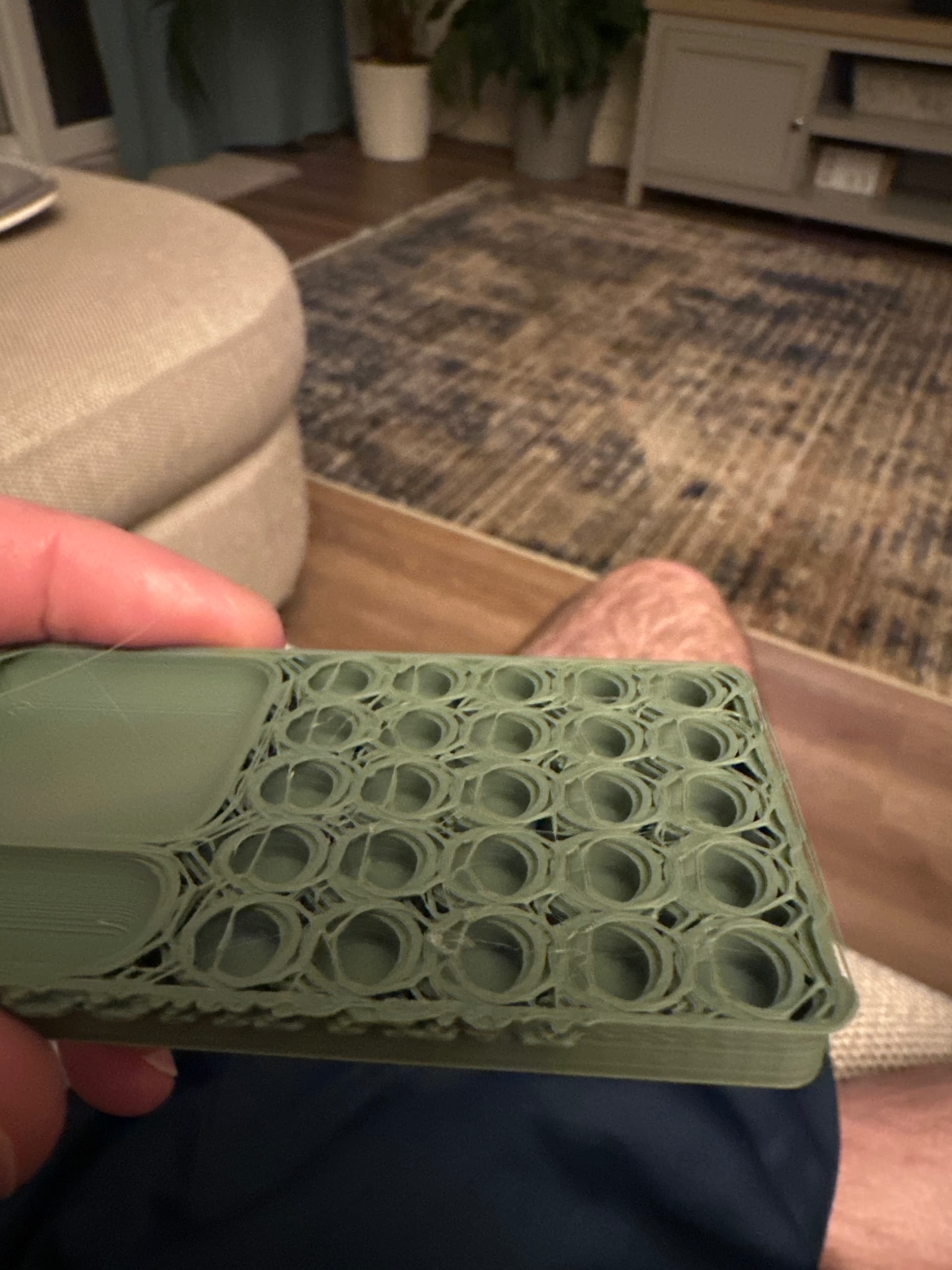
@SASSpud looks like you’re having some layer shift issues here. In the case of the V3 SE, you’d want to look at belt tension if the issue is isolated. But let’s not go there yet. I think instead, let’s get this baby calibrated from scratch (Considering that CP recognised it incorrectly in the first place).
A. Let’s start by removing and re-adding the printer in Creality Print. Check that it’s being detected correctly this time around. Then ensure that Z-Offset is correct:
B. Run automatic calibration/bed level.
C. Follow this sequence in the slicer to ensure that we’ve calibrated correctly for the filament type that you are using:
Temperature Calibration
Max Volumetric Flow
Flow rate/ratio (Pass 1, Pass 2)
Pressure Advance (Pattern)
Retraction
I personally use Orca most of the time, but all of the above should be exactly the same in Creality Print because it’s basically an Orca fork .
Check out the BuildPlate Brain channel for short calibration tuts:
Let me know if you get stuck anywhere or if any issues arise while you are doing the above, then we can troubleshoot accordingly. If all goes as planned, run a test print and let us know how it turned out
@SASSpud it’s no problem at all We’re always happy to assist here. We are all still learning daily in this hobby, irrespective of how long we’ve already been doing it. It’s a continual process of learning and I think that’s one of the things that makes this one of the absolute best endeavours/pastimes.
Morning @Alawhie I removed and re-added back to CP and recalibrated the machine (have a Nebula pad on this) and had the same issue but then re printed at 50% speed and both prints came out fine so tried another print and started to get that shift again at at standard speed (100%) do you think it’s a tension issue ??
@SASSpud , you’re absolutely correct. Belt tension could be the issue here. But before we do belt tension, check that the firmware is up to date as well.
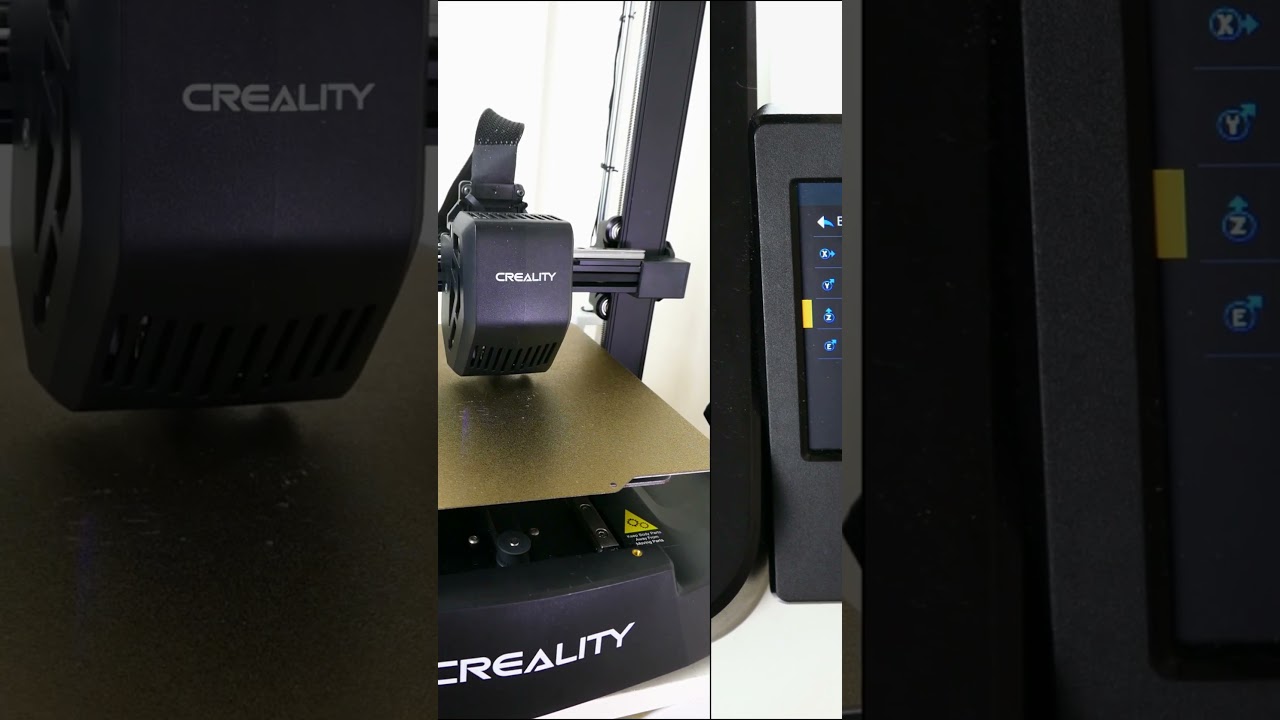
Here’s a video for that:
And then after we will check belt tension and adjust if necessary:
Run a test print and let me know if we’re good or if we’ll have to look into this a little more
Totally new to this, just got my first printer, Ender 3 v2 SE….. set up was a breeze, looking forward to learning how to get the most out of my new printer….