@SASSpud looks like you’re having some layer shift issues here. In the case of the V3 SE, you’d want to look at belt tension if the issue is isolated. But let’s not go there yet. I think instead, let’s get this baby calibrated from scratch (Considering that CP recognised it incorrectly in the first place).
A. Let’s start by removing and re-adding the printer in Creality Print. Check that it’s being detected correctly this time around. Then ensure that Z-Offset is correct:
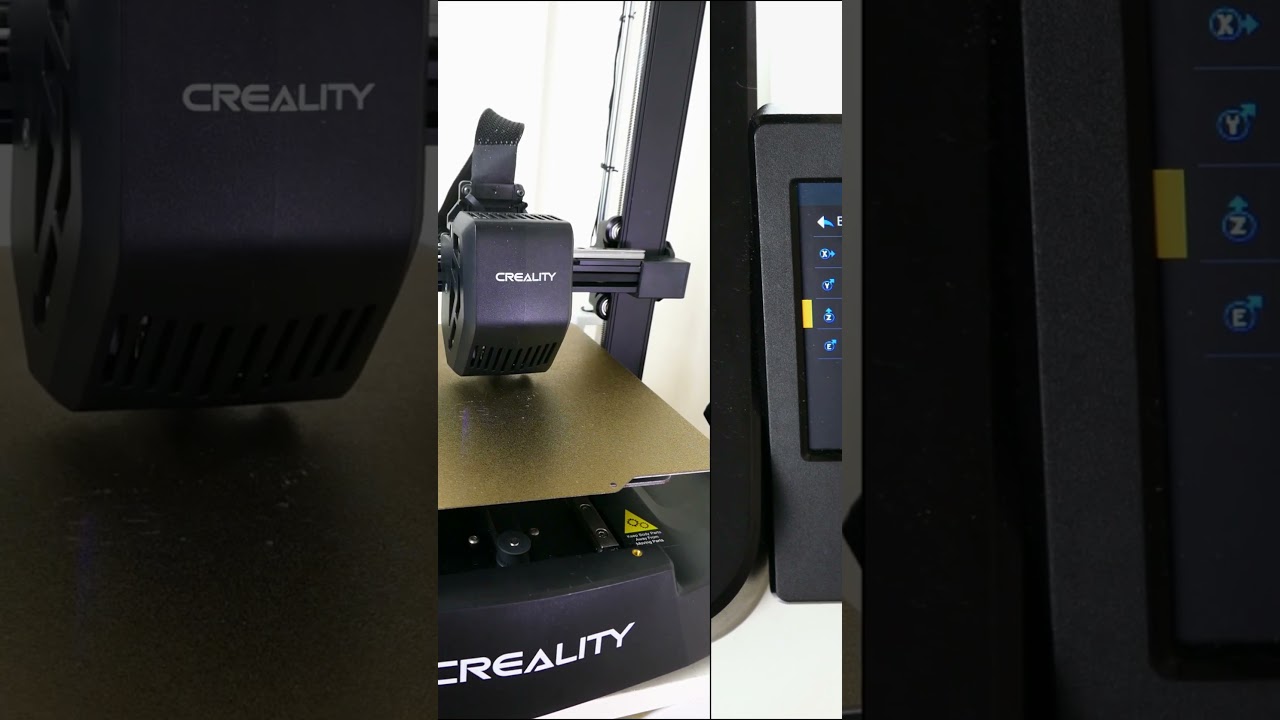
B. Run automatic calibration/bed level.
C. Follow this sequence in the slicer to ensure that we’ve calibrated correctly for the filament type that you are using:
- Temperature Calibration
- Max Volumetric Flow
- Flow rate/ratio (Pass 1, Pass 2)
- Pressure Advance (Pattern)
- Retraction
I personally use Orca most of the time, but all of the above should be exactly the same in Creality Print because it’s basically an Orca fork  .
.
Check out the BuildPlate Brain channel for short calibration tuts:
Let me know if you get stuck anywhere or if any issues arise while you are doing the above, then we can troubleshoot accordingly. If all goes as planned, run a test print and let us know how it turned out 