I have been working with Creality for the last few weeks on at first intermittent, but now constant 2355 errors. The first symptom was a BM0111 error about abnormal connectivity with the nozzle. Jiggling the hotend wiring seemed to get that to go away for over a week, then it happened again. Traded emails with support, the sent out a new hotend motherboard. However, the issue again went away (without replacing the board) and I was able to print without incident until I wasn’t again. This time with intermittent 2355 errors. I can turn on the machine and do a calibration and it goes black with a 2355 error mid calibration. I’ll reboot, make it through calibration, try printing. Just as it finishes laying down the test strip, black, error 2355. Keep getting 2355. So I replace the hotend motherboard now. Still the same issues. Get on with Creality support via WhatsApp, they send me a new hotend, hotend motherboard, and drag chain wire. I replace each one at a time, none of them fix the issue. I can’t print. Or at least consistently. I have printed 1 benchy and 2 calibration cubes in the last 2 weeks. I plan get get on WhatsApp tonight, but thought I’d post here in hopes of someone giving me another avenue to try. I have taken apart the toolhead to get to the motherboard a few times to make sure the connections are solid. I’ve tried to make sure all the screws are tight. Not sure what else to do.
I should add I have downgraded and upgraded the firmware. I am currently on the latest V1.2.10.
Spoke with support tonight. They asked for my logs. So have to wait a few days for them.
Just in case anyone runs across this and doesn’t see the Reddit post I made about it. I solved my issues by replacing the drag chain wire. I hadn’t actually replaced it. I didn’t know how, but after posting I thought I’d give it a try because I had nothing else to lose, and tore it all apart. It fixed my issue. And as I was buttoning everything up after all my tests, Uncle Jessy posted he had similar issues and fixed it with a new cable. Hopefully they offer the part on the website soon. Also hope they redesign it because the 2 90 degree bends it has to make now make me very worried this will happen again.
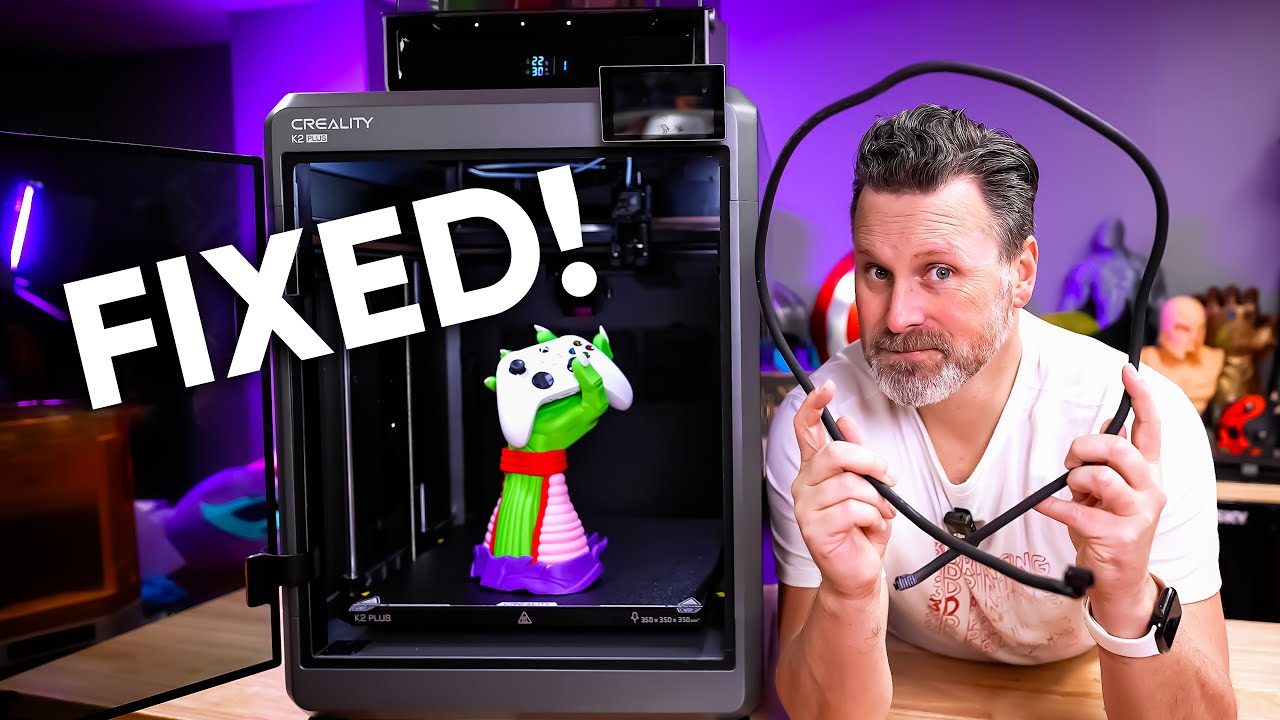
I checked my Klippy log and found that the end of the log, the timestamps had reverted to a default 2019-12-31 date. I tracked the log back and found at the point the date changes, is an entry about too many hotend board check-ins missed and bad connectivity. Everything else after this is basically the printer crashing. After watching Uncle Jesse’s video clueing me into that cable, I ran connectivity tests on each wire and found the middle two were swapped. Also one of the middle wires I could get my probe in pretty far, far more than the others. I bought mine through MatterHackers so I am working with their support and they are requesting a Cable Chain Cable from Creality. Fingers Crossed!
I’ve been back and forth with Creality for a month now, at this point they have sent me every part in the print head to replace (most of which I had already replaced with parts from the spares or parts that I bought on my own). I’ve been telling them for at least 2 weeks its got to be something outside the head, cable, mobo, but they keep asking me to try this, or try that, and a 24-36hr turn around on a reply to my “yep - it still doesn’t work” is murdering my reasonableness. I just got the 2355 error, but also have been getting TR2852, 2561, BM0111, XS2353 - so I think I will try the chain cable. If I can find this post afterwards, I will post if this solved my issue.
I hope it works out. I was chasing ghosts too for a while with different part swaps. On the plus side, I got really good at servicing my printer.
So what if its not the cable? I have three that I’m fighting with often and two of them 100% not working now. I changed out the cable at first no luck, then the hot end PBC & I still get the errors. All three print the prime line, and just start the prime tower then the shuts down. At times get a mix of TR2852, BM0111, XS2353 too which in the past all leads to the cable.
I was having similar problems. I ordered a new hotend and decided to tear down the old one to see what is in it. I discovered a few design flaws that are easy to fix, if you don’t mind rebuilding what should have been a good new part.
-
The Thermal grease used between the ceramic heater and the hot end threaded part is the same crappy stuff they give away with their print nozzles. It is not made for Printer temperatures. It dries up pretty and looses effectiveness quickly. I replaced it with GD900 (Really great Thermal grease).
2) Do not heat shrink together 2 wires with asbestosis insulation! the two wires going to the heat sensor are heat shrinked together for labeling purposes. BAD IDEA. Those two wires need a little separation.I put the hot end back together and it has worked flawlessly ever since. Now I have a spare hot end.
With that said… now that I dont’ get the hot end errors, I get other communication errors. I’m going for the drag cable. I’m out of warranty. Where can you get one?
… a little later. found one. They must fail a lot. I found several sources, but they were sold out. Finally found a place with 2 left and I got one of them.
Most white thermal grease has an upper temp limit of around 200°C, as does the GD900: GD GD-900 | igor´sLAB This stuff dries out eventually and needs re-worked.
For this reason I’ve used boron nitride “paste”, although that is more challenging to install and dry slowly to prevent voids: Boron Nitride Paste | Optimize Heat Transfer | Slice Engineering 850°C. One hassle to install, but haven’t had to mess with it since.