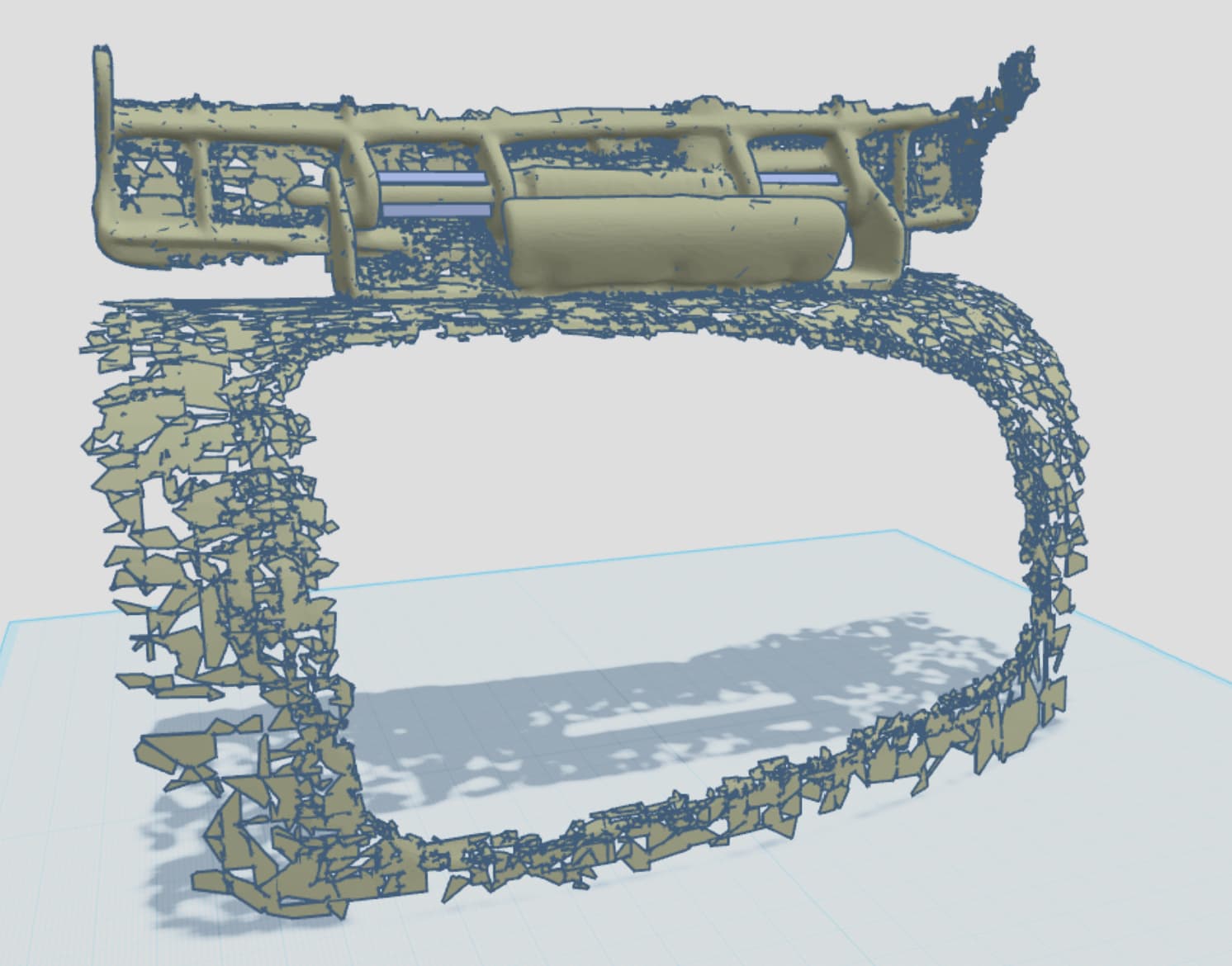
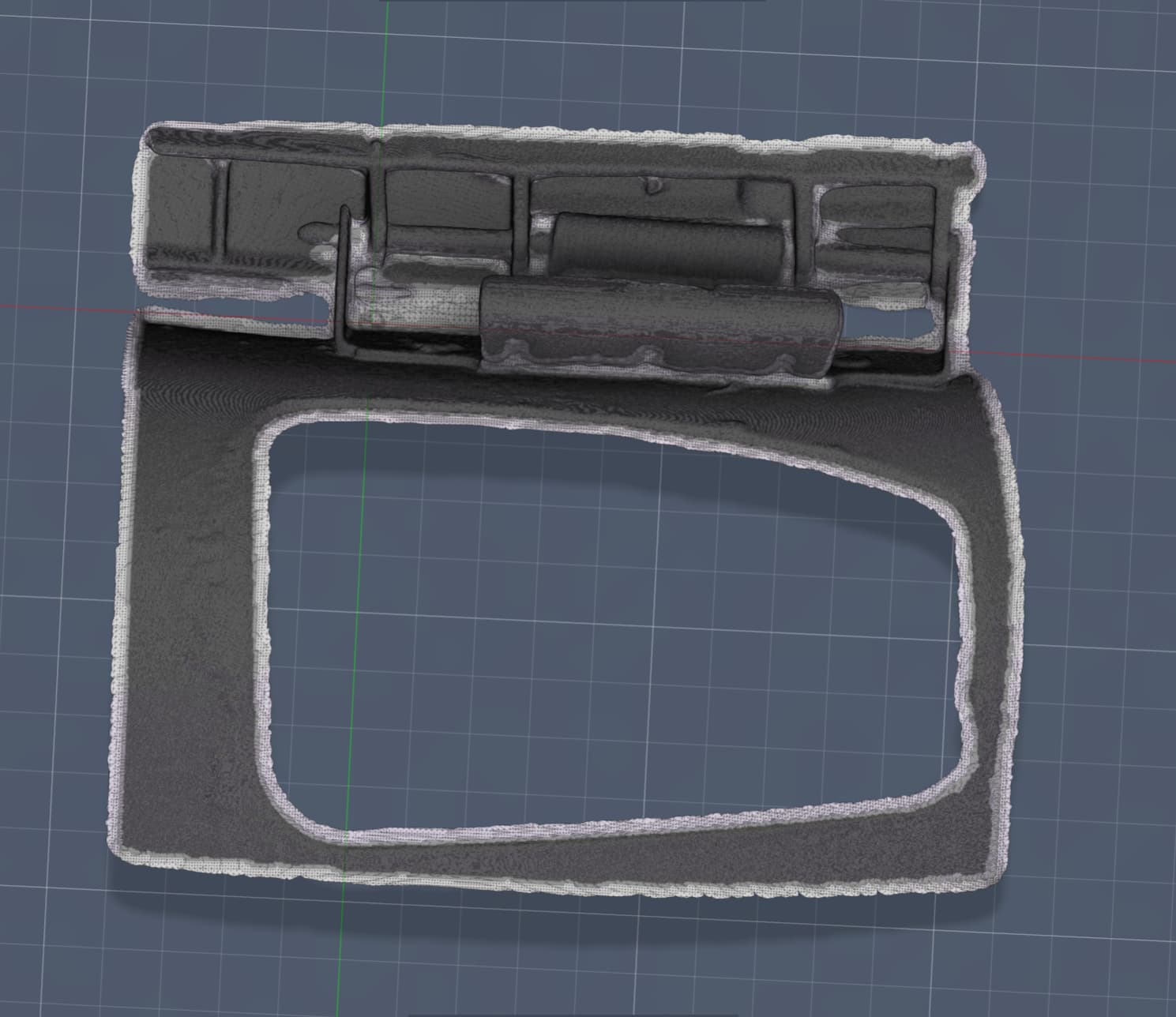
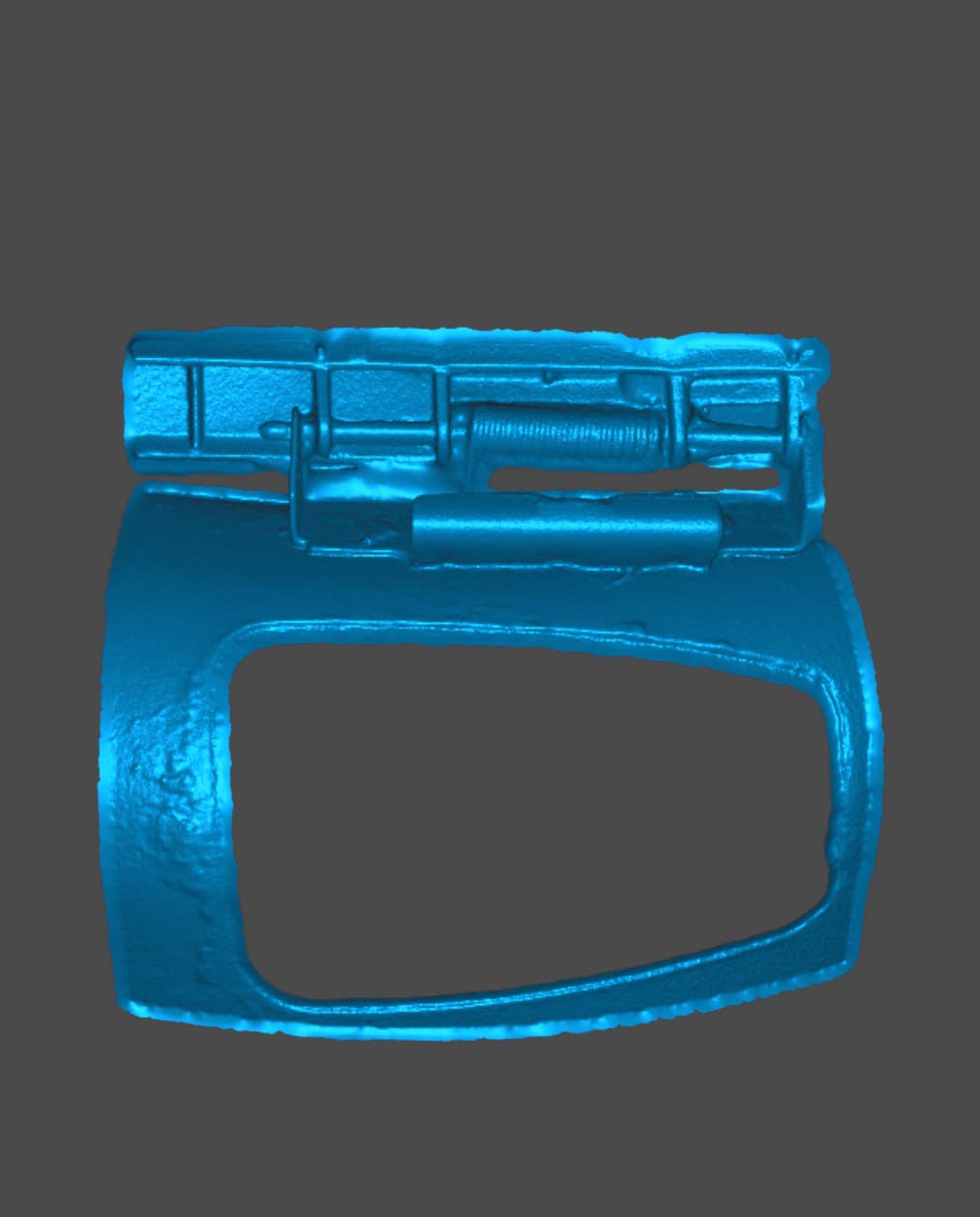
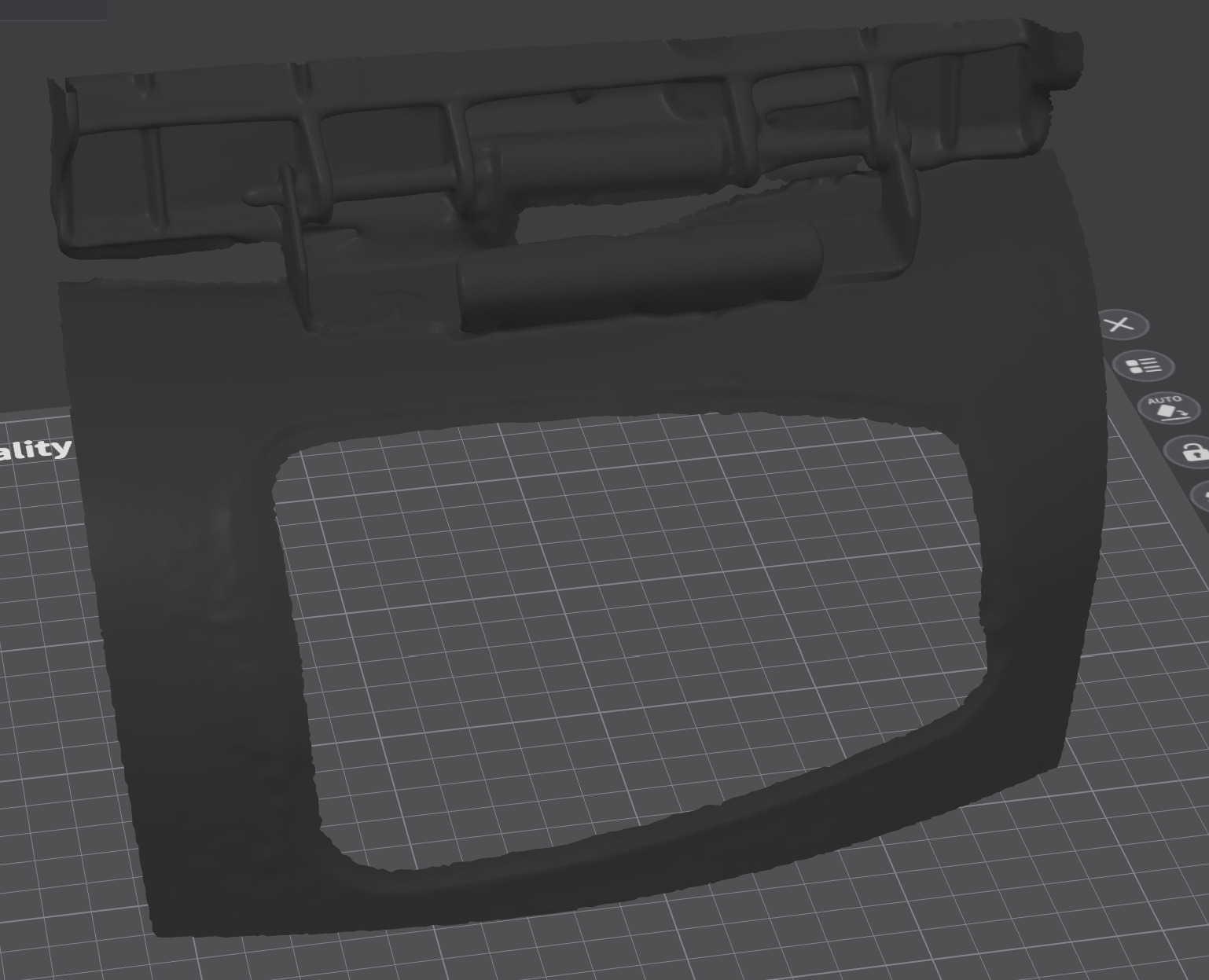
Hello, I am having some trouble with scans looking like junk in TinkerCAD, but will look perfectly fine anywhere else. For example, a scan I did a few weeks ago will look perfect in Creality Scan, Creality Print, and Fusion 360. However the exact same scan looks horrible when brought into TinkerCAD. I know that Tinker is a very basic CAD system and has its limitations (file size and triangle counts). I prefer to use TinkerCAD for simple designs, especially when I am away from home and only have my laptop. My laptop can run Fusion, but it’s a struggle. Take a look at the pictures of what I am talking about. All photos are of the same model, just imported into various programs.
If anyone knows of a way to get scans to appear in TInkerCAD the way they do in other programs, I would greatly appreciate any tips or advice! So far nothing I have tried has made much of a difference.