In the latest update 7.1 the slideout box on the right will not slide out all the way. It is extremely awkward to use. Does anyone know how to make slide out past the partial view?
Hello @slushbender1 
Welcome to the Creality Forum…! 
You can drag the edge of the window and adjust the size and pull it out to see more.
Are you running multiple monitors? I noticed when I drag my Creality Print window from the laptop screen to the 27in monitor, I will get some VERY weird results. One of them was the slideout covering the entire screen.
This time I was able to grab the edge of that green box and drag it smaller to the right. But I have had times where that did not work. I’m trying to find a way to replicate that, but I haven’t been able to .
YOU ARE NOT ALONE….
but try the green box edge, see if that works.
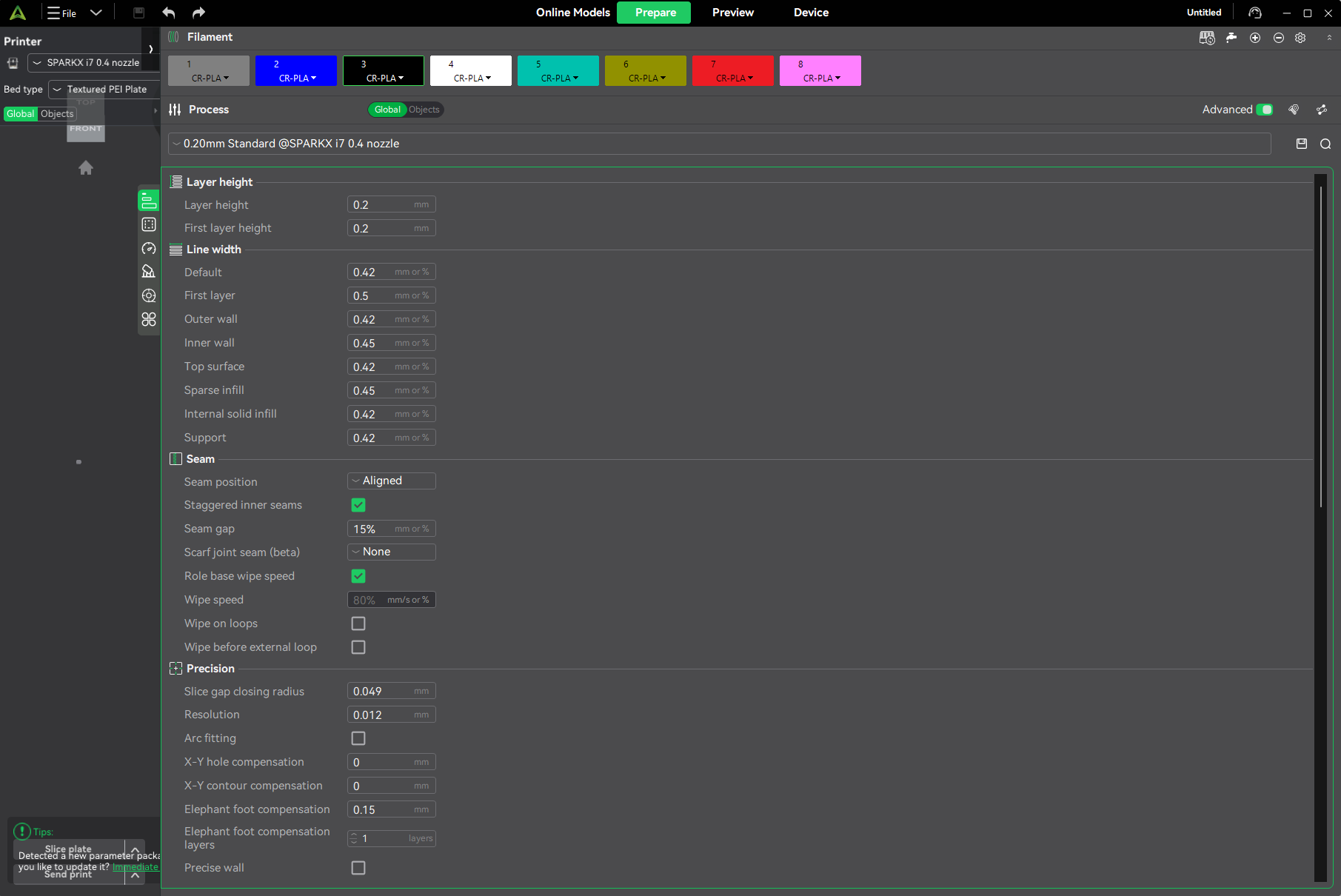
Same problem with multiple monitors. Also grabbing the edge is very difficult. I often have to swipe back and forth twenty or thirty times for the double arrows to appear and allow me to resize the properties box.
1 Like
This is a big problem in my book. Yes sometimes that works but often that doesn’t work. In addition you have to get just the right spot on the box to get the expand arrow. I can’t believe there are not more people complaining about this. I end up going back to 5.1 so I can see everything.