3D Printer Model: Creality Ender 3 Pro
Firstly I’d like to say I got this printer from a friend with absolutely 0 info on that, as far as I know he also got the printer from someone else and has never used it.
I have no prior experience with printers but from what I could see it has been significantly upgraded with the following :
-
Creality V4.2.7 32-bit Silent Mainboard
-
CR-Touch Auto-Leveling Sensor
-
Direct Drive Extruder Assembly
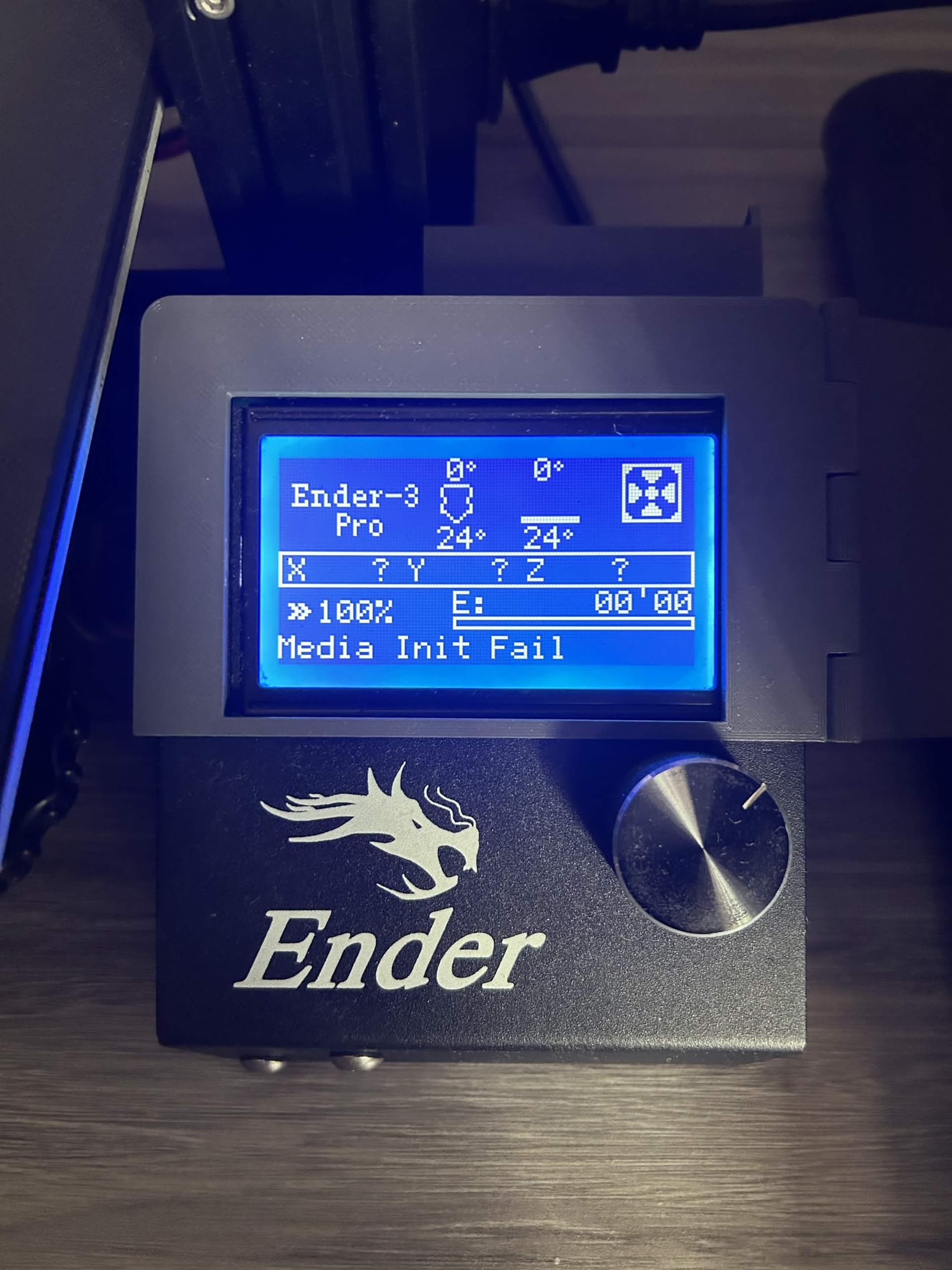
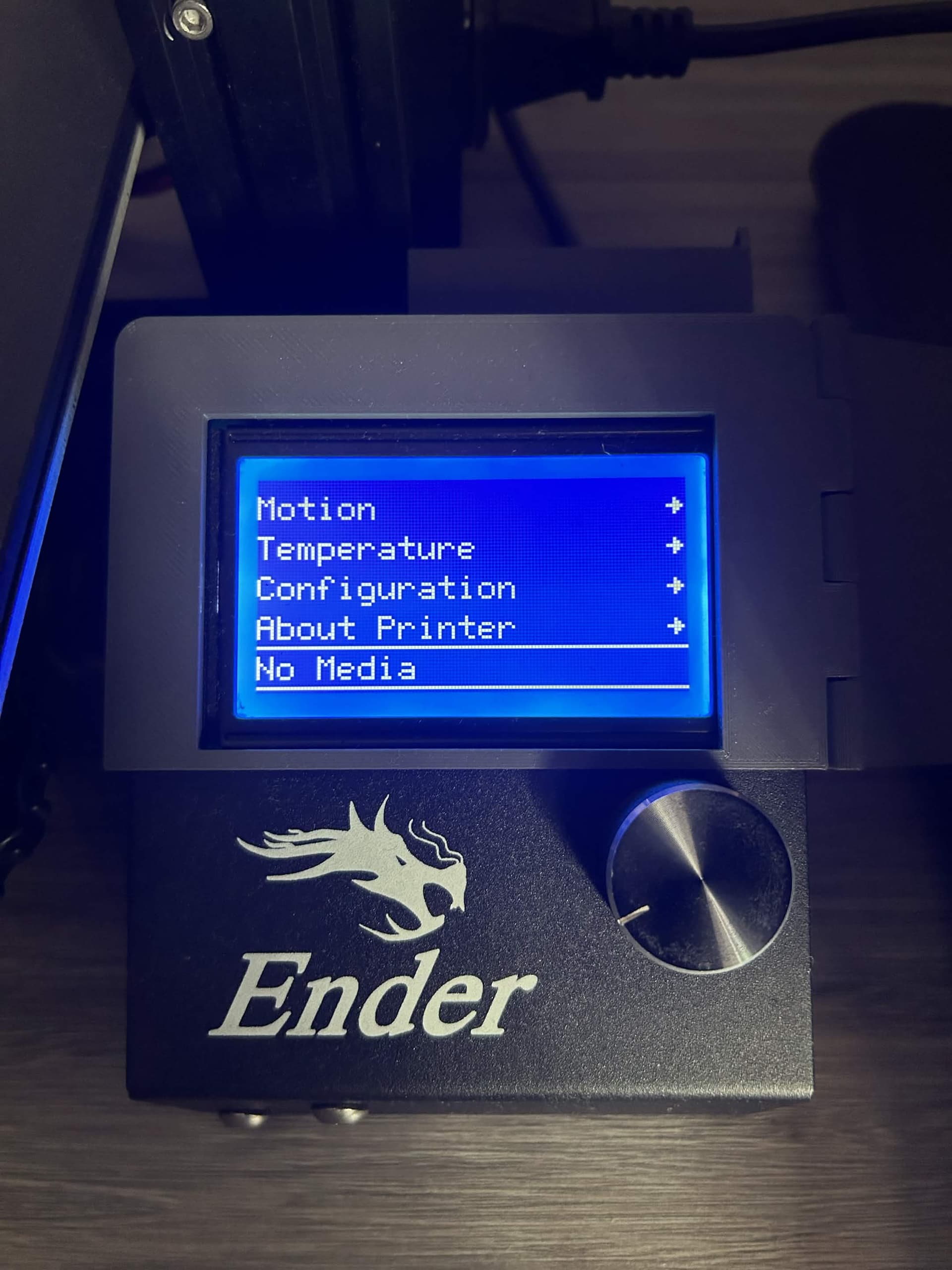
The issue is the printer does not read SD card. I have tried 3 different SD cards and they all show the same error “Media init fail”.
Here is everything I have already tried:
-
Using an 8GB MicroSD card and 32GB one, Sandisk and Kingston.
-
Rebuilt partition table as MBR using diskpart (clean → convert mbr → create partition primary).
-
Formatted to FAT32 with 4096-byte allocation unit size.
-
Placed only the .bin file in the root of the SD card of the firmware I want to switch to, verified firmware is the official V4.2.7 BLTouch build from Creality; still didn’t read.
After taking the printer apart, I’ve found the inside was perfectly clean, barely any dust, so I don’t think it’s a physical issue with the SD card slot even though that’s all AI has been able to tell me. But I’m out of ideas.
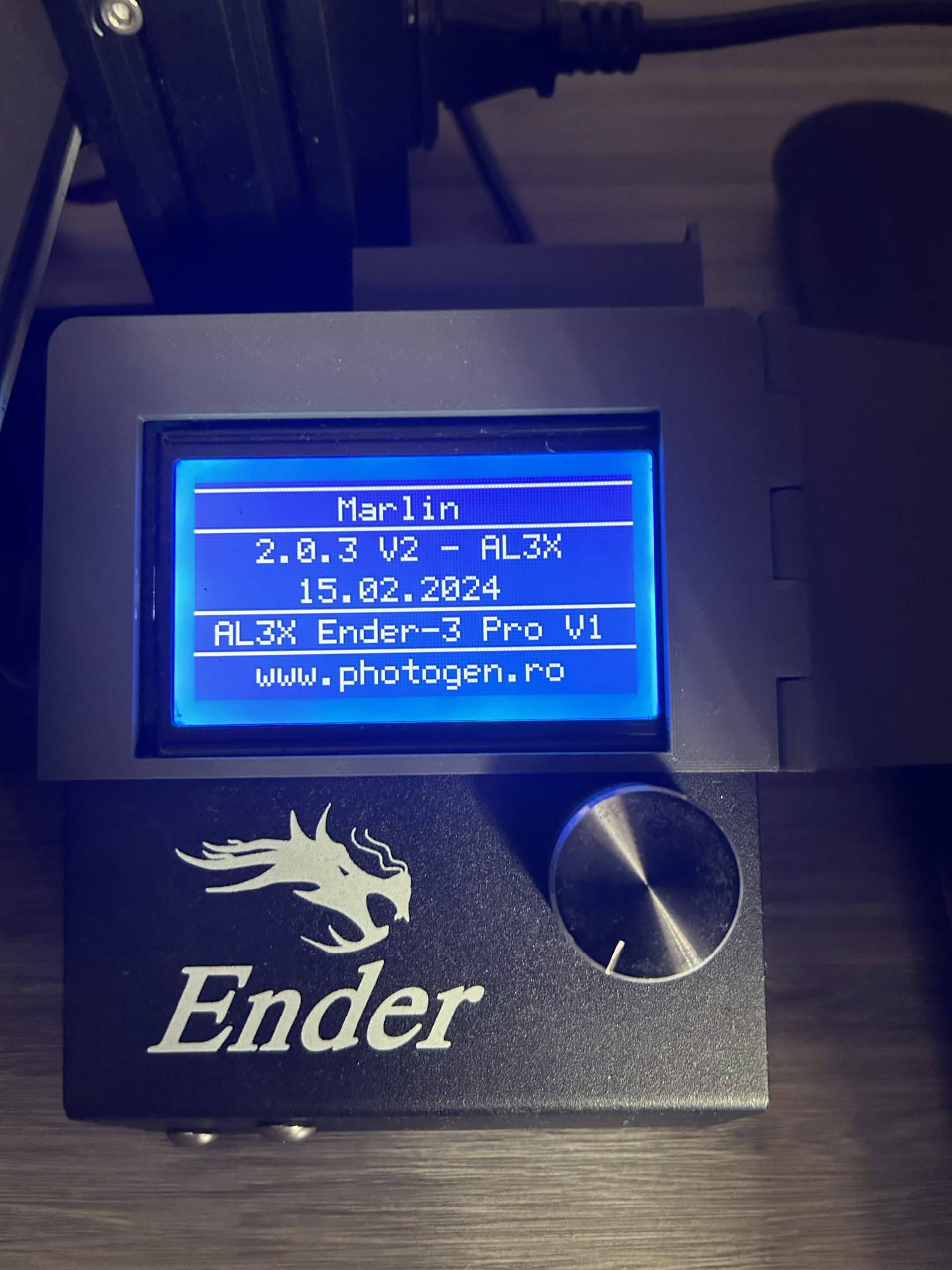
AI also indicated the firmware I’m on is designed for an 8-bit board and not the 32-bit upgraded board it has now, but since the SD card is not being read I can’t flash a new firmware on it. I reckon the most likely culprit is the sketchy firmware.
Finally, I have tried connecting the micro USB cable to my PC and run Ultimaker with no success,
Ultimaker doesn’t recognize any printer connected.