Hello,
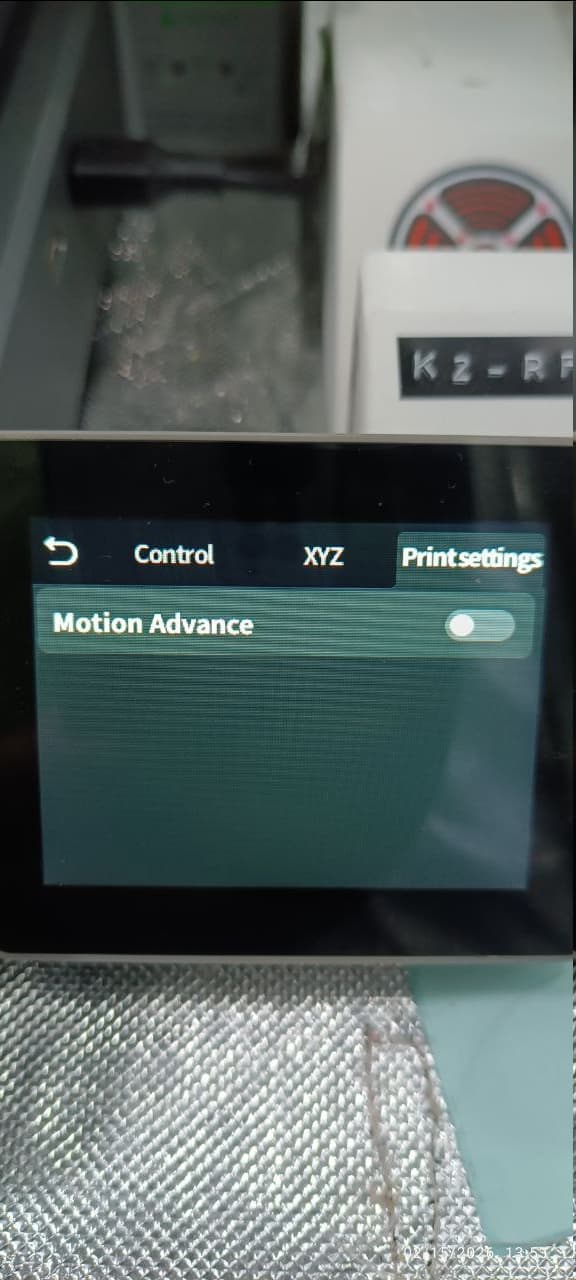
I was wondering if anyone knew why the latest update (V1.1.0.65) added “Motion Advance” to the Creality Hi. AFAIK the Hi doesn’t have the necessary hardware in the tool head to be able to perform it, along with Creality Print not adding the needed Gcode to files for the printer to even attempt it, resulting in an error(AC0504) from the printer at start of print.
They listed it as a feature in the firmware release notes so don’t think it was a mistake. I think it uses the input shaping sensors for additional compensation for VFAs
weird that they added the feature without proper support from the slicer, hopefully it’ll be addressed in the next update for the slicer
I think that it is a pretty well-made feature.
From what I understood, it is used to calibrate Pressure Advance, which is the setting that controls filament flow when accelerating/decelerating.
I found that it works very nicely as I am getting pretty sharp corners.
And from what I understood, it uses accelerometers and motors data to calibrate PA, not the typical way other printers do it by using sensors integrated in the toolhead.
1 Like
did you get it to work on the Hi? when i tried it gave me the AC0504 error
1 Like
you need to setup the Creality Print in tandem.
1 Like
I’m sending print jobs via creality print 7.0.1.4212 with “Print Calibration” enabled. Is there something else that needs to be turned on
1 Like
Yepp, and it works quite nicely as it is giving really smooth top surface and pretty sharp corners.
Note that I did a factory reset as soon as I updated to V1.1.0.65 to solve another problem.
I did some research and that error apparently means that the file you’re trying to print doesn’t support PA calibration.
Try updating your slicer and make sure to select the right printer preset.
after doing a factory reset on the Hi and reinstalling Creality Print along with removing and readding the Hi 0.4 profile to Print, the auto pa feature seems to be working now.
2 Likes
Where is that activated? or is it activated by default with the latest fw?
hey how did you manage to make it work?
after i did factory reset and reinstalled creality print it started doing the PA test over the poop chute it tries to do a calibration but it gives an error CL0517 Auto PA calibration failed, printing with default values
1 Like
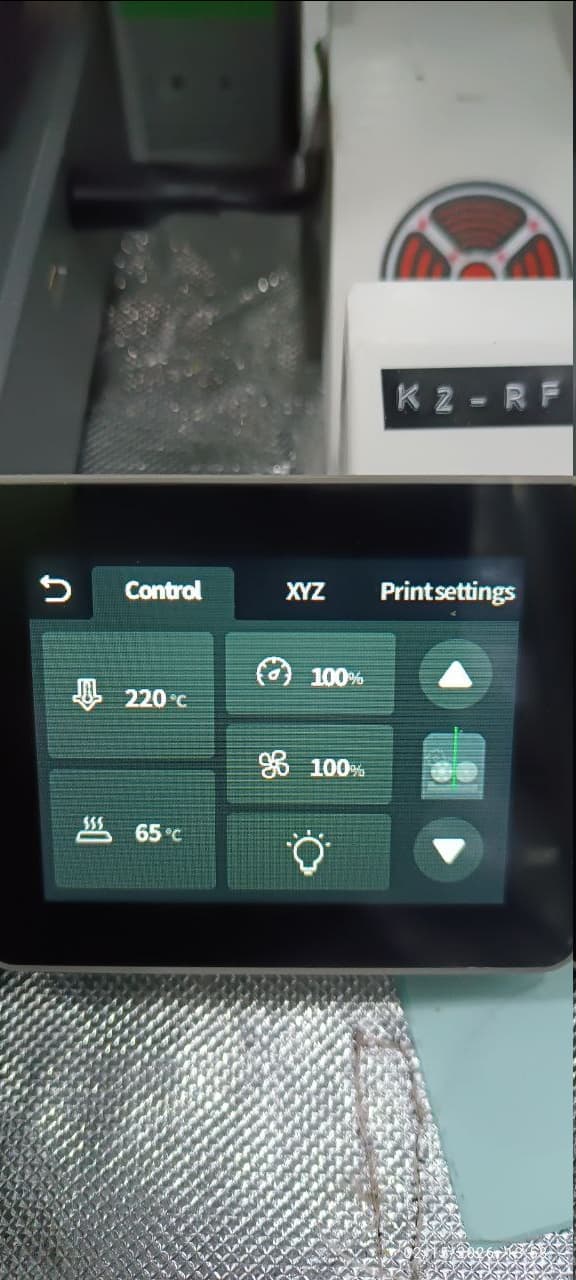
You can find it in the hamburger menu below, next to the filament settings button. Then, go to Print Settings on the top, and you’ll find it there.
I honestly don’t know about this. Sorry 
Maybe you’re using some filament that can’t be properly calibrated. I don’t know.
Don’t expect this to work perfectly since the extruder doesn’t have a sensor to monitor filament flow.
I don’t know how it works exactly, but it is surely through a very indirect way.
I´m having the same problem, did you find out why this is happening?
TURN OFF THE MOTION ADVANCE ON THE PRINTER’S SETTING
nope sorry i think it was added by mistake it tries preform a line test but over the poop basket. creality removed this update as the newest one from their websites it defaults to 0.6 now
1 Like