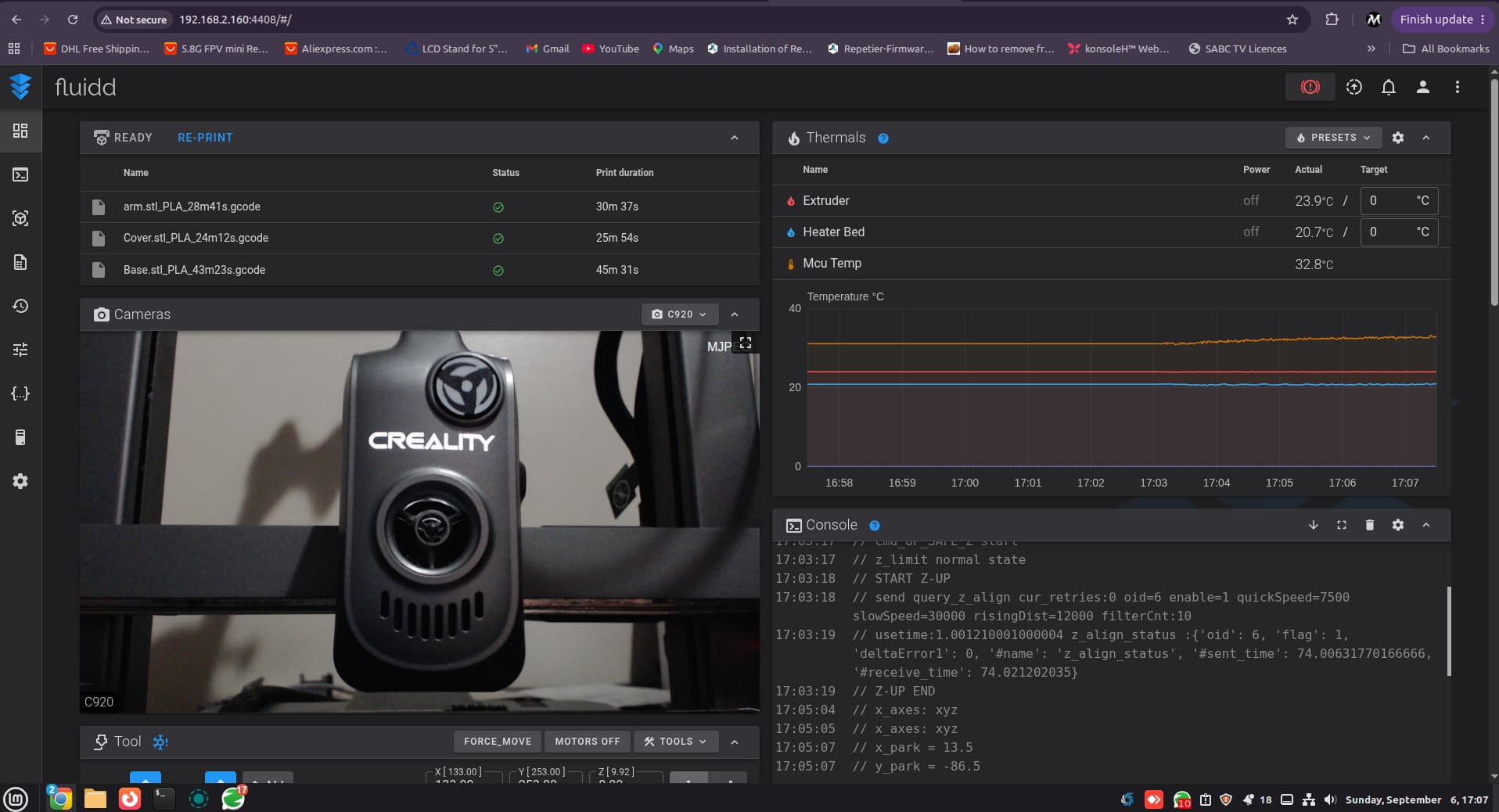
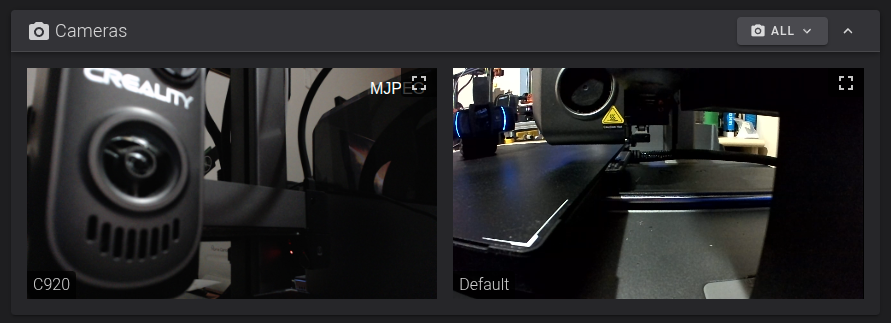
I have tried a Logitech C920 USB camera on the Hi and it is recognised and shows an image.  Yay.
Yay.
I can now get full frontal views of my prints remotely. 
However, when I choose to record a timelapse it always defaults to the built-in camera regardless of the camera that is displayed in Creality Print. 
Is there any way to provide an option to choose between the built-in camera and an attached USB camera if one is detected? i.e. internal vs. external.
This could all be done using the touch screen menu of the printer, and then then the Creality Print software or Creality Cloud would just be fed that selected camera, so no software changes would be needed in Creality Print or Creality Cloud.
Pretty please 
In my honest opinion, I shouldn’t need to open up the printer to start disconnecting cables to the built-in camera as that then breaks the “fantastic” LED functionality. 
I don’t use the USB port for print file transfers, wi-fi works just perfectly for that. 
The Hi in my opinion is one of the best value for money under-rated printers and would undoubtedly lead to more printer purchases and happy users if it is given the attention it deserves.