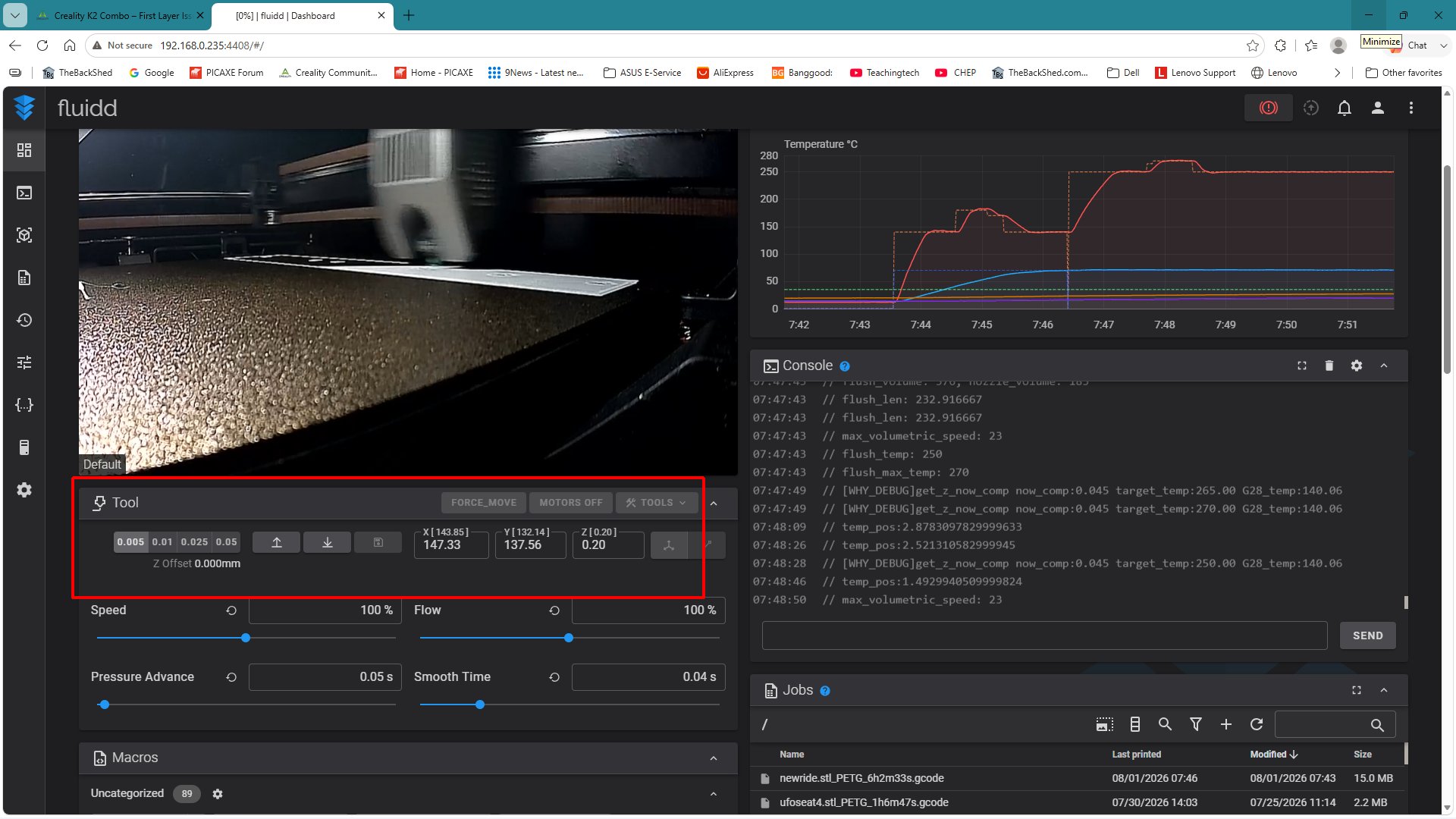
I’m looking for some help with my new Creality K2 Combo.
The printer was purchased on July 1st, 2026, delivered on July 6th, and has had first-layer problems almost from the beginning.
Symptoms
-
During the first layer, the nozzle sometimes over-compresses the filament.
-
In other areas, the filament does not stick properly and starts curling around the nozzle.
-
The nozzle then drags the filament, damaging the first layer.
-
The problem occurs across different areas of the build plate.
What I have already tried
-
Multiple Automatic Bed Leveling calibrations.
-
No manual Z-offset adjustments.
-
Cleaned the PEI build plate thoroughly with warm water and dish soap.
-
Bed fully heated during printing.
-
Standard Creality print profile.
-
Filament extrudes straight and consistently when tested in the air.
-
Repeated the calibration several times.
Interestingly, after running another automatic calibration, the behavior changed:
-
Before, the nozzle seemed too close to the bed and over-compressed the filament.
-
After recalibration, the filament started curling around the nozzle, even though I never changed the Z-offset manually.
This makes me suspect that the issue may be related to:
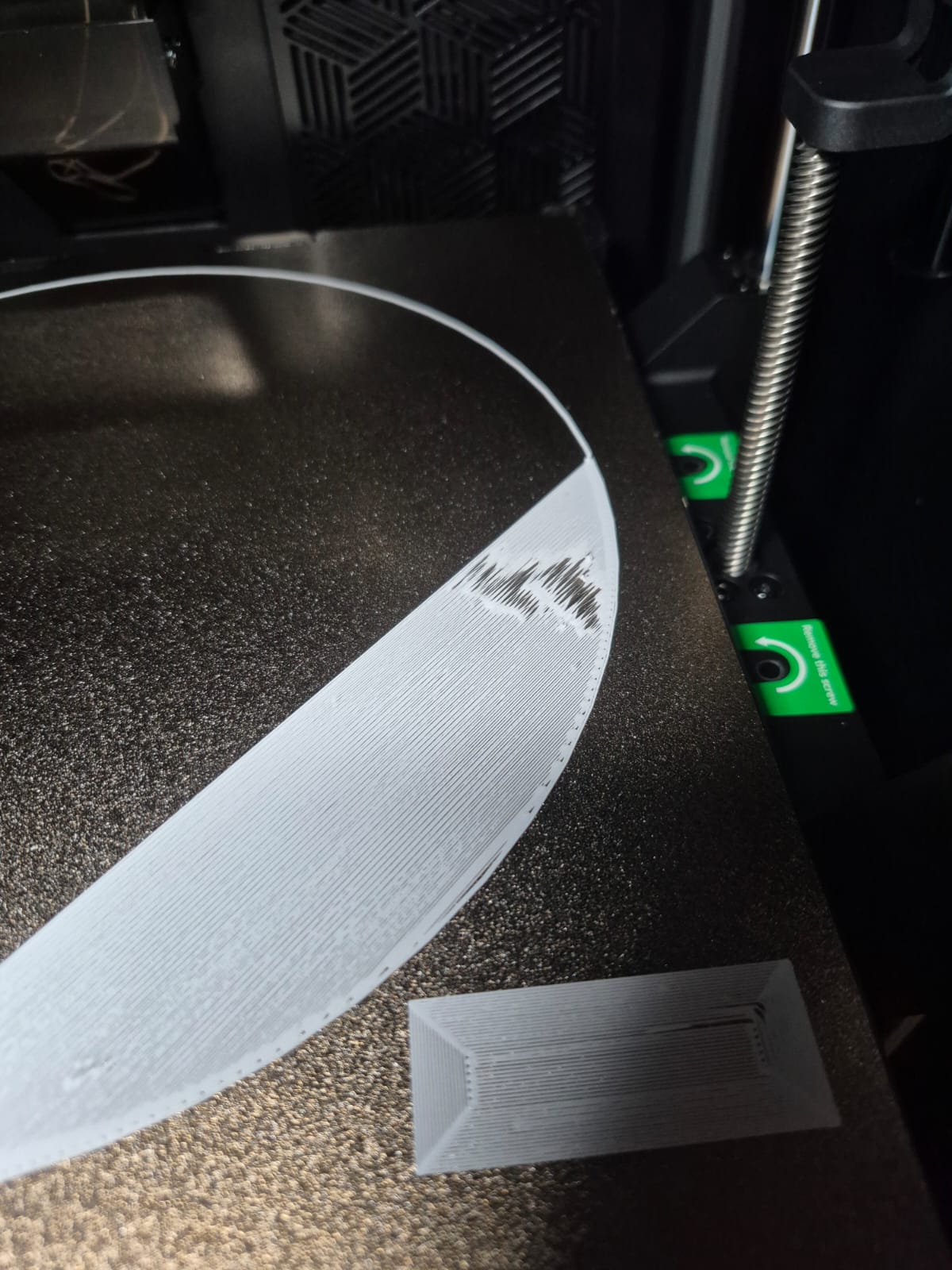
I’ve attached photos and videos showing the first-layer defects.
Has anyone experienced something similar with the K2 Combo?
Any suggestions would be greatly appreciated.
Thank you!