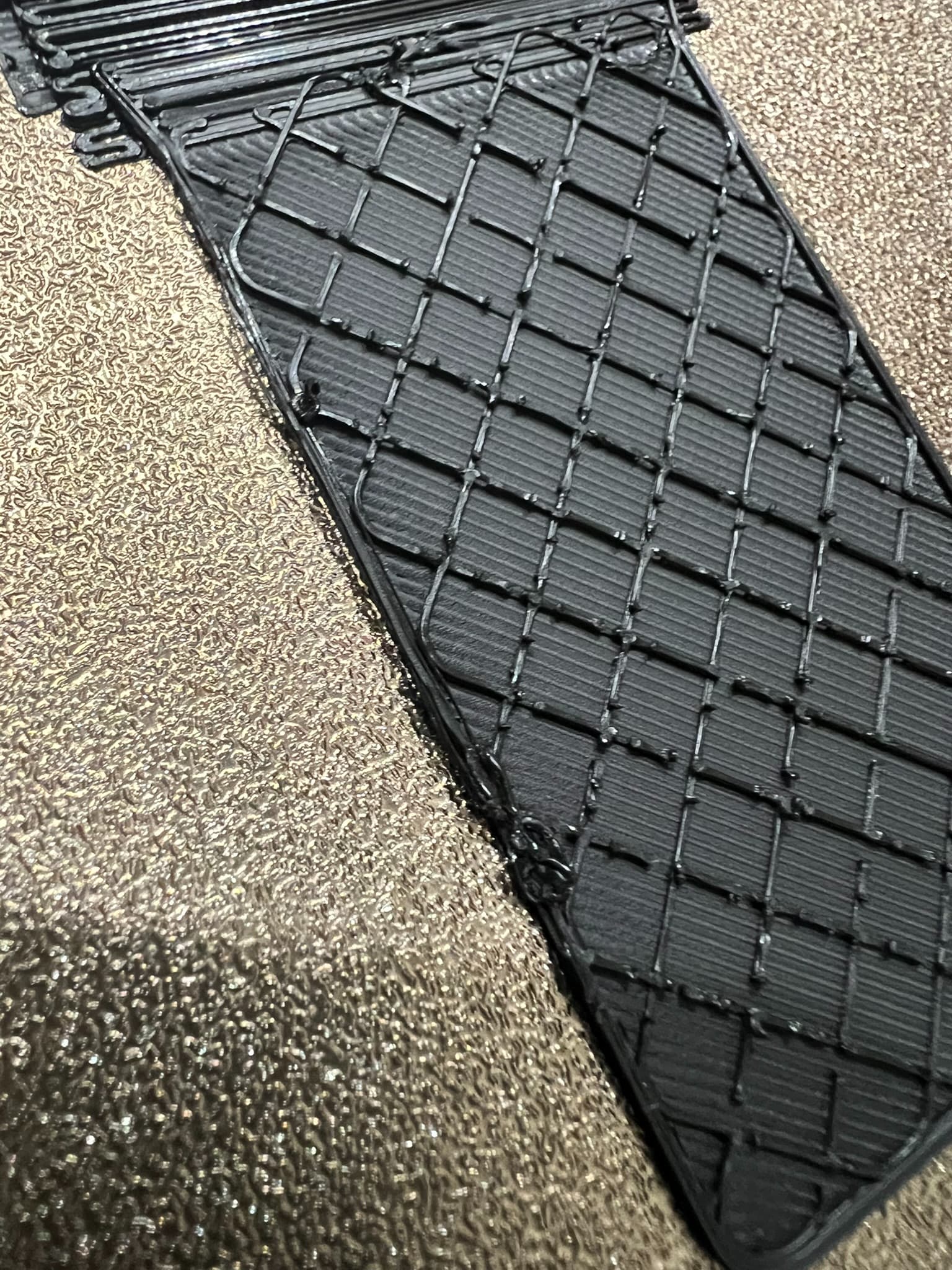
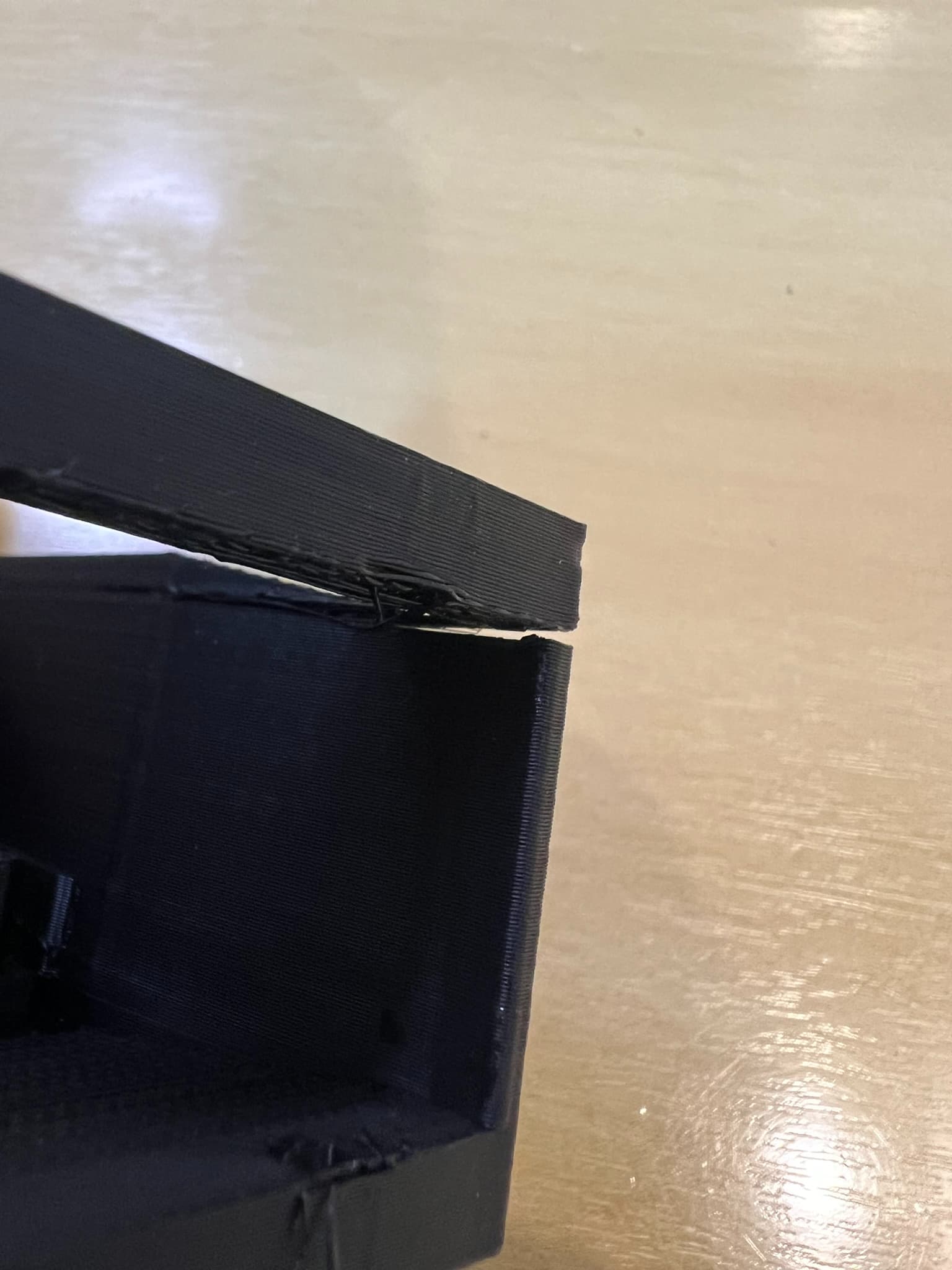
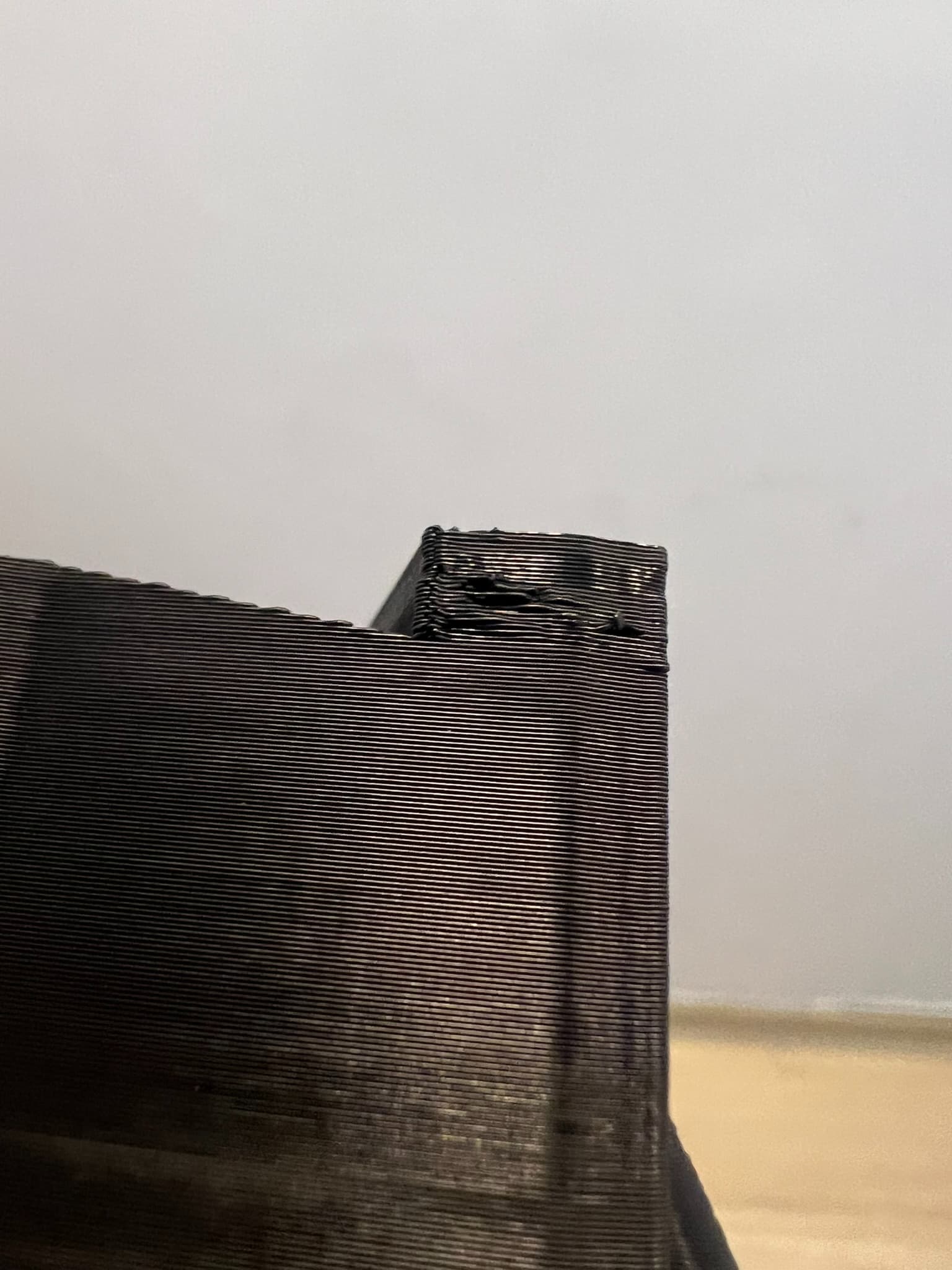
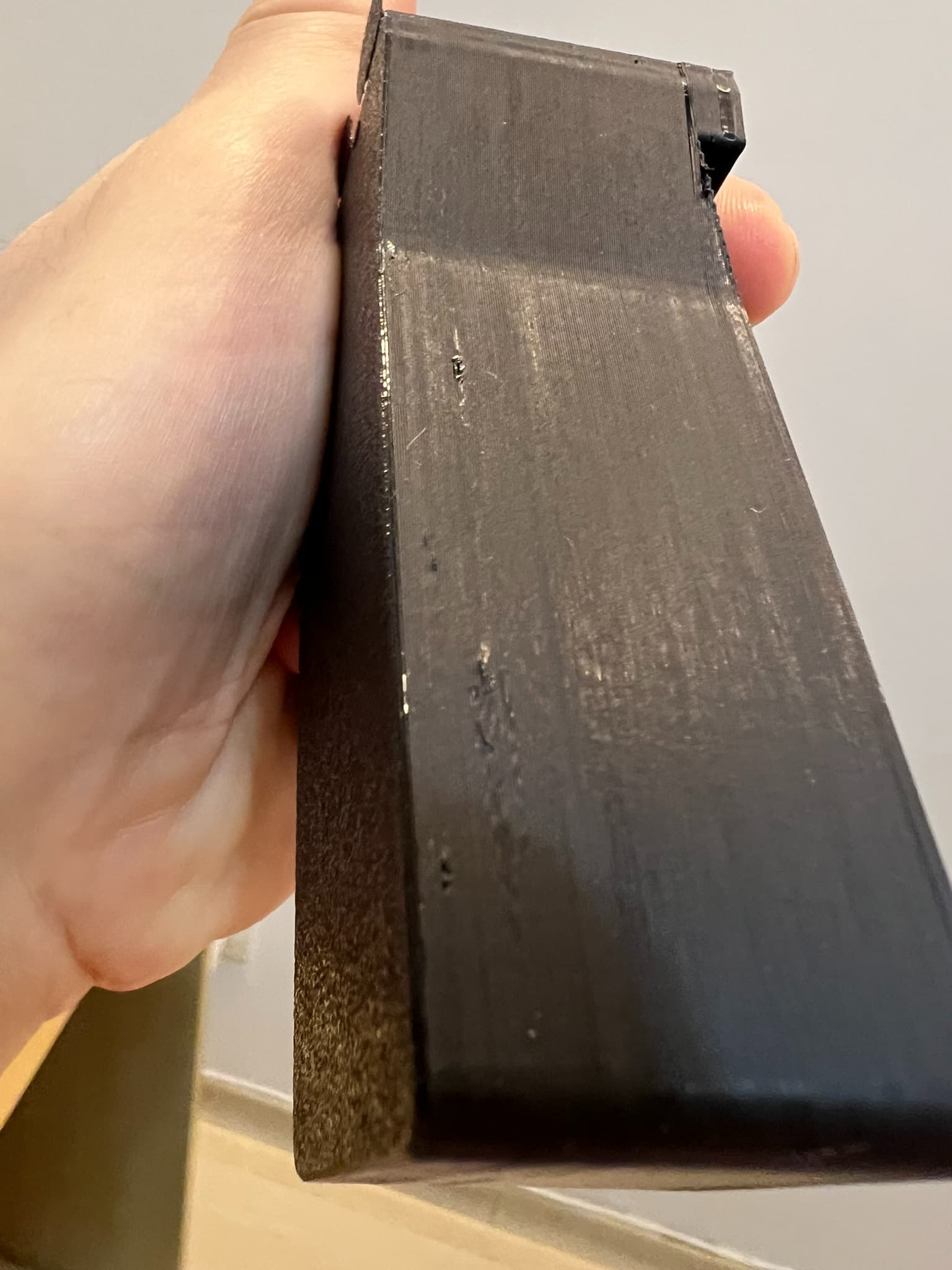
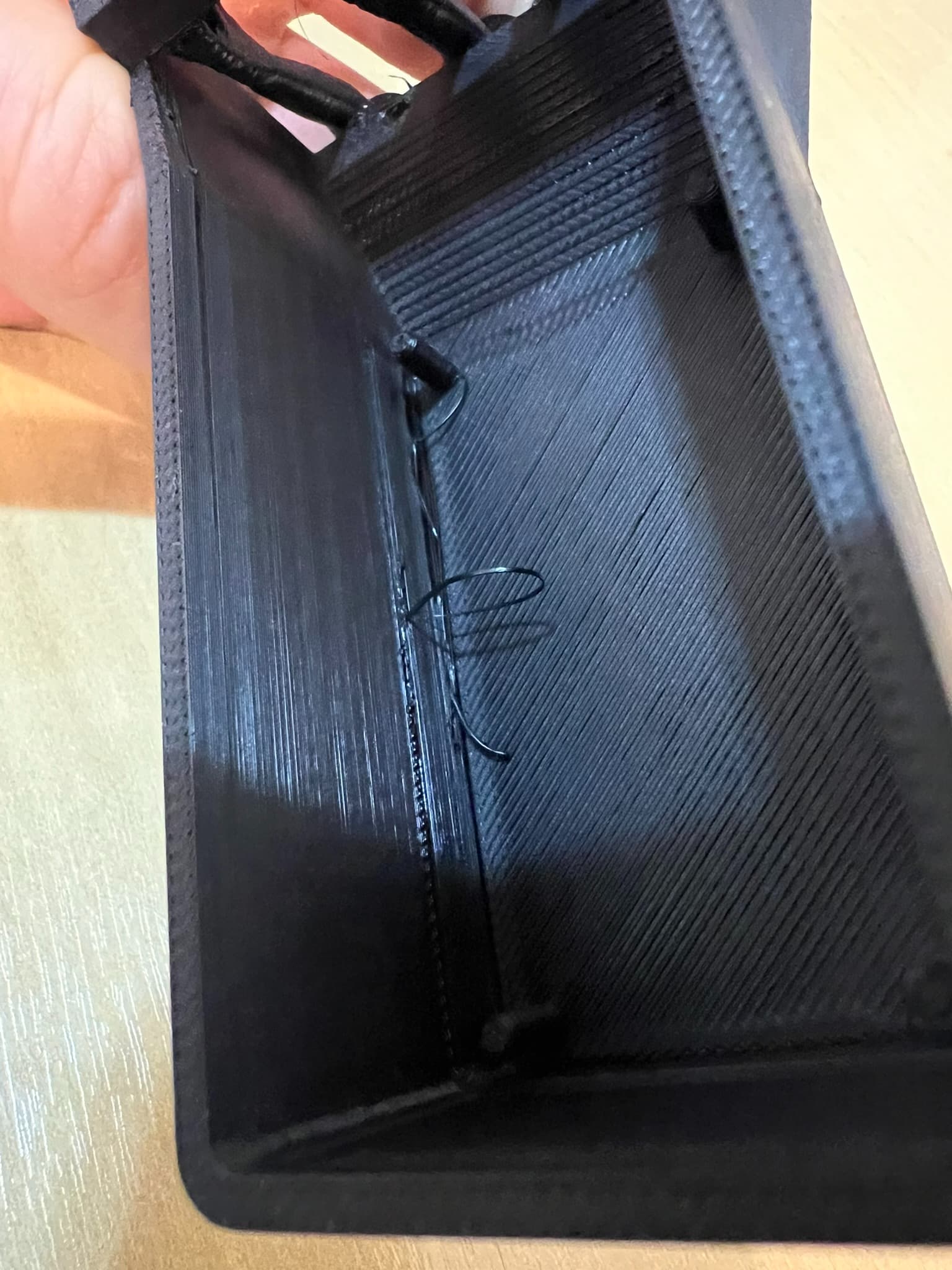
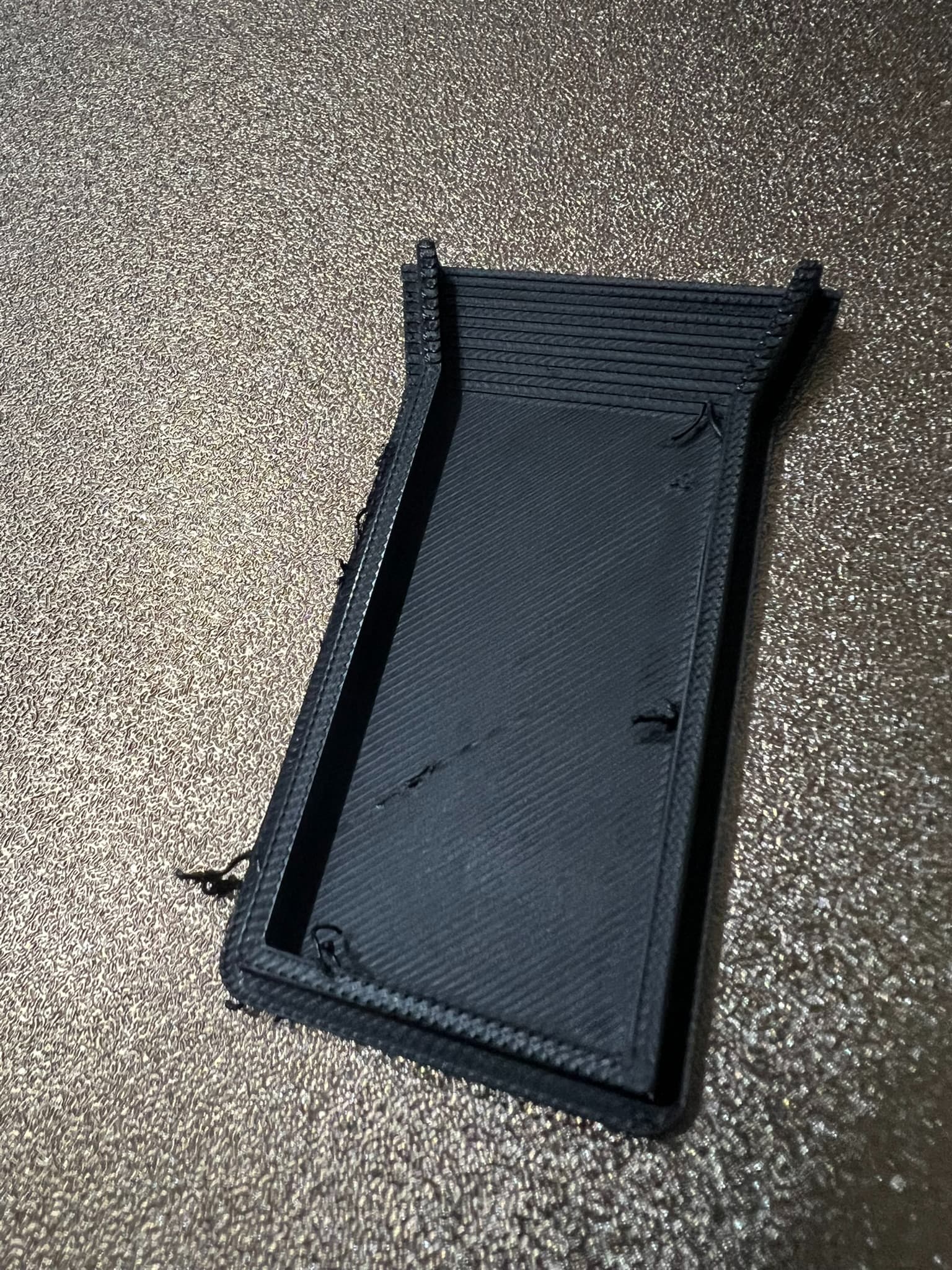
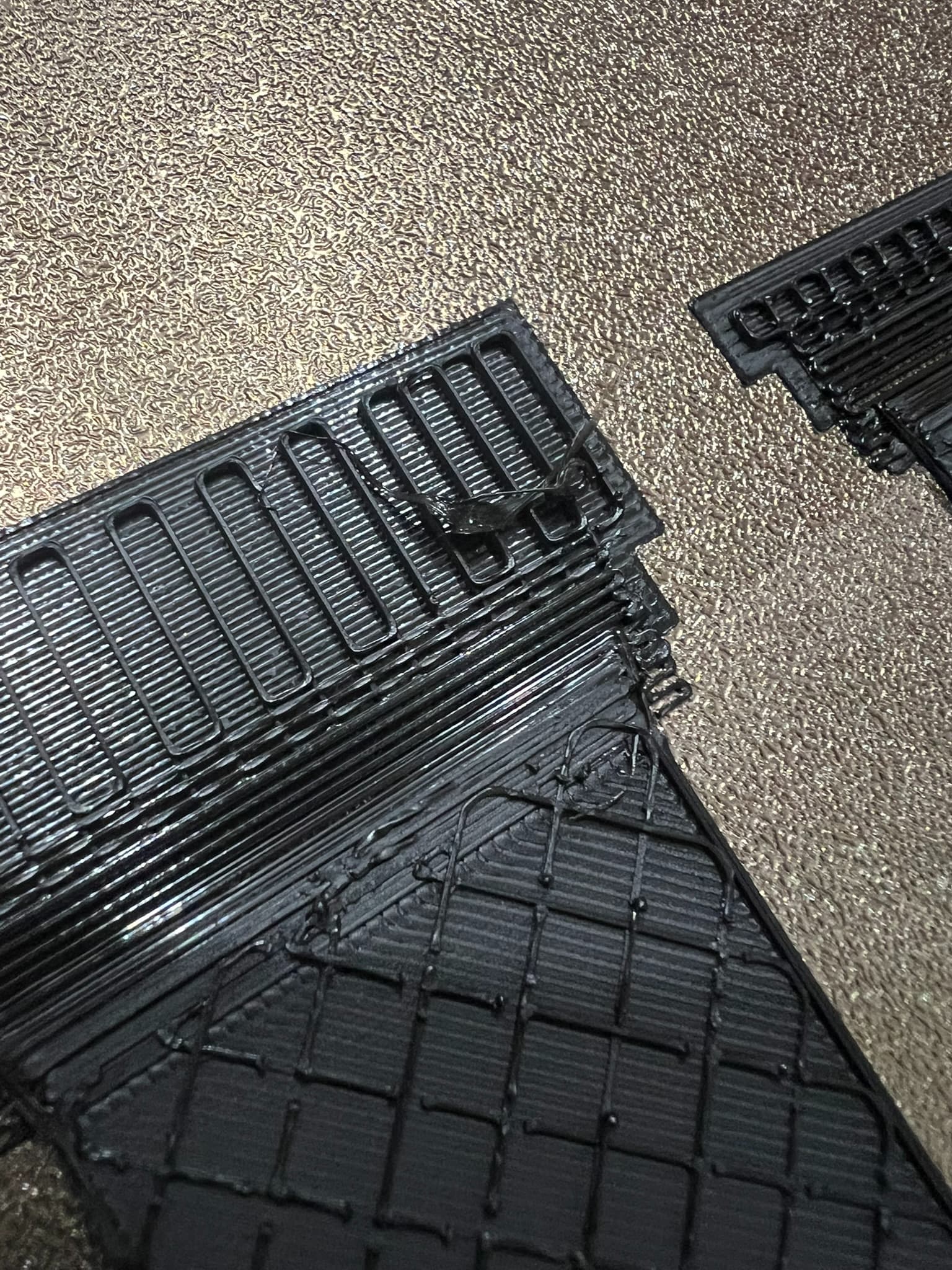
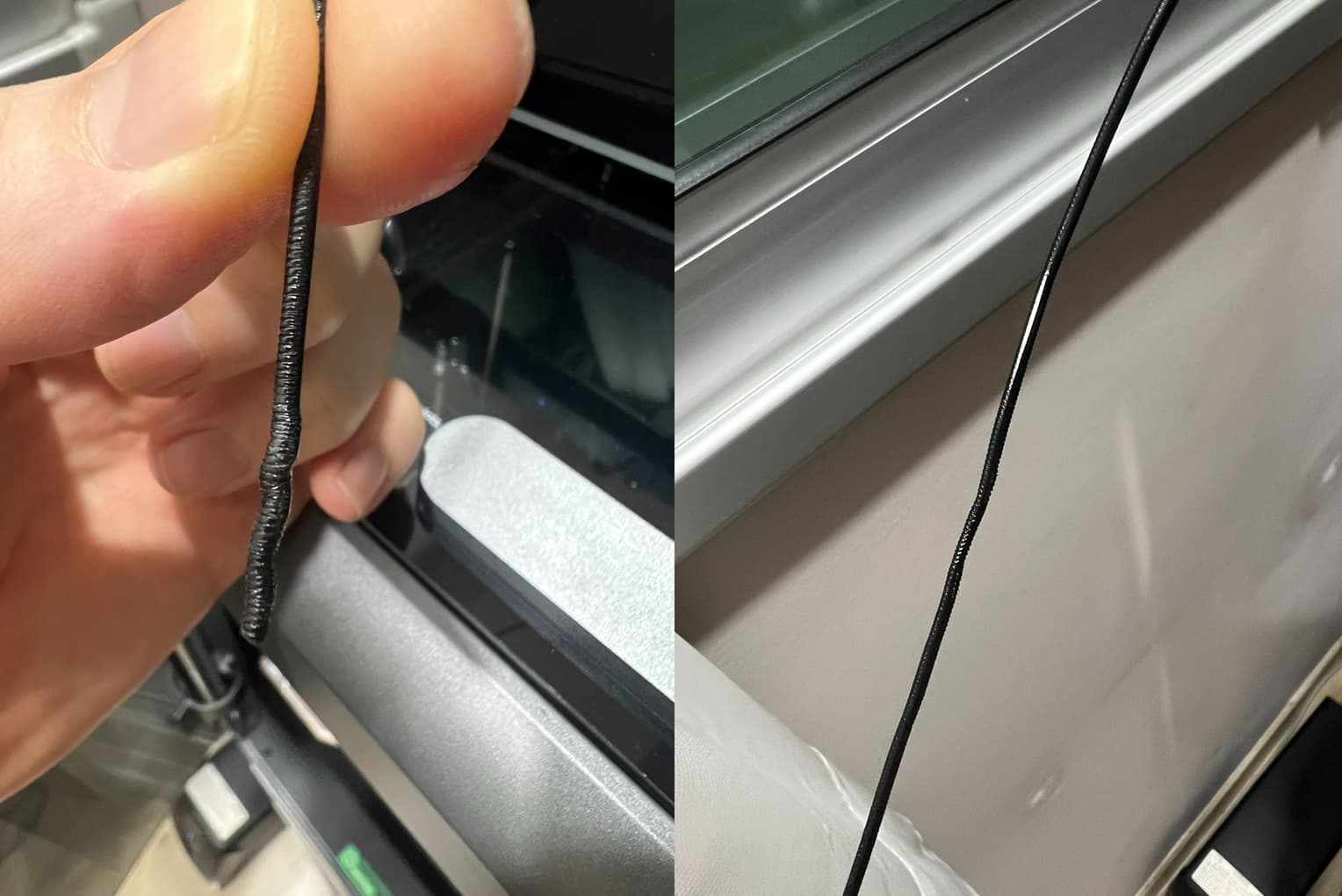
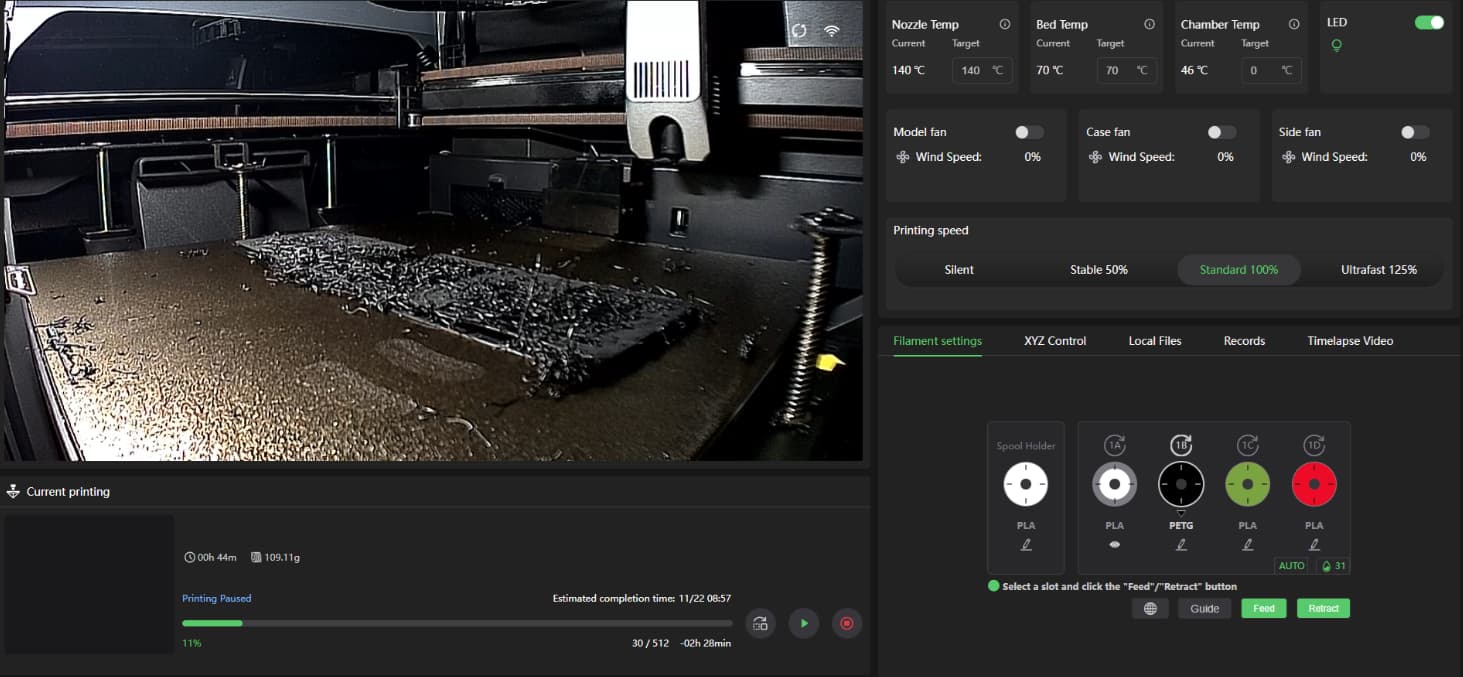
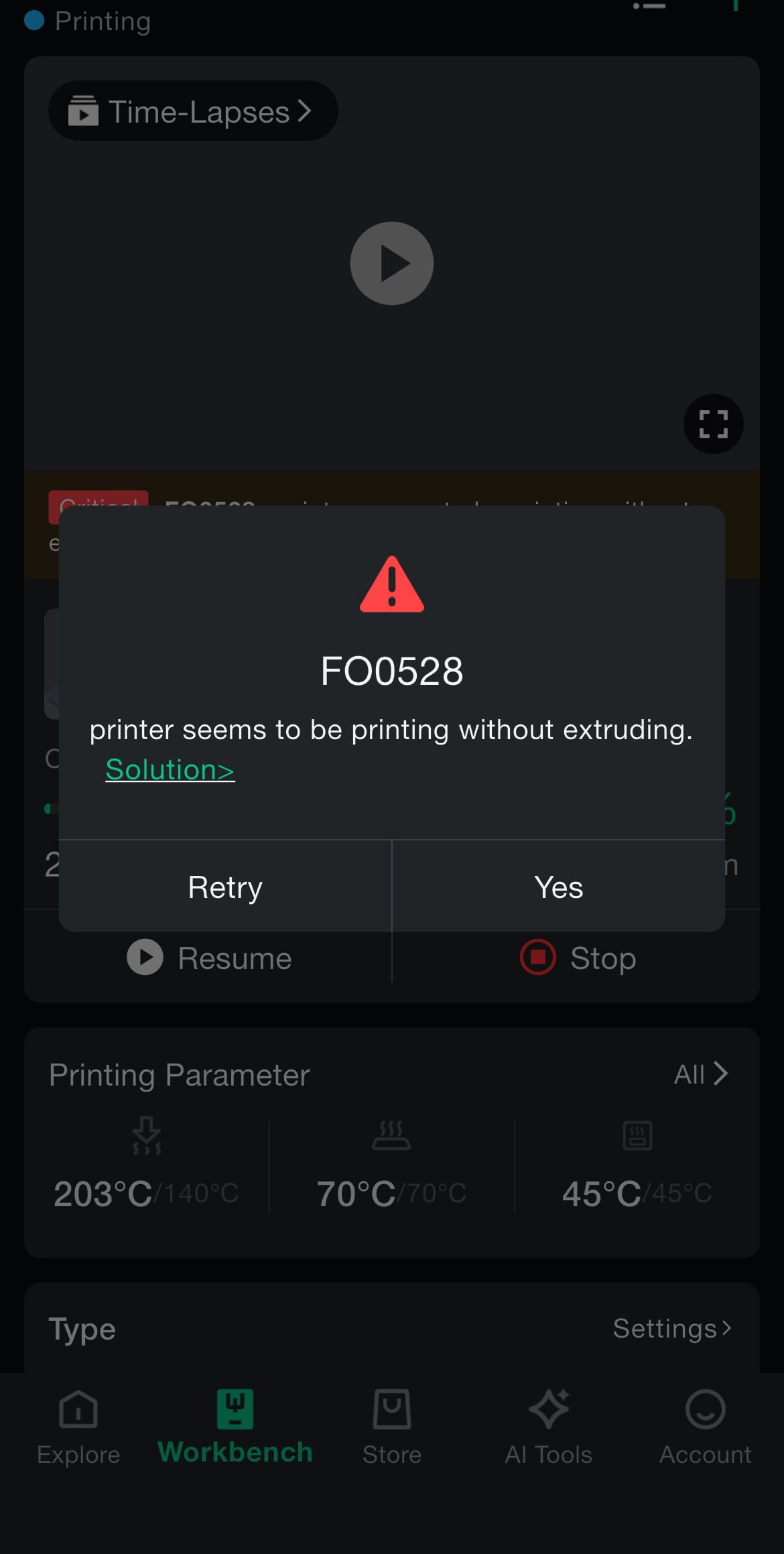
Hi! What’s the cause of this kind of printing issues with PETG filament on the K2 Pro ?
CFS humidity? (36% currently brand new filament)
Bad filament? Too fast printing?
36% on PETG is way too much. Preferably dry it down to maximum 15%
Every new filament needs drying. It isn’t manufacturers information for no reason.
And when printing PETG make sure chamber is warm around 40-45°C, bed is around 75°C.
Side fan always below 20% Back fan always below 20%. Lower is better as PETG needs fusing.
Never open the door while printing, large objects will split or warp. And after printing let it cool down with the door closed.
Hi . I only print with PETG on my K2 combo. My CFS reads 45 - 55 % humidity, I have very little problems printing with PETG. I do have a X4 drier but never use it.
Printing speed is set to 250 mm/s
Bed set to 70c
print head set to 250c
Bill
Seems like not a good idea.
After setting the chamber to 40-45°C I started getting a lot of printing issues caused by filament jam. And I had to clear a nozzle clog after one of the jams
Since switching the chamber temperature back to Auto (0), I haven’t had another jam.
That looks like heat creep.
Did you ever replace your nozzle? And did you put the thermal paste on the new nozzle?
I know a lot of people printing with those settings and none had any problems.