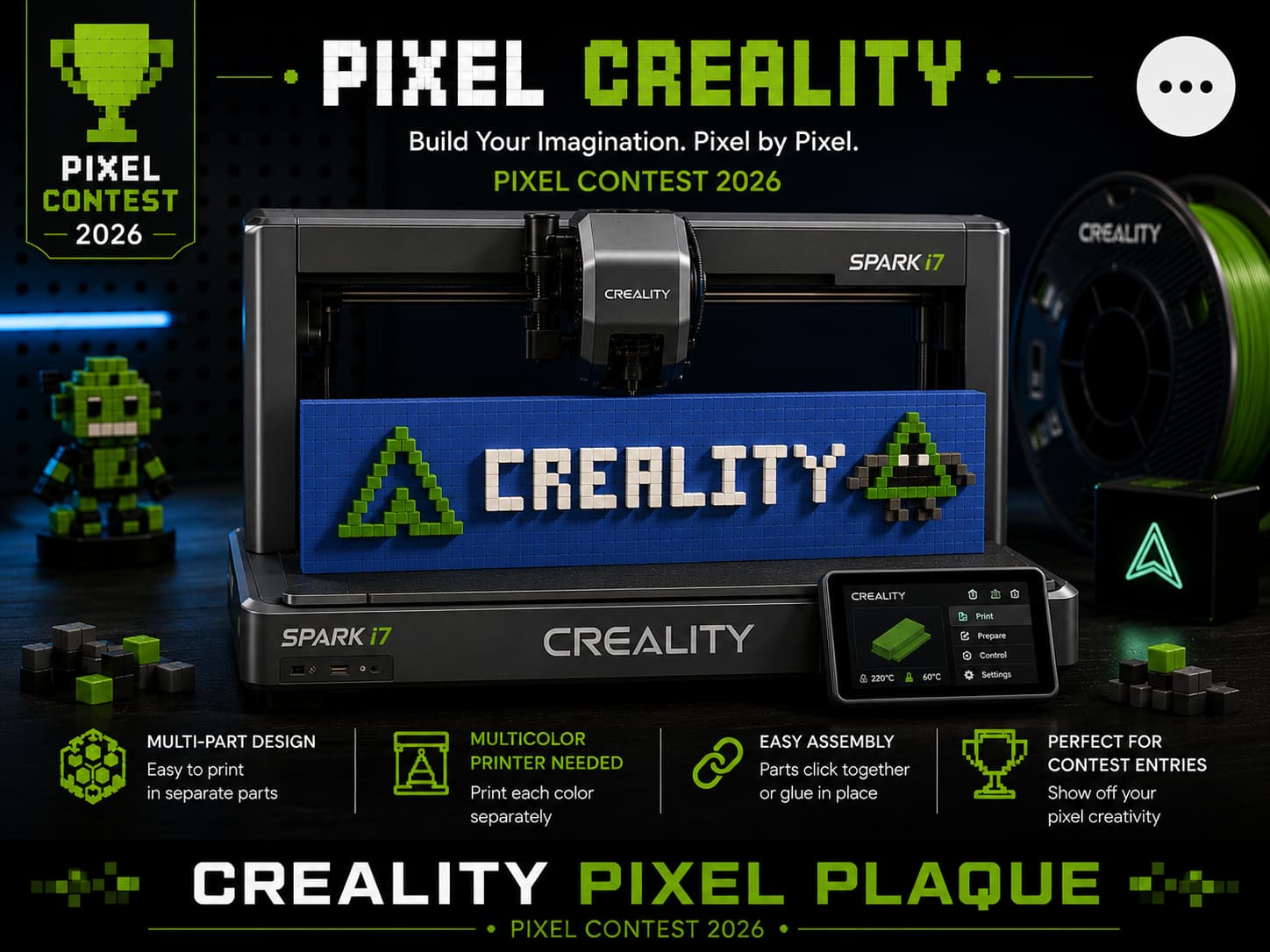
Designed a Creality pixel plaque with 3 different print methods.
- If you have 2 or more cfs just load your colors and print.
- .If you only have one CFS unit, follow this trick to avoid using a “Pause” command:
Setup: Map your Base and Legs/Arms to the same filament slot in your slicer.
First Phase: Load your Base Color (e.g., Blue) into that slot and start the print.
The Swap: After Layer 16 (approximately 2 hours in), once the base is finished, simply perform a “Hot Swap” by pulling the Base Color out of the CFS and loading your Leg/Arm Color (e.g., Gray) into the same slot.
Result: No pause is required, and the printer will continue with the new color for the remaining detail!
- each part can be printed by them self and then glued to the base plate. The baseplate is recessed so you can easliy align the parts. each pixel is single so you it will take you some time to assemble, great rain day project.