How do I add support density, support z distance, enable support roof, support interface density and minimum support interface area to the support settings in Creality Print 6? I don’t see them anywhere in mine, even with it set to advanced.
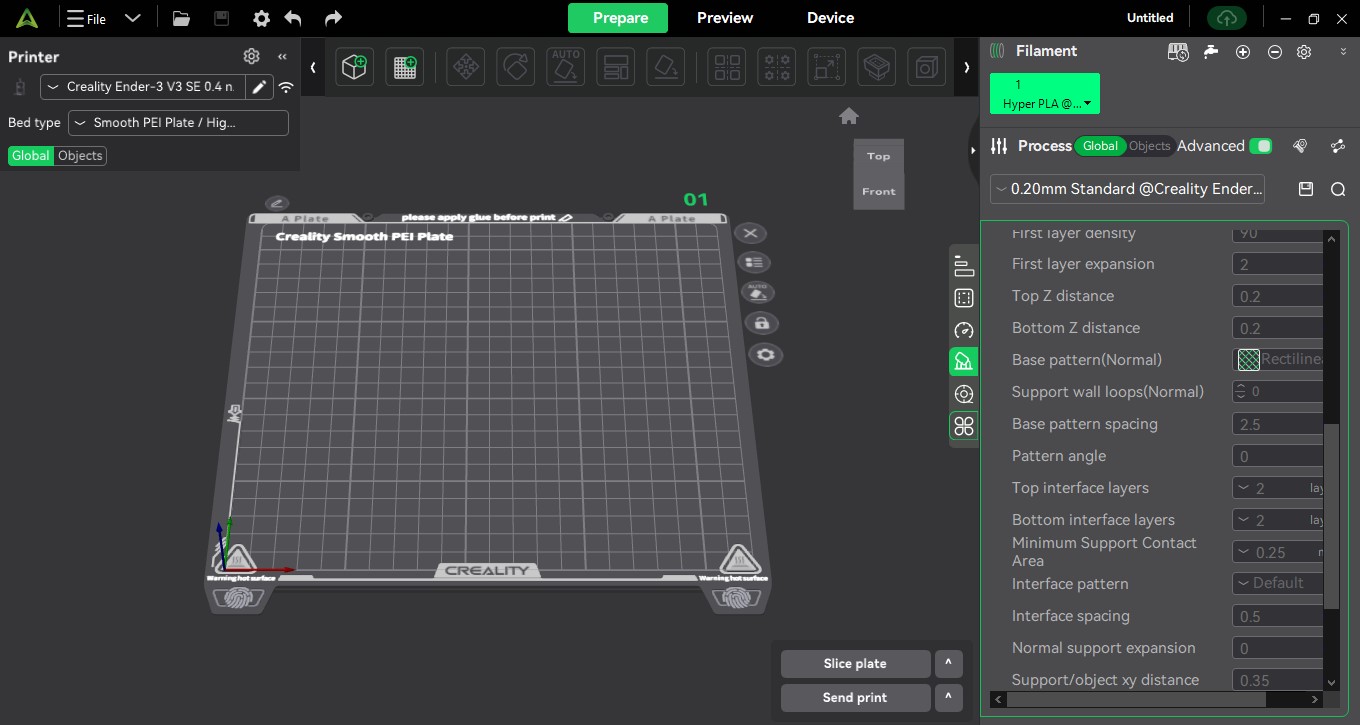
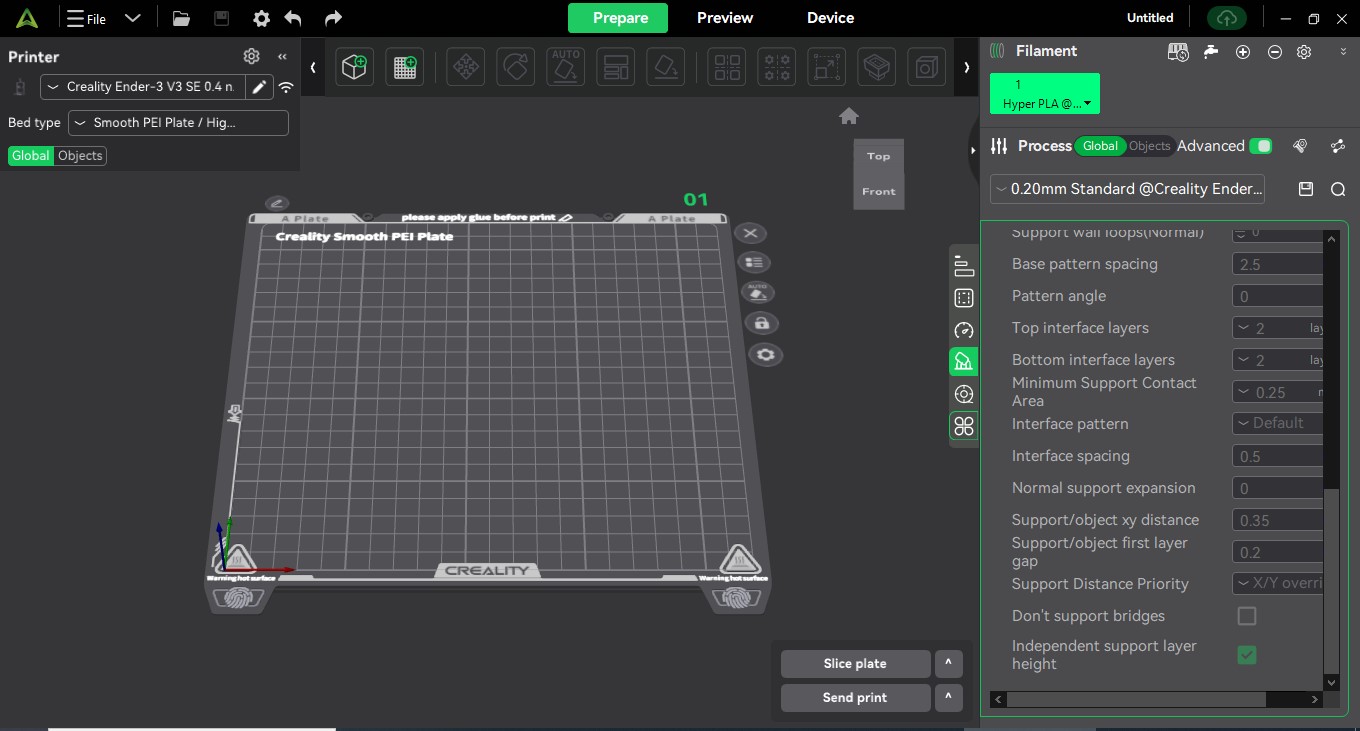
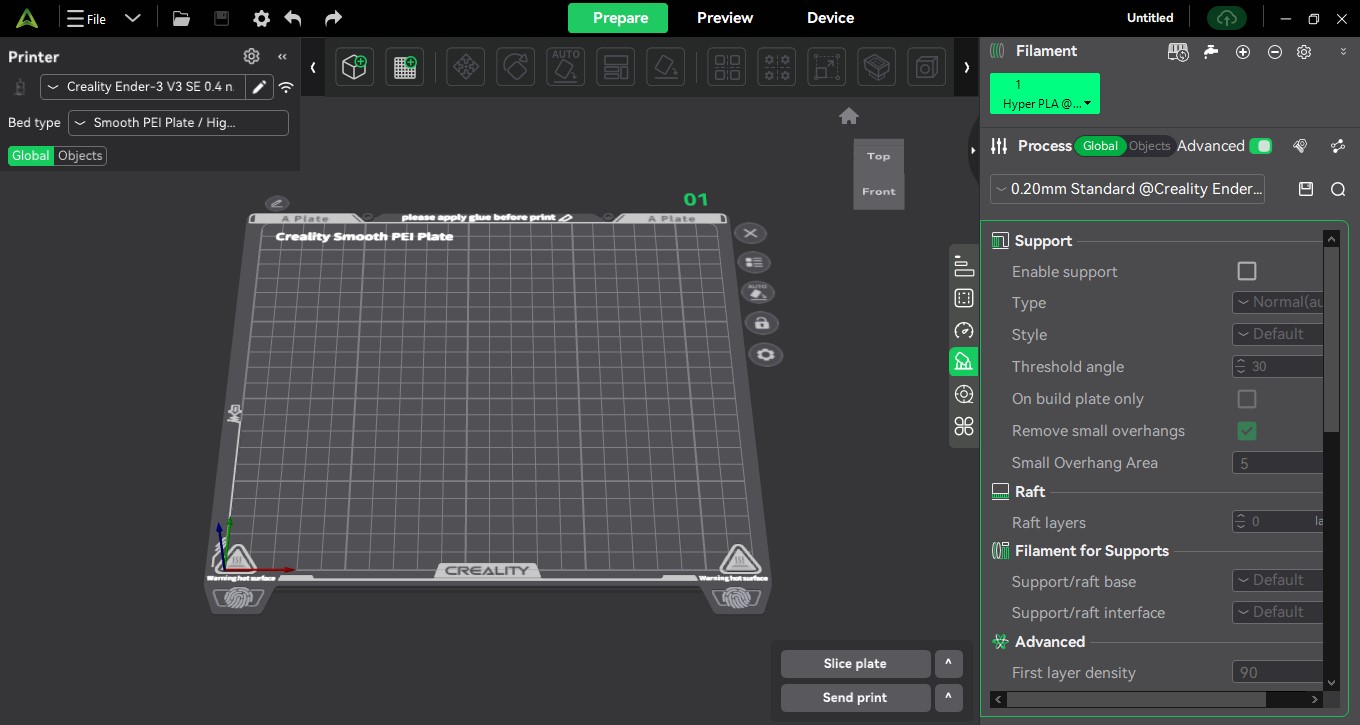
That’s the right place to look. In order to change the settings you need to check “Enable Support” at the very top of that list. I don’t usually change those. If you hover over each setting it will tell you what it does. Not always the best explanation but something.
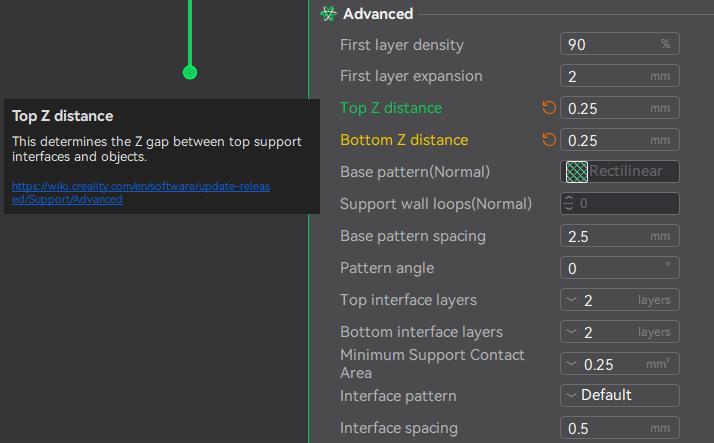
I do change these two settings as it sometimes makes the supports easier to remove.
I have used the support settings a few times, however, one of the things I’m trying to print, it specifically says in the instructions how to fill in the ones I asked about, except, I can’t find those settings.