I have a Creality K2 Pro (including the CFS for multifilament printing) and want to print some tokens for gaming.
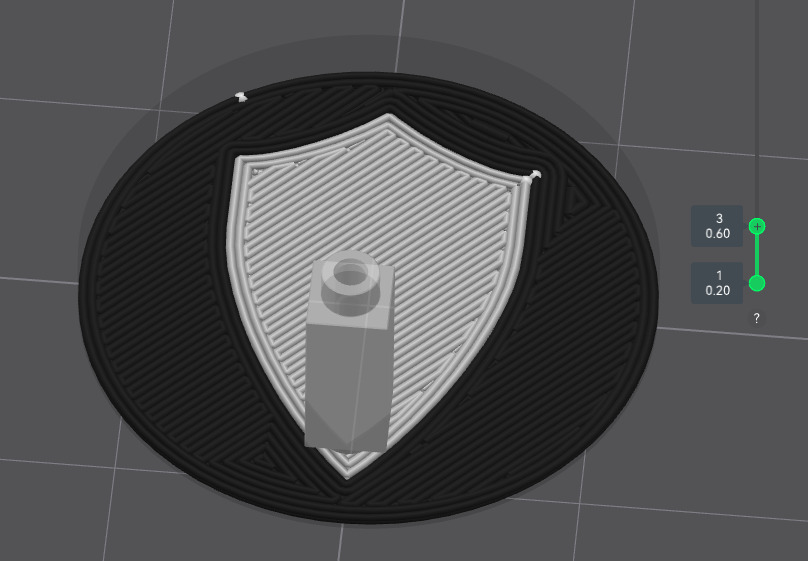
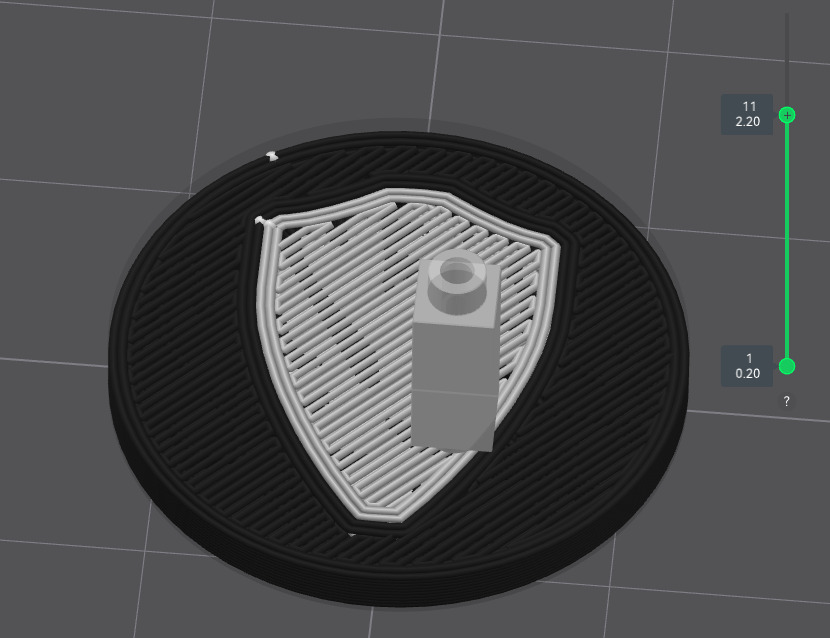
I want the coloured icons on them to be a single layer thick on the top and bottom so that I’m not wasting filament swapping colours multiple times a print. I’m trying to slice the tokens in Creality Print but it changes the colour on all the shell layers instead of just the first.
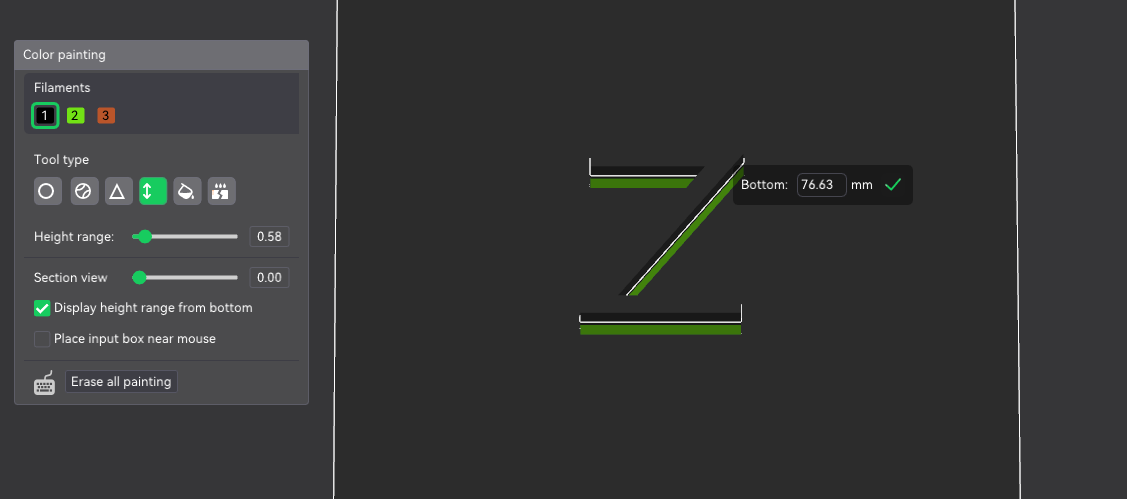
The coloured parts of the model are .2mm thick, the hight of a layer, as you can see in the second screen shot. I’ve tried making them thinner and it doesn’t help. Anyone got any ideas on how to solve this? Thanks in advance
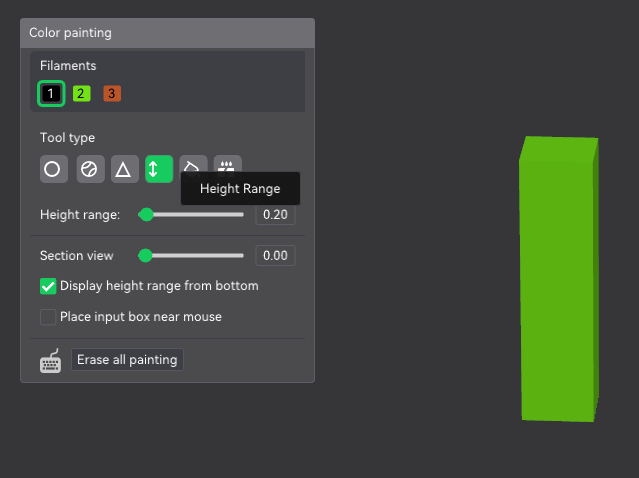
I’m not sure if this is the answer you are looking for but try this. In Creality 7 go to the paint icon. Choose the height range and then experiment with it so you can fill in that top layer with a different color. That would only work if the top layer sticks up a couple mm. Remember that a very thin light color on top of a dark color might show through. Hope that helps a little.
Thanks for the suggestion but I was hoping to have the tokens flat rather than have the coloured parts raised up, so changing colour by hight means you won’t see the icon
Try resizing the model a couple hundred percent and then paint it. See if it comes out right. Save it and then resize it back down to the normal size. Sometimes Creality Print doesn’t play well and you have to mess around to get things to work right.
I think Jimandyen has the right idea I would figure out at what height you want the white to stop and set the layer height to start at that point from z to what ever height you want the top white layer to end like a reverse Oreo if this makes sense
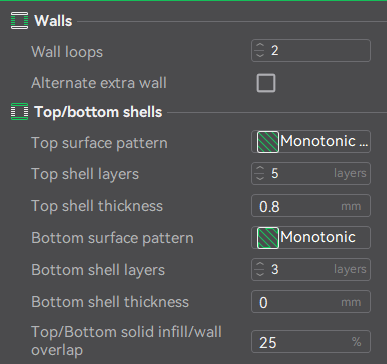
I got it! Reducing the top and bottom shell layers to 1 while still setting the thickness of both to .8 kept the 3 layers but only had the image on the very top and very bottom.