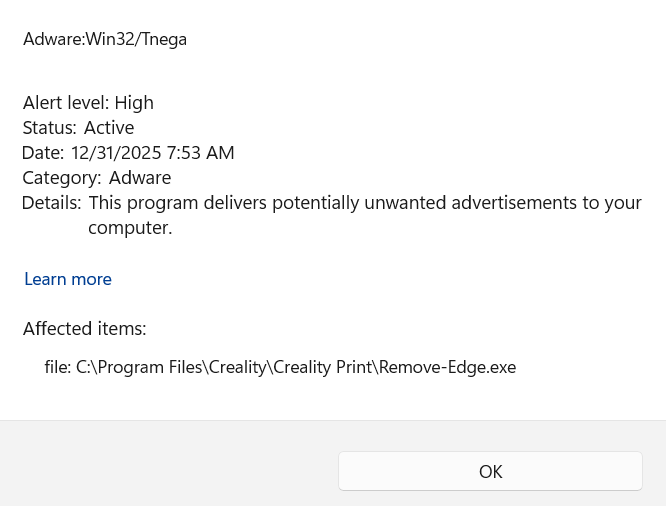
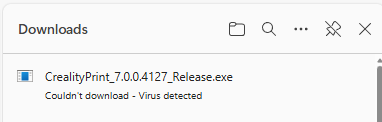
Yes. Same here. I quarantined it and so far it has not had an affect on Print-7. It is deeply disturbing that Creality security would allow malware into their download repository. Until Creality lays out what they have done to mitigate the problem. Trojan:Win32/Tnega!MSR", also known as “Win32/RA-based.NJV”" is serious. Here is a good summery on the NordVPN sitye: https://nordvpn.com/cybersecurity/threat-center/tnega/
I can not trust Creality. It may be deliberate. I can no longer run my regular security on this forum. I have to use an incognito window that allows targeting cookies in order to use this forum. Since incognito windows delete cookies on exit, I think that is reasonably safe as long as I do not leave a connection to Creality open for any longer than needed.
I have alerted Creality Tech support on Facebook and e-mail. My experience from doing corporate tech security for decades is this: If the virus is removed in 24 hours or less with a posted apology/warning it was a sloppy but honest mistake. I can forgive. If it it takes more than 24 hours to fix, then management approval was required and it was most definitely a deliberate attempt to spy on users.
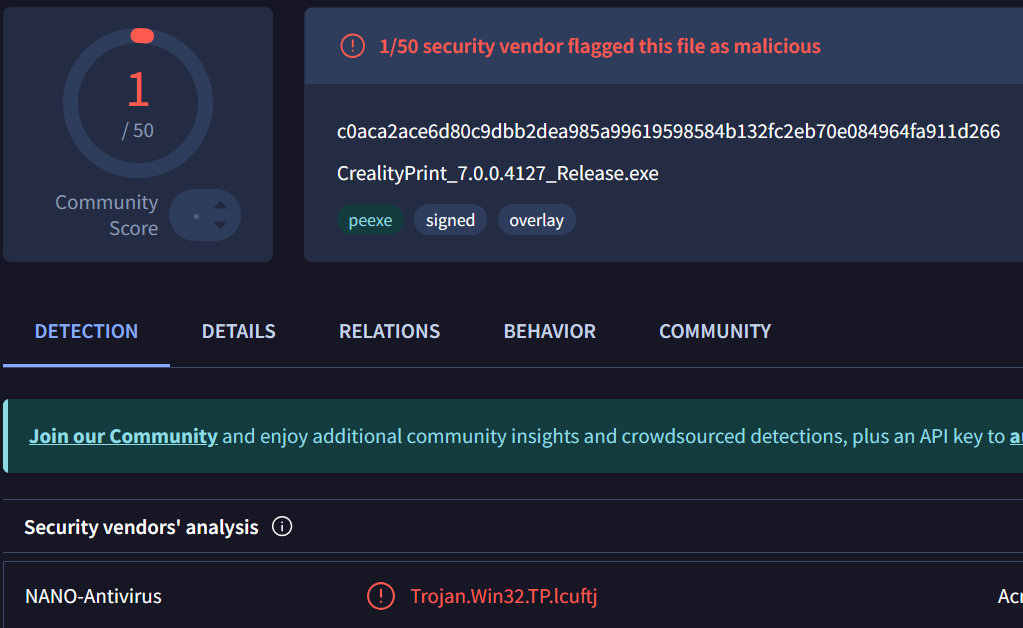
Yeah.. SmartAppsControl is blocking the install for me. Threw it into VirusTotal to see what’s up and this came back. It’s probably a false positive. I don’t see any suspicious activities from the file except an unknown IP address. Current CrealityPrint 6 is working for me so I’ll just stick with it until Creality releases a version that can get passed SmartApps because I don’t want to disable it.
I use McAfee which is smarter and had no issues with v7. I believe some other scanners are mis-identifying the online models tab as being adware/malware. I have had no issues with it at all. I ran an extra scan of it thru McAfee after seeing all these sort of posts and it cleared it.
The main self-extracting executable is not the issue. The Remove-Edge.exe that is contained is the file being flagged.
I extracted just the one executable and submitted it to VirusTotal. The results (21/72 security vendors flagged this file as malicious) do not suggest a false-positive.
No response on the Creality Support Facebook ether. This is not a false positive. I didn’t notice it for a few days because my machine quarantined it during the download. I didn’t notice until I checked my antivirus history. The infected file “Remove-Edge.exe” does not appear to affect the operation of Print-7. If your virus protection is working correctly, you may not even notice (or your download is blocked). If you are running Windows and this download did not trigger your virus protection, you need to review your computer security.
Be aware, this is an information stealing virus. It will not crash your computer or cause any strange behavior besides some unusual network activity. It will, however, upload your passwords and any financial information that may be available. The FBI and Interpol will have to sort out who the stolen information is going to. This virus is the first step in Identity theft.
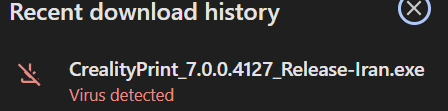
It is not a regional issue. I tried setting my VPN to Iran and the download was blocked. I added the “-Iran” to the name to keep the regional downloads sorted.
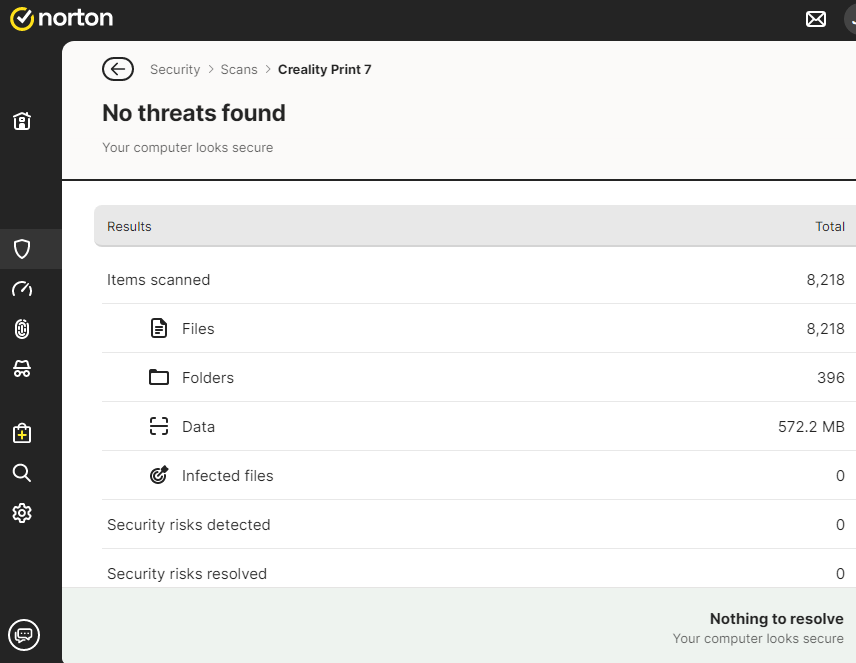
I downloaded it from the Creality Cloud site as soon as it was available and the scanner (Norton) didn’t pick up anything. I’m in the U.S. Texas.
I noticed it’s available on GitHub also. Could that be where the problem is..? Last year I noticed there was a warning for files on GitHub and to use caution when downloading them. I can’t remember where I saw that though…
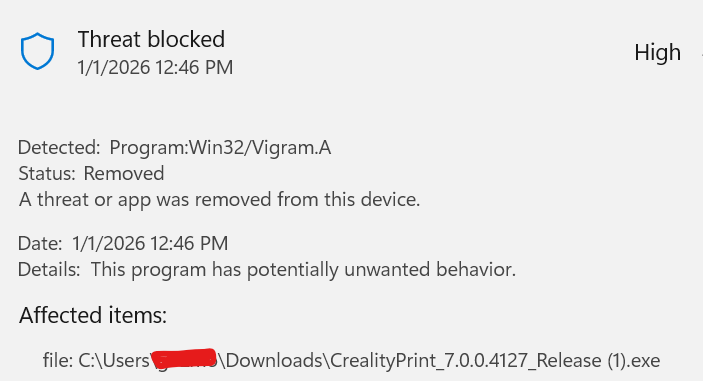
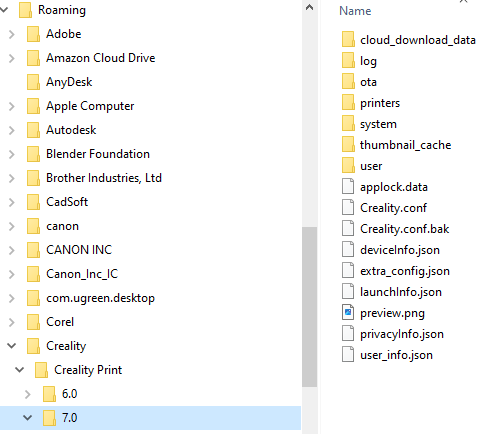
Fascinating. This is a reach, but i wonder if Norton is smart enough to remove the offending file, or Windows security removed the file during install. Windows Security removed the file is how my first install went. “Remove-Edge.exe” was moved to the Quarantine folder and never made it to ~\7.0 directory.
At your convenance, take a look at “Windows Security” > “Virus Threat and Protection” > “Protection History”
That is where I found the record indicating the file had been quarantined. I’ve been using v7 for a couple of days and so far, deleting “Remove-Edge.exe” from the system does not seem to affect anything.