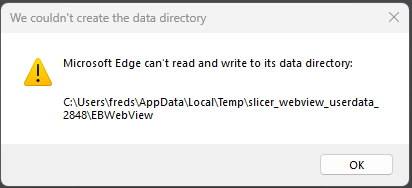
WebView installation failure may result in the following scenarios. Take corresponding steps based on the symptoms encountered:
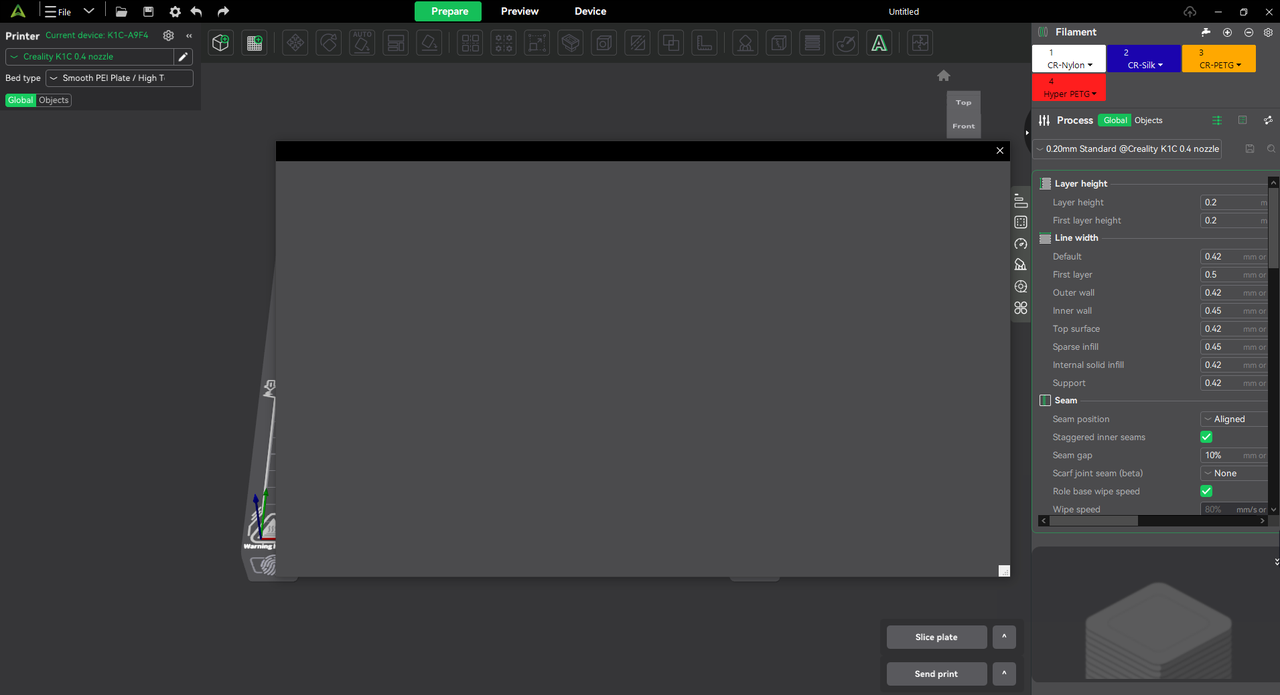
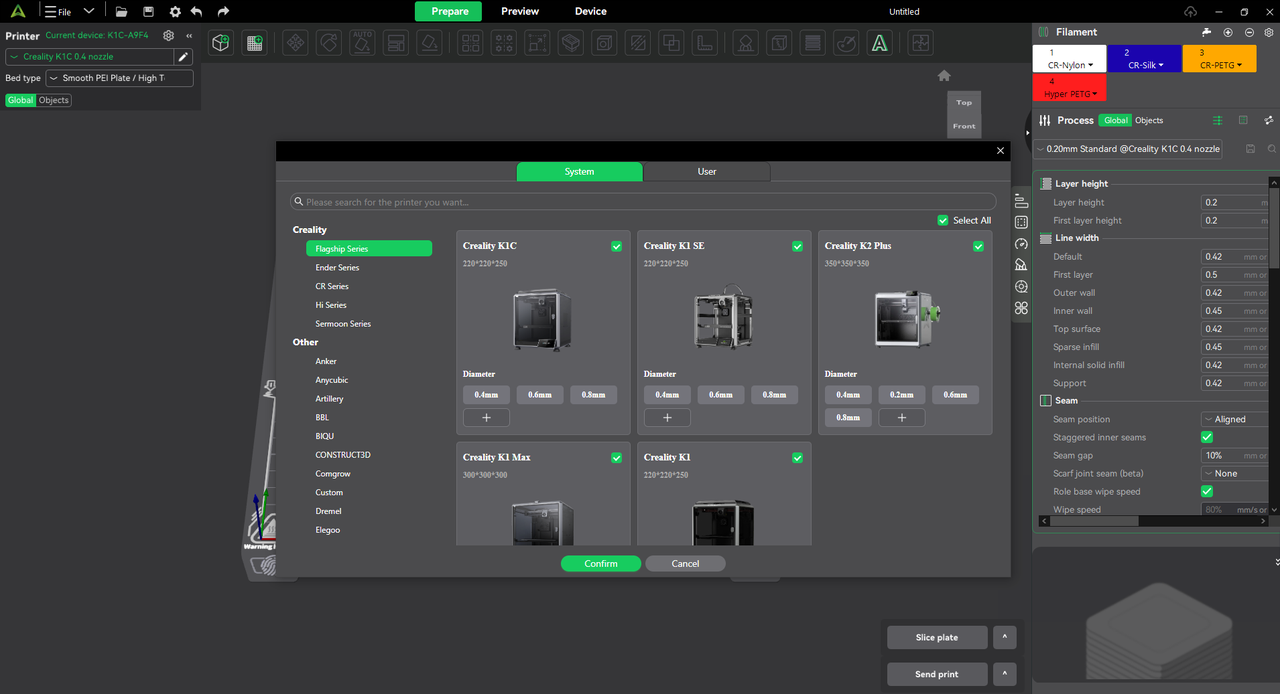
The added printer page shows as blank
If WebView is not installed or has failed, the Add Printer page in Creality Print may appear blank.
Uninstall existing Edge
Download the uninstaller:Releases · ShadowWhisperer/Remove-MS-Edge · GitHub
(Program source: https://github.com/ShadowWhisperer/Remove-MS-Edge)
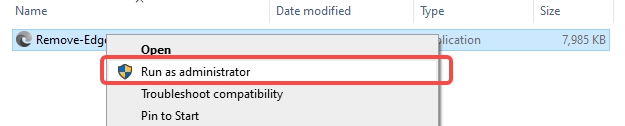
Download and unzip the file and run it with administrator permission
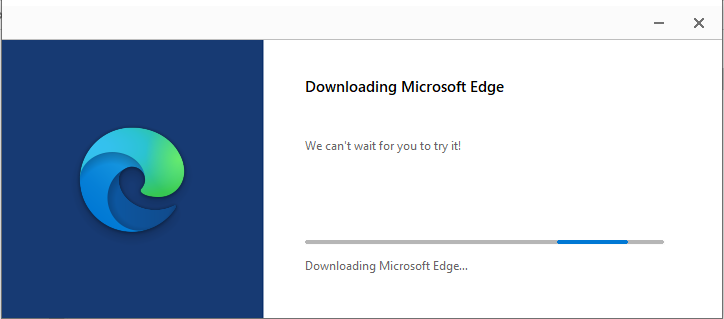
Reinstall Microsoft Edge
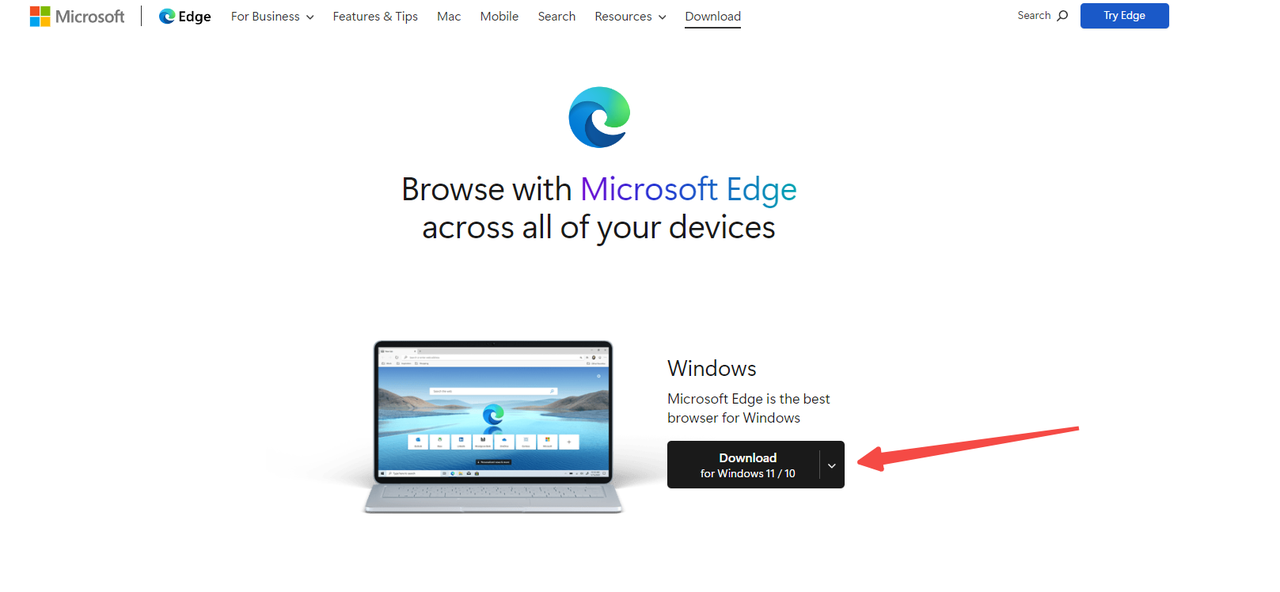
Redownload and install Edge browser from Microsoft’s official website: Download Microsoft Edge: Windows, macOS, iOS & Android
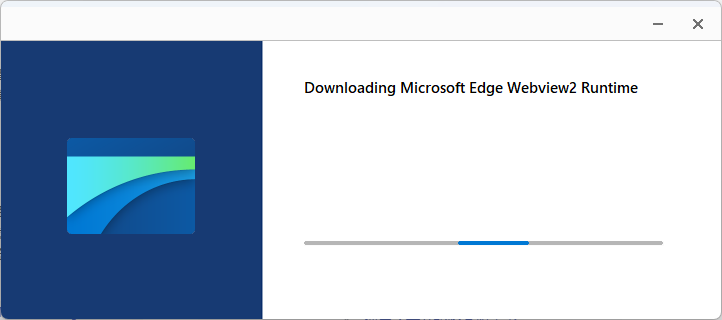
Download and install Microsoft WebView2
/microsoftedgewebview2runtimeinstallerx64.exe
Restart Creality Print
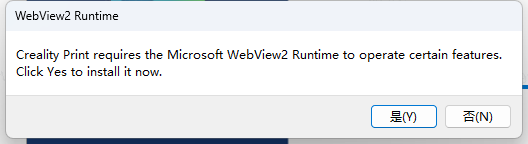
After the Edge installation is complete, restart CrealityPrint,select Yes in the pop-up window, CrealityPrint will be launched automatically after the installation is complete.
Compatibility issue error
Download the registry file and double-click to import it. Then restart CrealityPrint.