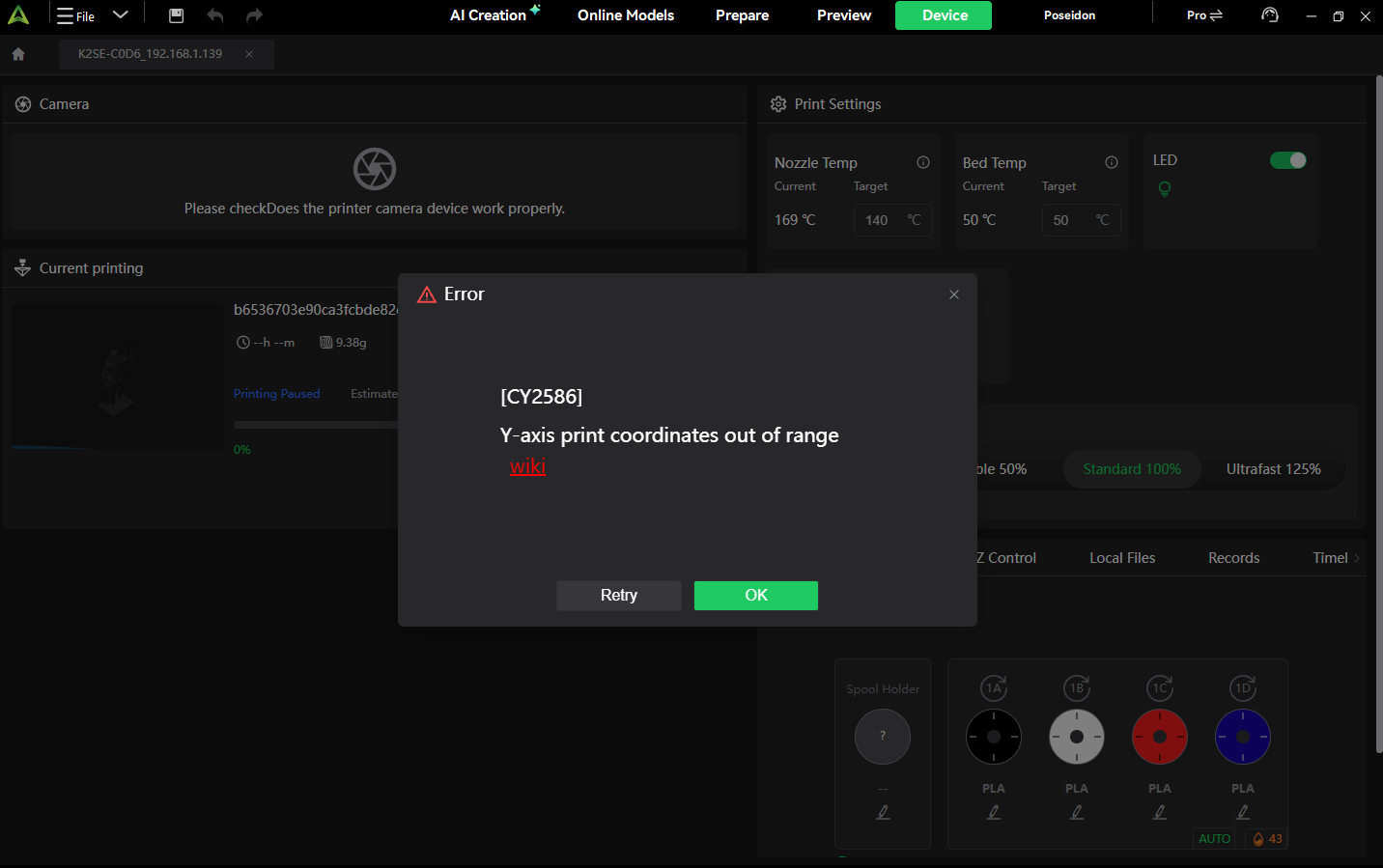
I received this error CY2586: Y-axis motion coordinate out of range after 4.5 hours into a 6.5-hour print. The perplexing thing is it has already finished the farthest outlying y-axis printing. Does anyone have any idea what causes this?
UPDATE: Same error this time at 5.25 hours. What the heck?
SECOND UPDATE: I sliced it with Orca, and the grid printed correctly without errors. It appears that the problem is with the Creality Print slicer.
I’m getting this with any moderately large print ( > 50% of build area-ish) any update on when this will be fixed? I’m on the latest as of today (27-01-2025)
I’ve printed several pieces with no errors, just the understable ones when being a newbie.
I’m a bit rush, I need 2 remaining pieces for my daughter’s institute work…
[K2 SE + CFS]
Update:
As I didn’t want to downgrade the firmware, I decided to play it safe: first I overwrited CrealityPrint with a previous version and, at the same time, I performed a factory reset on printer.
Since then, it’s printing without giving me the Y-axis error Will see in it continues in time…
 Will see in it continues in time…