I would like to ask for the introduction of a PCTG/Tritan filament profile for the K1 Max into the Creality Print V6.
It seems to be left out for some reason and trying to add it as a custom filament fails as there is no base profile template to select in the custom filament window.
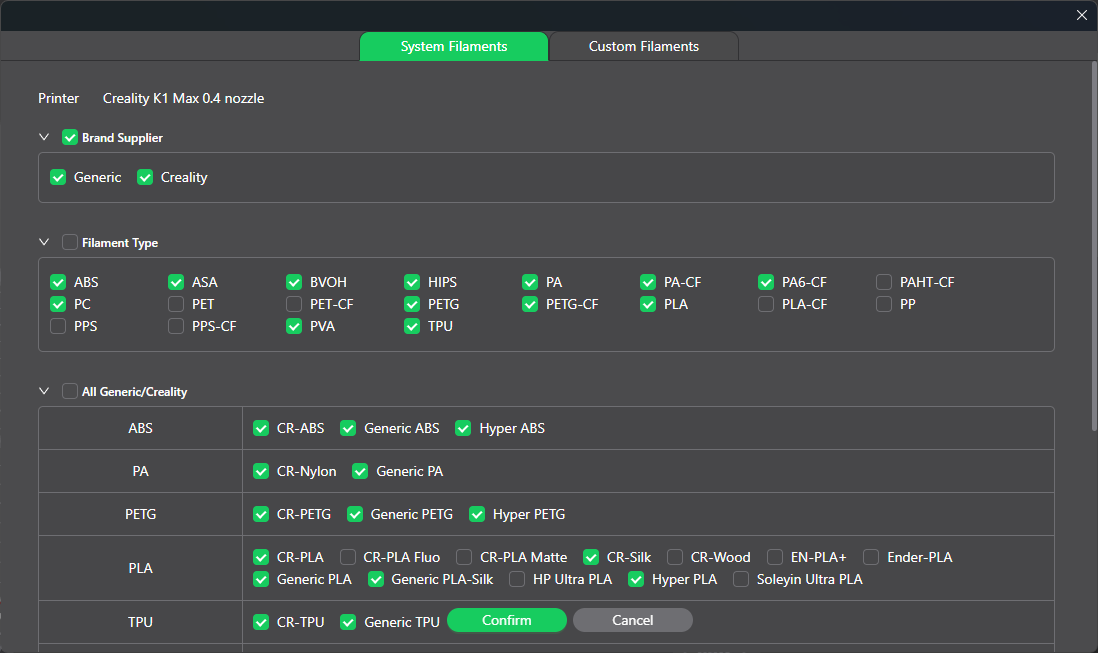
In the image above, we can see that there is no PCTG or PCT-G available to be selected. In the K2 Plus machine profile there is a PCTG material profile but I can’t copy it from the K2 Plus profile into the K1 Max profile. I even tried to export it but there is no way to unbind it from the K2 Plus and bind it to the K1 Max.
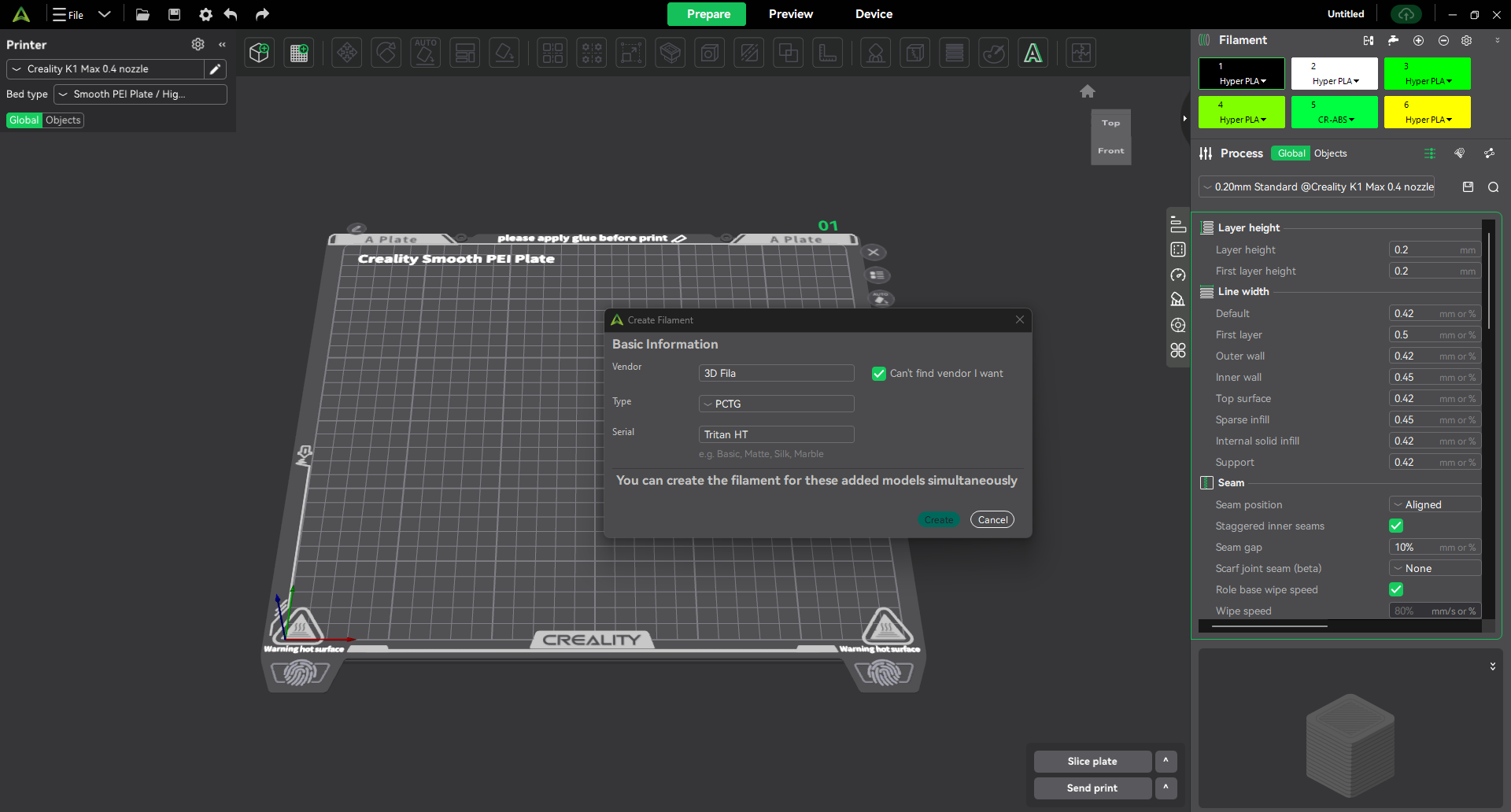
And here we can see that it is not possible to create a custom filament. The material is present at the list but there is no base profile, even a generic one, in the K1 Max machine profile to be the template.
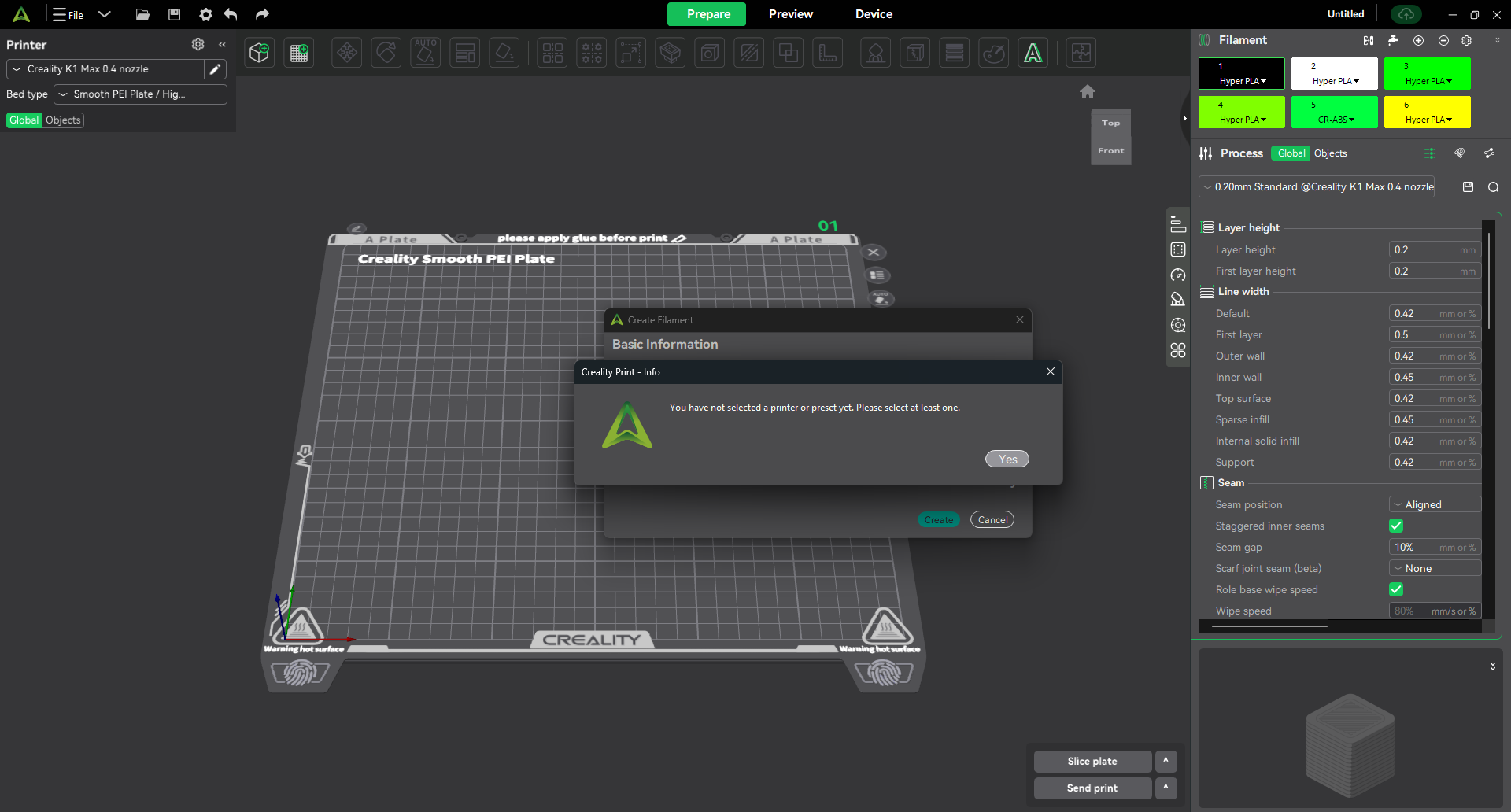
Because of the, we can’t add PCTG as a usable material with the right parameters. If I try to add it anyways, the following alert window appears:
It could be useful to the R&D team if it’s not merged already into the CP V6.
This seems to be fixed or not affecting CP V6, so I mention it here only for reference and educational purposes.
I also would like to report a bug that has been persisting through all builds and minor versions of the CP V6.
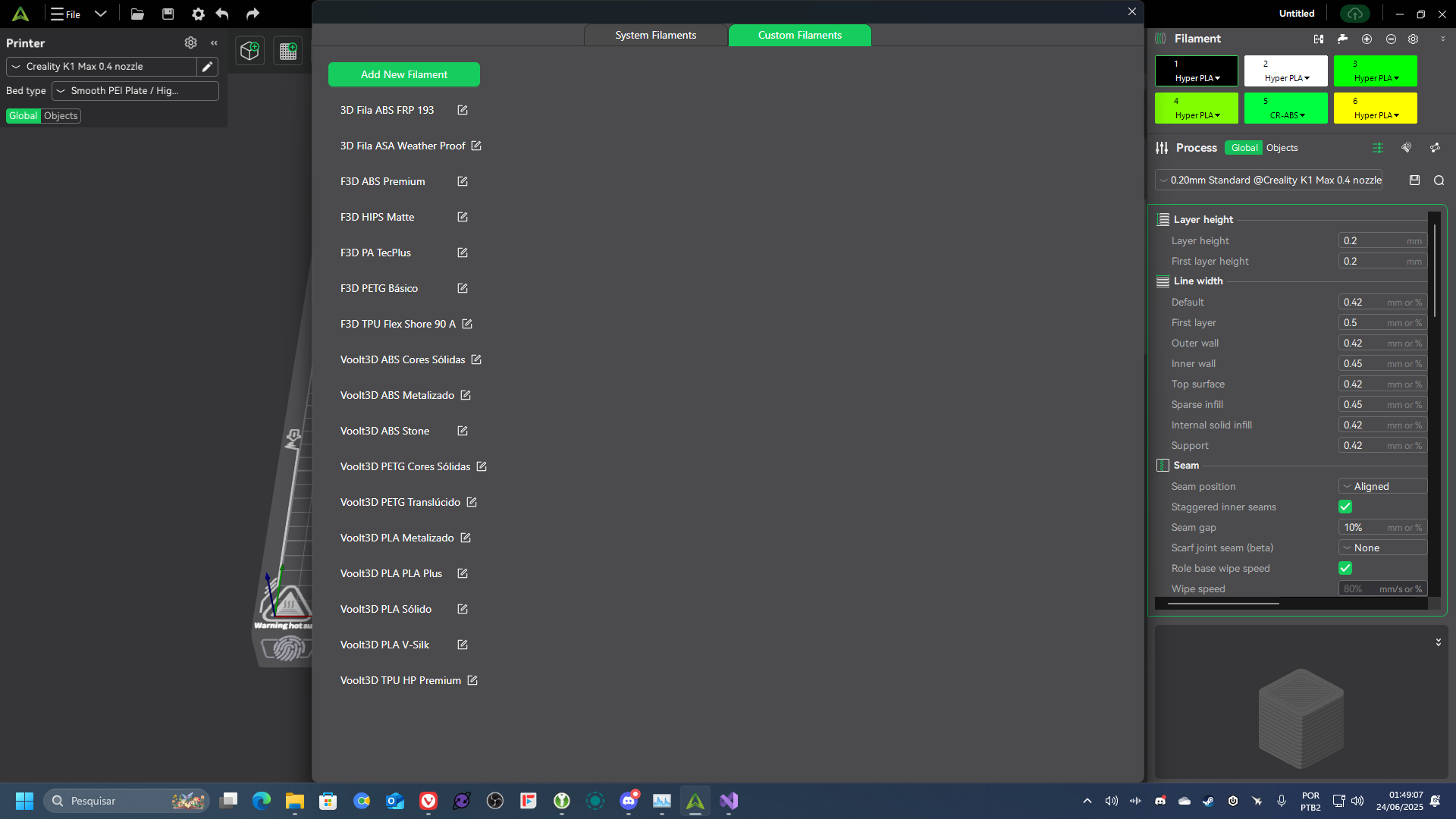
In the filaments management window, specifically at the Custom Filaments section in the release 6 of the Creality Print the exhibition with columns broke and the list of custom filaments is presented as a single column all the way down until it goes off the screen. This represent a breaking bug because after a few custom filaments added, there is no easy way to edit these presets because the dimension of the window is limited at the screen resolution excluding the windows taskbar and the window title space. It should has columns and a scroll bar for when the columns are all full but there is no scroll bar either, as the following image:
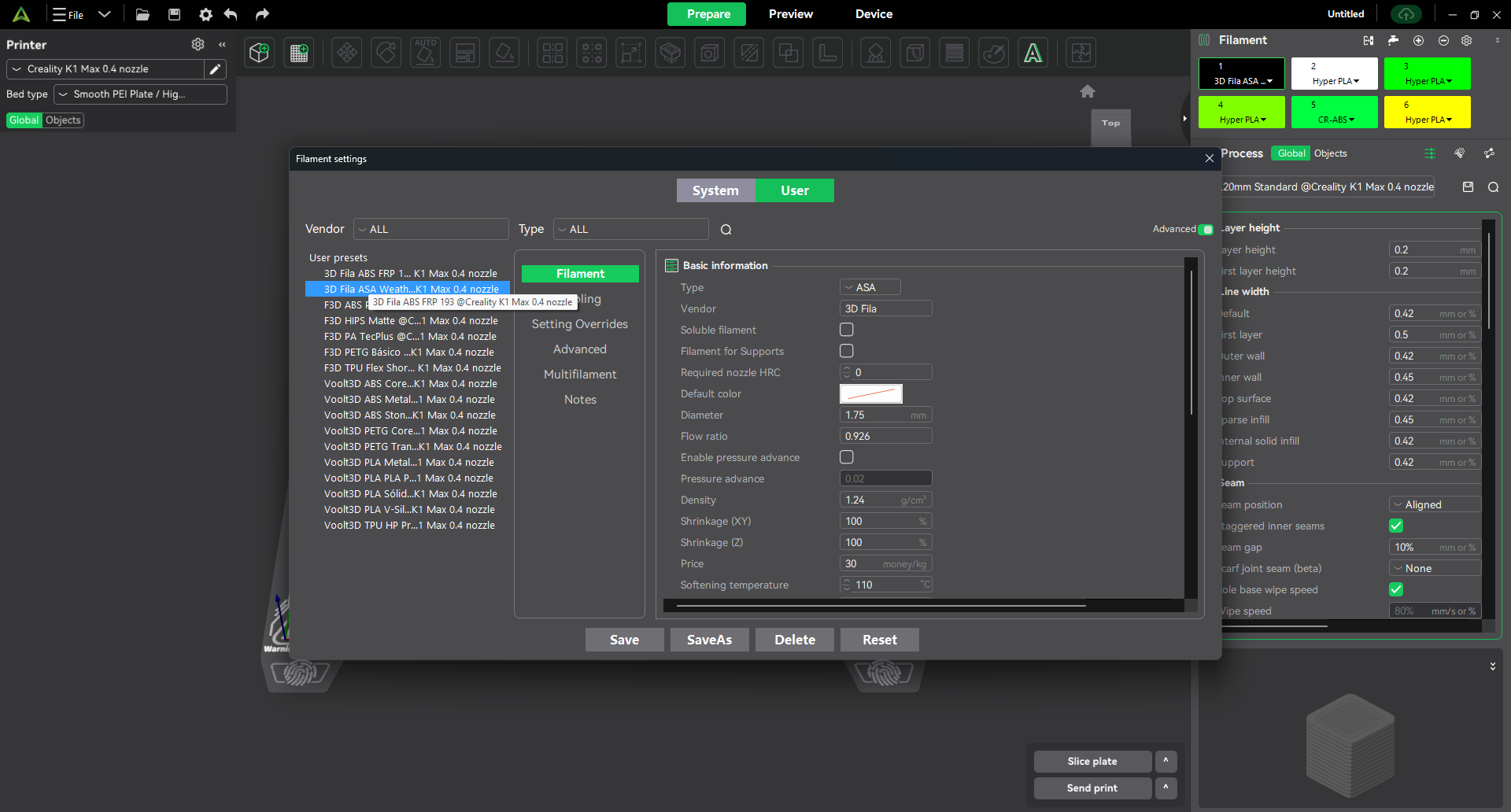
Another point which could benefit of a improvement in the layout is the filament parameters window, showed in the image above, which cut partially the names of the presets, both from the system and the user tab. There is indeed a tooltip text which show the complete name but I believe this could be improved in a better way, with resizable columns so we can define the width as needed.
Could you please, @Optimus , pass at least the first two issues to the dev team due to the breaking nature of them?
I would like to add from my last post here which you replied, @Optimus , that I have been trying but struggling with the backup method developed at the CP V6.x. Even the Creality Cloud sync is somewhat weird as it sometimes overwrites my recent calibrated profiles with old ones in the cloud instead of uploading the new and the updated ones to the cloud. Maybe the dev team could add buttons to manually upload and download the profiles to and from the cloud, even better if it is made modular enough that we can control which filament profile we want to select to upload or to download.
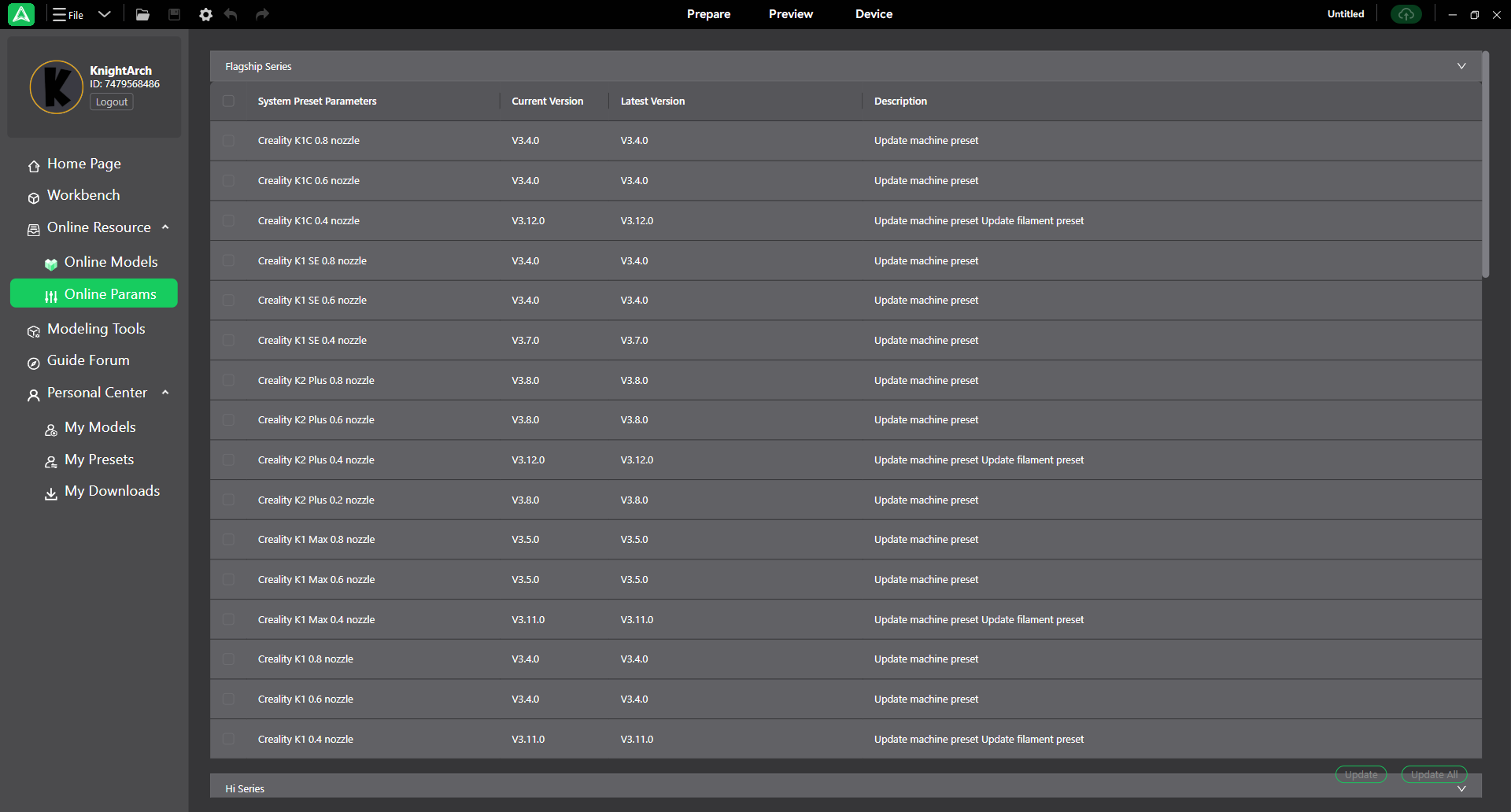
May I suggest a Creality Cloud related services tab under the Personal Center, or just another option under the Online Resources in the Home tab, right above the “Online Params”?
It could be called “Cloud Params” or “Synced Params” if its not possible to write “User’s Cloud Parameters” and could be a page where we can manage the cloud synced configurations and parameters for printers, processes and filaments.
I’ll put a reference of the screen I’m talking about here:
Thank you very much in advance.