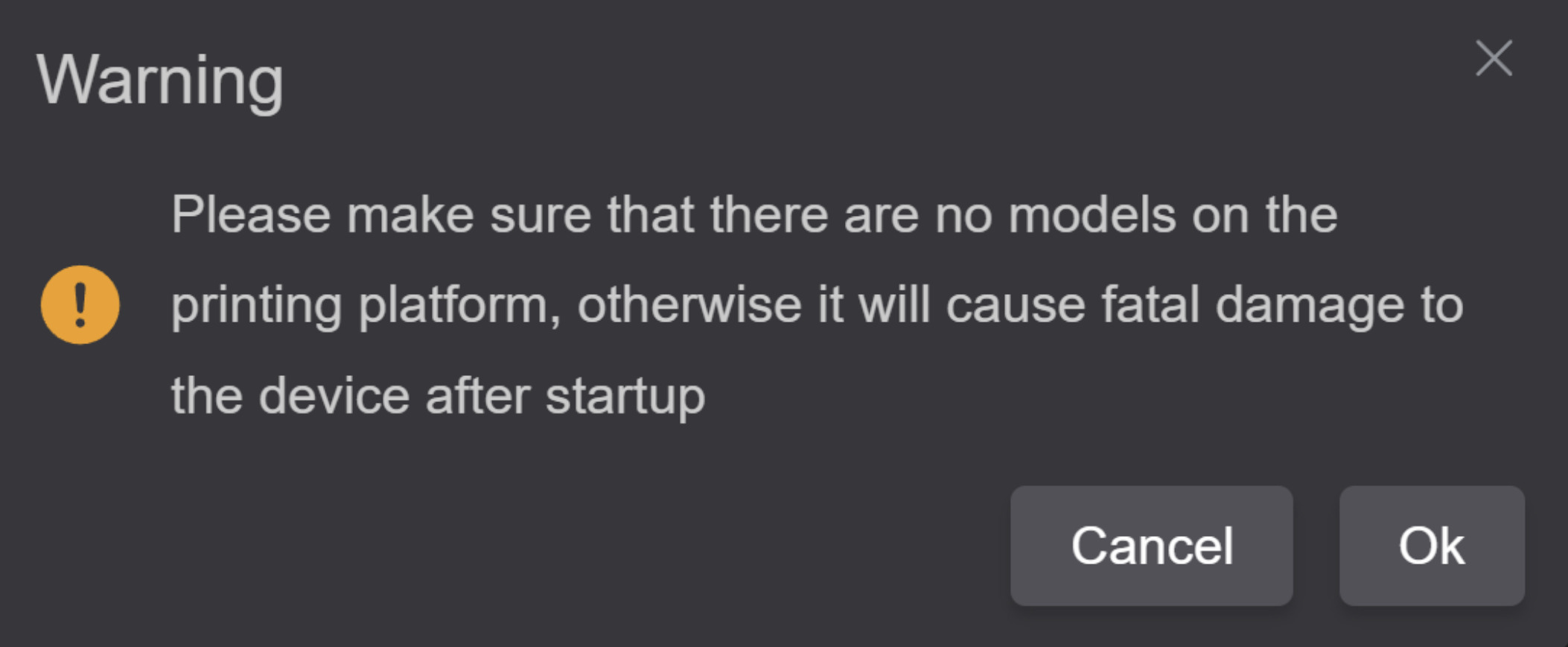
Has anyone found the setting to disable this warning in Creality Print for the K2 Plus? Documentation for v5 shows a checkbox to turn it off, but I can’t find any equivalent option in the current version. If there’s a new location for that toggle, or if the feature was removed, I’d appreciate any clarification from someone who has already dug into it.
1 Like
To be honest, I never saw it before 
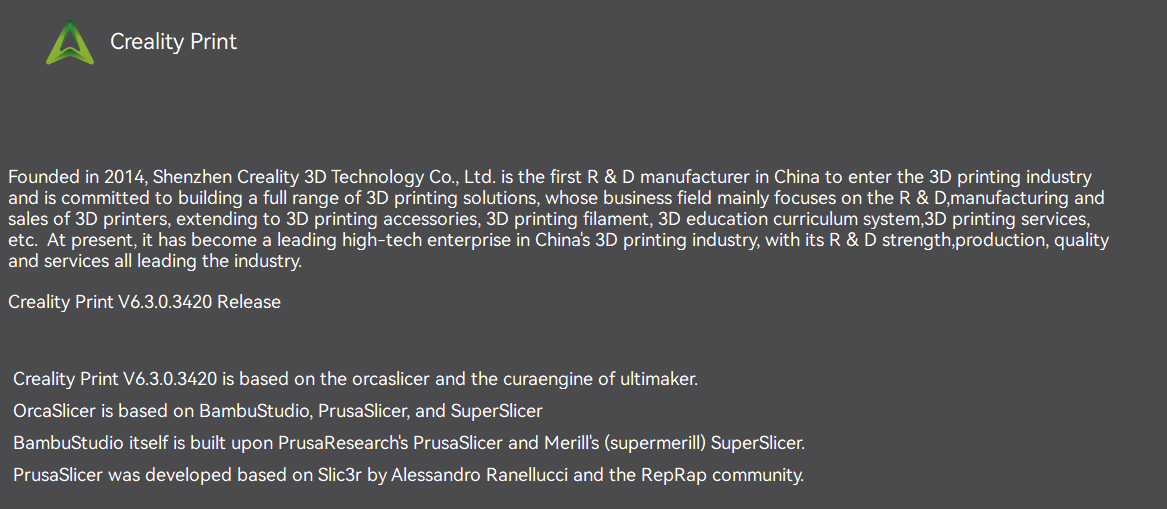
I’m using Creality Print 6.3. which one are you using ?
Did you ever work it out? I have the same question – I don’t know if it relates to basic use, pro user etc. ot something else but I can’t toggle it off either.
No, I never got the toggle working properly in Creality Print. I found my own workaround, but it wasn’t without a lot of effort.
Since Creality Print is derived from OrcaSlicer, and OrcaSlicer is derived from Bambu Studio, I ended up taking the Orca source code and using AI to help modify it to directly support the Creality K2 Plus.
It took quite a bit of work, but what I have now is a more faithful version of Orca with direct K2 Plus support and without the Creality Print defects I kept running into.
There are so many seemingly self-induced bugs in Creality’s fork of Orca that it makes you wonder why they made some of these changes in the first place. This particular annoyance is just the tip of the iceberg.