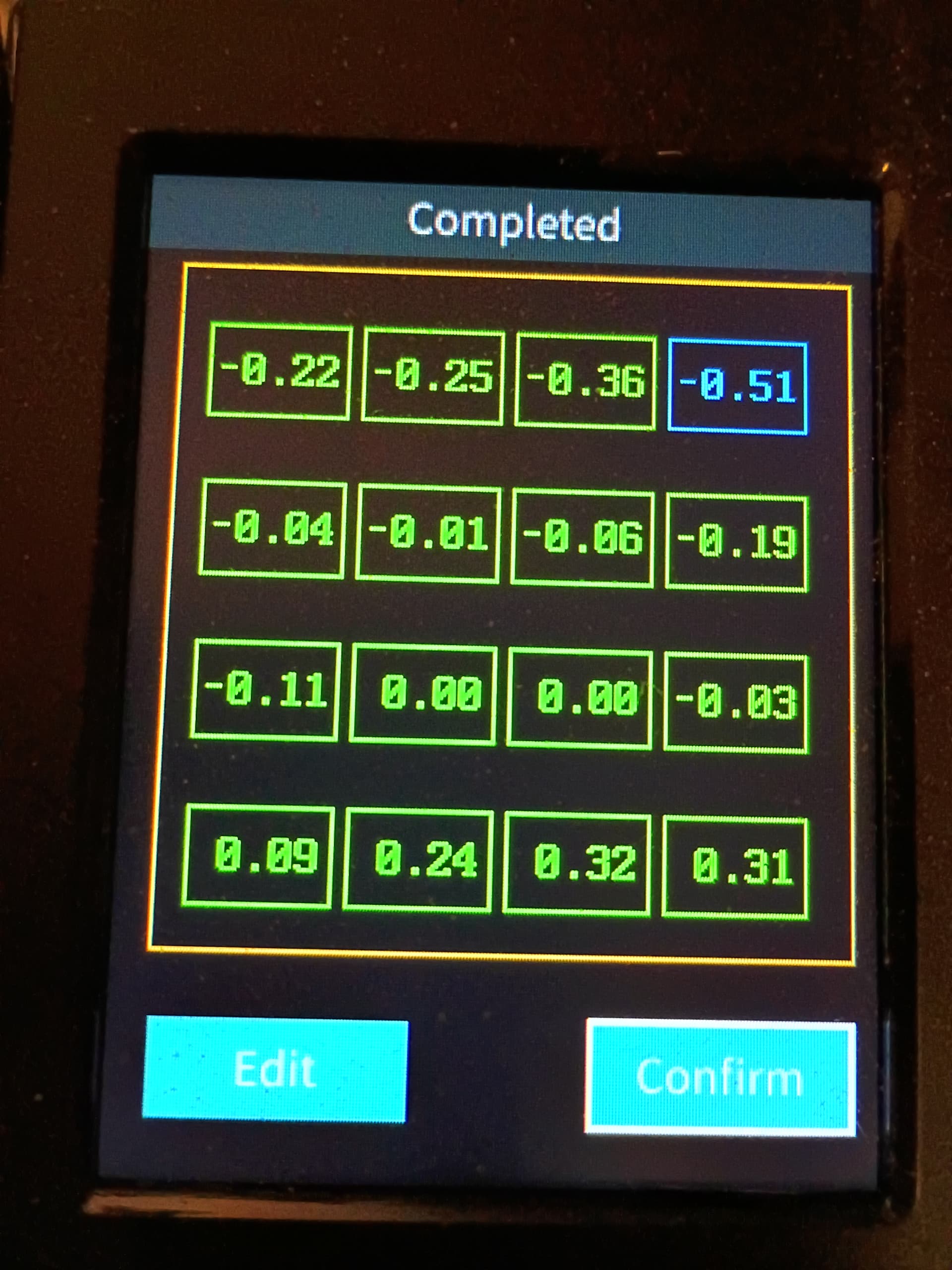
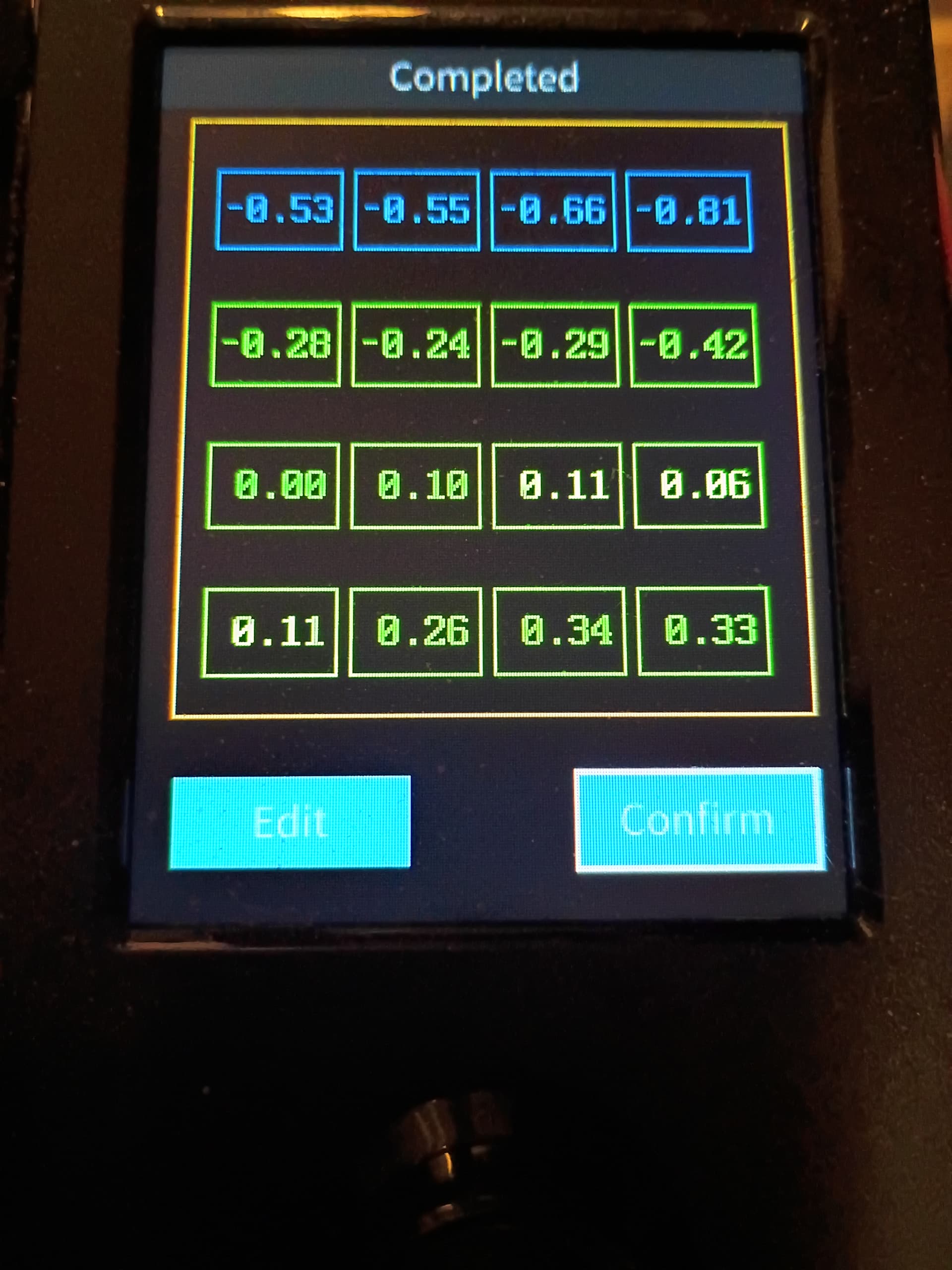
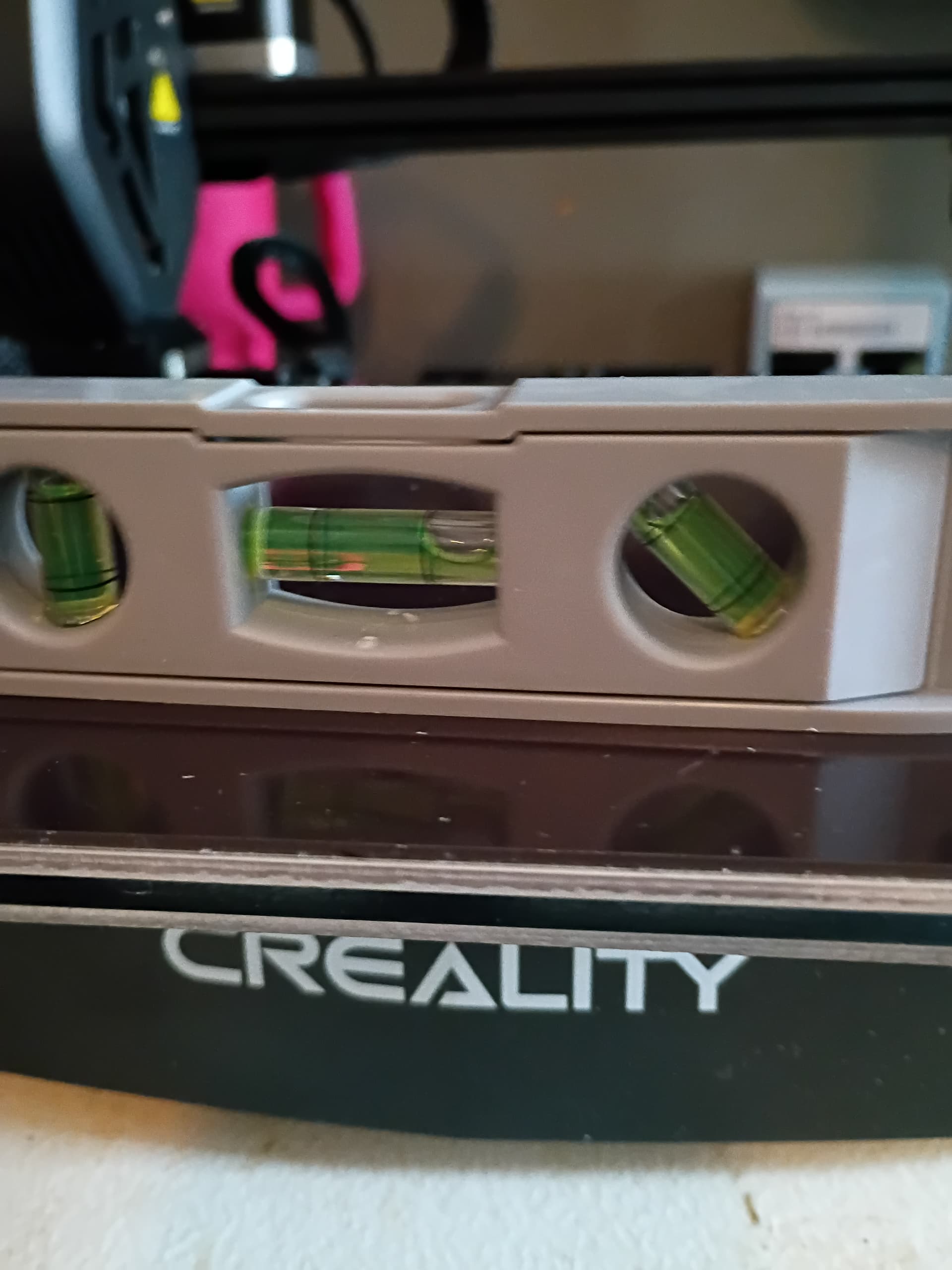
Is it normal for the bed to be 4MM’s lower on the left side than the right? Using a level, after more than 4 days of trying every suggestion I have found, I can’t get the bed to level, and, after checking it with a level, I’m wondering if it being that far off is the issue. I bought the printer refurbished, and have already squared the gantry, and made sure the extruder and the piece it rides on are straight and level, and made sure all the screws are tight, and, it still seems way off on the bed
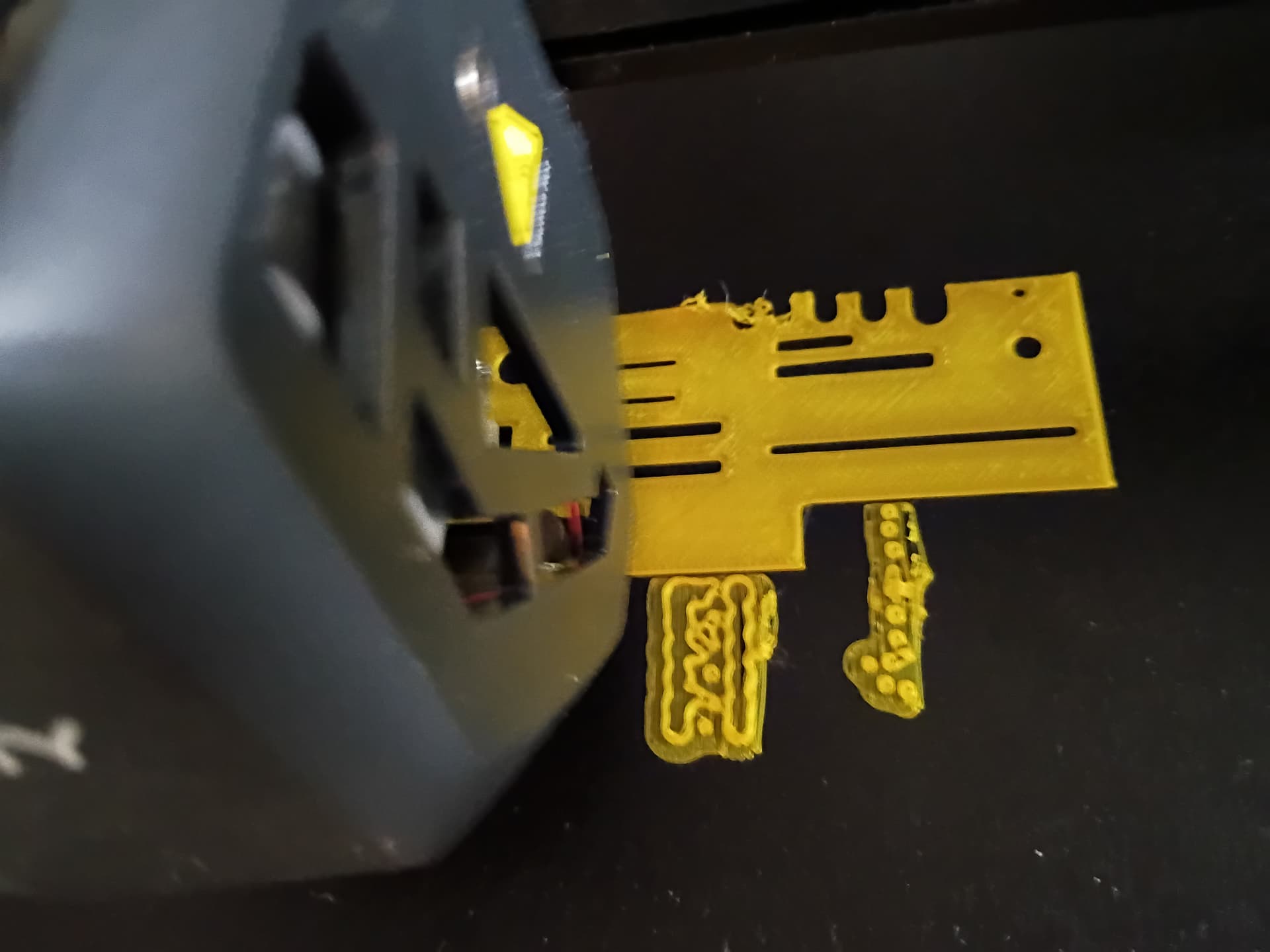
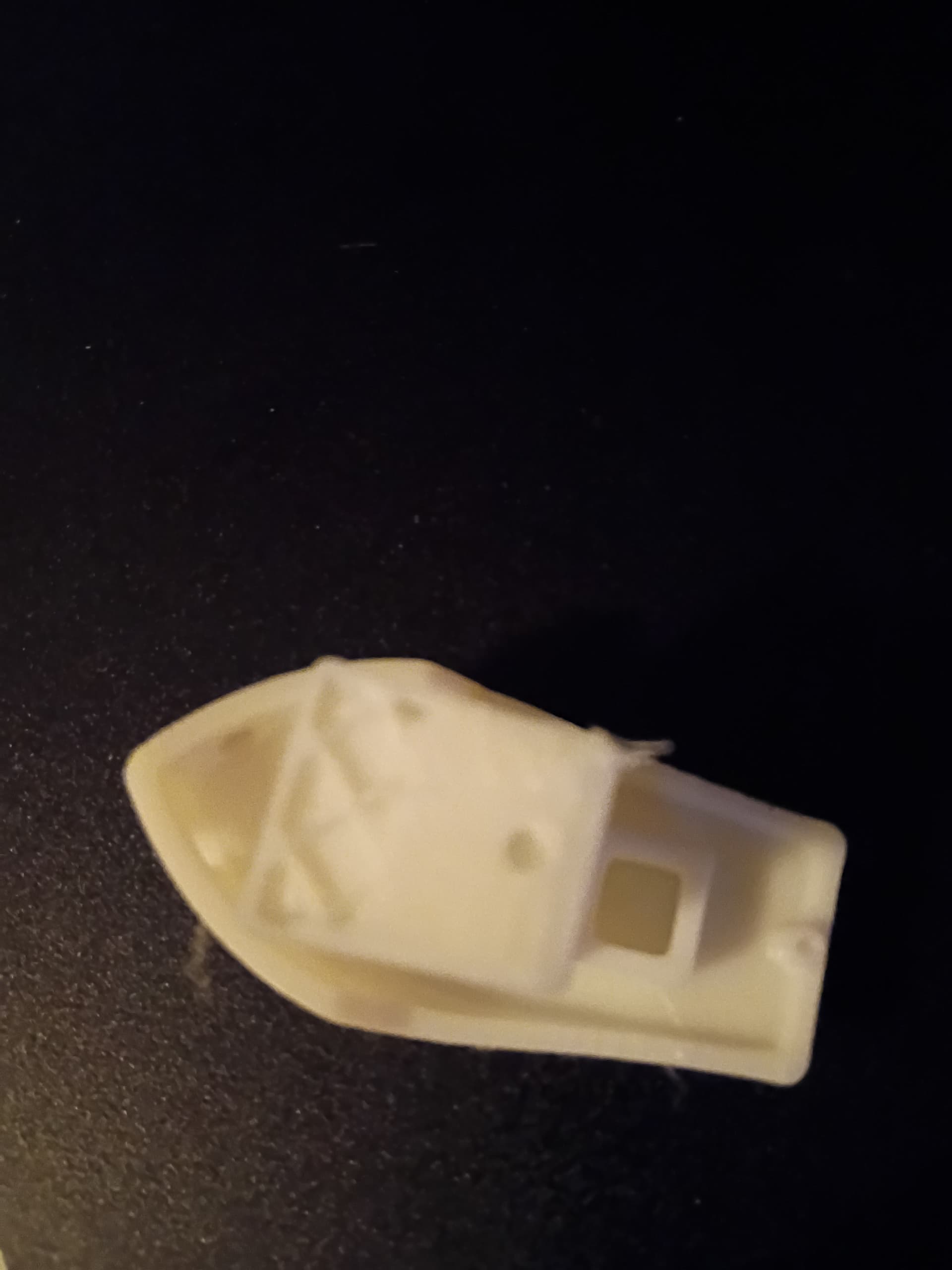
Thanks to several people, I finally got the leveling issues all figured out, but now I ran into an issue while printing. I started printing the benchy test boat, and, around 90% finished, it came loose off the bed and then slide off onto the floor. This is how it ended up.
Is the bed clean? The bed probe will adjust for the variance, also the lever is lever to gravity, you need level the bed to reference to x gantry, that not correct way to level your bed variance if you have bed probe.
Actually, we figured out the entire leveling issues. The printer is on a plastic folding table (it’s all I have currently), and if the printer isn’t dead in the center of the table, then it won’t sit level. After figuring that out, then, securing the table so it doesn’t move (I used wood and metal hooks to secure it to the wall, and then going through the steps to level the bed, I was able to do a second print of the Benchy, that came out the way it should. Then I learned the hard way you have to clean the extruder after every print, or it gets clogged, so, I just had to take the extruder apart and clean out the dried PLA. I let the extruder cool down, and the PLA hardened in the extruder. At least it came out easily after I took the extruder apart.
I would suggest you have other issues, you should not have to strip down any extruder after every print.
What temps are you using? also is the small hotend fan working?
This sounds like you may be suffering from “heatcreep” and this is causing the blockages.
From a post I read, apparently you aren’t supposed to just leave the filament in the extruder after printing, because, if you do, as the filament cools down, it causes it to block the extruder, which is what seemed like happened with mine. That post could be wrong though. I don’t know enough yet to know for sure. According to Creality though, with the V3 SE, you are supposed to pull the filament and run the metal cleaning rod through the extruder after every print to clean it, which I didn’t know until I found that info.
That might be good advice. I didn’t know that you needed to do that as I’ve left the filament in for long periods of time without any clogging.
Just to be clear…The extruder shouldn’t get hot. (If it does it’s called “heat creep”. That will cause the filament (PLA / PETG) to get soft and clog the extruder) The hot end or nozzle is what gets hot and melts the filament.
After everything I read and learned, I developed a simple, new habit. Whether I leave the filament in or not, if the printer sits, say, for a couple hours, or overnight, I preheat the filament first. Another habit I’m getting into is taking the filament out of the extruder and using the metal rod that came with the printer to push the filament that’s in the nozzle out before it cools. Then, after preheating the filament, I let it extrude a bit before I print anything. It may be overkill, but, it seems to be working.
Wouldn’t this indicate the nozzle is too close to the bed? I have tried multiple tricks to get it more level, and nothing seems to work. I have tried shims under the plastic spacers, experimenting with paper between the magnetic plate and the base, heat resistant tape, and, nothing seems to make any difference. The first pic is with heat resistant tape under the front of the plate, and the second pic is with tape under the rear of the bed. The print though is before I tried to level the bed (I let it auto level and tried to set Z-Axis, and nothing else), and was done with no spacers or heat resistant tape.