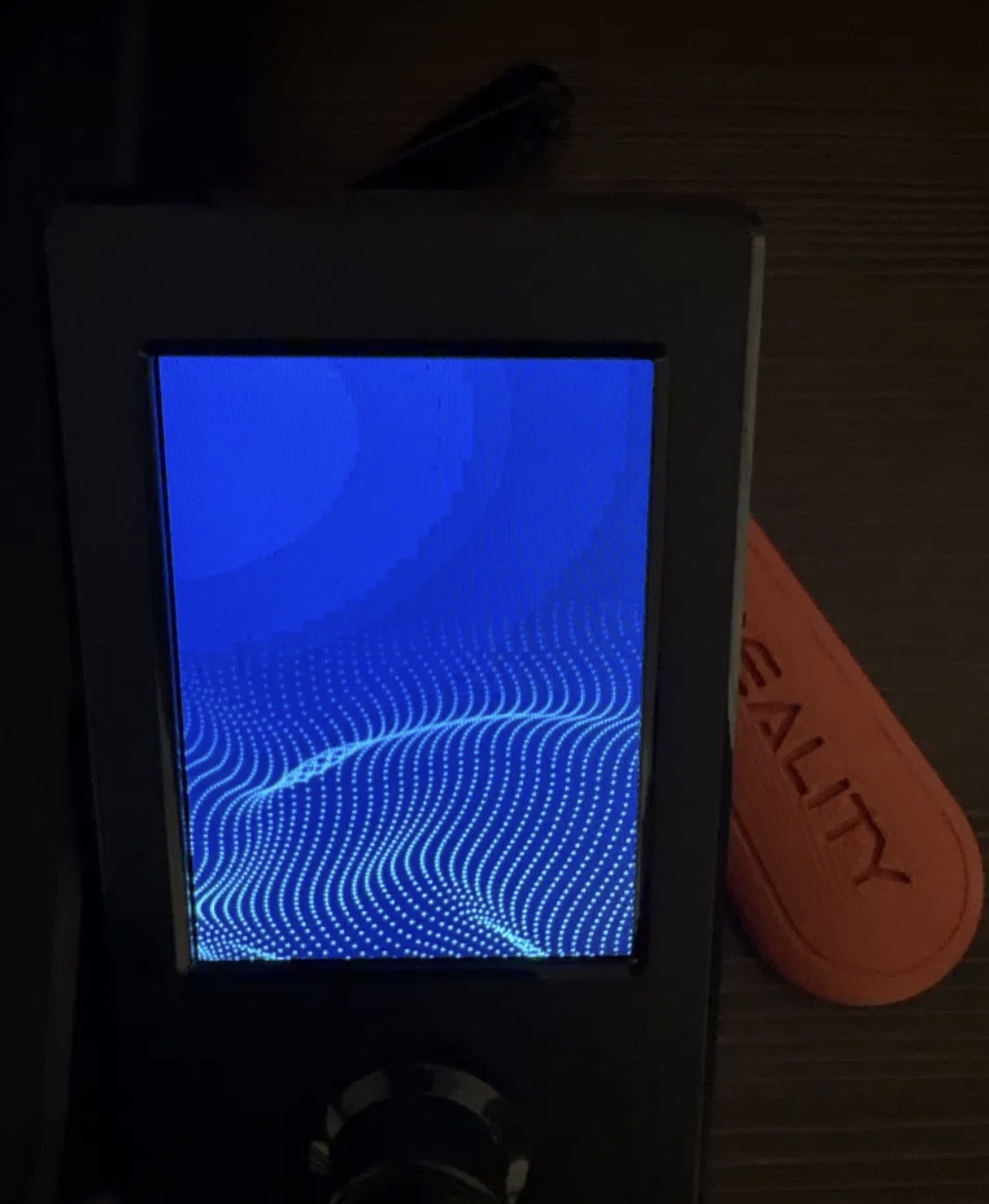
I have an Ender-3 V3 SE (purchased secondhand) that is stuck on the blue startup/boot screen and never progresses to the main menu.
Timeline:
• A power outage occurred while the printer was mid-print about a week ago.
• The printer continued to work normally for a few days after power was restored, including completing at least one print.
• It then stopped booting and has been stuck on the blue startup screen since.
Troubleshooting steps already completed:
• Power cycled the printer, including unplugging from the wall
• Removed and reinserted the SD card from the mainboard slot
• Checked the ribbon cable between the screen and mainboard - it appears fully seated
• Inspected the mainboard for visible surge damage (bulging capacitors, burn marks) - none visible
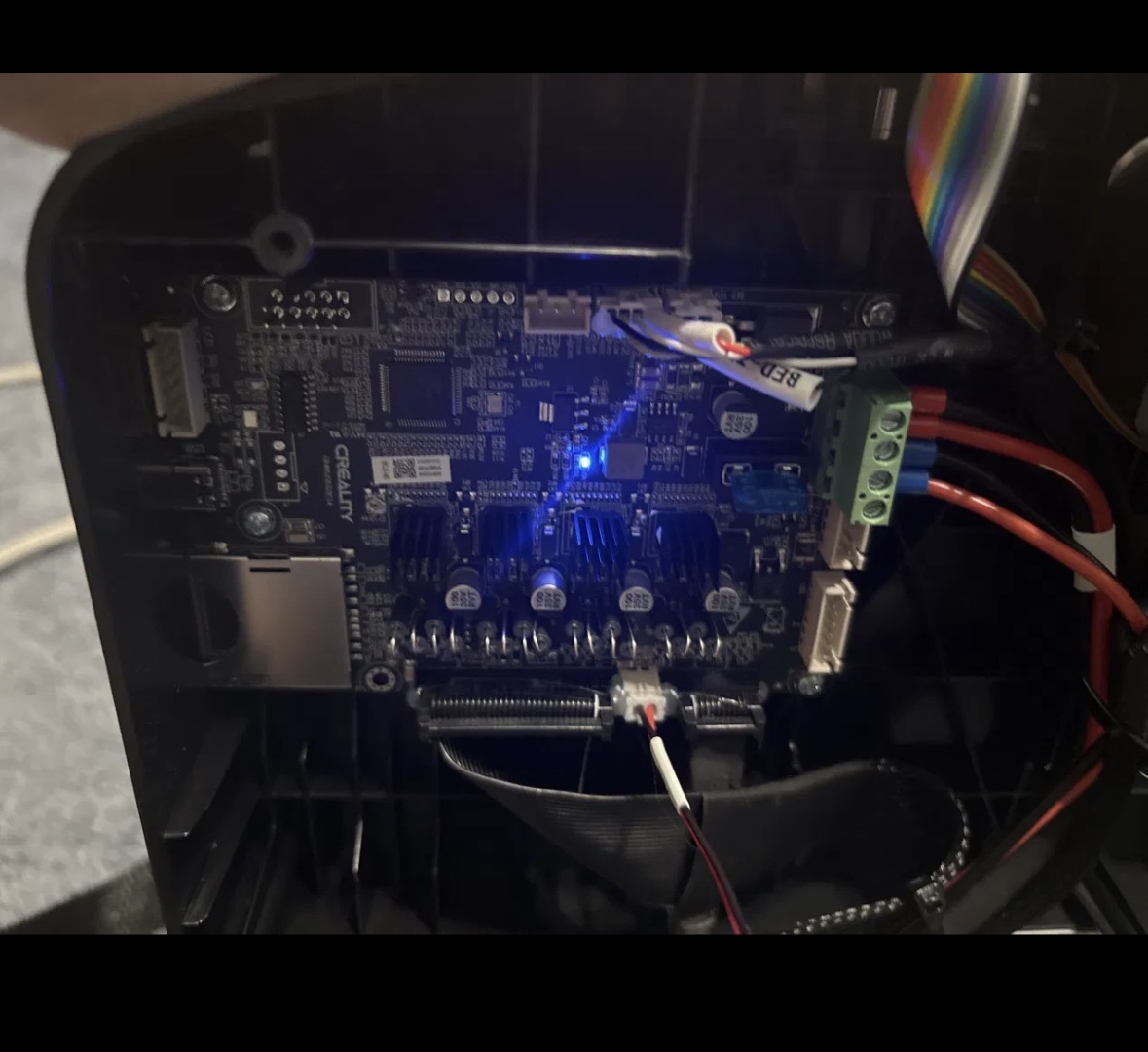
• Confirmed the mainboard is powering on: with the screen ribbon cable disconnected, the board’s onboard LED lights up and the fan runs normally
• Attempted a display firmware update via the TJC_SET method: formatted a microSD card to FAT32/MBR with 4096-byte allocation using the official SD Association formatter, placed the TJC_SET folder (containing tjc.tft) at the root of the card, and inserted it into the mainboard’s SD card slot with the printer powered off, then powered on
• The printer showed no reaction at all to the SD card during this process - no progress bar, no change from the stuck blue screen
Given the mainboard appears to be receiving power and the LED indicates it’s alive, but there is zero response to the SD card during the firmware update attempt, I’m concerned the SD card slot on the mainboard itself may have been damaged by the power outage.
Could you help me determine:
1. Whether this symptom (screen stuck on boot, zero response to firmware update SD card) points to a mainboard SD card reader failure
2. Whether there is a way to verify this before requesting a replacement part
3. If a replacement mainboard or screen module is needed, how to obtain one
4.
Hi
The TJSET software is for the Screen, SD card slot on the left hand side of the screen when removed.
Update the screen first then update the motherboard through the card slot on the left of the printer