I’m at my wits end. I’ve been down over a week. My v3 se has started creaking when trying to pull filament through so the output is spotty at best. I’ve torn everything apart, cleaned, checked and reassembled twice. The extruder is only 2 months old (as is everything that hasn’t been replaced yet) and appears to be in new condition. The filament is dry, there are no snags. There is no apparent reason for it to not be performing. Please, if you have any suggestions I would love to hear them.
Any images available?
Hello!
I’m more than happy to provide any images that may help you to help me (and others referencing this thread later.) If you mean images of bad prints, I’m getting:
- Inconsistent adherence… weirdly in the same place of the print each time. I have tried adjusting z offset until it’s just about touching all the way to dropping the filament a mm. I’ve tried over heating the filament, under heating it, cold bed, hot bed, accessory heater, dried filament, everything. I actually switched back from the glass bed to the stock magnetic one and it actually works better.
- Poor layer adherence. I can pretty easily pull any printed parts apart between layers. I can also easily break the parts by hand across layers. I heard that this is from over heating the PLA even though I run it at the prescribed 200. Anything lower tends to clog and not adhere to the bed. If the part starts printing fine, eventually it will start printing offset such that straight walls will print at an angle and will spaghetti. This is even with good bed adherence so I’m guessing the print head starts crashing into the part.
I’m replacing the hot end with an upgraded one today. I’ve seen others reporting that the stock one is bad and doesn’t hold temperature or actually measure at the intended temperature which does not speak well of Creality. A brand new machine should not need upgrades to work. This is all after only 2kg of filament printed. I’ve burned through almost another full kg without anything resembling an actual print.
When I first got the printer only 2 months ago, it printed perfectly on stock Cura settings. I’ve gone back to stock settings with no luck. Using the same brand filament as I first used. It’s doing the same with both (black and white) current rolls.
I have cleaned out the stock hot end a couple times. It’s been mostly clear. The teflon tube is always seated and is in new condition.
It’s a shame that there is no official troubleshooting from Creality and that they won’t offer help without proving current warranty status. Their YouTube videos are, at best, a joke.
Probably not a lot to go off of but if there’s anything I can provide, I’m more than happy to.
Thanks for replying.
You may think that your Z axis is OK (as i thought it was) but in reality it may not be OK.
Check this video
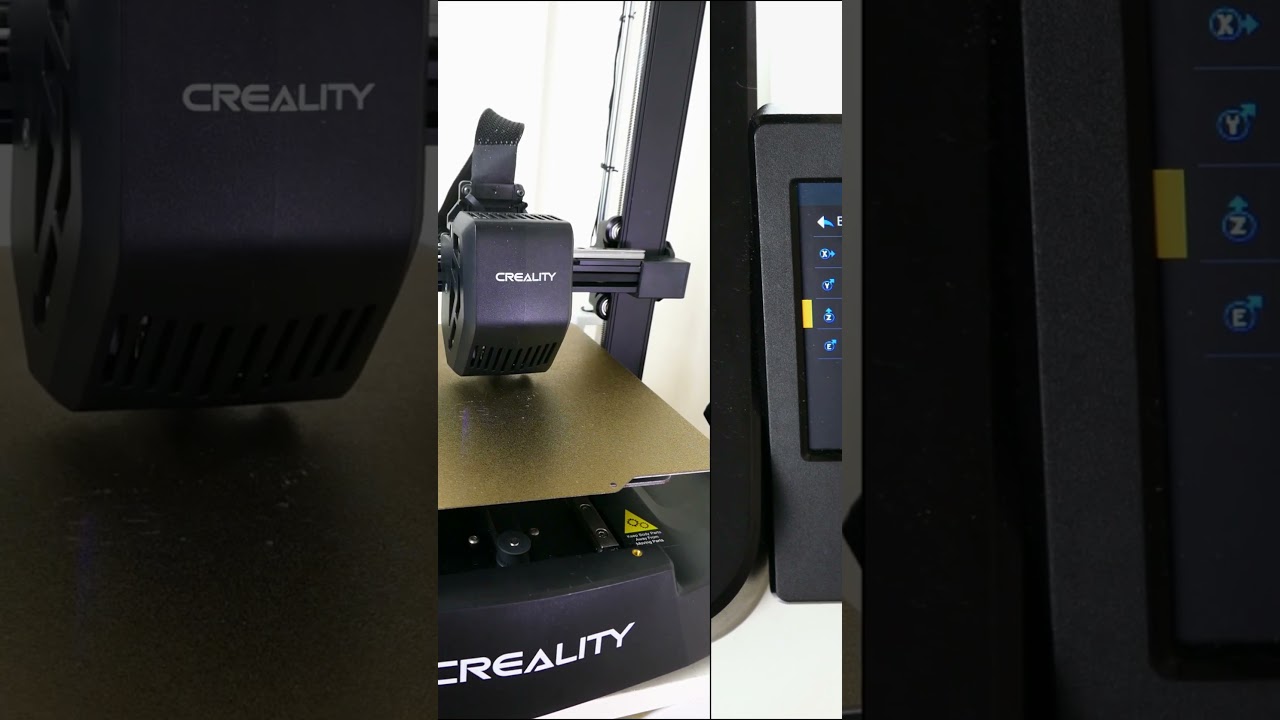
Try lowering a little more the offset and check your printout again.
Also, some degrees up will may help, for example raise the 200degrees at 205, 207 etc, and check how it goes.
You can do it on the fly (both Z axis offset and temp control) using the Tune menu while printing.
That way you can see in real time the behavior of the printer.