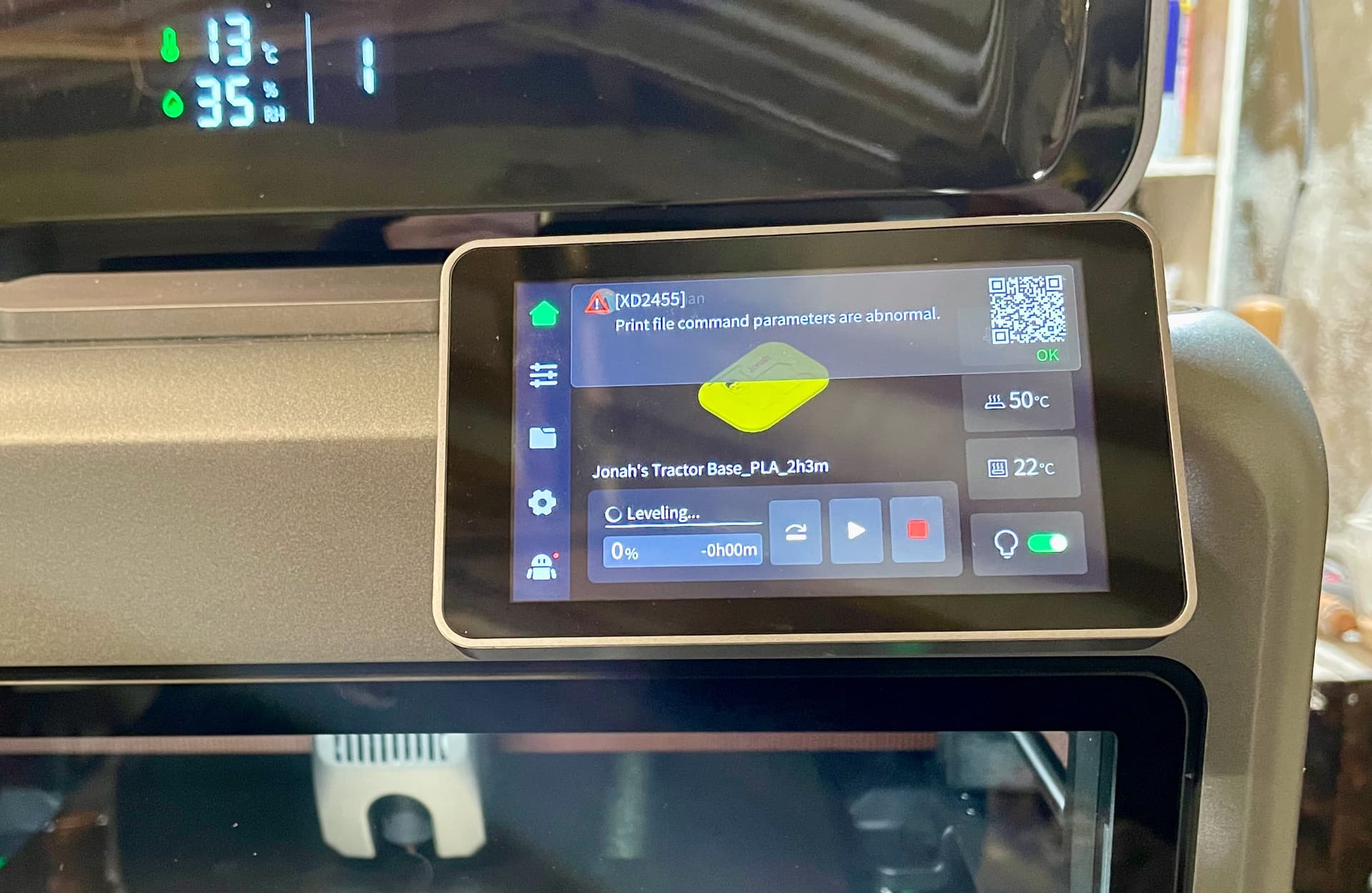
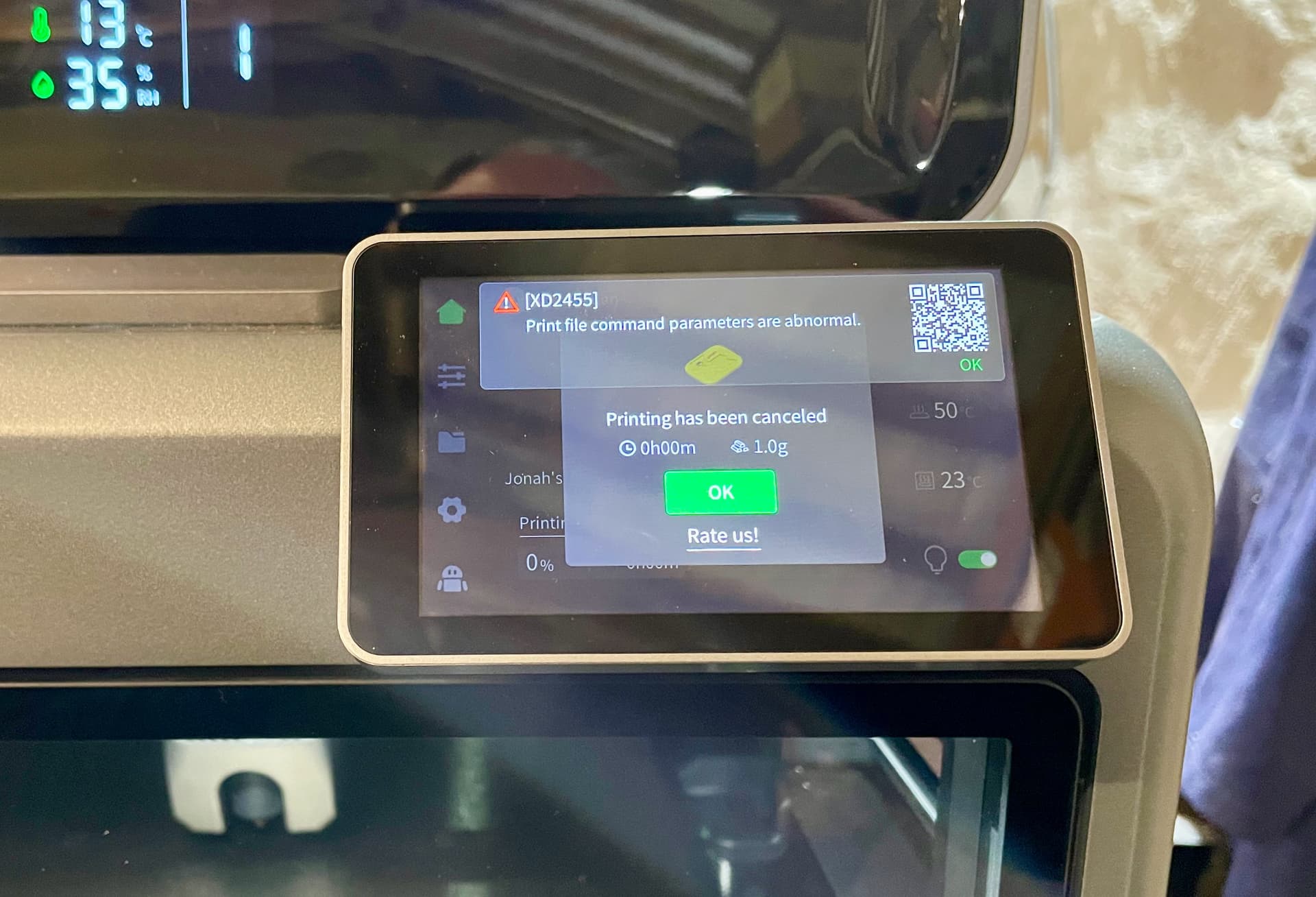
I have a one-month-old Creality K2 printer and I’m getting an error (XD2455) before printing that I don’t understand where it says the ‘Print file command parameters are abnormal’.
Checking online, it suggests this error code is linked to the printer and either the wiper at the back or to some obstruction (dust and grime) on the X-axis bar upon which the head moves back and forth. So I checked both of those and lubricated the bar with a silicone spray and cleaned away a few filament crumbs, and then ran all three calibrations but, but when starting the same print again (also with another levelling check), it came up with the same error at the start of the printing.
I switched the printer off for 1 min and back on and then started a new print, with auto levelling, but again, after a short while into the levelling process itself this time, the error returned.
Having already done a separate set of calibrations, including levelling, independently of a print, I then tried to print without the calibration option selected, but the same error appeared.
After having done all the cleaning, I tried printing a different and simpler file of a few blocks and that went fine but when I immediately afterwards switched to printing the earlier, larger and more complicated model, the error appeared soon after the first filament was loaded.
So this error, despite what the internet and forums say, appears to be linked to the file rather than the printer itself and yet the slicer produced the G-Code file in the normal way, and I can’t think of anything that I should change to make the file more ‘acceptable’ to the printer.
Has anyone else had a similar experience?
Any ideas, or is Creality going to let me down again after problems with an earlier printer?