Hi
I have the Falcon2 and Rotary Kit Pro and have been having problems with the rotary chuck.
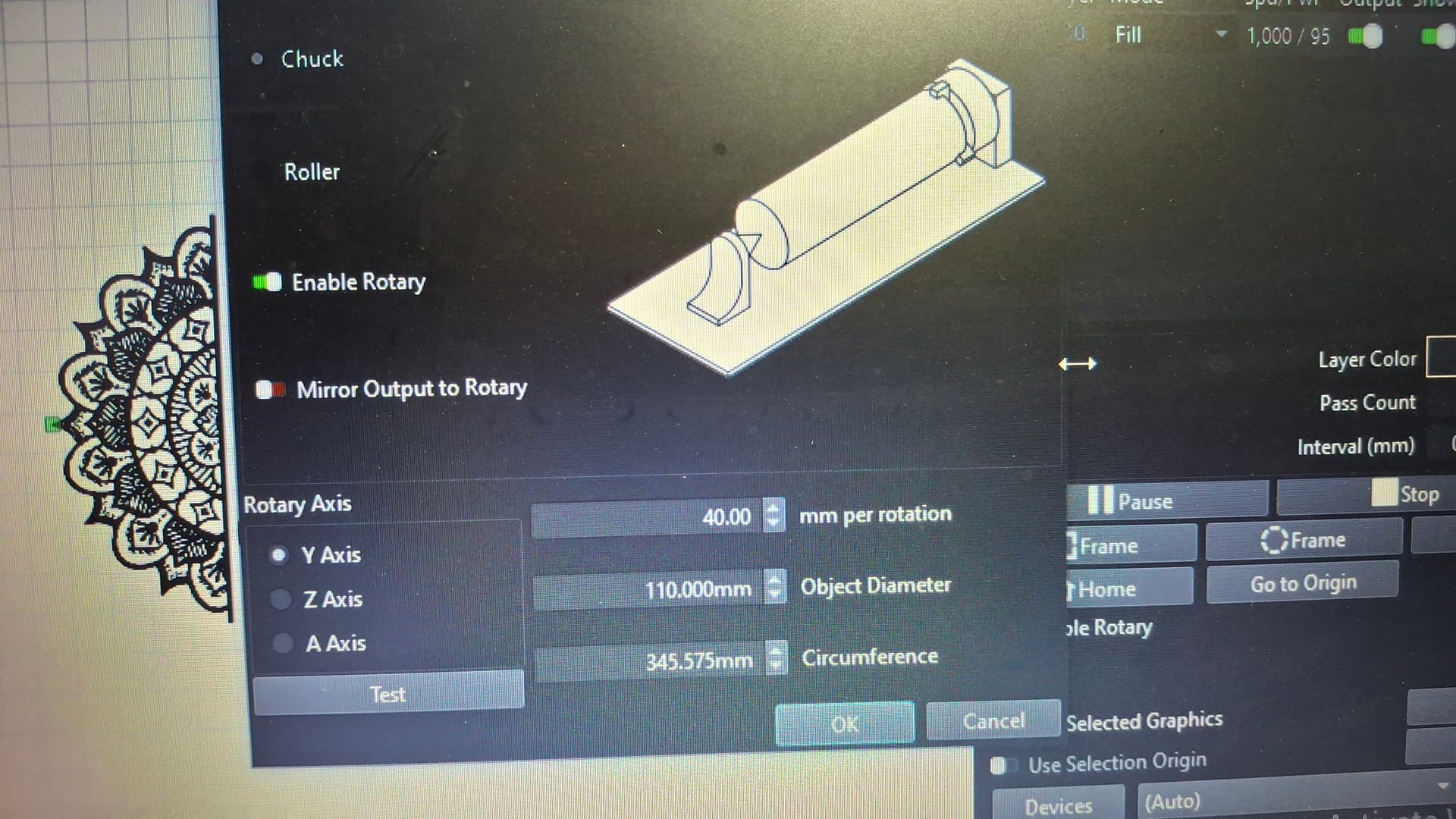
I’m trying to engrave a 110mm glass jar with a svg that is 100x100mm
Settings
Rotary Axix: Y Axis
40mm per rotation
110mm Object Dia
345mm Cirum
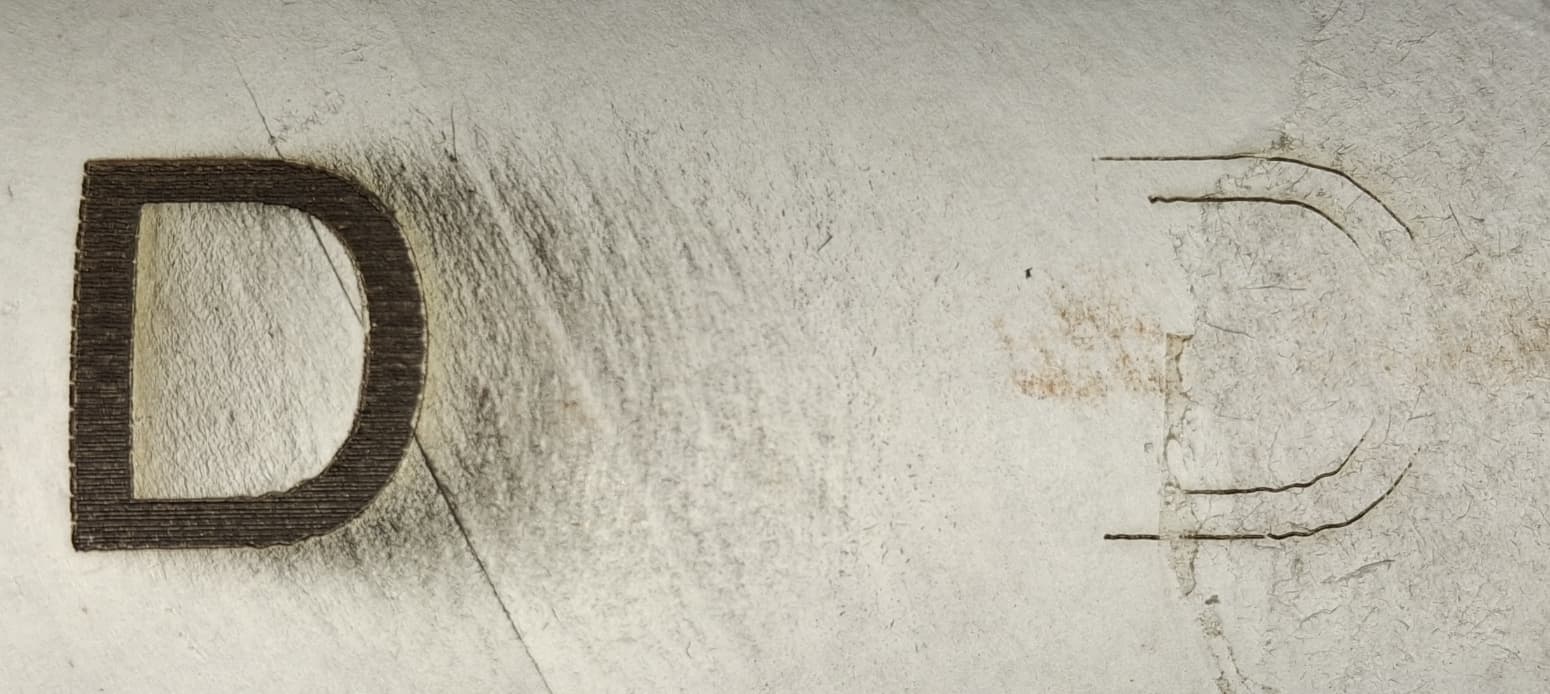
Whats happening is the X axis seams right but the Y axis is why out, when you do a frame it looks like its only moving around 20mm in the Y direction
Hopefully you can see that video, it looks like the Y axis is only moving around 20mm
I just ran a test of a 20x20mm square with the same settings and it burnt right.
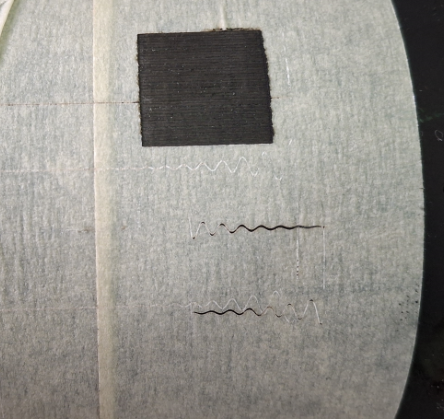
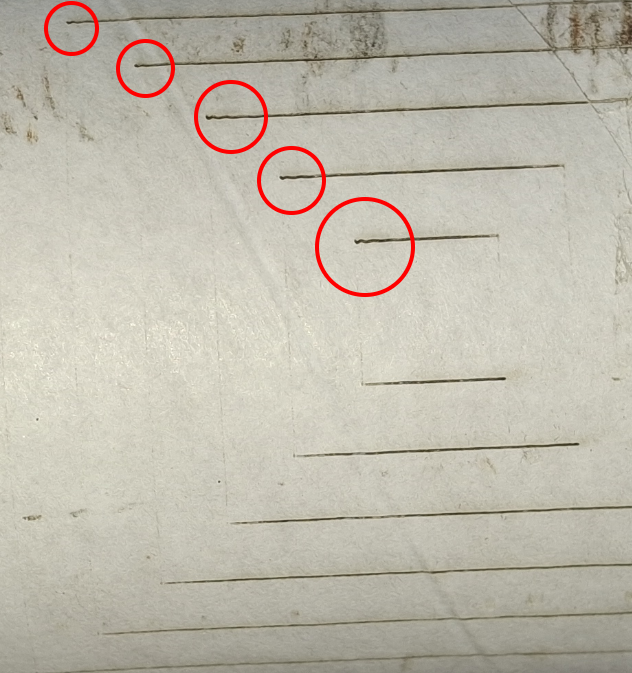
I have also notice that when it burns a line the all wiggle as shown below
Preview is shows as normal, I have not changed any steps settings,
I done a few flute wine glasses a weeks ago without any problems but the logo I was engraving was only around 40-50mm square, Something is going wrong once I go bigger with the logos
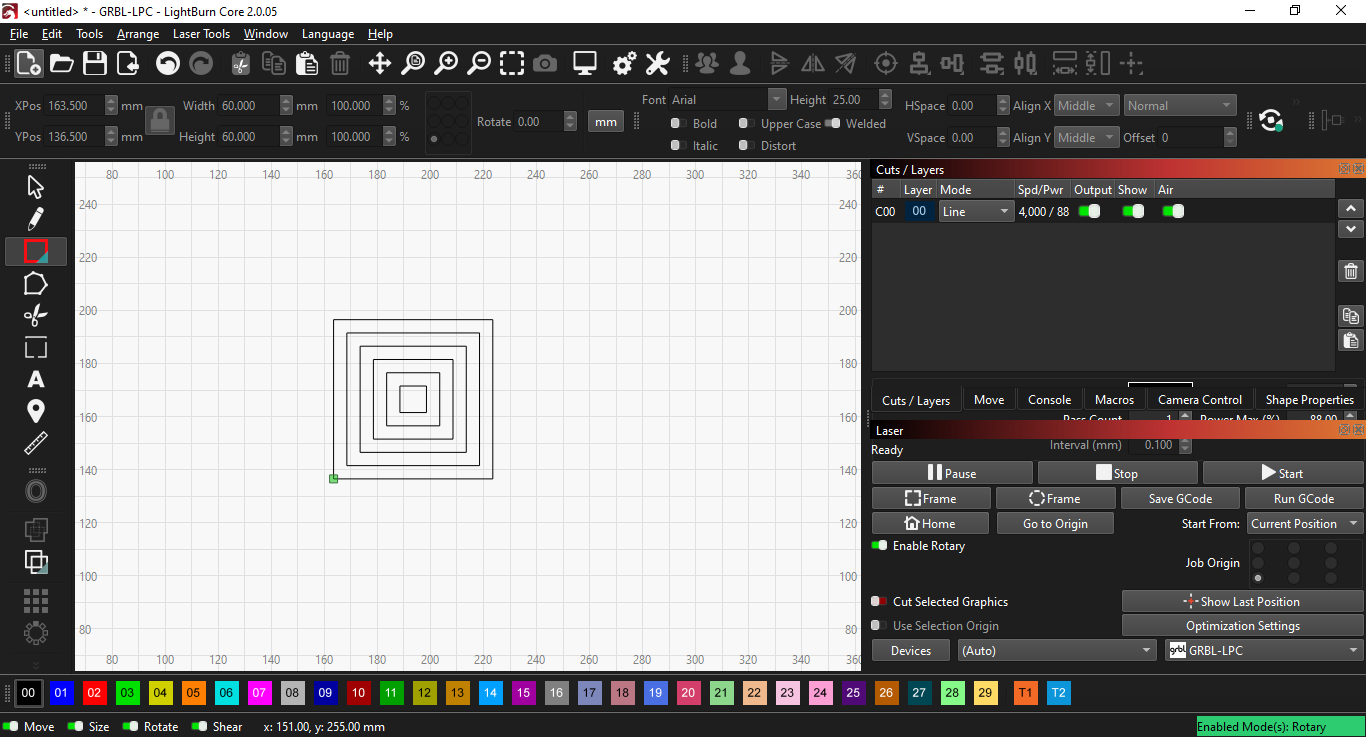
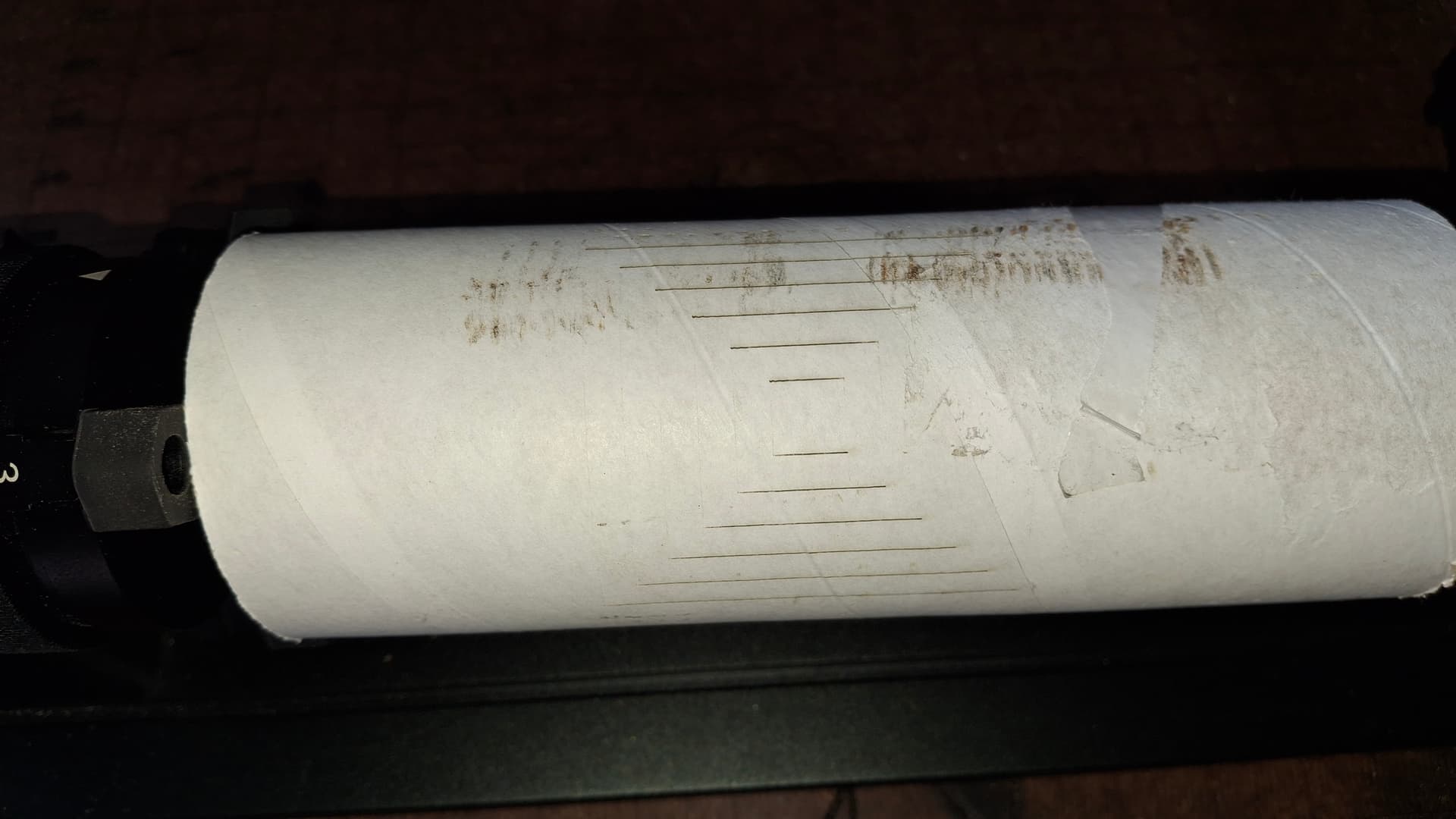
Can you try a different more simple but bigger graphic? Like don’t waste a good glass for it, maybe just try on a cardboard roll or so to check.
Your settings chuck / Y-axis, 40mm/rotation, enabled rotary, entering 110mm for the diameter (assuming you measured that) are all correct.
The ringing on the lines in the first pic could mean that the belts are not tensioned properly, likely too loose.
Also it seems like you machine moves faster in the vertical direction or with way lower power than in the horizontal one. Did you change something in the GRBL settings with $x=… on the console?