Hey there,
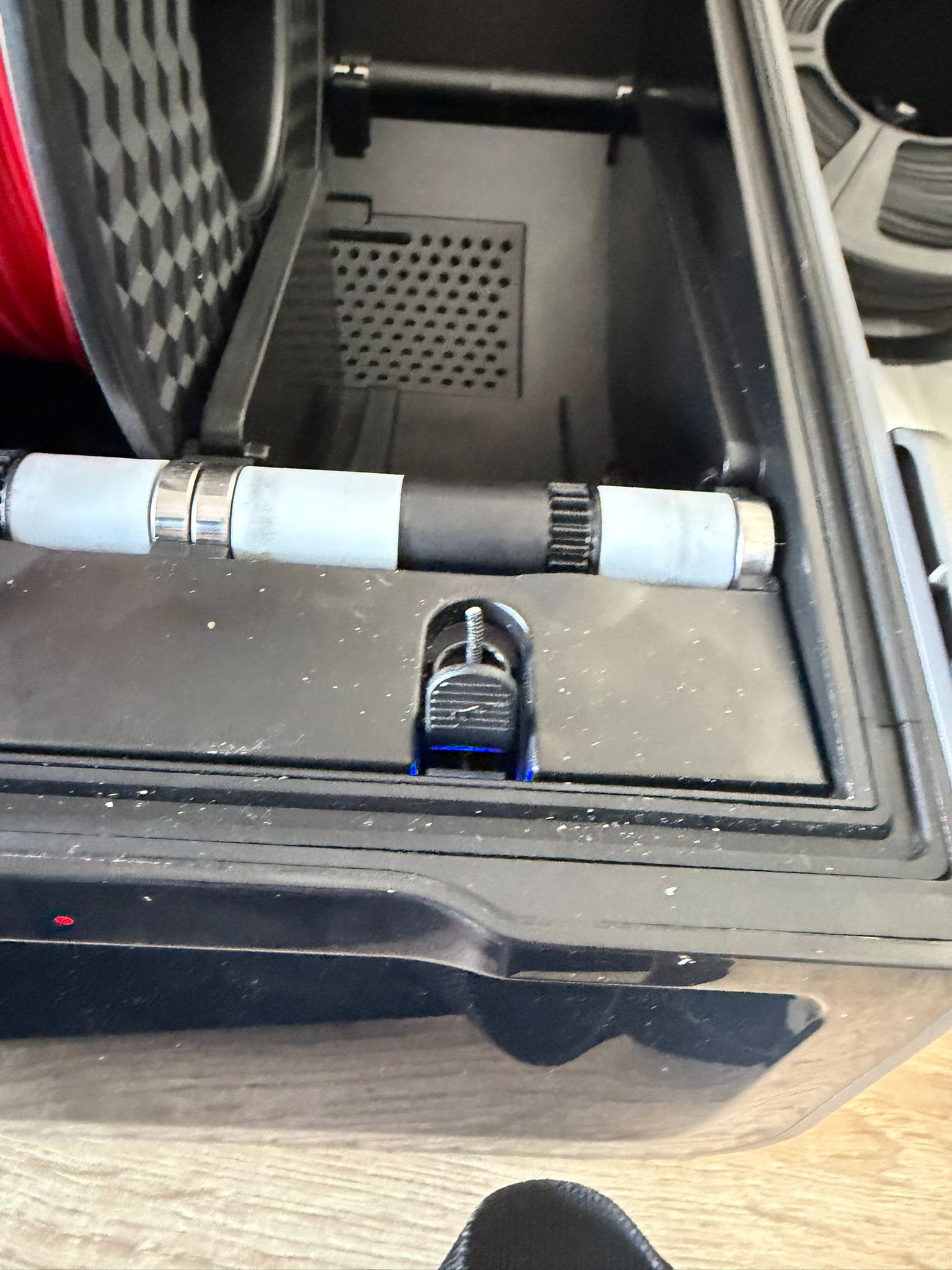
the filament is stuck in there how can i get it out? its not moving at all
Hello @No_Name 
Welcome to the Creality Forum…! 
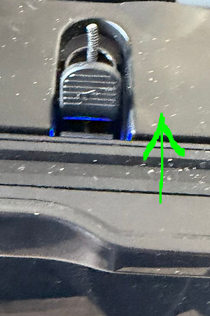
You should be able to push that lever in front of the stuck filament to release it…
Also check the roll of filament that was in there to make sure it’s dry. When it breaks like that it usually means it needs drying.
yeah im pushing it upfront but still not moving the other 3 filaments are working just fine just this one does not
Welcome to the community.
If you can’t grab that filament with a pair of pliers, then there is a good chance that when the filament retracted, either the end did not cut or formed a bulge on reverse feed, it happens.
This is a 3D printer after all, so you will eventually need to master the skill of taking the device apart. The good news is that these printers were designed to be disassembled, and our friends at Creality have produced a very good video that walks you through the process. It is important to completely disconnect the device and move it to an area with enough room to work. I also found that having a magnetic screw tray helps keep the screws from flying around, and there are a lot of them. The stainless steel ones are non-magnetic, by the way.
https://www.youtube.com/watch?v=hjwffUK-iL8
I’ve found that if the filament is resisting being pulled back, the mechanism favors the filament being pulled forward from the exit port on the CFS. Try it next time and you’ll see what I mean.
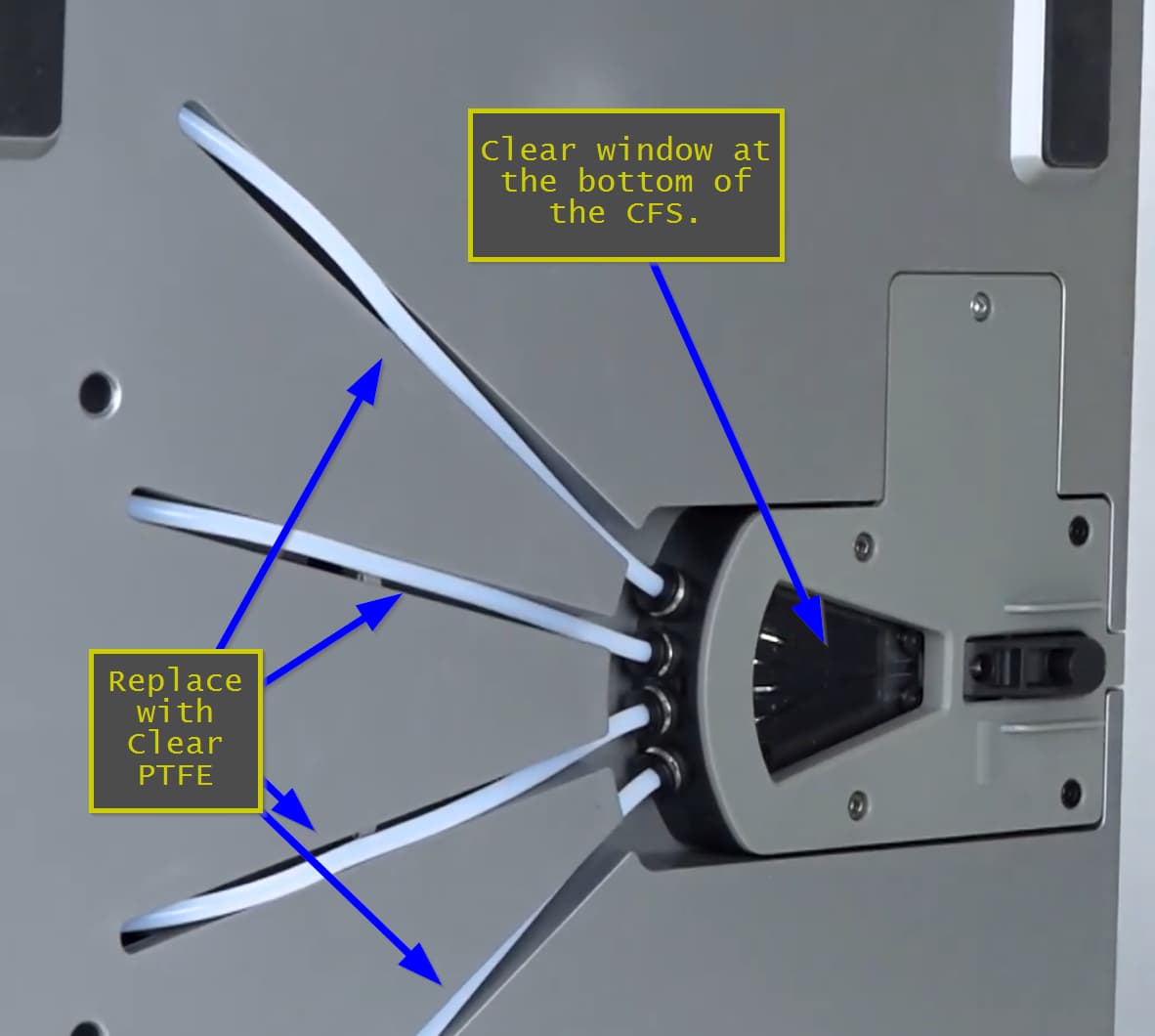
Upgrade your PTFE tubing to clear PTFE. One of the biggest hassles when troubleshooting the CFS is determining where the filament is jammed. While Creality provides a viewing window at the bottom of the CFS, it only shows whether the filament is still in the feed chamber before it exits the unit.
After switching to clear PTFE tubing, I can see exactly where the filament is jammed and which filament is actually in the feed path. In practice, you have to remove the tubes anyway when clearing a jam, so it makes sense to perform this upgrade during that maintenance step.
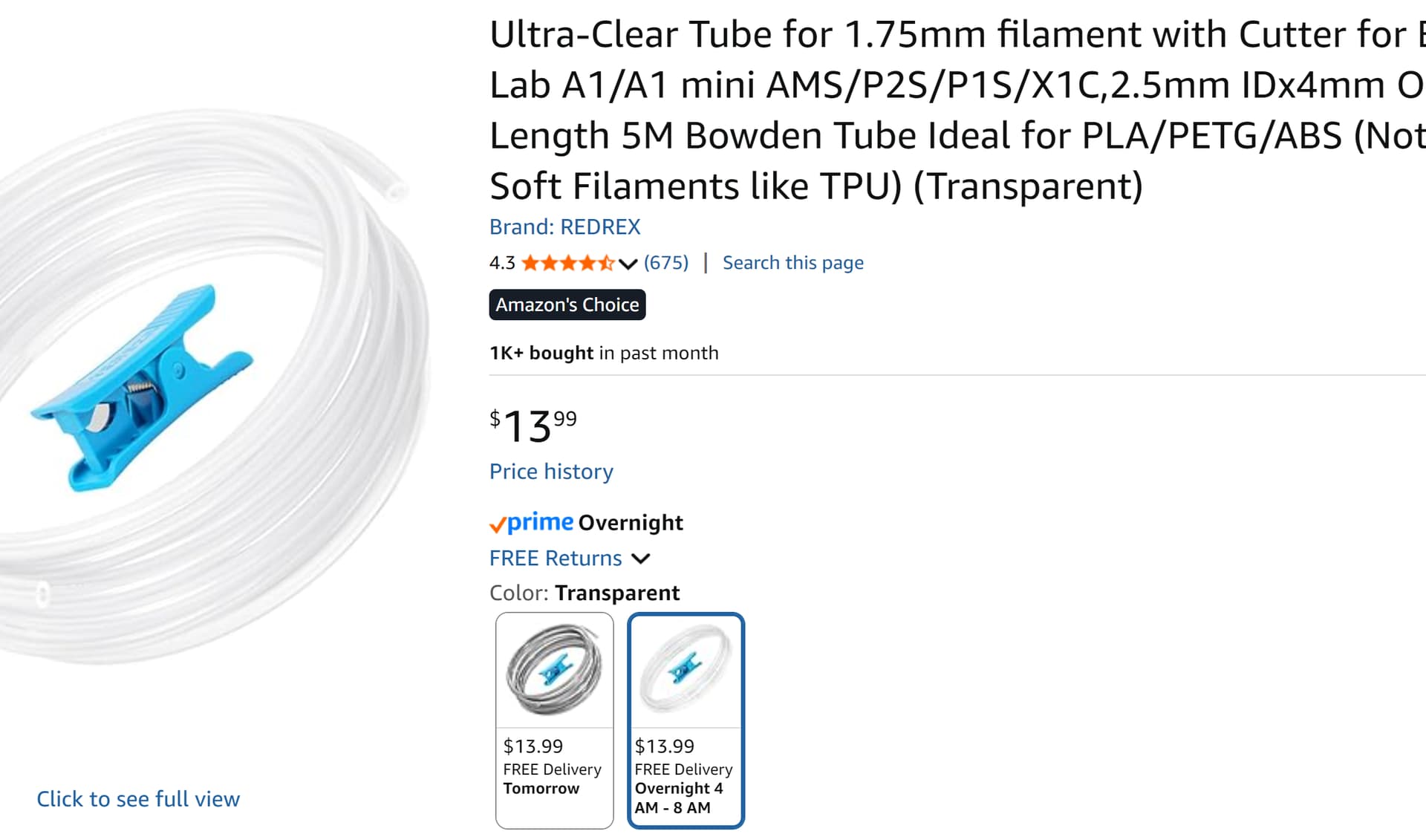
Here is the product that I actually tested. I was so pleased with them that I didn’t just use it on the CFS, I replaced all my PTFE tubes on all my printers even the non Creality ones. Now there is no more guesswork if I am trying to figure out what filament is stuck in what part of the feed path. I don’t know why this isn’t the default on all filament management systems.