Is anyone else having the issue where you’re inside the slicer and you have more than one K2 plus machine and you switch from one machine to another and the filaments do not update on the slicer. Or if you want to use the side spool filament to slice your model, it will not let you select that it only gives you options to choose from the four filaments inside the CFS. Forcing you to change one of the CFS filaments to whatever you have loaded on the side spool so you can and slice the model in the proper filament. I don’t have an option to select the side spool filament when slicing my model. There are tricks around this, but I’m tired of doing those. Was wondering if there’s a solid fix
on the second part, I just add an extra filament to the slicer menu, and use object setting to select that new filament type not in the CFS… then when you go to print and it can’t find that filament in the CFS its easy to select the manual spool.
I do this all the time when I print TPU from a manual spool…
are you changing the filament from CFS to external from the slicer menu ? its the one at the top EXT, that will sync with the printer filament external current settings.
I have some hyper PLA in my manual - external ATM that I slice / use from.
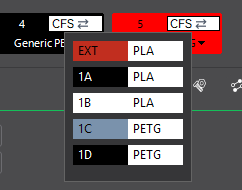
Yeah. I do that sometimes. I’m tired of the workaround. It should auto update like other slicers do.
I don’t have an option until after I slice to select spool. When you hit send to print it then gives the option to select side spool. How are you selecting it prior to that ? When I click sync it doesn’t do anything. Even with the filaments in the CFS.
Are you selecting the printer in the v6 new option ? I’m not having any auto sync option issues with the printer selected.
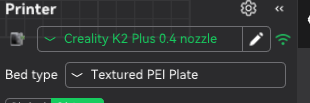
That sounds like something is wrong, I have all options in the preview menu…well before sending to the printer.
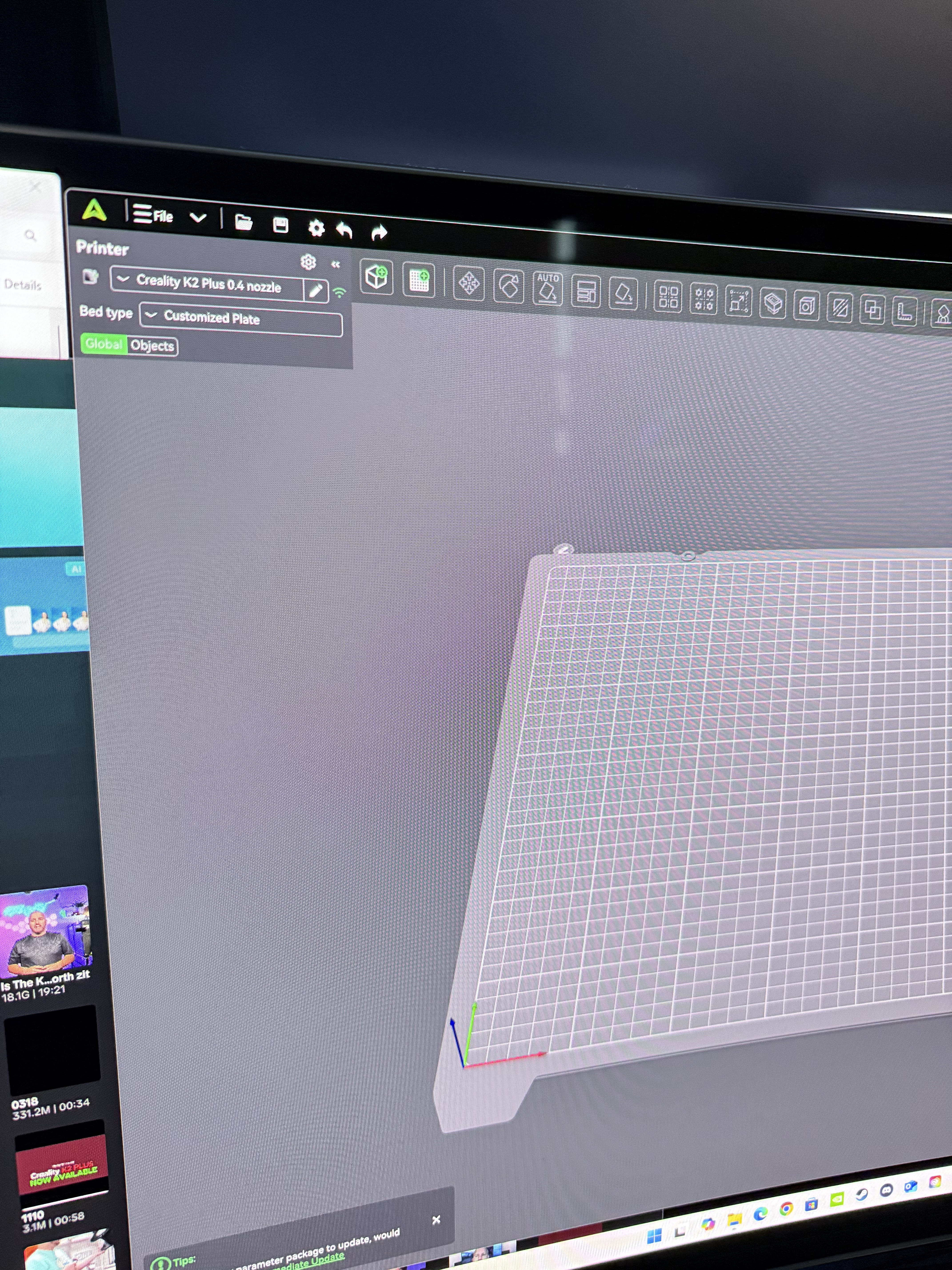
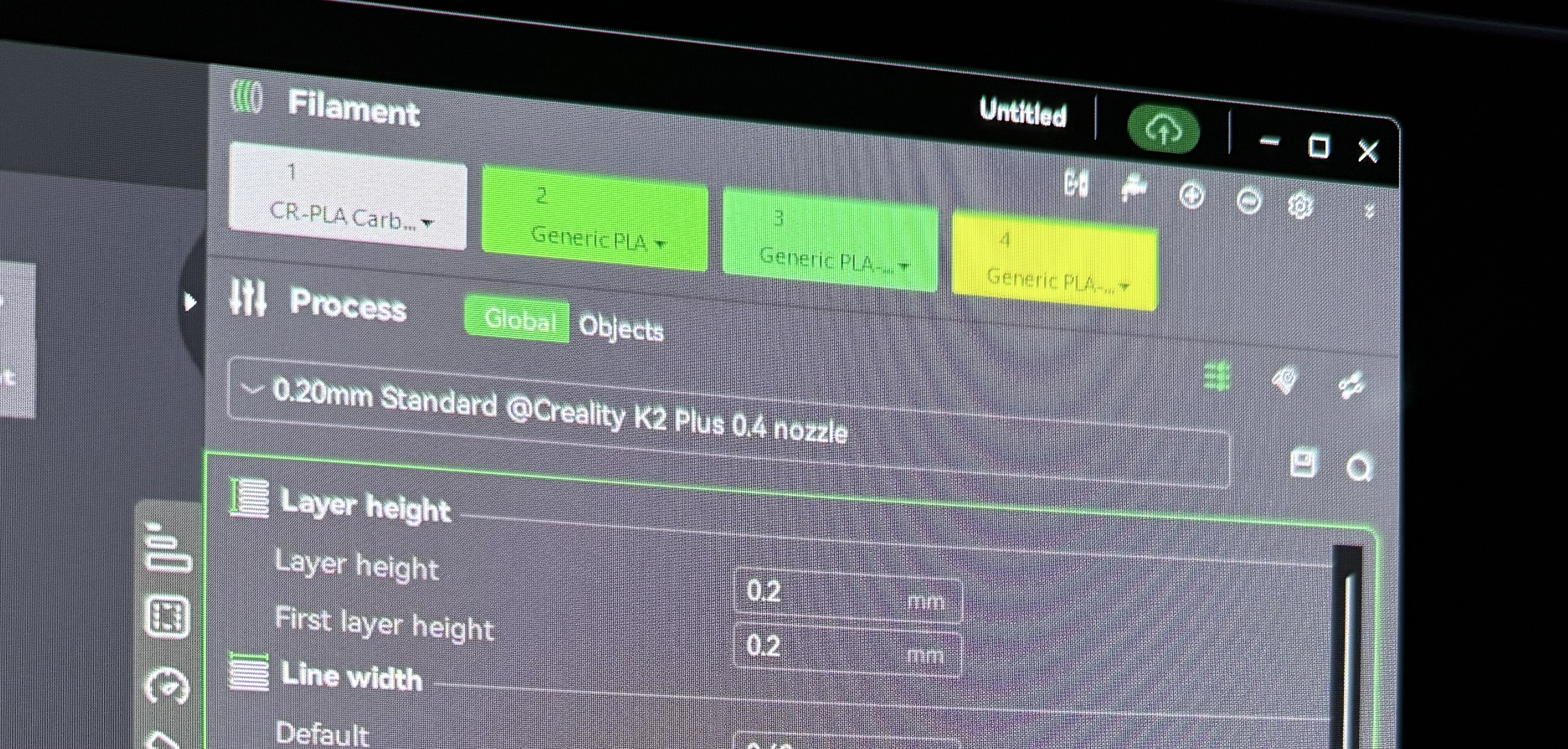
When I click the auto mapping button, it does absolutely nothing. I’m talking about the icon right next to the one that looks like a water faucet that is to adjust flushing volumes.
Click on the printer WiFi icon, then on the next popup select the circle next to the printer…
That your filaments not showing an CFS icon in each filament top right means it’s not syncing with the CFS.
Compare your screen shot with mine above, you should have CFS in the filaments (it’s also a drop down menu)
1 Like
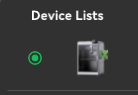
Also in “device” tab/settings make sure your printer is recognized … if say you have had a network error or had the device off for a while and are using dynamic IPs you might not even be connected to the printer locally, except through cloud…
I use a static IP for my K2 assigned by my router so that it always is findable, after reboots…
you should have 2 devices in the devices tab, connected.
1 via cloud & 1 local.. like this

then in wifi - you must have the printer selected in order to auto sync

This is what enables CFS auto mapping & shows CFS icon in the filaments menu..
This is the icon, that is also a drop down menu to select external spool
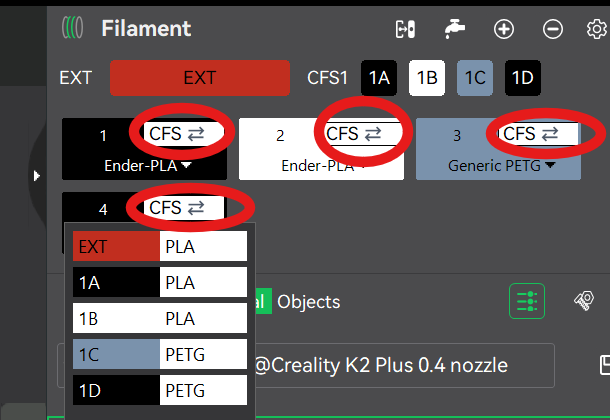
Edit: its this CFS icon where you after adding more filaments (5,6,7,8 whatever), you can assign to either CFS or external

2 Likes
Yes I use static ip assigned by my router. It’s always the same ip. And they are showing both cloud and local connection. As you can see in device tab we have all printers there twice. And the filament is correct for the k2 with a CFS. When I select details to select the printer and then go to prepare it shows a set of filaments that aren’t installed anymore. I select auto mapping and it doesn’t update.
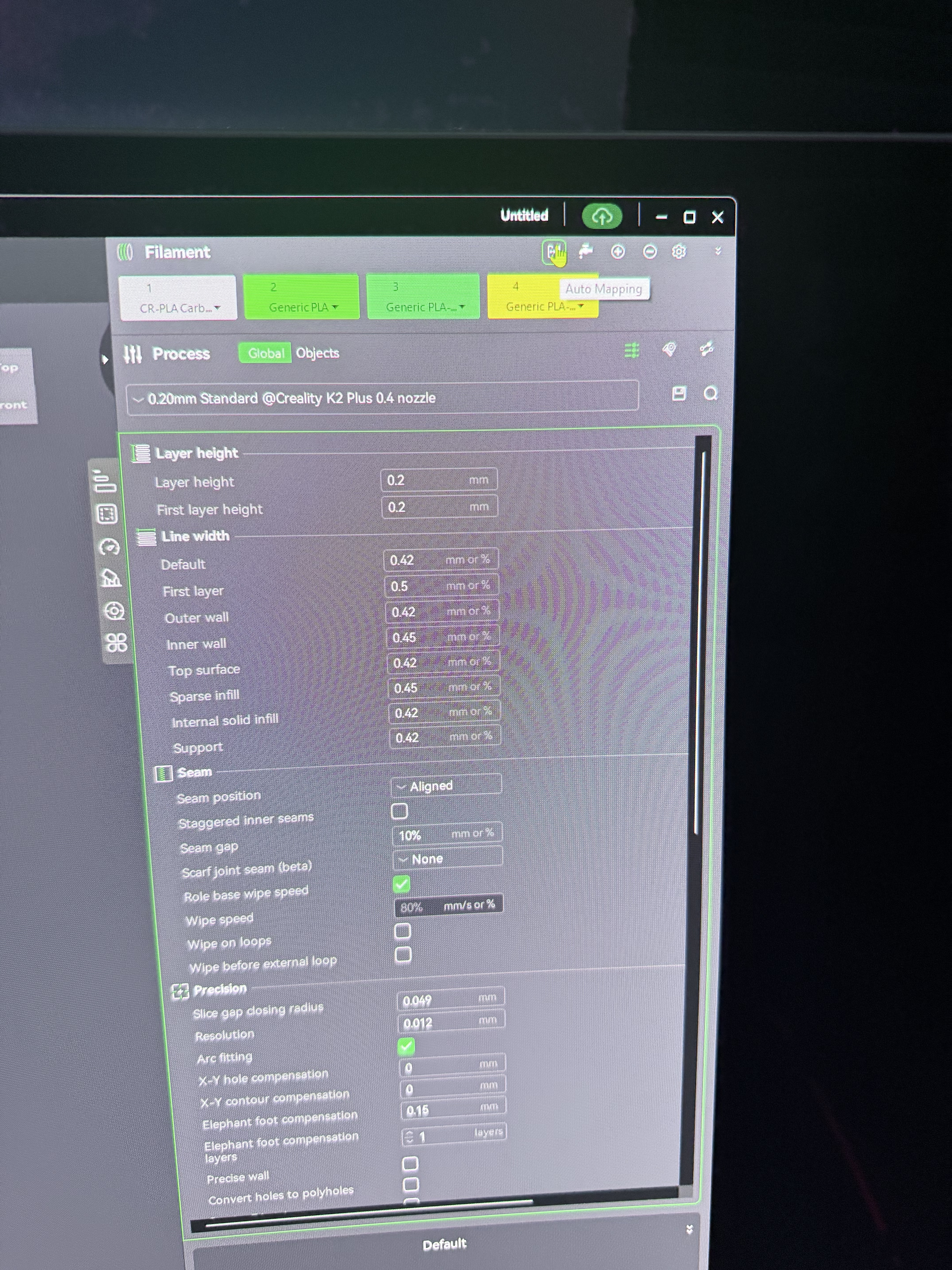

Ok so now I added a 5th filament and I now have CFS drip down menus. But they are blank and filaments are still wrong. So frustrating. And I know this printer inside and out as I do YouTube content. I’m usually the one giving help lol. I just can’t figure this one out.
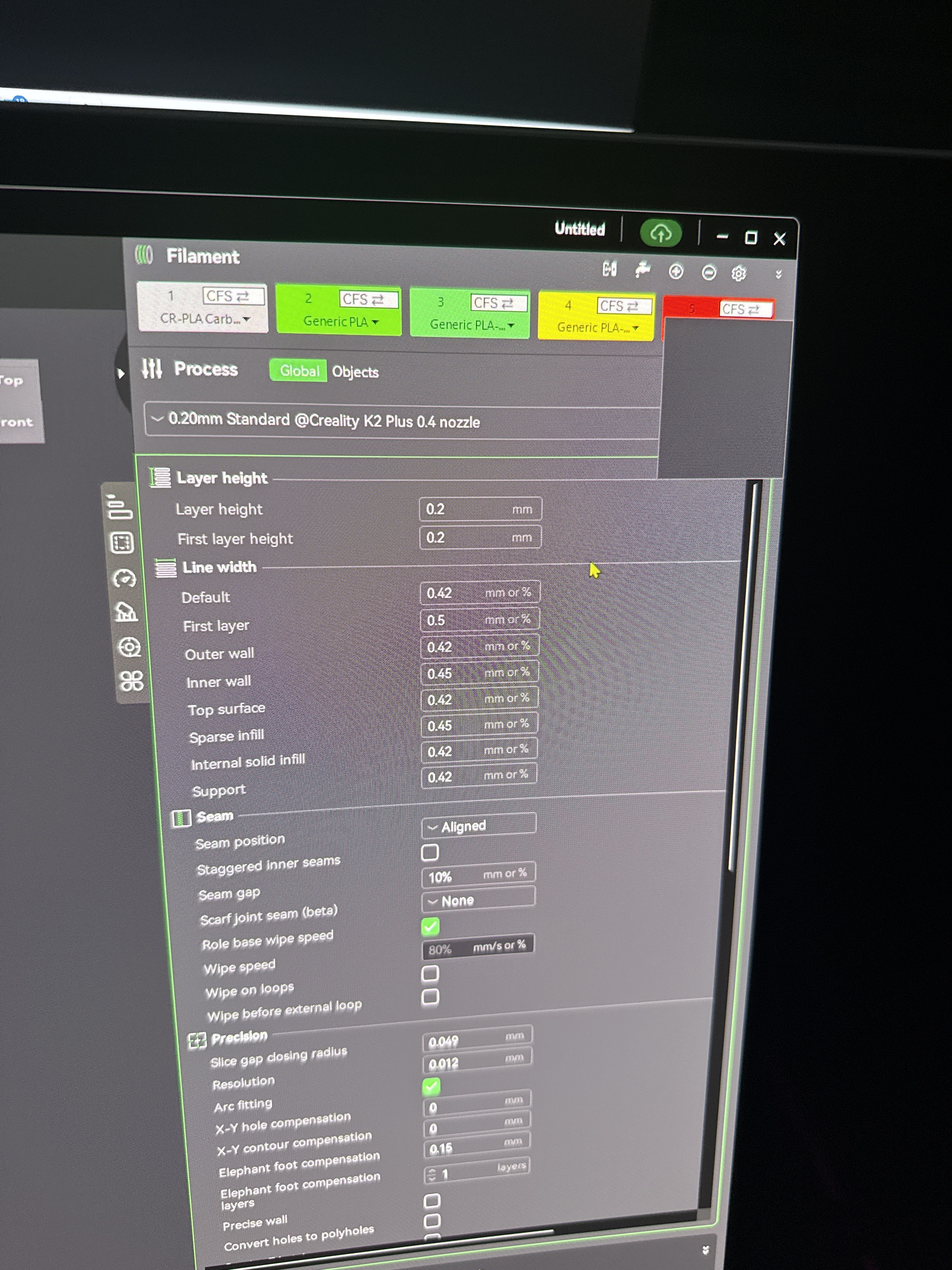
A blank drop down?
All filaments are wrong here but in device tab are correct?
Ugh!
Assume you’ve tried the 2* clearing cache from main settings/preferences menu…
That plus removing both cloud and local connection to my printer, cleared cache and readding local printer, cleared wrong filament type sync issues & that blank drop-down cfs icon, for me at least
I think my issue was a cloud profile update, misaligned cached sync filaments between CR & the printer, it kept syncing CR as Hyper, or totally wrong type…
Above got my custom profiles back onto the printers menu, filament select type…