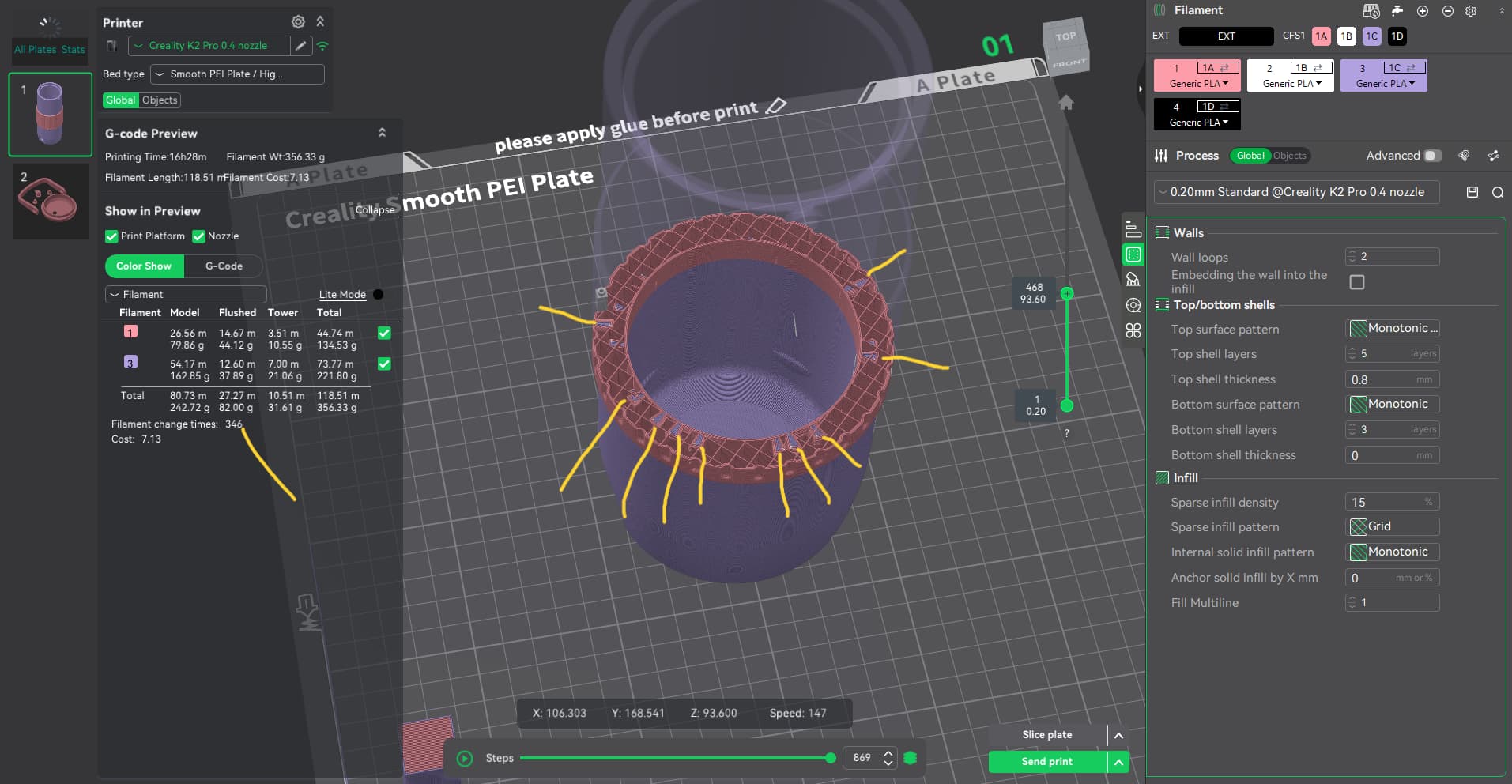
Good day, IDK if this is the right area to ask, but how and I get my slicer to not change CFS filaments over 300x. I am only changing colors 2x. But for some reason when I painted it, it left behind small lines of the other color as the filler. I have played with the settings to get it to one color where I want it, no luck. I have included a screenshot of what I am talking about. Anyone have any ideas?
Hello @Dr.Goldfinger 
Welcome to the Creality Forum…! 
It might depend on which paint tool you are using that would cause that problem.
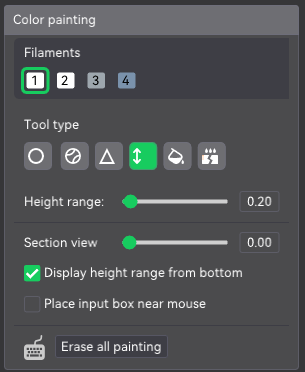
I can’t tell from the picture what tool you used but if it’s a continuous line across maybe try the “Height range” tool. I use it if I’m making stripes or lines across a model.
This was the tool I was using and I could only paint a few mm at a time. It took a while (for some reason it was really putting a load on my PC, I could hear all my fans kick into gear) but I got it done. Then it took another century to slice it and that’s when I noticed the Filament Change number. So I investigated it and discovered the little lines within the body that I had already painted.
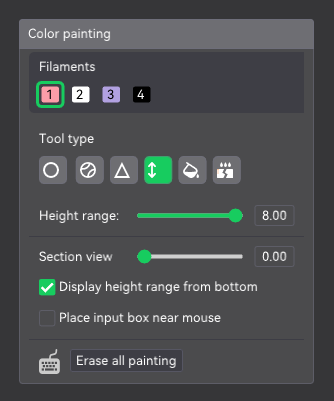
Anyone’s help is still needed. Any ideas? Ask me anything to help you, help me. Thank you!
can you share here your 3mf? that might help understand what’s going on, but indeed that’s pretty strange, painting by layer height should really do a clean break
Yes, I didn’t even think of sharing the *.3mf file. Thank you for suggesting that. Now hopefully we can figure this out.
Seems your model had some quirks which make difficult to the slicer to determinate from which color should paint some triangles.
I tried to start with your 3MF and yes my slicer put some small triangles inside the walls with different color even painting using the high range tool which should paint all the layer with the same color.
When I had the same problem in the past, I used a modifier part and the problem got solved on problematic models.
I just reset your model and removed all color painting, then I added a modifier cube and assigned the color to THAT SUBPART by only selecting the modifier on the objects tab and pressing the [1] key
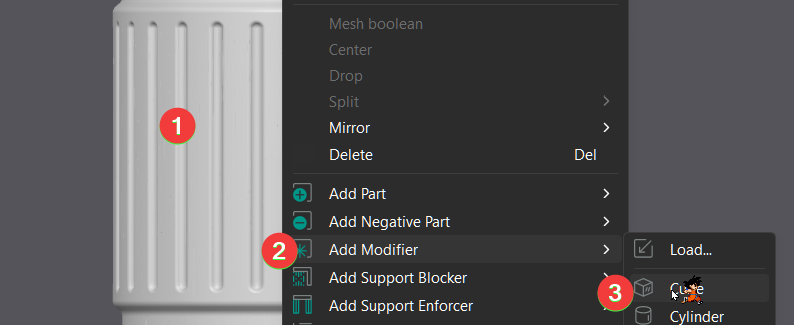

then the slicing only change the colors 2 times:
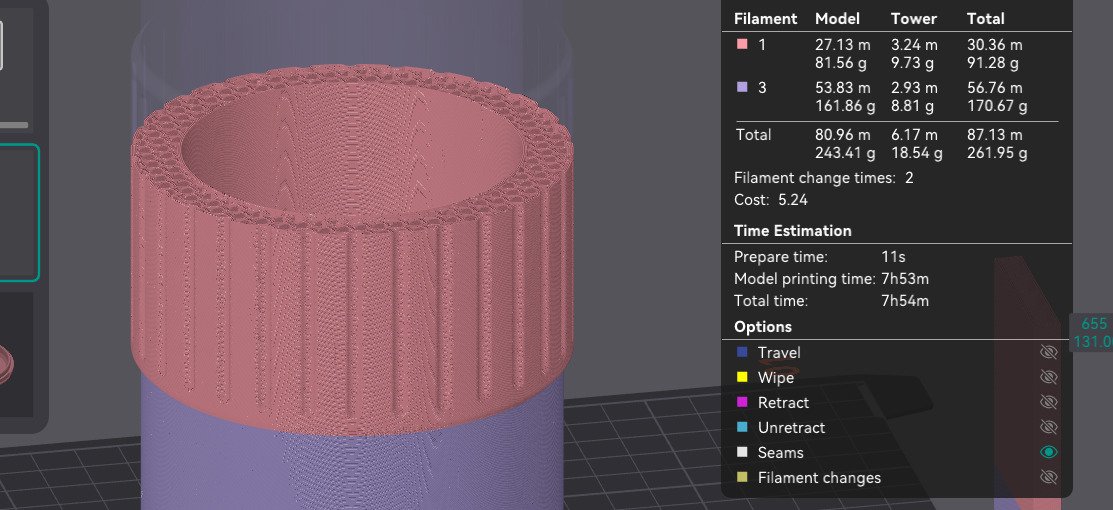
Hope this solve your problem.
hey, yeah as @impeeza1 already mentioned, there seems to be some strange inner geometry issues on the model itself, and this is what is causing this strange behaviour
the solution of adding a modifier cube does work, however in my perspective for this particular use case, a height range modifier is the best solution, and you set the color on the range:

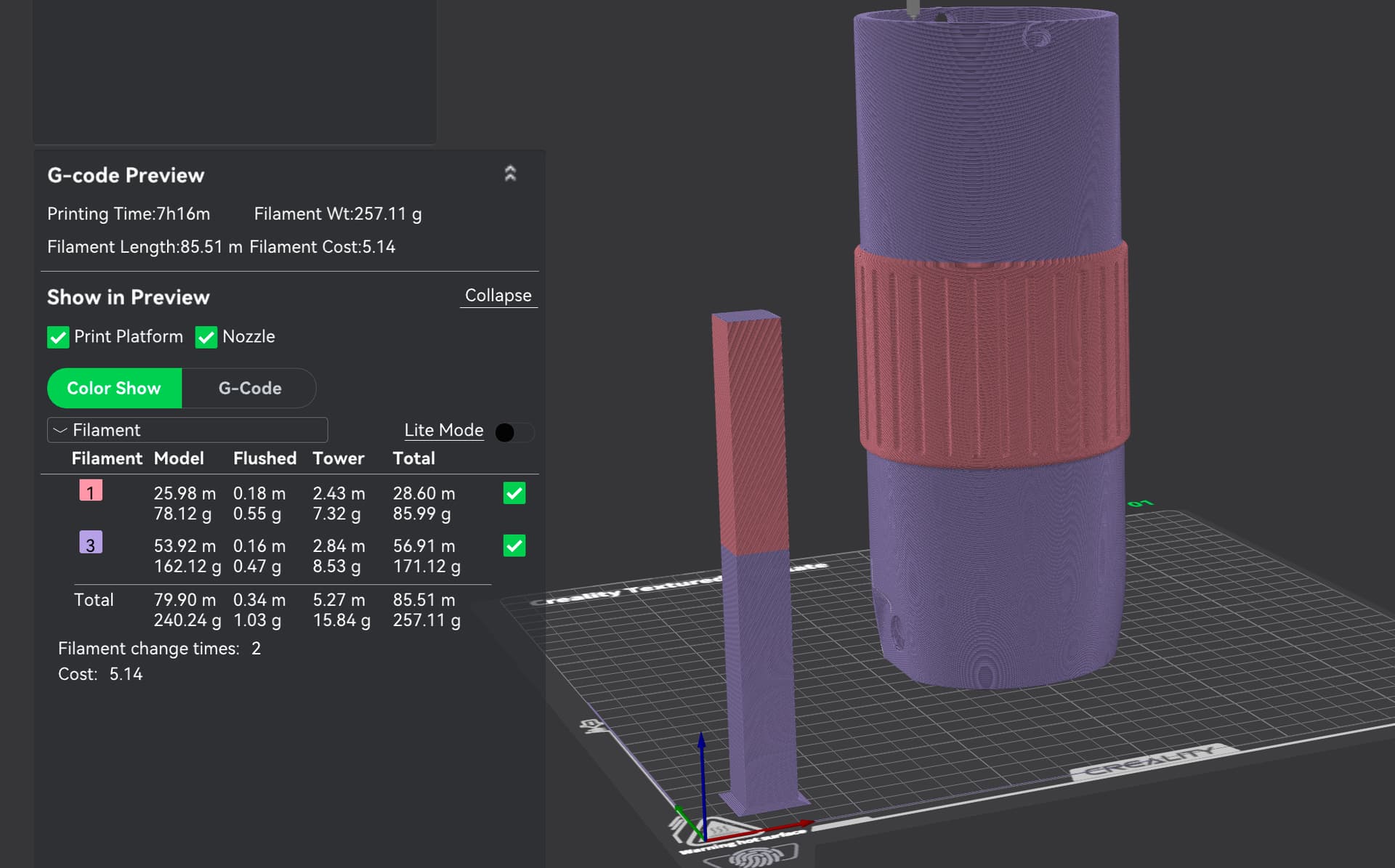
i’m adding the 3mf if you want to see it already with the change made
1 Like
Nice! never think about the height modifier.
1 Like
I can’t thank h3li0 and impeeza1 enough for your support. I have learned two methods and I will spread this information to others as needed. Once again thank you! My wife loves it and so does my wallet (didn’t waste filament and time).
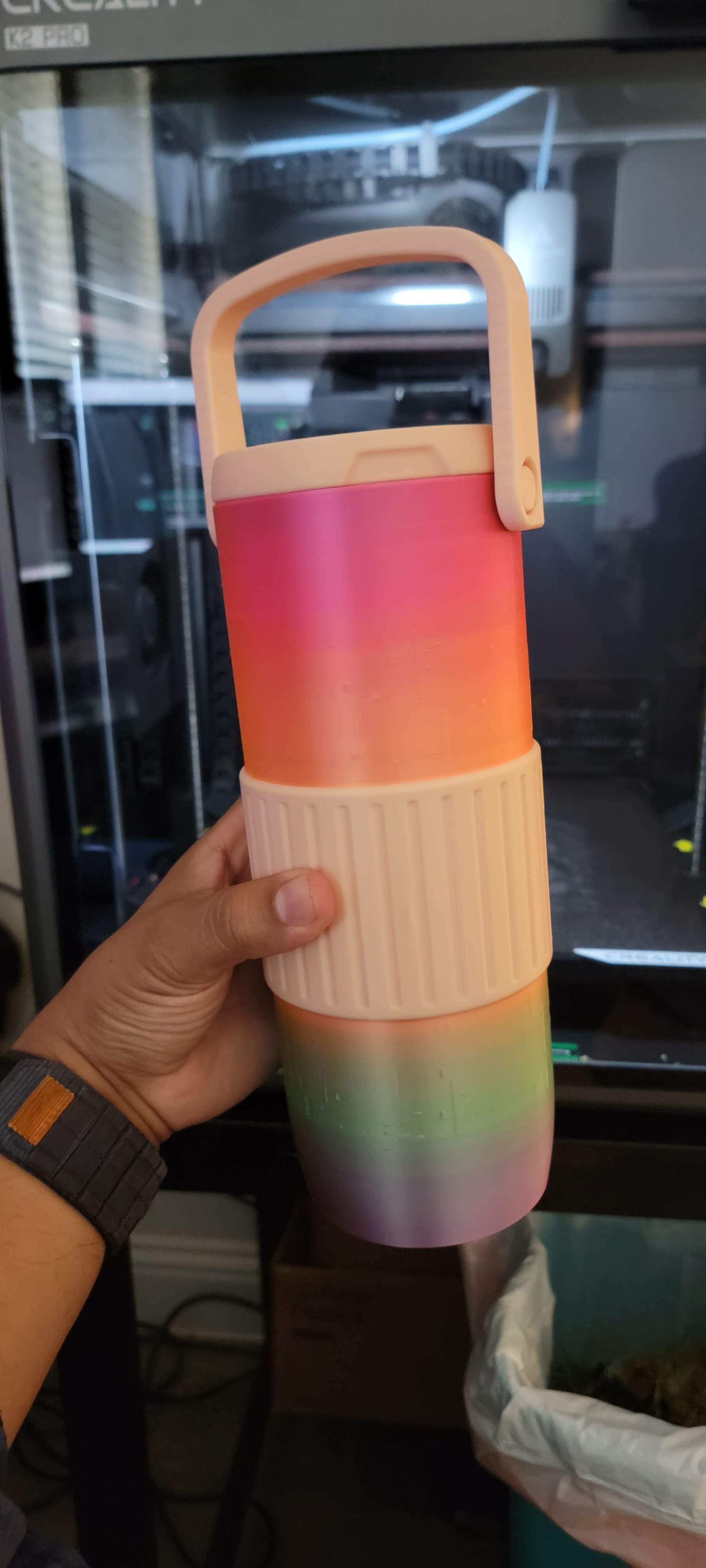
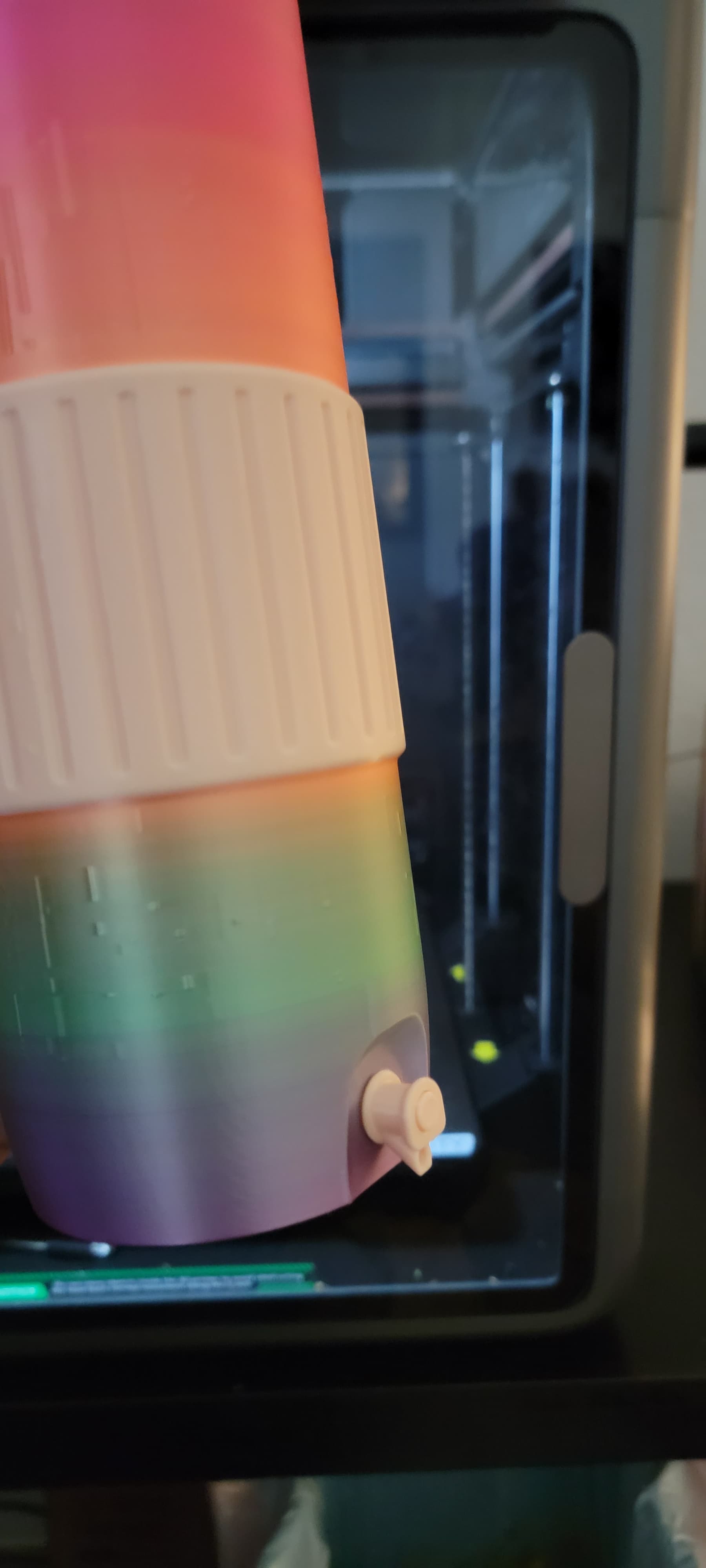
2 Likes
NICE, IS BEAUTIFUL
1 Like