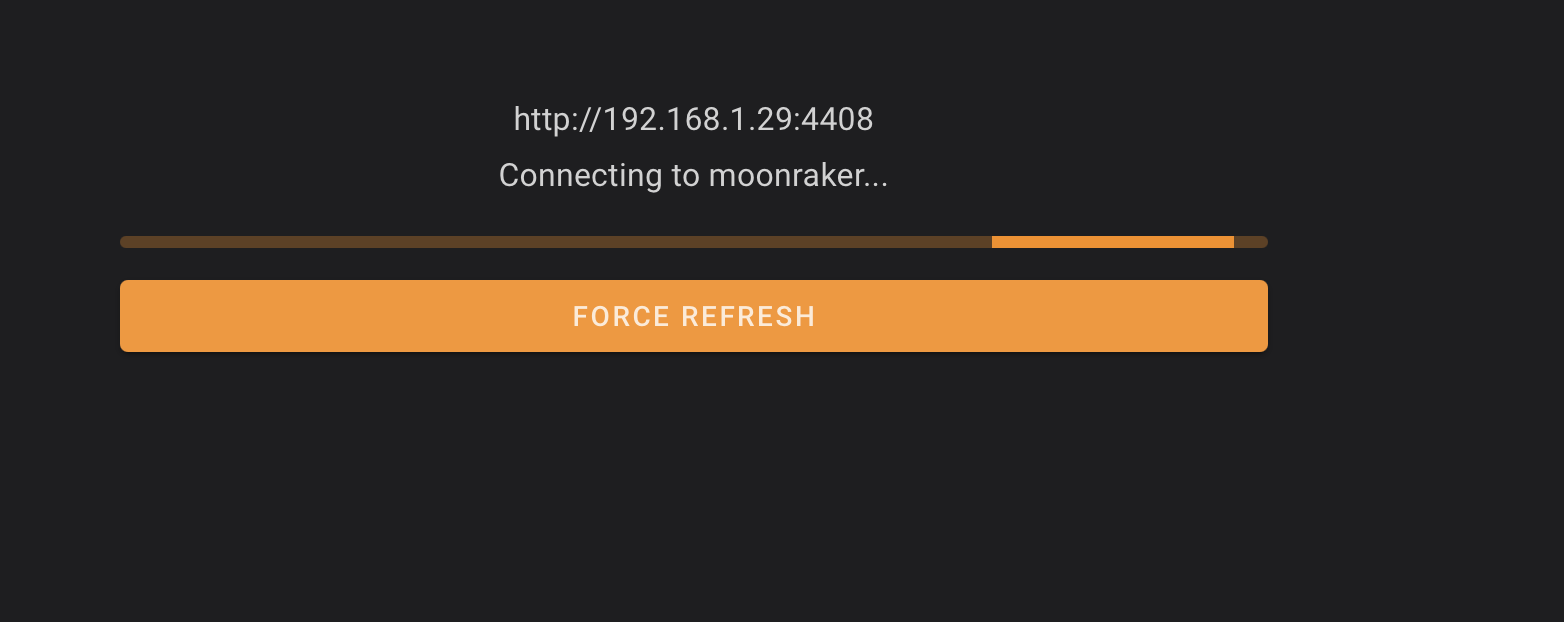
Had a similar problem when I upgraded to a new wifi 6/7 modem. The new modem did not handle the 2.4g wifi very well. Had to reinstall my old modem for correct the coms to my K2.
Wonder if your router could have marked the port as suspect and blocked it for awhile? If that happens again, try restarting your router/networking equipment.
Tried the reboot with no success. Found lot of info on the web regarding faults with the Telstra smart modem 4 including the wifi issues. I will wait until Telstra updates its firmware before reinstalling.
I had a 16 year old (2.4GHz) Netcomm Wireless/router that I upgraded to a Unifi Dream Router 7 about 2 months back . The K2 connected with that router on first try and ran fine for a few weeks. Then it started switching to an internal (10.1.1.1) IP assignment every now and then but switched back to the Dream 7 assigned IP addressed by forcing it onto that network using the K2 screen. Its just these last few days when its been doing this ie pings OK showing it is connected but Fluid doesn’t load.
From saying it was back to working fine it’s done the spinning wheel connect several ties again. It’s fine this morning.