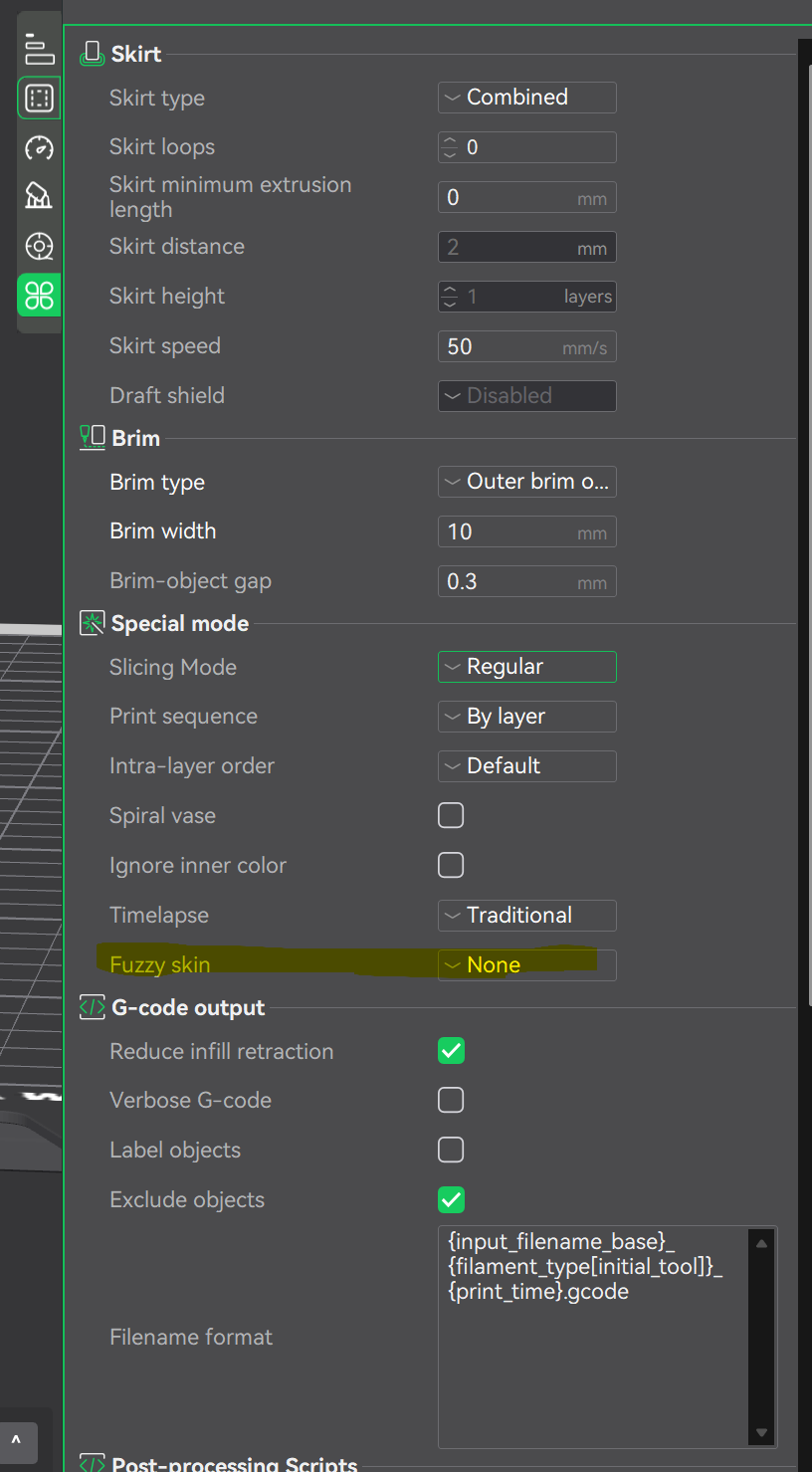
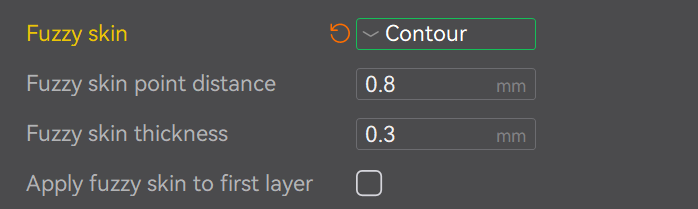
Trying to use the fuzzy skin. The YouTube video is useless to me. His screen looks way different than mine. PLEASE someone give a step-by-step procedure for finding this feature, if it exists.
Also, the slicer BADLY needs a search function.
Trying to use the fuzzy skin. The YouTube video is useless to me. His screen looks way different than mine. PLEASE someone give a step-by-step procedure for finding this feature, if it exists.
Also, the slicer BADLY needs a search function.