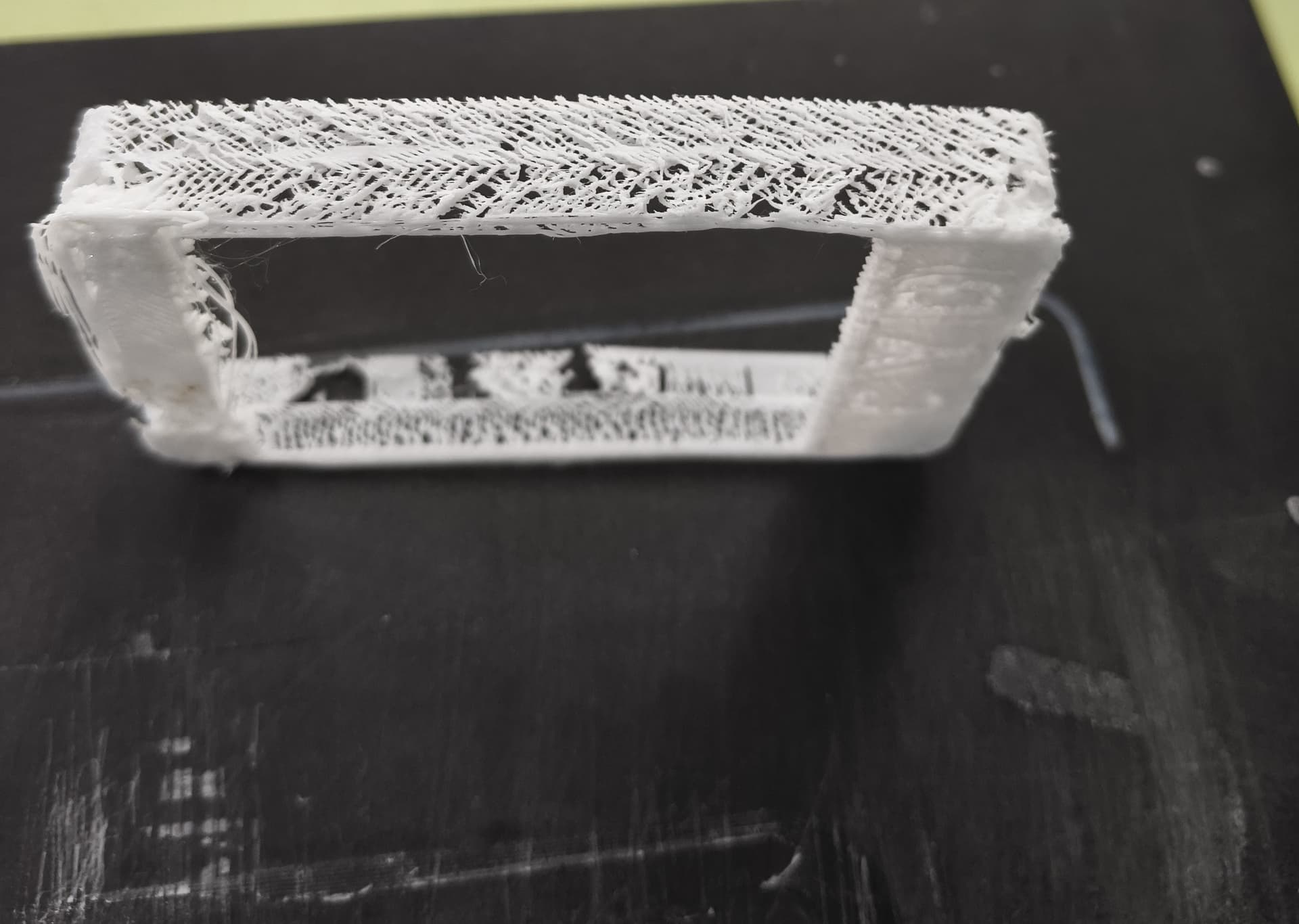
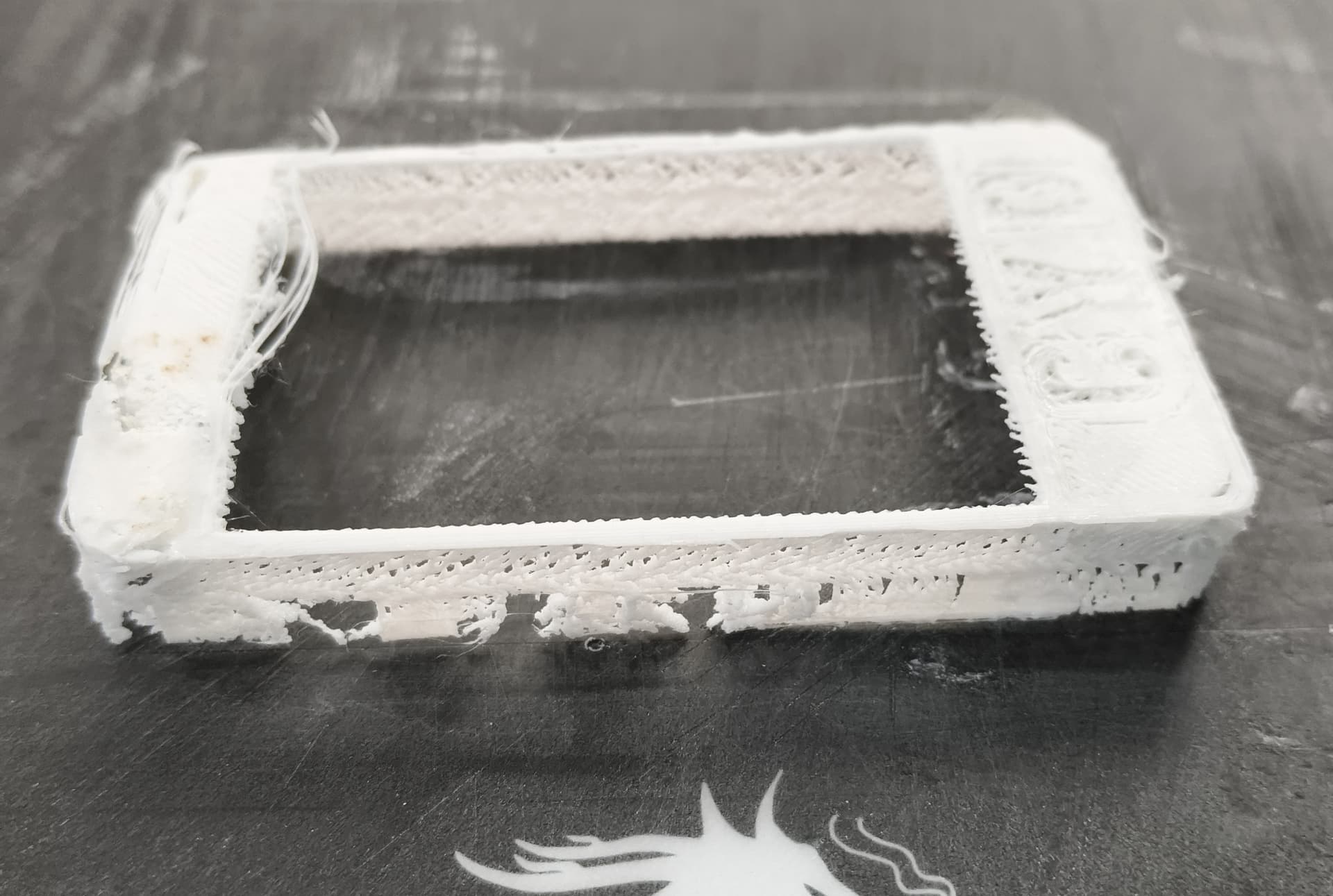
I am absolutely new to 3D printing. I am working on Ender 3 machine. Using Creality 1.75 mm CR-PETG filament.
I tried various nozzle and bed temperatures, did bed levellings etc but coild not get a better quality print. Can someone gude me how to improve the print quality. My present print quality is shown in the video attached.
PETG can be a bit temperamental at first, so don’t stress — you’re definitely not alone.
Here are a few things that usually help clean up the print quality on an Ender 3 with PETG:
Bed leveling & nozzle distance: Make sure your bed’s level and your nozzle isn’t too close to the bed. PETG likes a tiny bit more space than PLA — if it’s squished too much, it’ll drag and leave messy layers.
Temps: Try around 240°C nozzle / 75°C bed as a starting point. Every filament brand’s a bit different, so running a quick temperature tower helps find the best range.
Fan & speed: PETG doesn’t love strong cooling — keep the fan around 30–50% and slow the print speed down to ~40–60 mm/s.
Bed adhesion: PETG sticks really hard to smooth surfaces, so put a thin layer of glue stick or hairspray if you’re printing on glass or PEI — it’ll save your print surface.
Dry filament: PETG absorbs moisture fast. If you hear popping or see lots of stringing, dry it at about 65°C for a few hours.
If you can post a close-up photo or your slicer settings, people here can probably spot what’s going wrong in seconds. You’re super close — a few small tweaks and that Ender 3 will be dialed in nicely.
 )
)