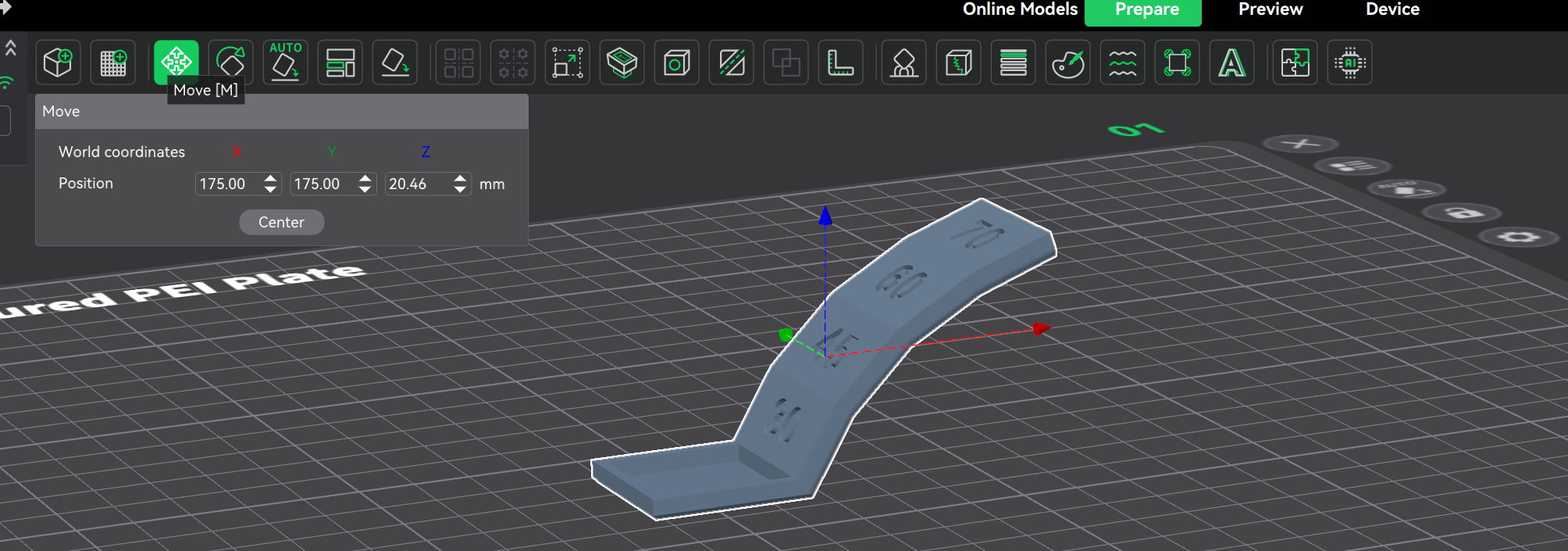
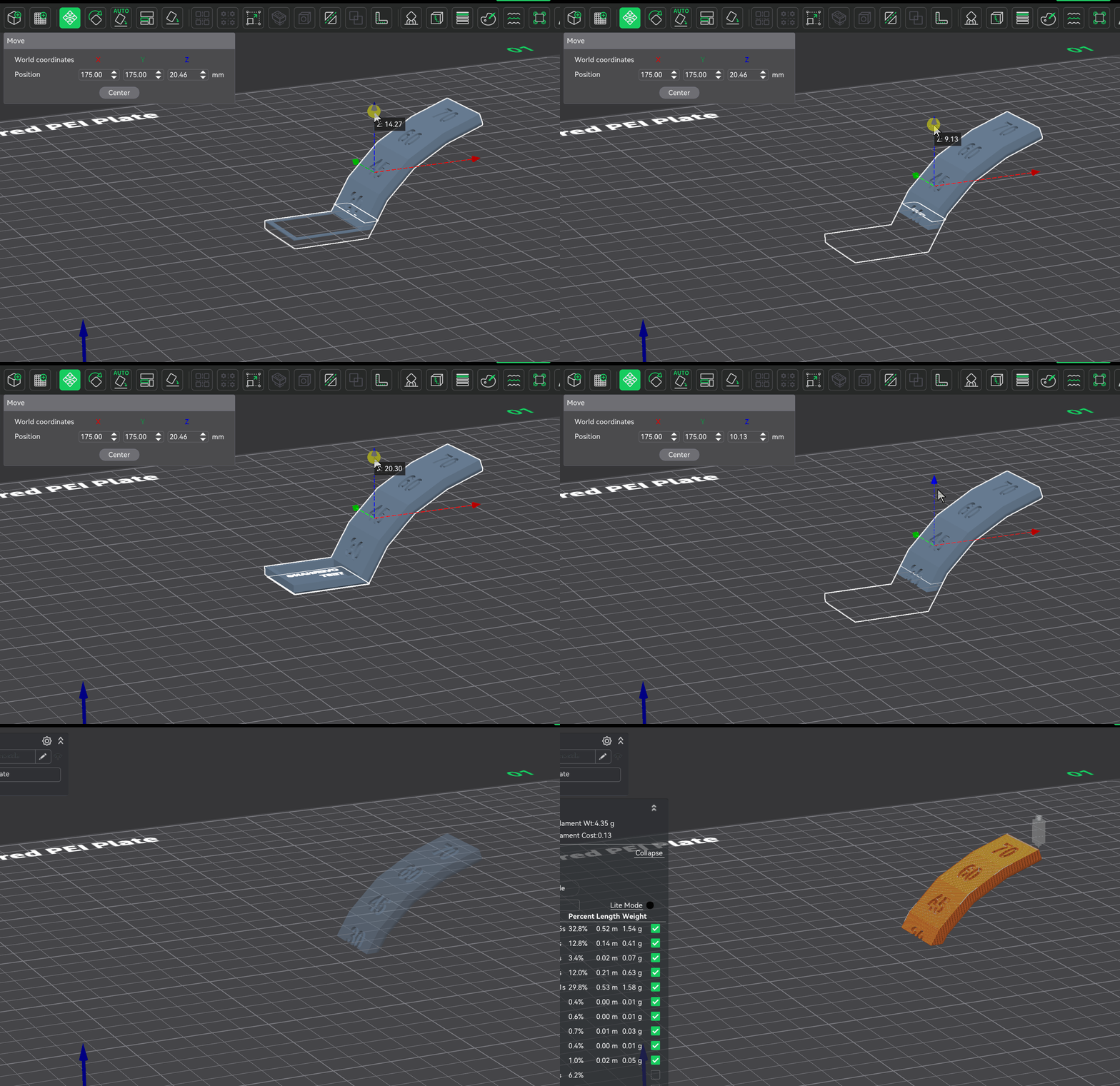
why has the cura slicer long been able to lift a model under the surface of the table, but Creality Print still does not have such an option!? I have to use two slicers. When will this opportunity appear? Thank you.
… you probably use the “lifting a model under the surface” so the part under the surface is not sliced and printed!
If you want some part of the model not printed, use the “CUT” option that is available in Creality Print and let CP remove the part you don’t want to print!
I think you misphrased that. Do you mean moving the model below the build plate?
If so, that has long been supported in Bambu Studio. Orca Slicer is based on Bambu Studio, and Creality Print is based on Orca Slicer, so the underlying feature lineage is already there.
One can’t go from one slicer to another an presume the tools are not there, it’s often that they use different nomenclature or methods to achieve the same objective. If you wish to move the model below the build surface, the move command is the tool you want.