Hello ! Issue with light mode and dark mode

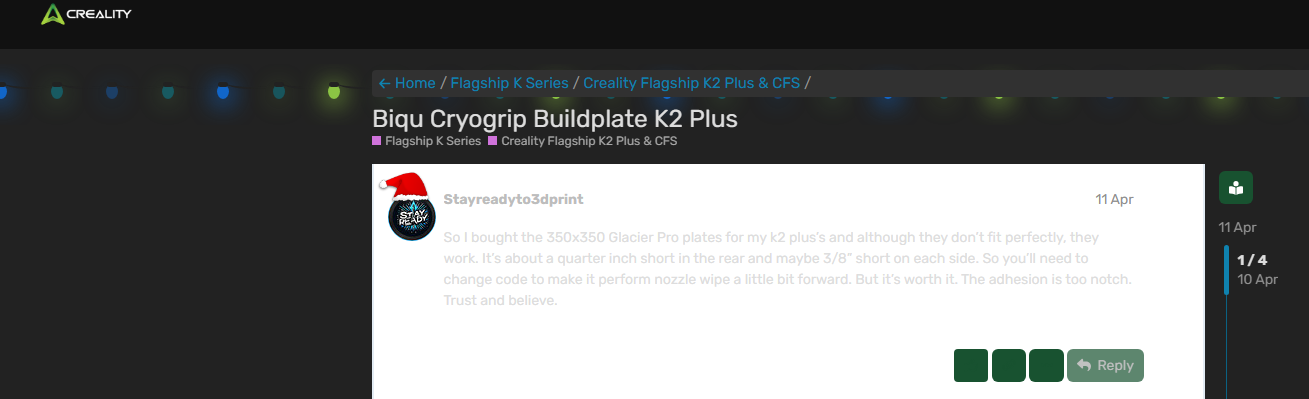
Hello ! Am I the only one having issue with the dark mode and light mode? It looks both fusionned into one mode and I can hardly read a text and the layout seems broken
Examples :


I checked on both my computer and phone..It’s even worse on the phone :sweat_smile:

Hi Alex, plz check your message.

Thank you very much for your help !
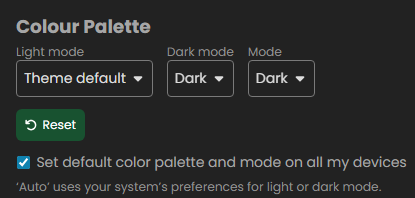
In case someone is having the same issue and read this post, I’m back at “Theme default” in the settings and everything is working well

1 Like

I’ve tried every combination and I either get this annoying mixed mode, or completely light. How do I set this to purely dark? I cannot read anything properly now.

Hello! Since we’re currently in the Christmas theme period, the mode selection is temporarily fixed and can’t be changed. Once the Christmas season ends, the original interface will return, and everyone will be able to choose their preferred mode again.
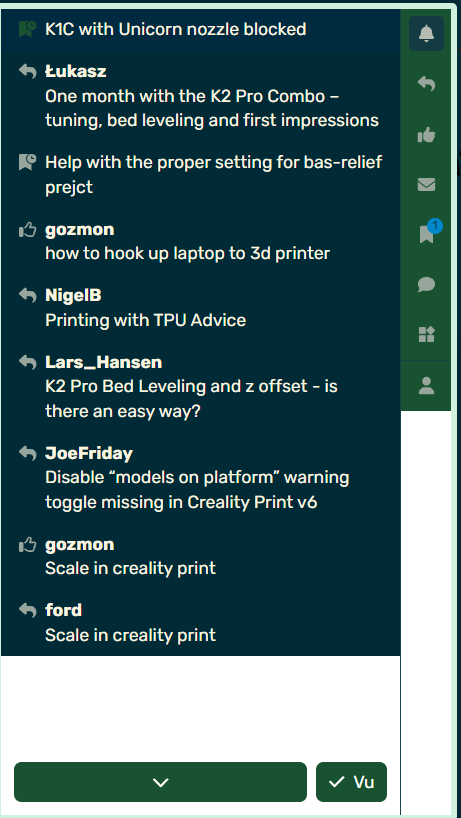
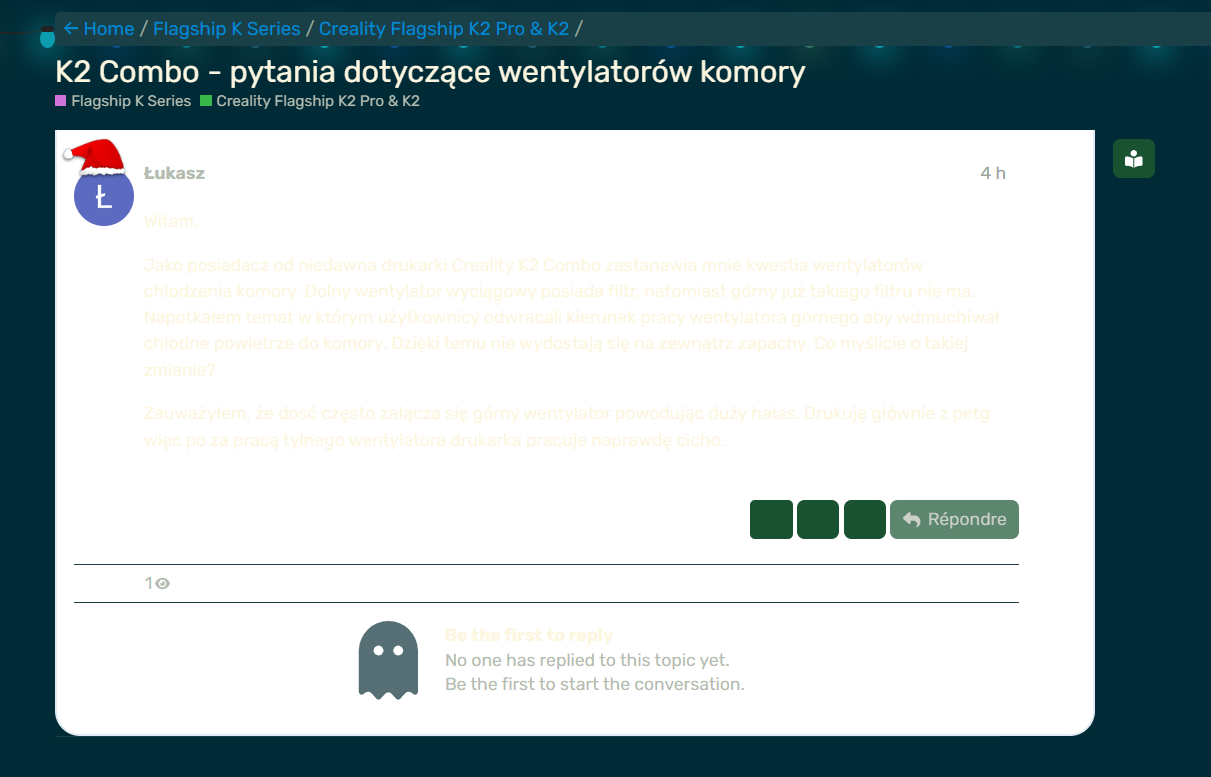
I wish the forum developers would dig in and fix it..
Maybe change the contrast or color.
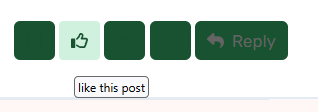
You can’t see the icons until you hover over them.

Hover-1

1 Like

Yes, but we cannot read anything

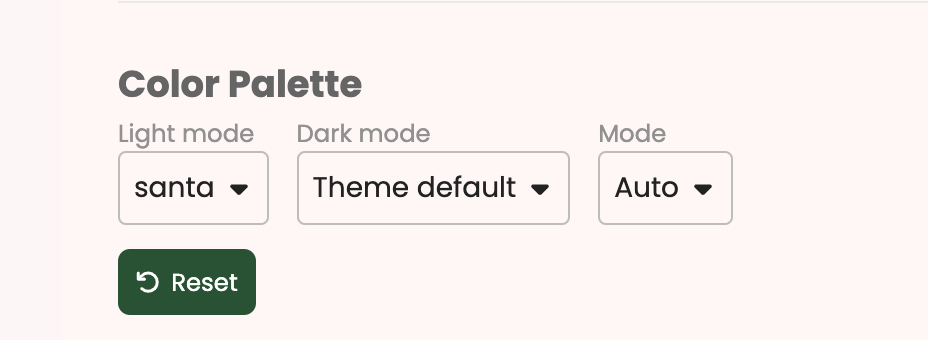
Please try using the default Christmas theme mode as shown in this image.

Still no good for me as I need dark mode and all that does it set it everything to light mode.

I cannot read the text unless I highlighted them.

I have tried changing to a few different theme with no luck.

Hello @johnlabu :wave:
Welcome to the Creality Forum…! Creality-Logo

Maybe adjust the settings for your monitor contrast on the computer or something like that..

No it’s not anyone’s monitor, it’s this garbage theme you created - the festivities are over so please revert the themes back to the way they were.

The Holiday Christmas Theme (developed by Discourse) had some issues that made certain text unreadable. The developers at Discourse should be made aware of this, although I’m not sure exactly where feedback should be submitted on their end. Personally I didn’t like the way the theme looked and glad it’s back to normal.

The themes should now be back to default or users should be able to change them back in the settings.

Constructive feedback can be provided here: Creality Forum Feedback
Or directly to Discourse as they are the theme developers.

Hello ! In mode, select “Auto” or “Light”. The dark mode is glitching since they added the santa light mode (don’t ask me why) :slight_smile: !
I do understand that the “dark” mode is better for our eyes (I never use the light mode on reddit, nor on Discord) but for a few minutes per day, it’s ok ! :smiley:

This forum

Are my settings correct?

I still can’t read the forum

In “mode”, choose “Light”
and in “light mode”, choose something called “light” to make sure it doesn’t select something “dark”

@CREALITY @Optimus

FORUM ADMINS!!!

Can we P U H L E E Z E fix this dark mode issue? I mean after all, you do want people to be incentivize to spend more time on this forum, don’t you? I for one come to this forum last in my daily travels because I’m forced to use the light since dark mode is defective. All my other screens are dark mode including my Windows desktop. The other Discourse forms seemed to have figured it out so why not Creality?

Can we kindly get back to addressing this rather than making excuses?

I figure whoever did the Christmas Theme back in December didn’t read the Discourse Admin Manual.

Here’s the Admin manual that provides instructions on how to implement dark mode:

@CREALITY @Optimus

Dark Mode is fixed and it looks great. Although I haven’t tested every skin, so far it seems to be fixed on every aspect. The contrasts are correct and the white on white problem has been fixed.

Thank You!!!

1 Like