Creality print said there was a new version this morning so I downloaded it, under the device tab where the camera is located and what not the option to remove one of the objects being printed is gone. I’ve looked all over to see if there was some option to turn it back on. I tend to print multiple objects and when fails I just remove it so the printer skips over it, but the option is missing so now I’m wasting so much filament!
Hello @Hpcat 
Welcome to the Creality Forum…! 
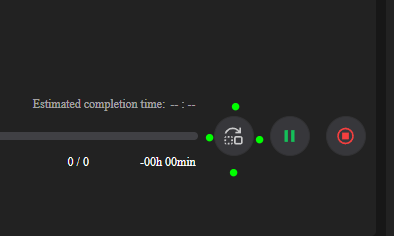
Pressing this icon brings up the exclude screen.
It should also be on the printer screen. It replaced the “X” that was used to exclude prints.
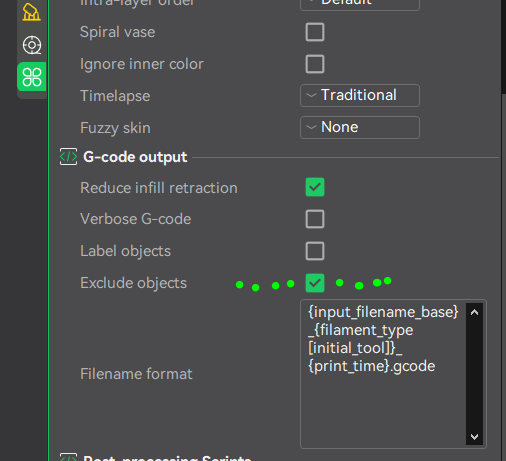
Make sure in your slicer that the option for exclude objects is 
2 Likes
OOOOH that’s why I couldn’t find it! I was scared pressing that icon was going to mess up the print because I hovered over it it said skip, thank you so much!
1 Like
If anyone needs to go back to the last Creality Print version 3420 use this link:
2 Likes
Hover for help would be great on this new lay-out.
My psychic Icon abilities are just not what they used to be.

1 Like
this was not made obvious, a lack of immediate clarity hope they update that
1 Like