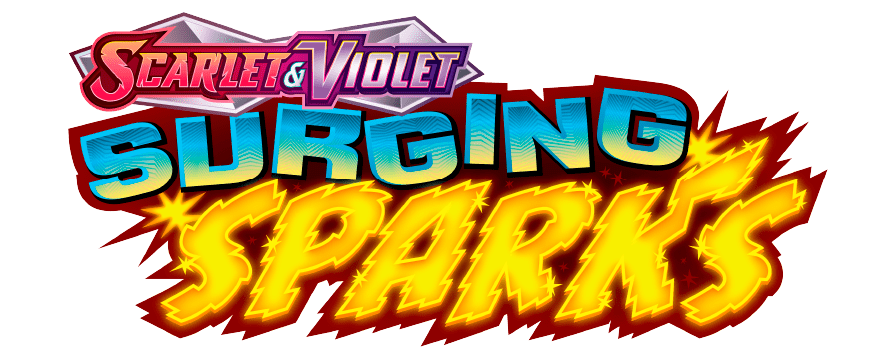
Hi, very new to this and hoping its very simple. Having lots of fun at the monent creating pets tags with my daughter. My boy has asked if I am able to cut out acrylic for him to stick his pokemon logo stickers too. To create a sort of plaque. Is there an easy way to cut out acrylic the same shape as the logo?
See example below.
Thank you
With Falcon Design Space or Lightburn you can add a new layer, select your image, choose the ‘trace outline’ feature, and have it place an outline that you can then set to cutting mode (for the 20W diode laser on the A1 Pro I recommend 120mm/m at 60%, 2 passes for cutting 3mm transparent acrylic) and it will be cut out after it etches your design from the first layer in the software.
Falcon Design Space does a good job of recommending worthwhile settings for engraving onto acrylic. From my own experience it’s worth considering where transparent acrylic will be used. If it will have a dark backdrop then invert the image to a negative. If the transparent acrylic will have a light source behind it (placed on a window, backlit, etc) then keep the image in its original format. For opaque acrylic you’ll almost certainly want to invert it to a negative image for best results.
I prefer to keep the backing paper on the underside of the acrylic, with only the top layer of protective paper removed to prevent burning or contamination of the acrylic when the design is etched.
Still a novice here, so take my guidance with a pinch of salt! Slowly been working my way through the different material packs I received and luck would have it, today was the day I experimented with the acrylic sheets